
Shopify Store Traffic Protection Checklist
Use this ShieldLeaf checklist to choose a country rule, preview blocked visits, test customer access, and review unwanted Shopify traffic after launch.
Read field note Studio Eucalipto
Field notes
Practical guidance for Shopify merchants, written to make complicated work feel clearer.

Use this ShieldLeaf checklist to choose a country rule, preview blocked visits, test customer access, and review unwanted Shopify traffic after launch.
Read field noteBrowse the notes
Browse by topic
76 notes

Shopify Markets manages selling and localization. See how ShieldLeaf adds a separate country rule for visitors you want to block or redirect.
Read field note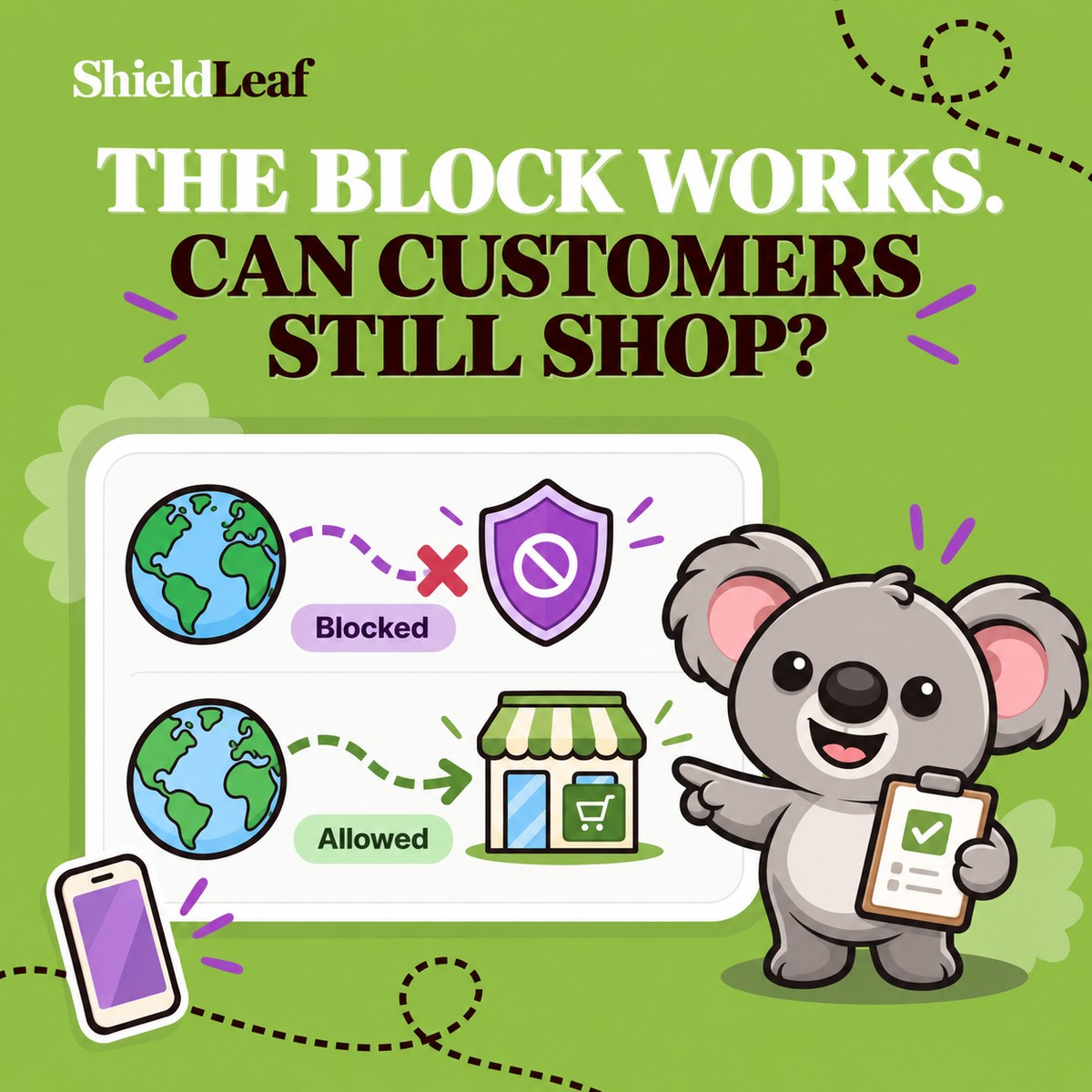
Test ShieldLeaf's blocked page or redirect privately, then check blocked and allowed connections before expanding your Shopify country rules.
Read field note
Give country-blocked Shopify visitors a clear explanation, support route, or useful redirect. Build and preview the experience with ShieldLeaf.
Read field note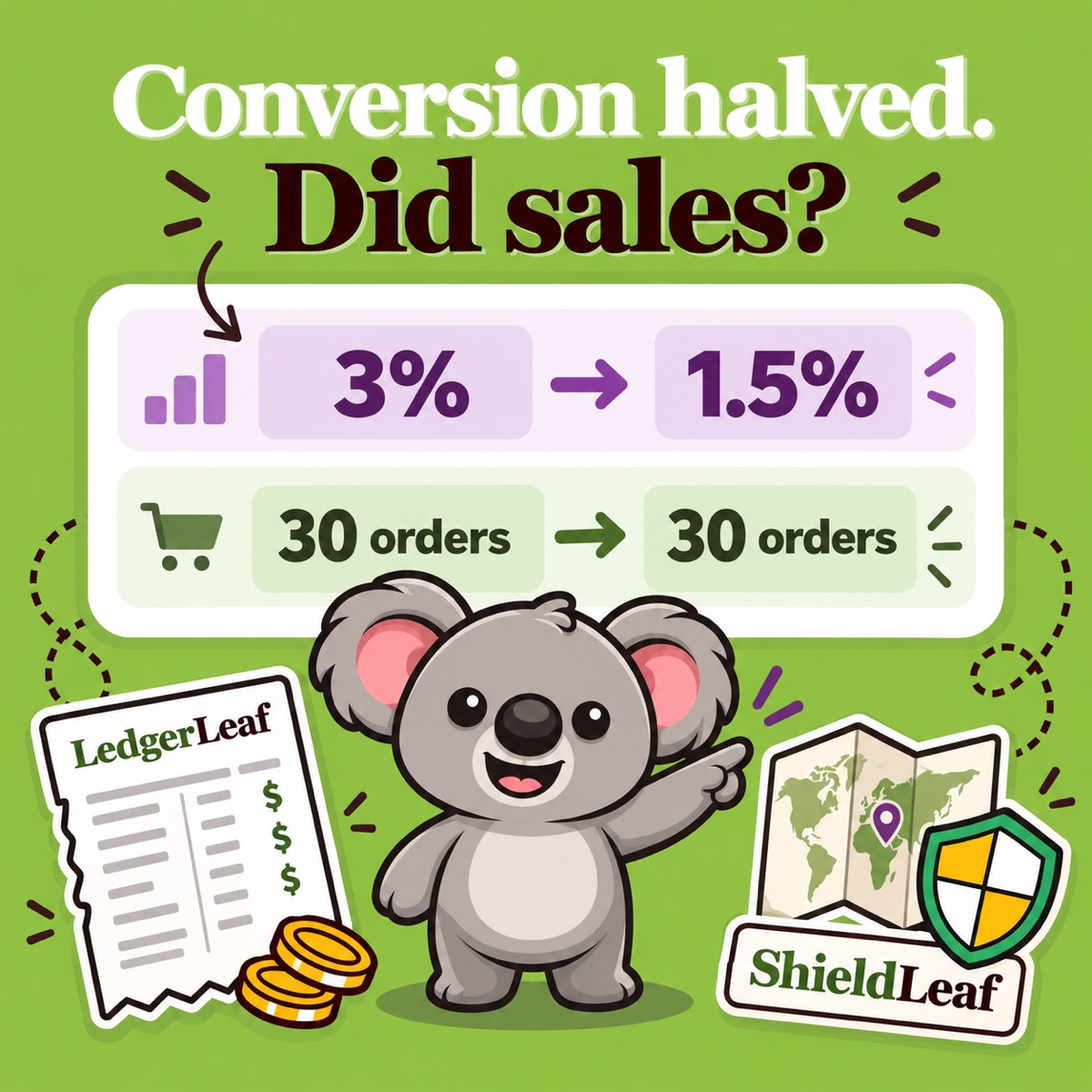
Diagnose a sudden Shopify conversion-rate drop with LedgerLeaf sales records, then address unwanted country traffic with a tested ShieldLeaf rule.
Read field note
Find what caused a sudden Shopify traffic spike, isolate the country driving it, and turn unwanted regional visits into a tested ShieldLeaf rule.
Read field note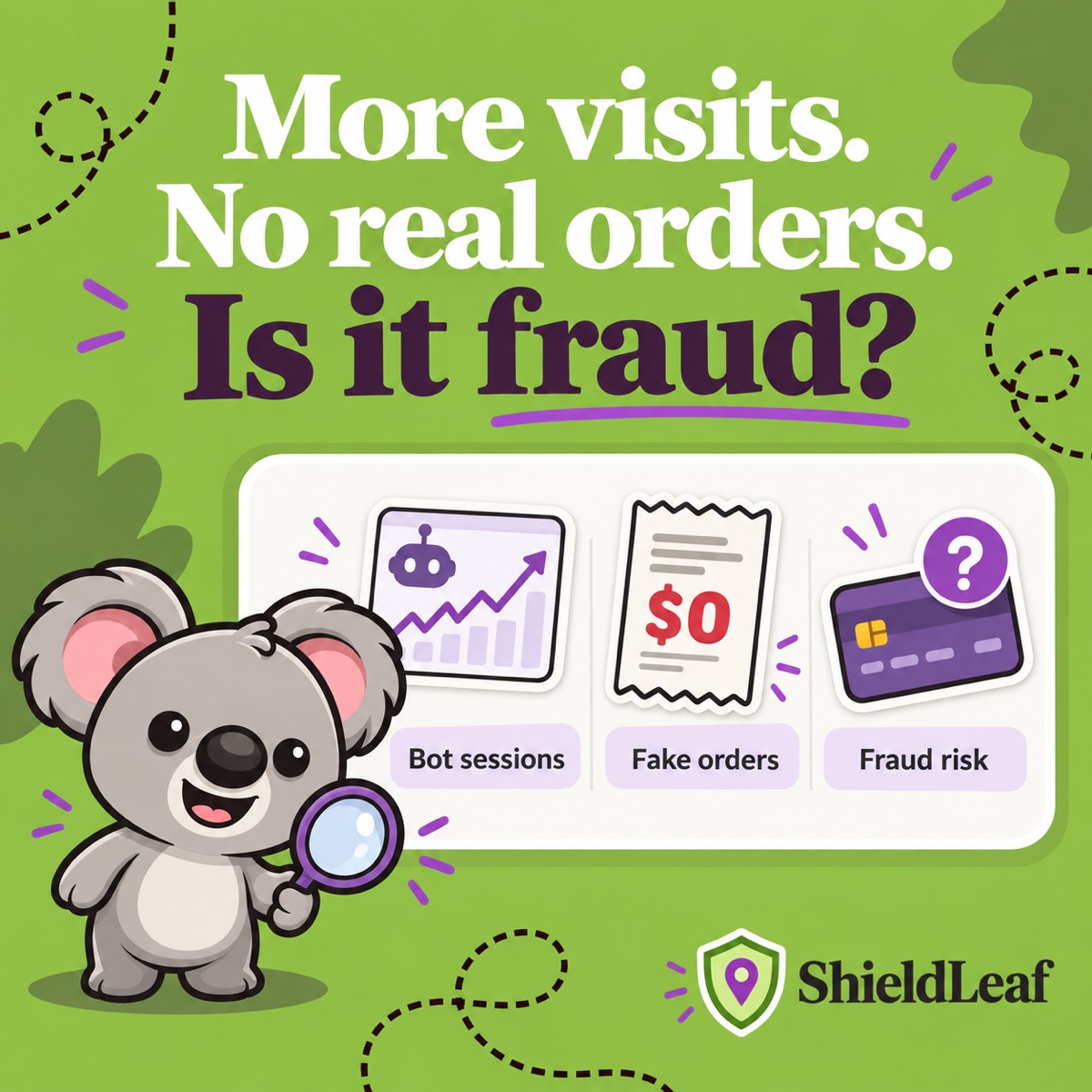
Separate Shopify bot sessions, fake orders, and payment risk, then use ShieldLeaf to act on recurring unwanted country traffic.
Read field note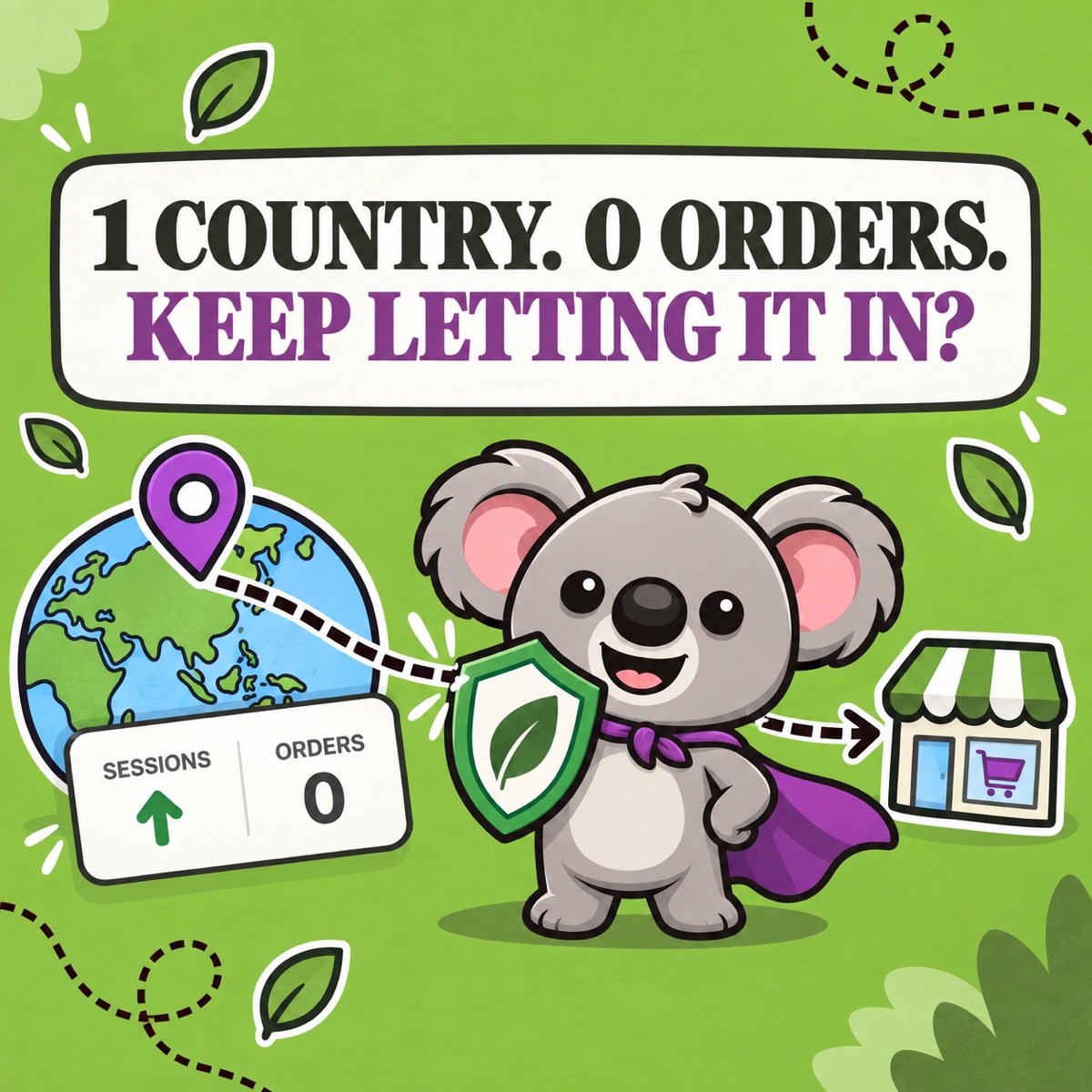
Diagnose unwanted regional Shopify traffic, cut avoidable visits, and use ShieldLeaf to keep selected countries outside your storefront.
Read field note
Learn how country blocking stops unwanted traffic from generating deeper pixel events, polluting ad audiences, and distorting Shopify analytics.
Read field note
Learn when country blocking can affect Shopify crawling and regional visibility—and how to keep a ShieldLeaf rule narrow, useful, and testable.
Read field note
Redirect Shopify visitors by country: use Markets for localized selling, and ShieldLeaf when selected countries need a useful route away from this storefront.
Read field note
Decide when Shopify Markets is enough—and when an unserved country should get a clear ShieldLeaf block or redirect at your storefront.
Read field note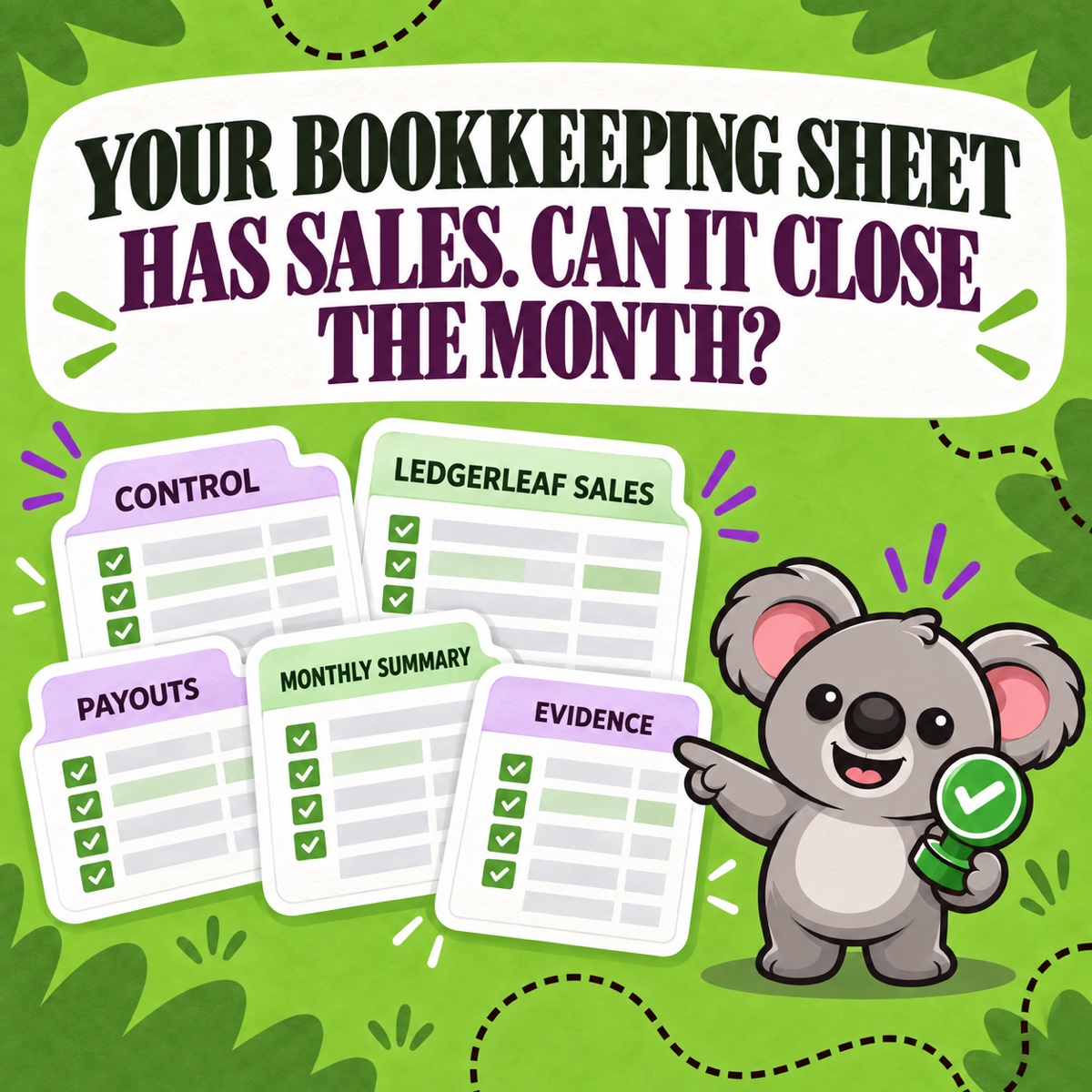
Build a five-tab Shopify bookkeeping spreadsheet, then use LedgerLeaf to refresh its sales, payout, tax, and inventory evidence each month.
Read field note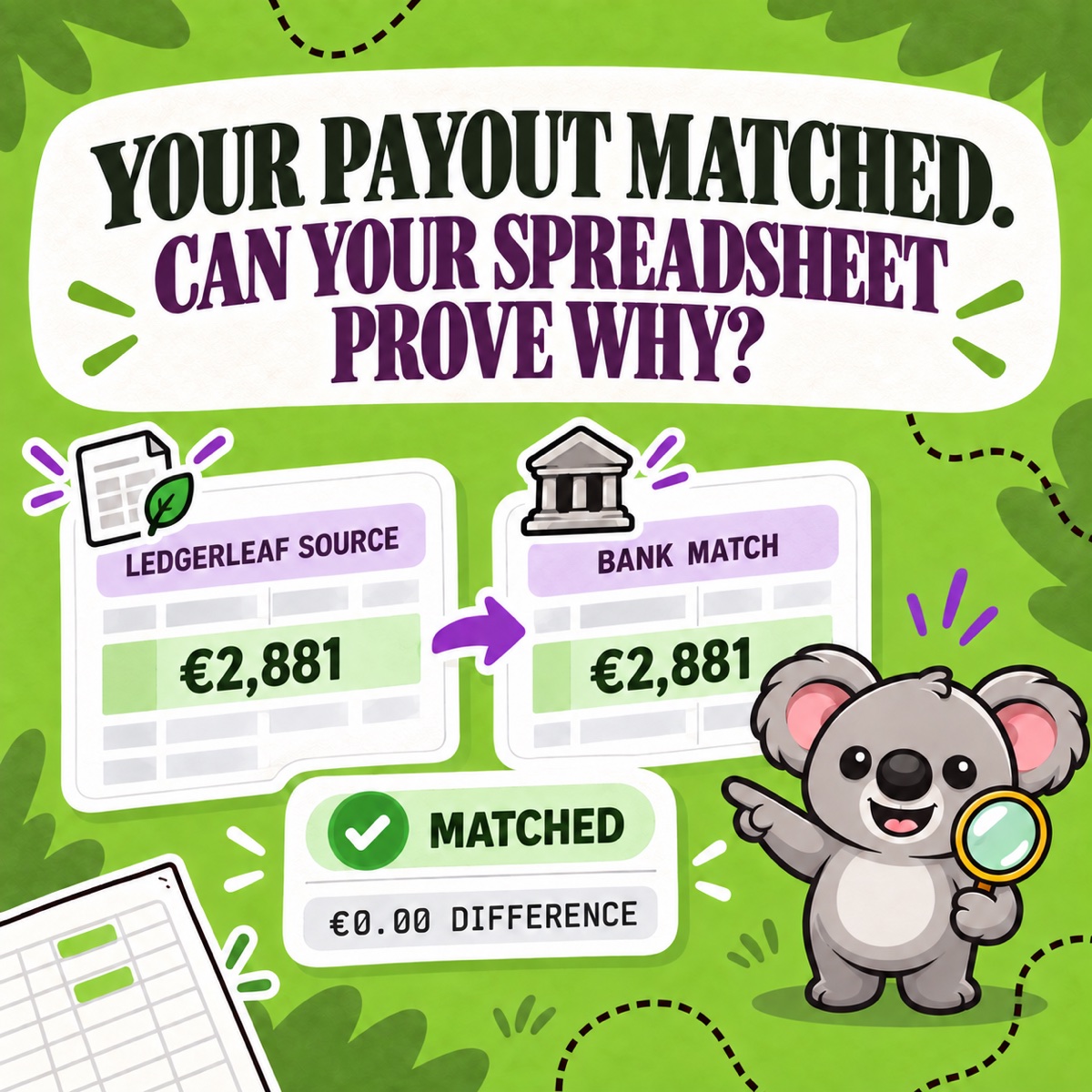
Build a Shopify payout reconciliation spreadsheet that matches every deposit, then use LedgerLeaf Pro to keep the source evidence repeatable.
Read field note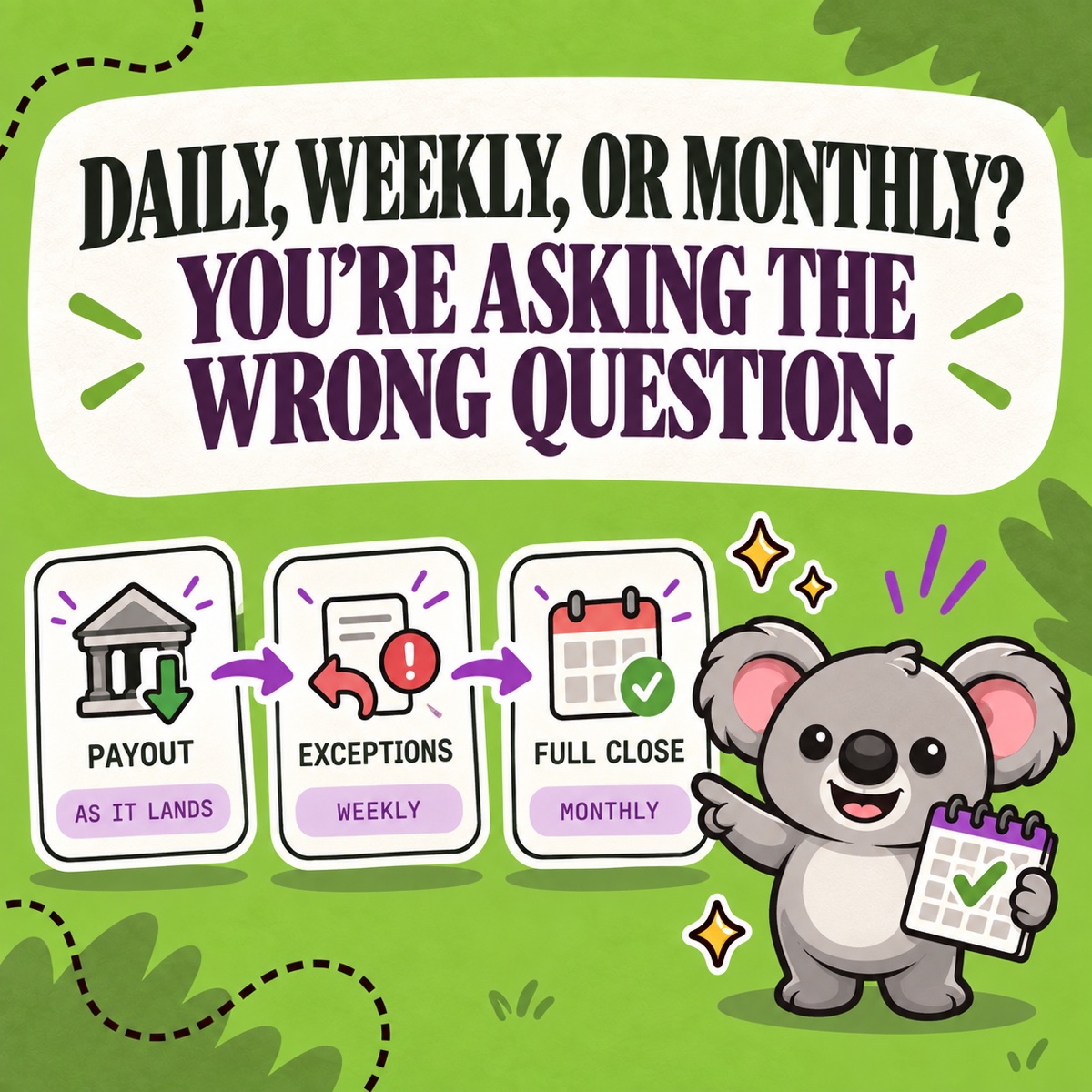
Use a practical Shopify reconciliation schedule: match payouts as they arrive, review exceptions weekly, and complete a full LedgerLeaf close monthly.
Read field note
Compare manual and automated Shopify bookkeeping, then use LedgerLeaf to repeat the data work while keeping judgment and exceptions under review.
Read field note
Build a useful Shopify sales spreadsheet, then save its source columns as a repeatable LedgerLeaf export profile instead of rebuilding it monthly.
Read field note
Choose CSV or Excel for each Shopify report, avoid common format traps, and export the same saved LedgerLeaf profile in either file type.
Read field note
Choose the right Shopify inventory report for stockouts, movement, value, or discrepancies—and keep the stock behind it aligned with LedgerLeaf.
Read field note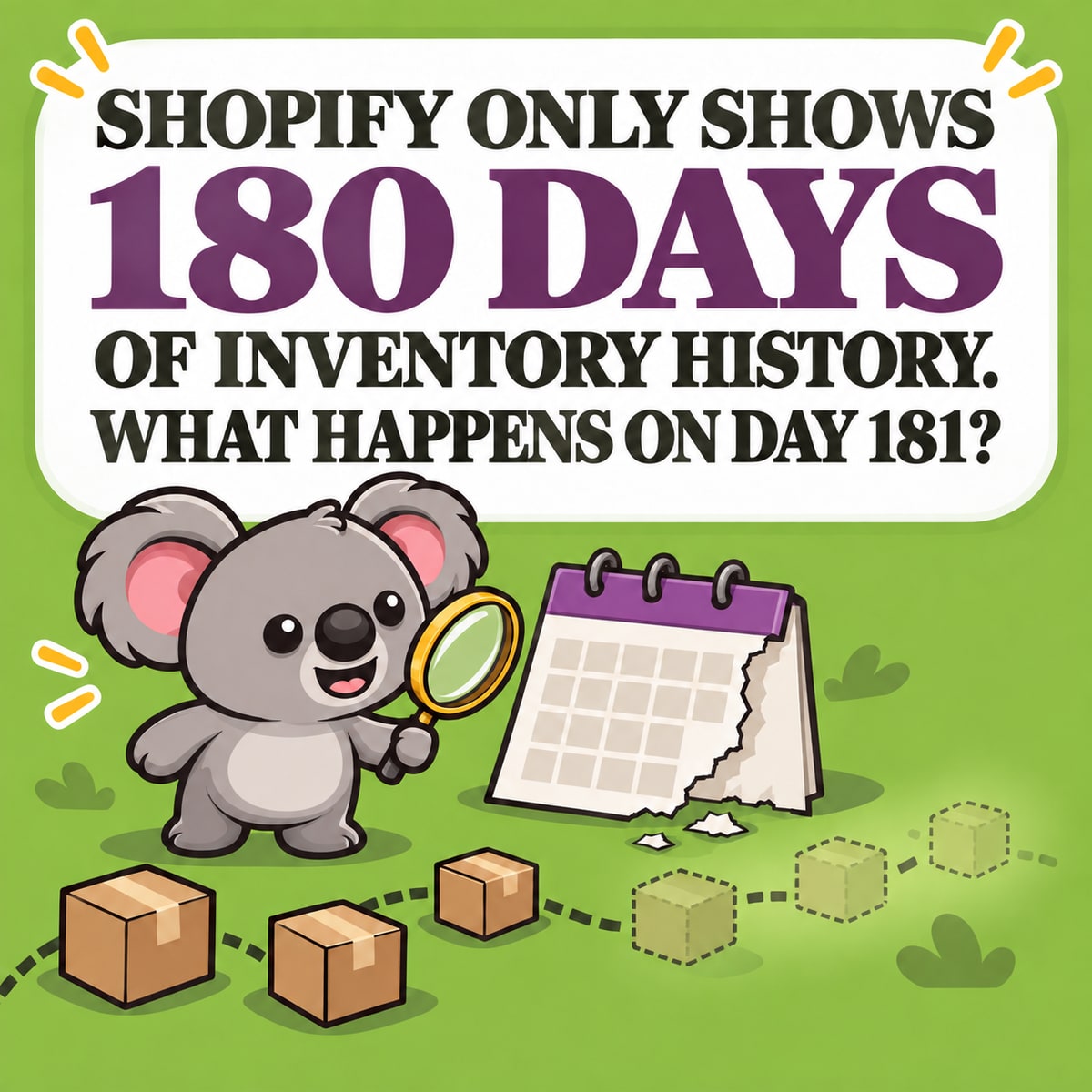
Choose the right Shopify inventory adjustment, read its history, and use LedgerLeaf rules to keep linked stock aligned after the change.
Read field note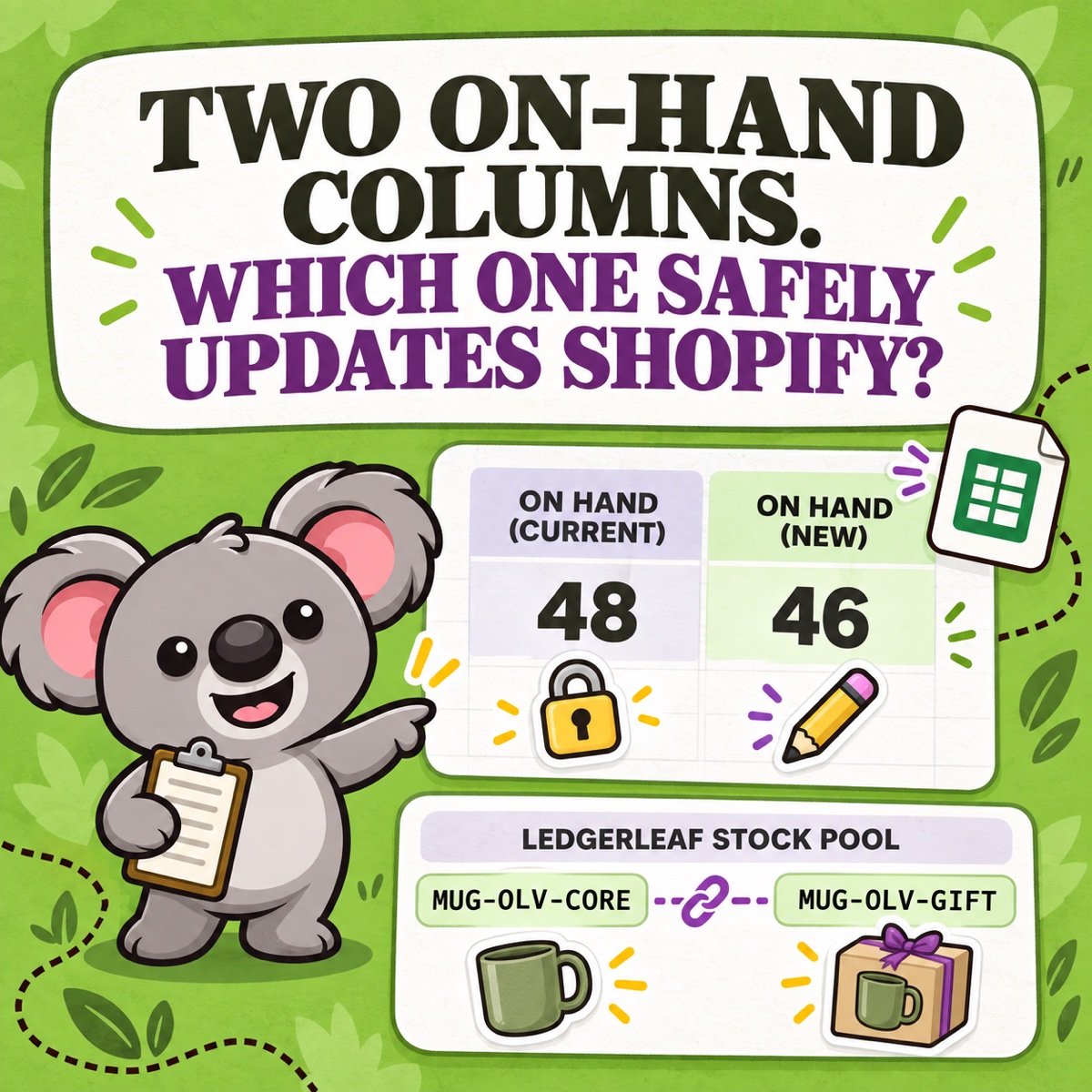
Build a Shopify inventory count spreadsheet that catches stale numbers, then use LedgerLeaf SKU rules and snapshots to keep shared stock honest.
Read field note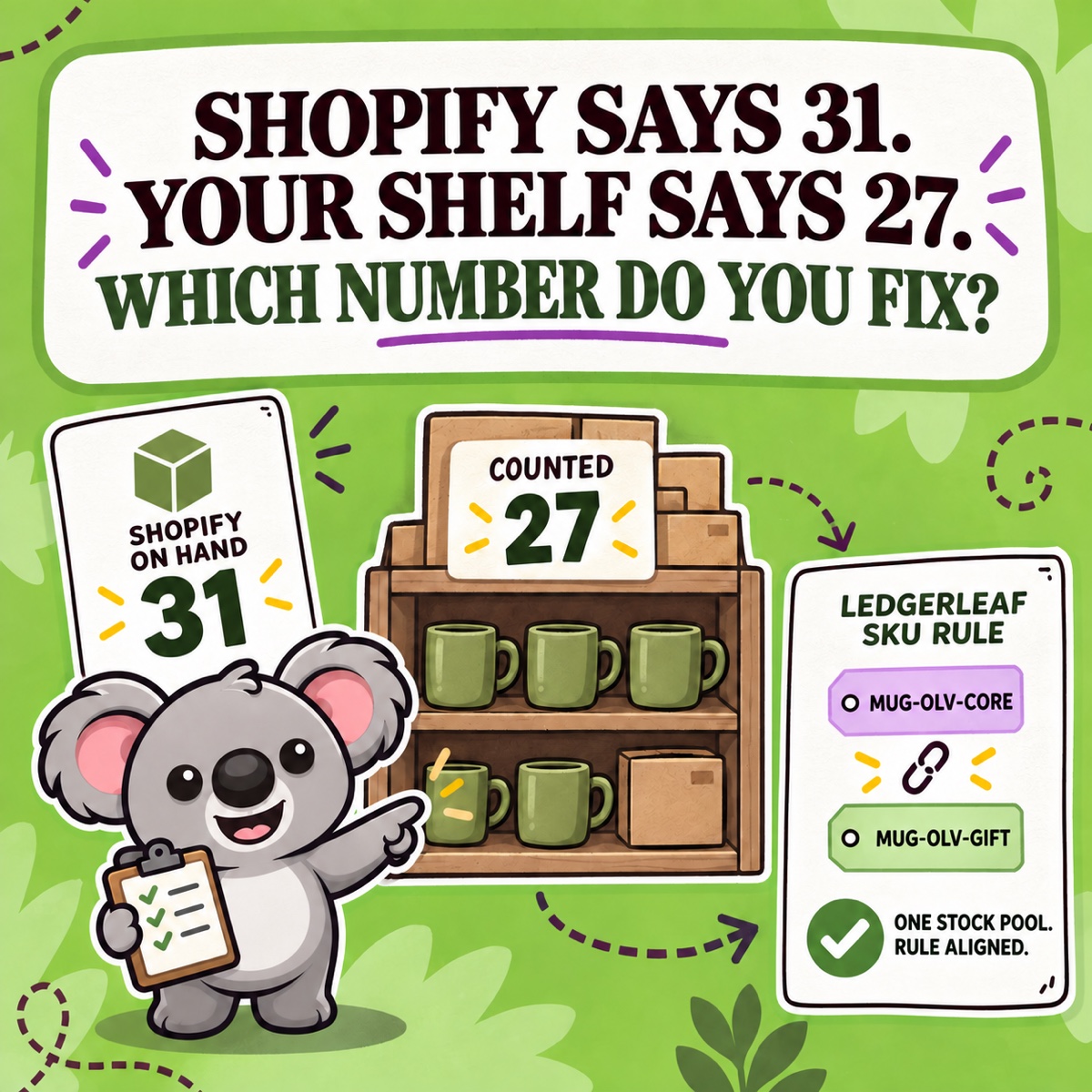
Reconcile a physical count with Shopify by location and SKU, then use LedgerLeaf rules to keep linked products and bundles aligned.
Read field note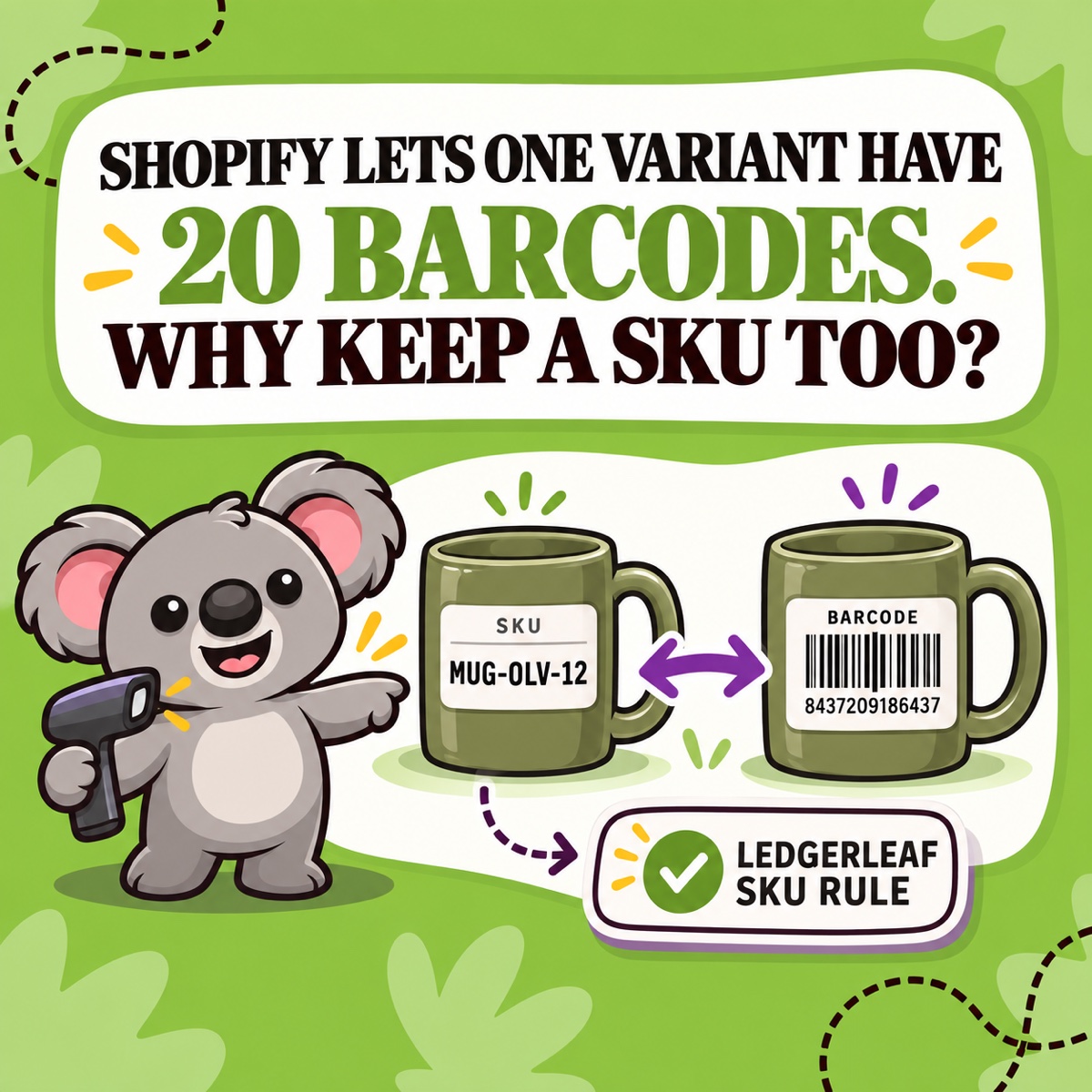
Learn when Shopify needs a SKU, a barcode, or both—and why clear SKUs give LedgerLeaf better building blocks for linked stock and bundle rules.
Read field note
Build a Shopify SKU convention that can grow from 100 to 1,000 products and gives LedgerLeaf clean patterns for linked stock and bundles.
Read field note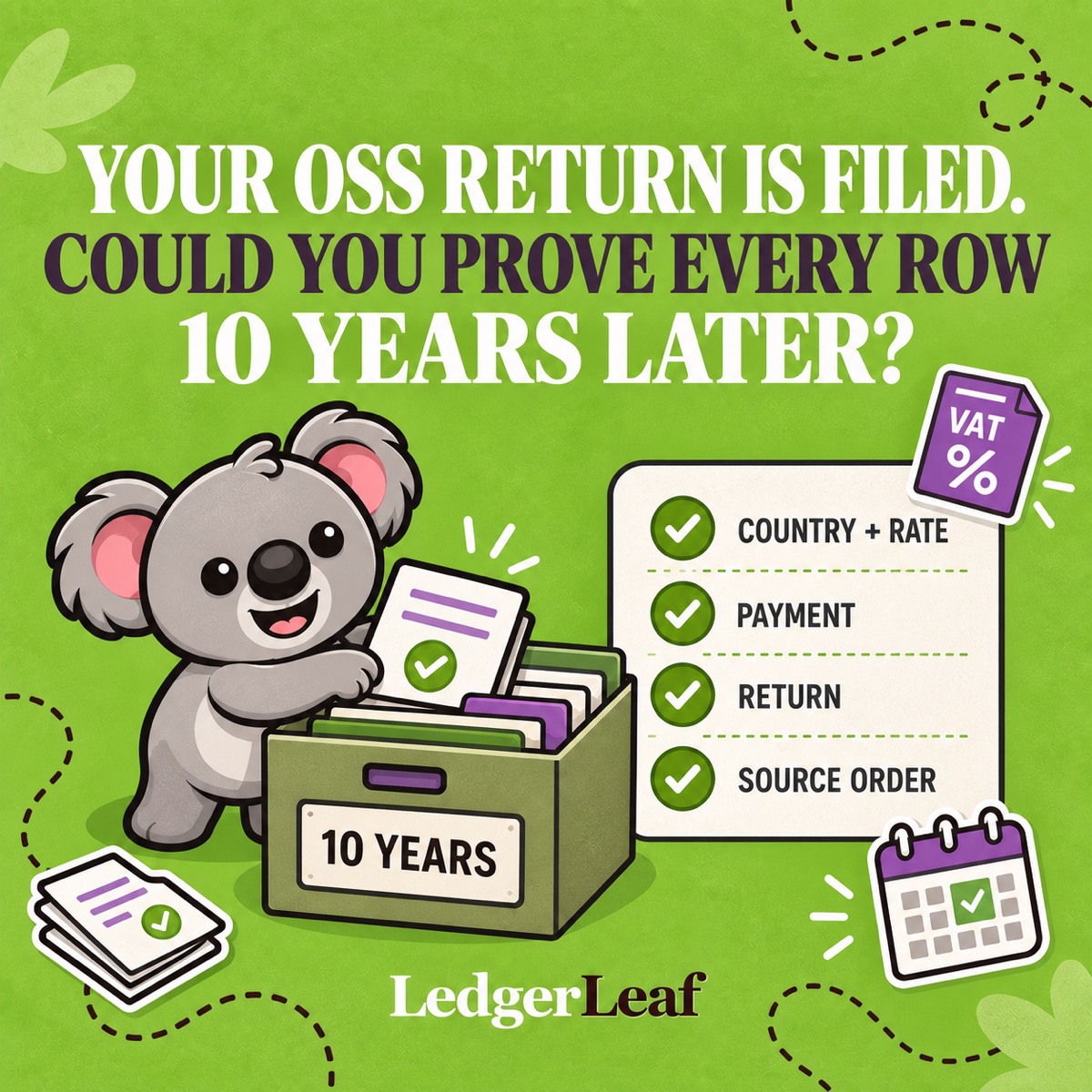
Build a 10-year OSS evidence pack around LedgerLeaf exports, Shopify order records, adjustments, filing, and payment proof.
Read field note
See how ShieldLeaf stops unwanted country traffic from interfering with Shopify pixels, analytics, audiences, and advertising data.
Read field note
Close your Shopify OSS quarter with LedgerLeaf: review country and rate totals, resolve refunds, freeze the evidence pack, and track filing and payment.
Read field note
See how Shopify splits a tax-inclusive price into net and tax, then verify each country-and-rate result with LedgerLeaf.
Read field note
Trace Shopify discounts and refunds to the right VAT period, country, rate, and transaction with a repeatable LedgerLeaf review.
Read field note
Find the country-and-rate rows that need attention, trace them to Shopify orders, and turn the result into a repeatable LedgerLeaf VAT review.
Read field note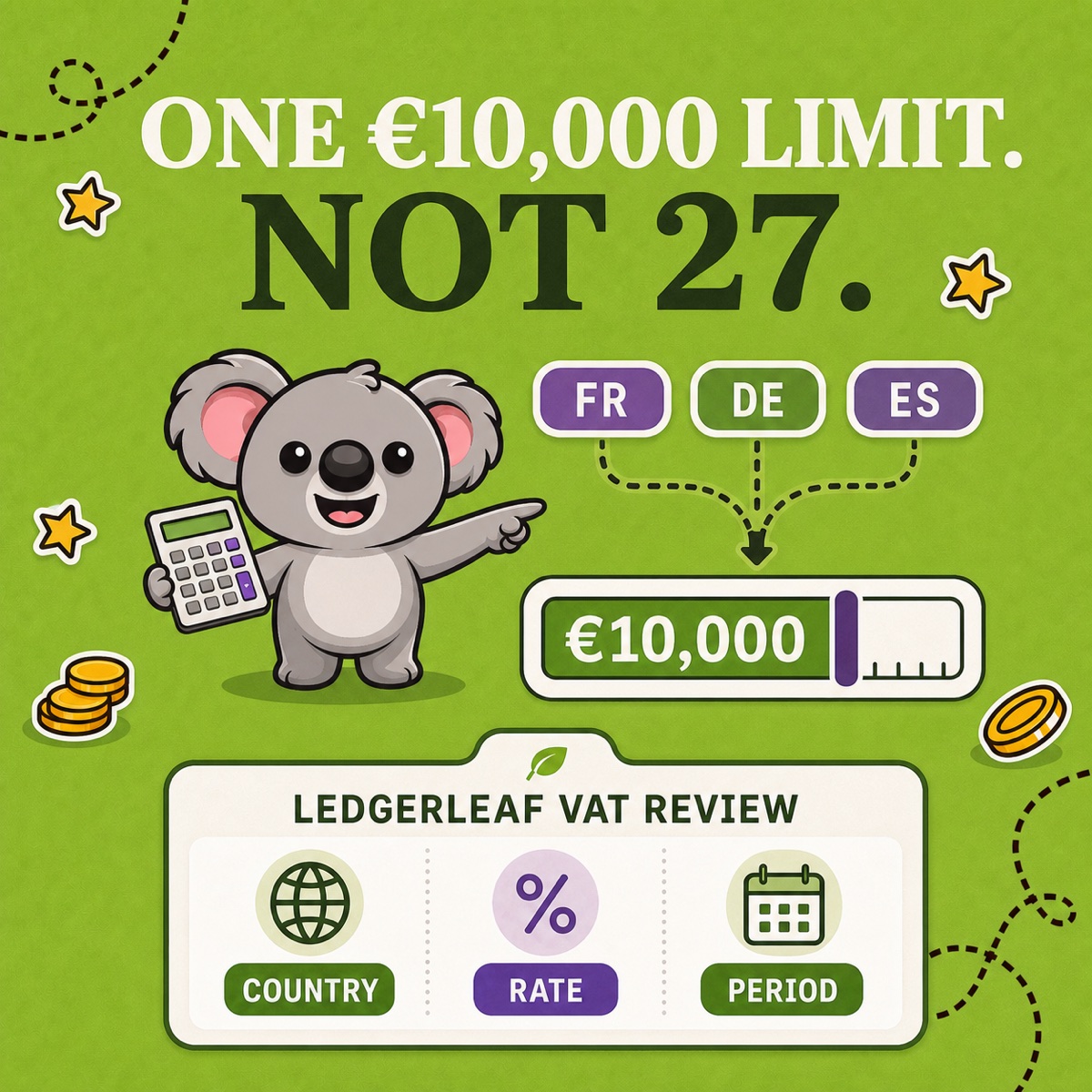
The EU distance-selling threshold is €10,000 in total, not per country. See what counts and turn the result into a LedgerLeaf VAT review.
Read field note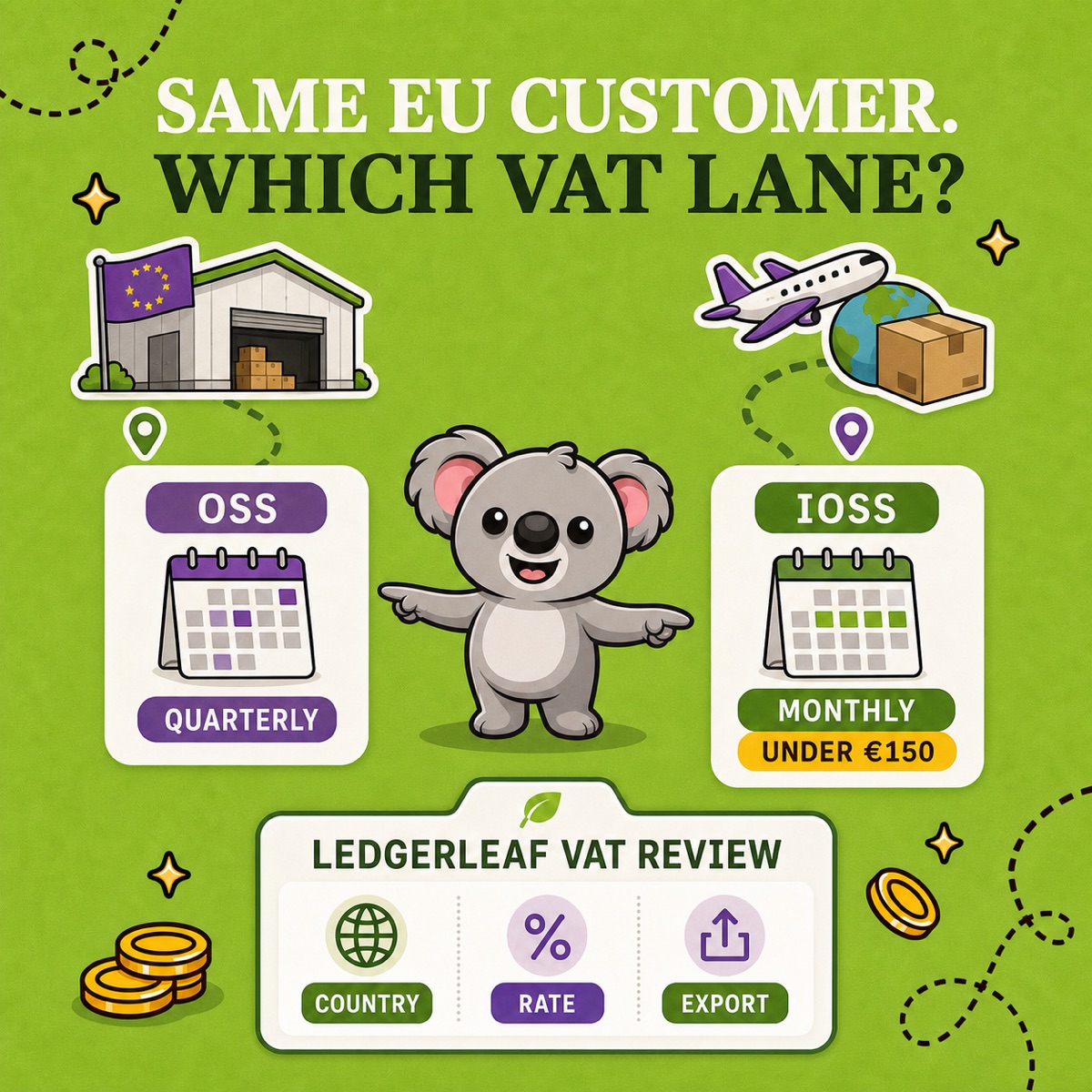
Learn the shipment-origin test for OSS vs IOSS, then use LedgerLeaf to keep Shopify VAT evidence separated by country, rate, period, and scheme.
Read field note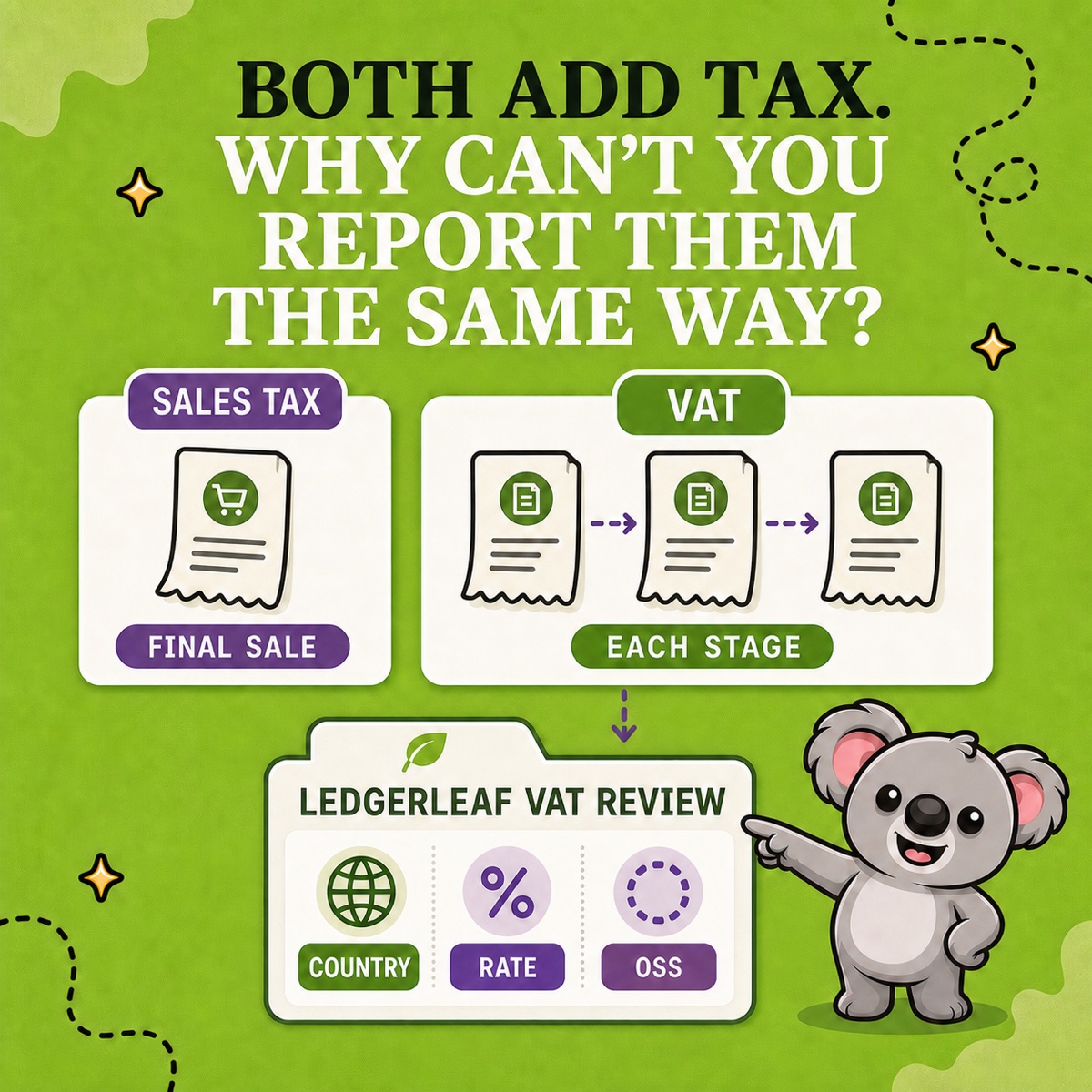
Separate Shopify sales tax from VAT, then use LedgerLeaf to review EU VAT by country, rate, period, and OSS scope without mixing the evidence.
Read field note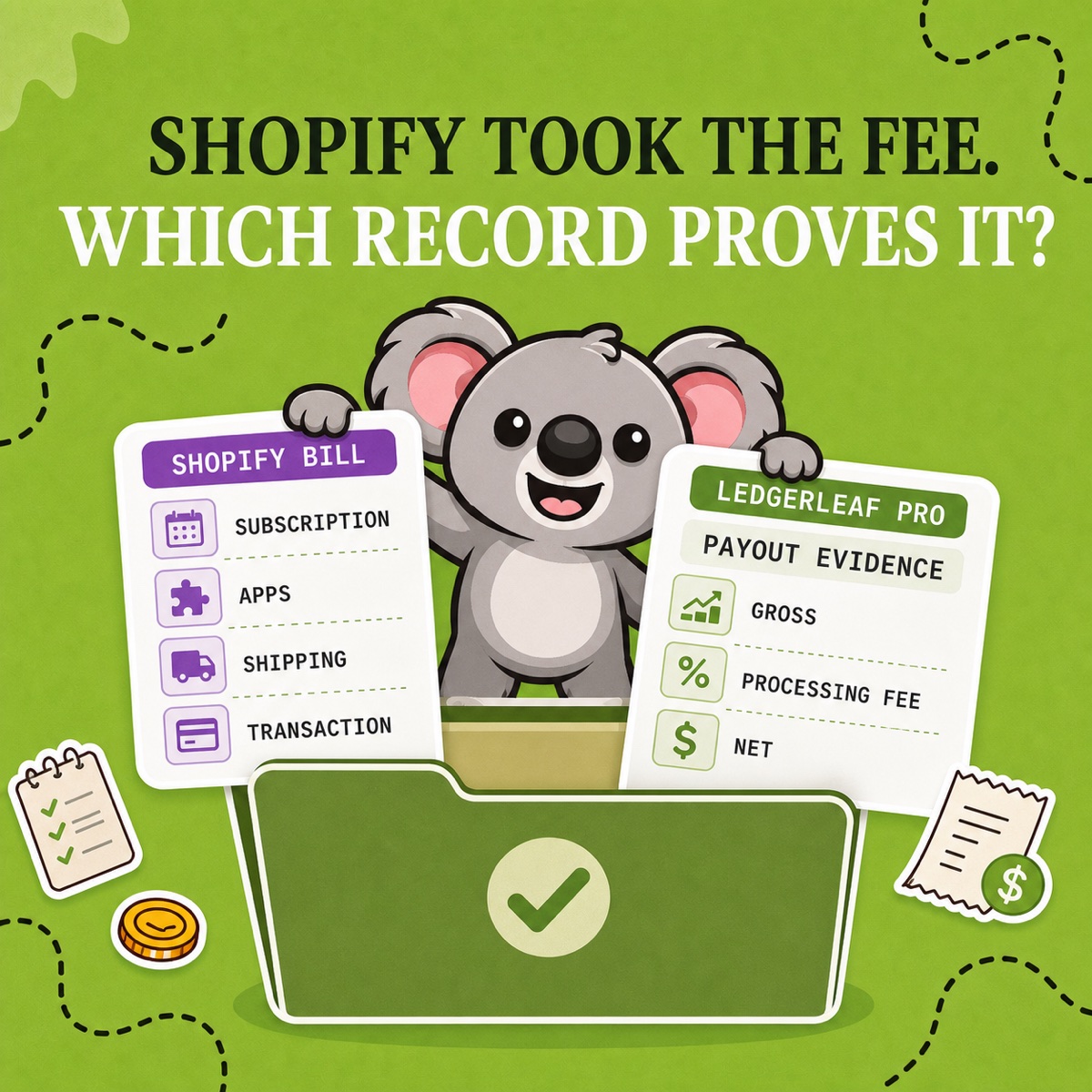
See when Shopify fees are generally business expenses, which records support each fee, and how LedgerLeaf keeps processing-fee evidence ready.
Read field note
See how Shopify calculates gross and net sales, explain the gap, and save the supporting sales data in a repeatable LedgerLeaf export.
Read field note
Compare cash and accrual accounting for ecommerce, then build the Shopify evidence your chosen method needs with a repeatable LedgerLeaf workflow.
Read field note
Set up ecommerce bookkeeping around sales, payouts, expenses, and stock, then use LedgerLeaf to keep the Shopify-side records ready to repeat.
Read field note
Learn how VPN and proxy exit locations can bypass Shopify country rules, what country blocking still stops, and how ShieldLeaf sets a clear boundary.
Read field note
Compare country blocking with exact IP rules, then choose the right boundary for unwanted Shopify traffic and set it up clearly with ShieldLeaf.
Read field note
Learn why a country-blocked visit can still appear in Shopify Analytics—and how ShieldLeaf shows whether the access rule actually worked.
Read field note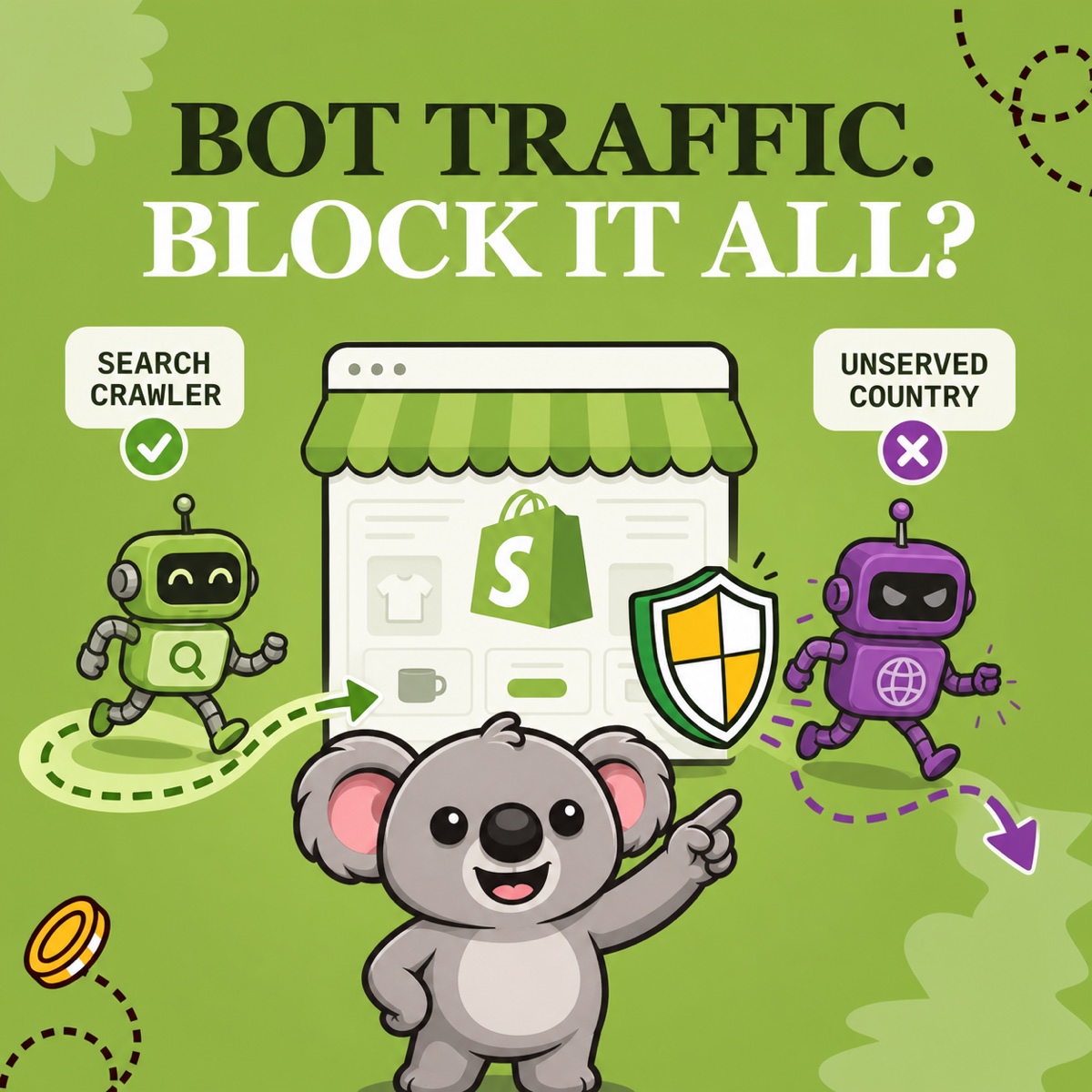
Learn which Shopify bots help your store, which create risk, and when a focused ShieldLeaf country rule is smarter than blocking everything.
Read field note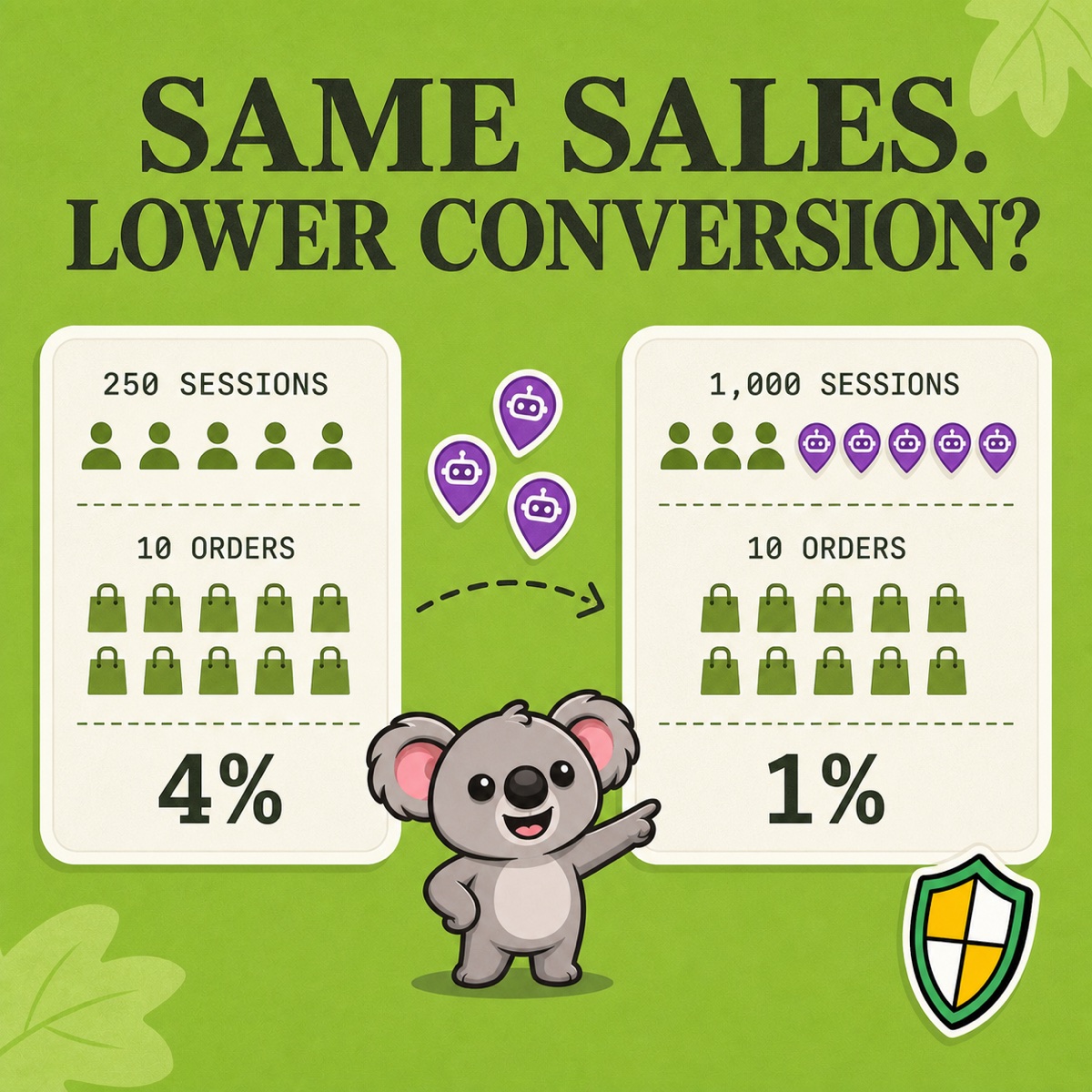
See how fake traffic can lower Shopify's reported conversion rate, how to check the pattern, and when a ShieldLeaf country rule fits.
Read field note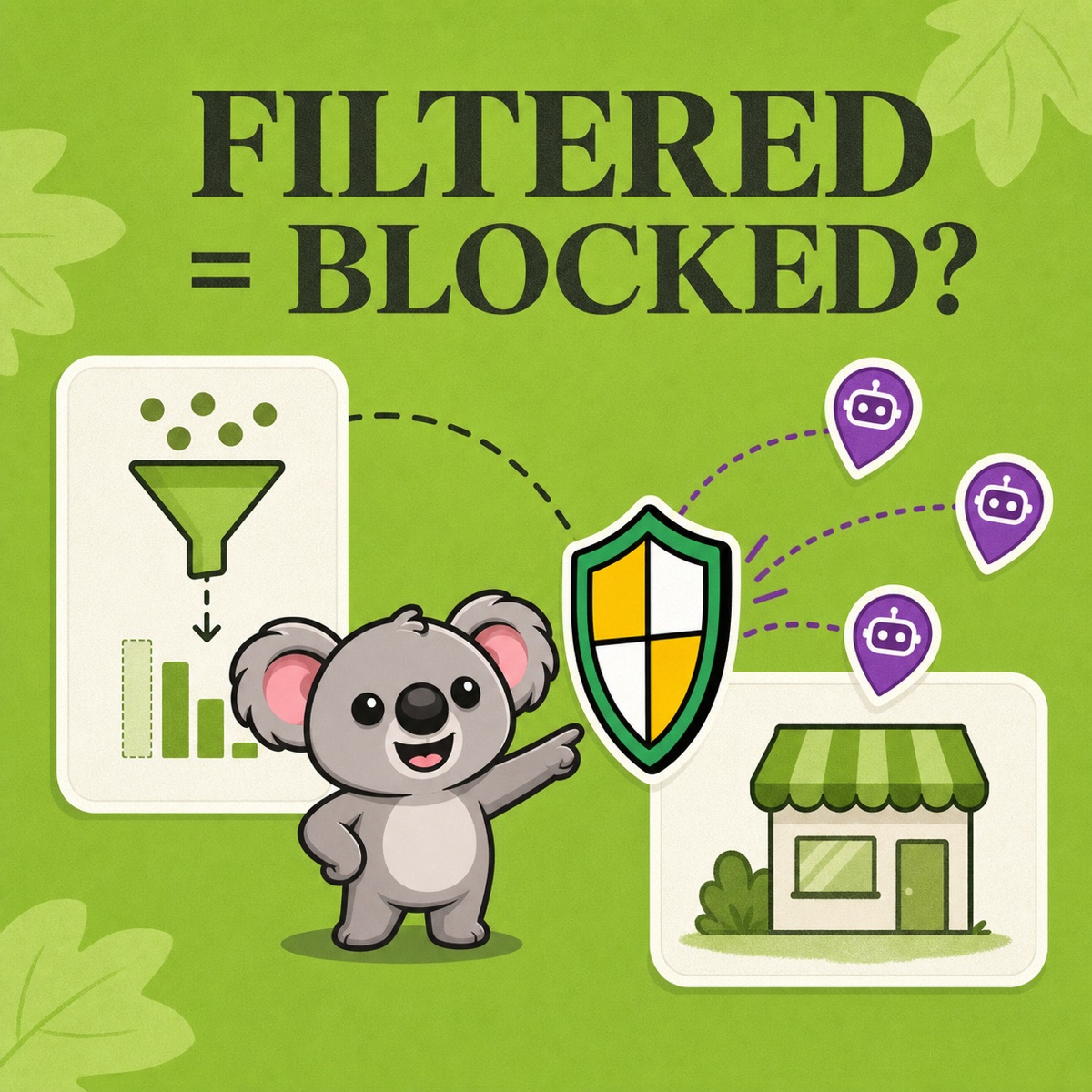
See what Shopify's bot filter changes in sessions and conversion reports, what it cannot block, and when a ShieldLeaf country rule fits.
Read field note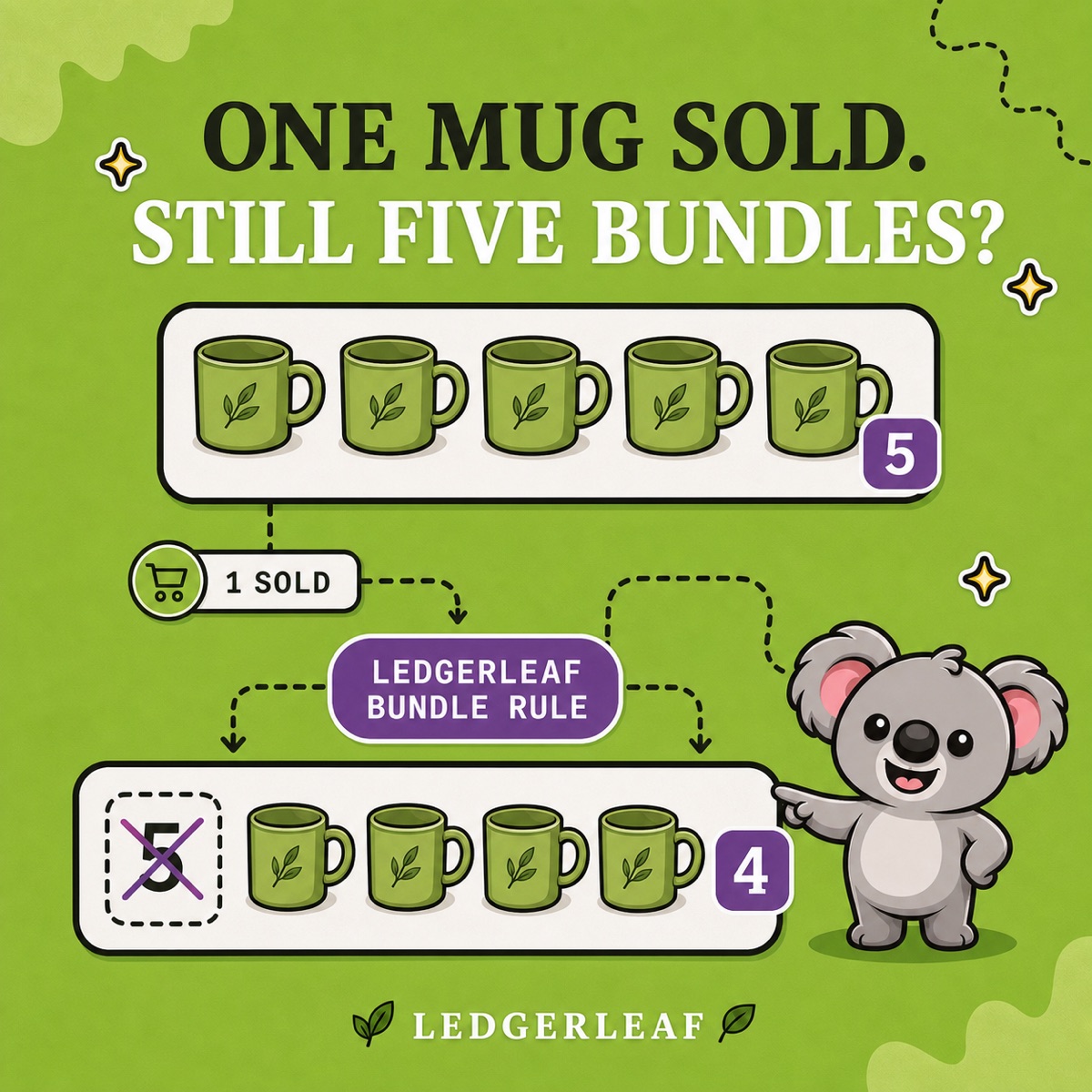
Prevent Shopify bundle overselling by checking component settings, defining the stock recipe, and linking parent and component SKUs in LedgerLeaf.
Read field note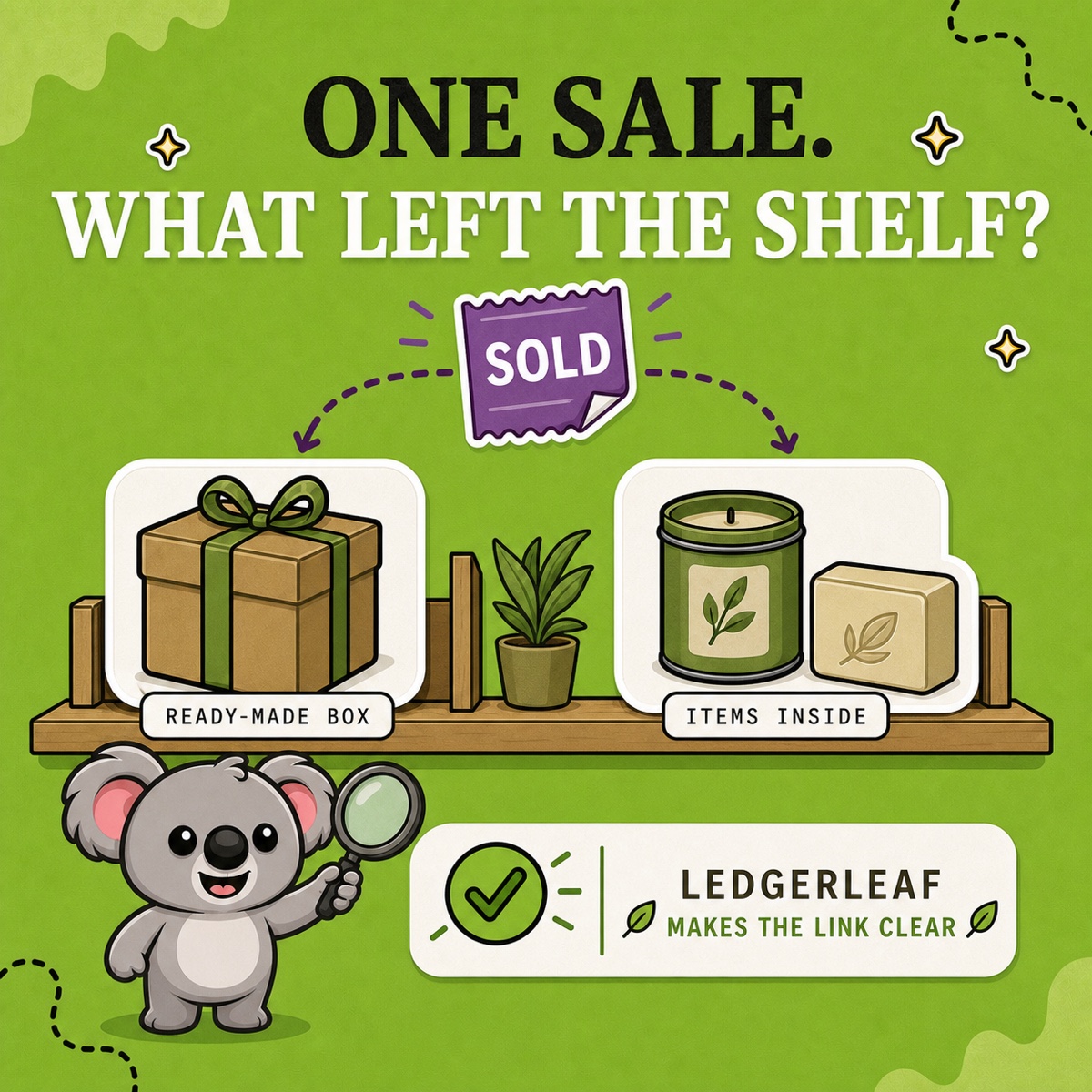
See whether one Shopify sale should reduce a finished box or the products inside it, then make that stock relationship explicit with LedgerLeaf.
Read field note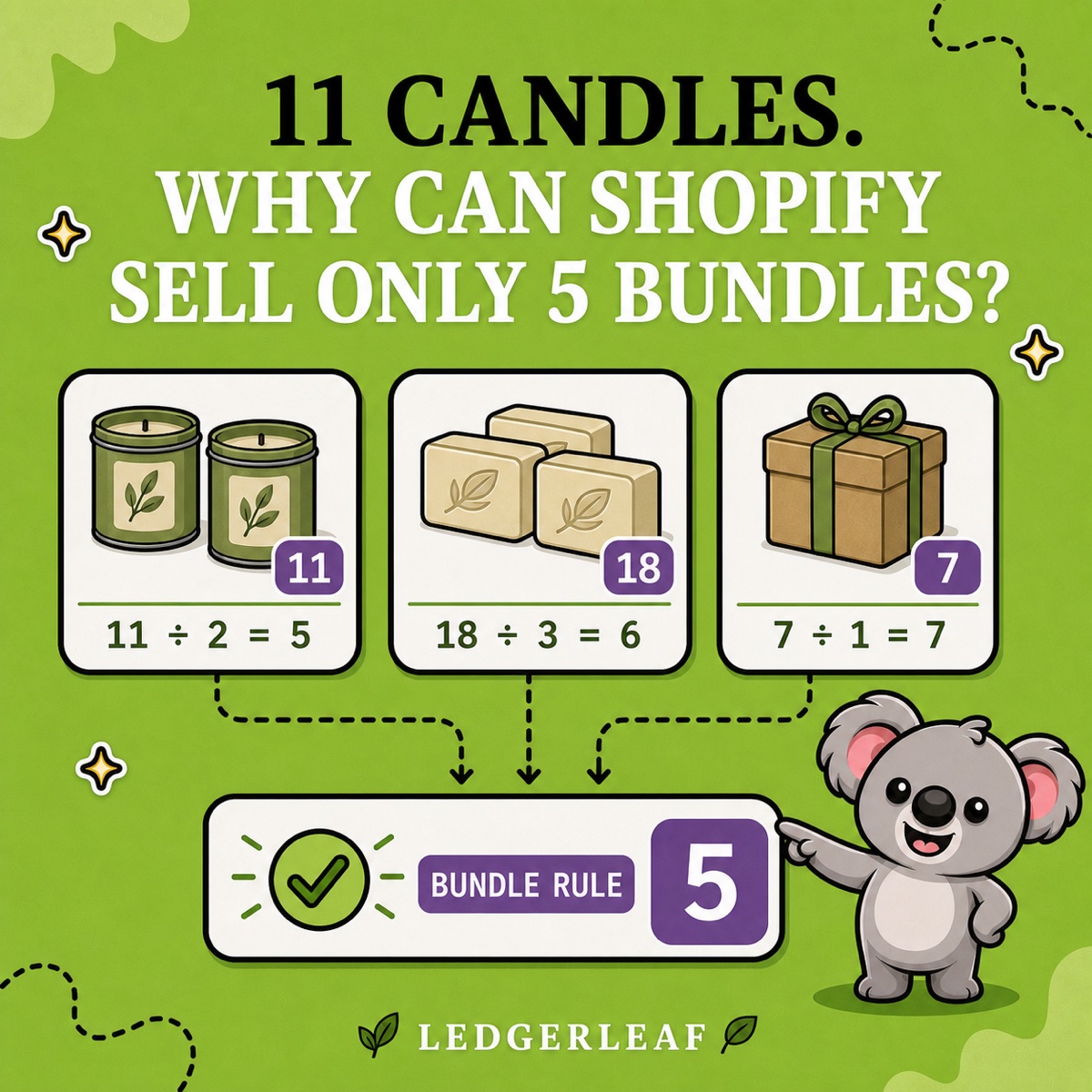
Use Shopify’s limiting-component formula, then turn parent and component SKUs into a repeatable LedgerLeaf bundle rule instead of manual stock math.
Read field note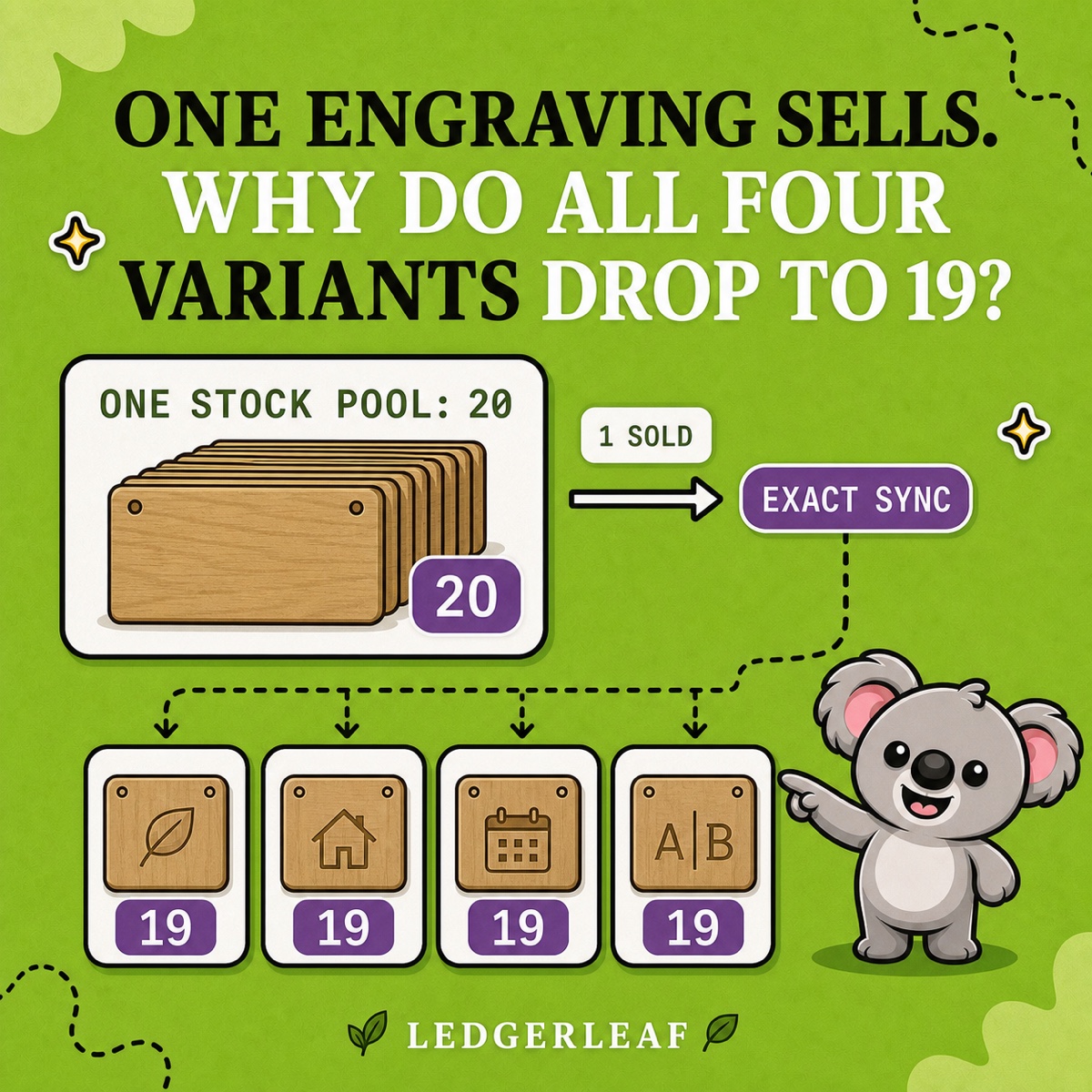
Learn when Shopify variants should share one stock pool, why matching SKUs are not enough, and how LedgerLeaf keeps their quantities aligned.
Read field note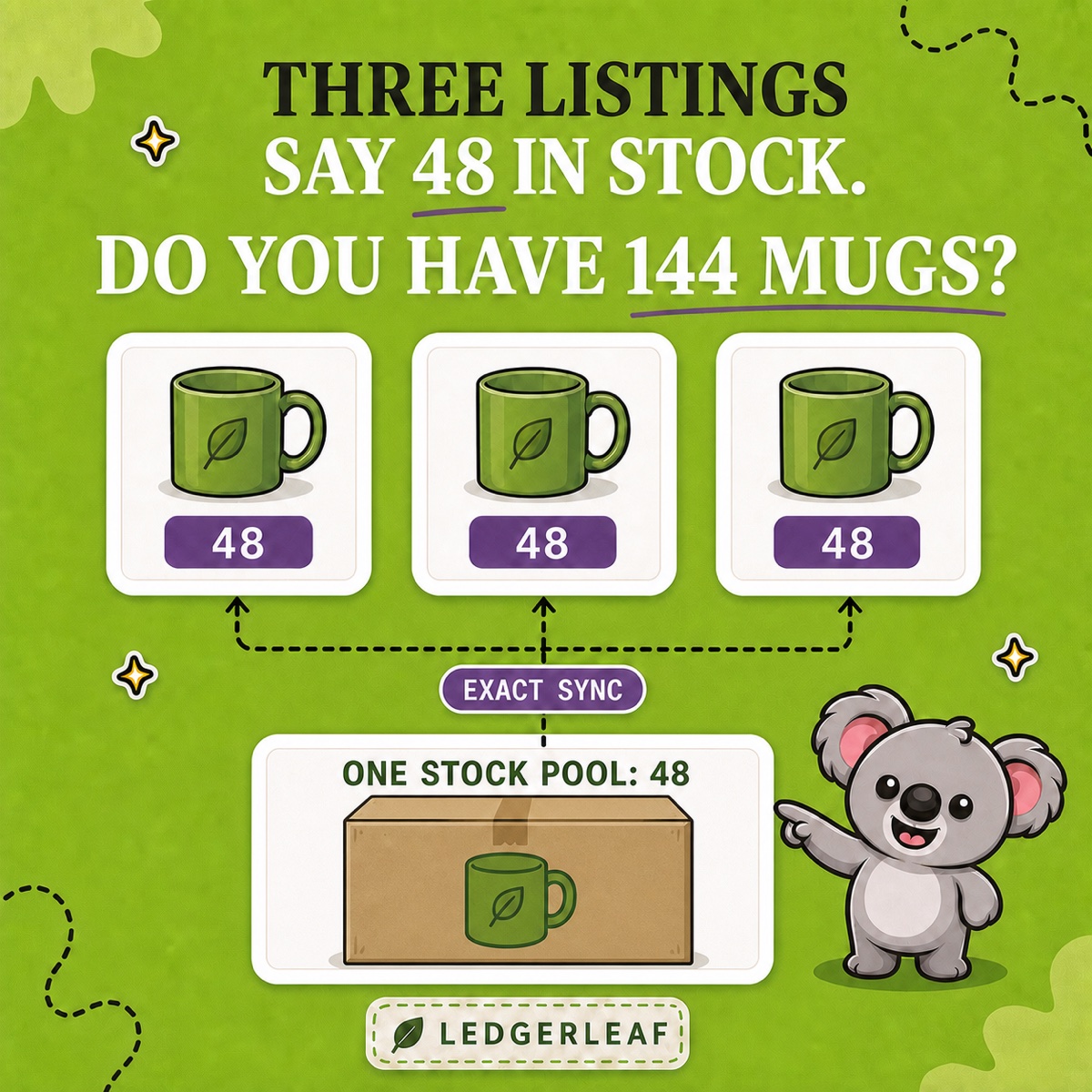
Link multiple Shopify products to one physical stock pool with clear SKUs, an exact-sync LedgerLeaf rule, and a safe test before launch.
Read field note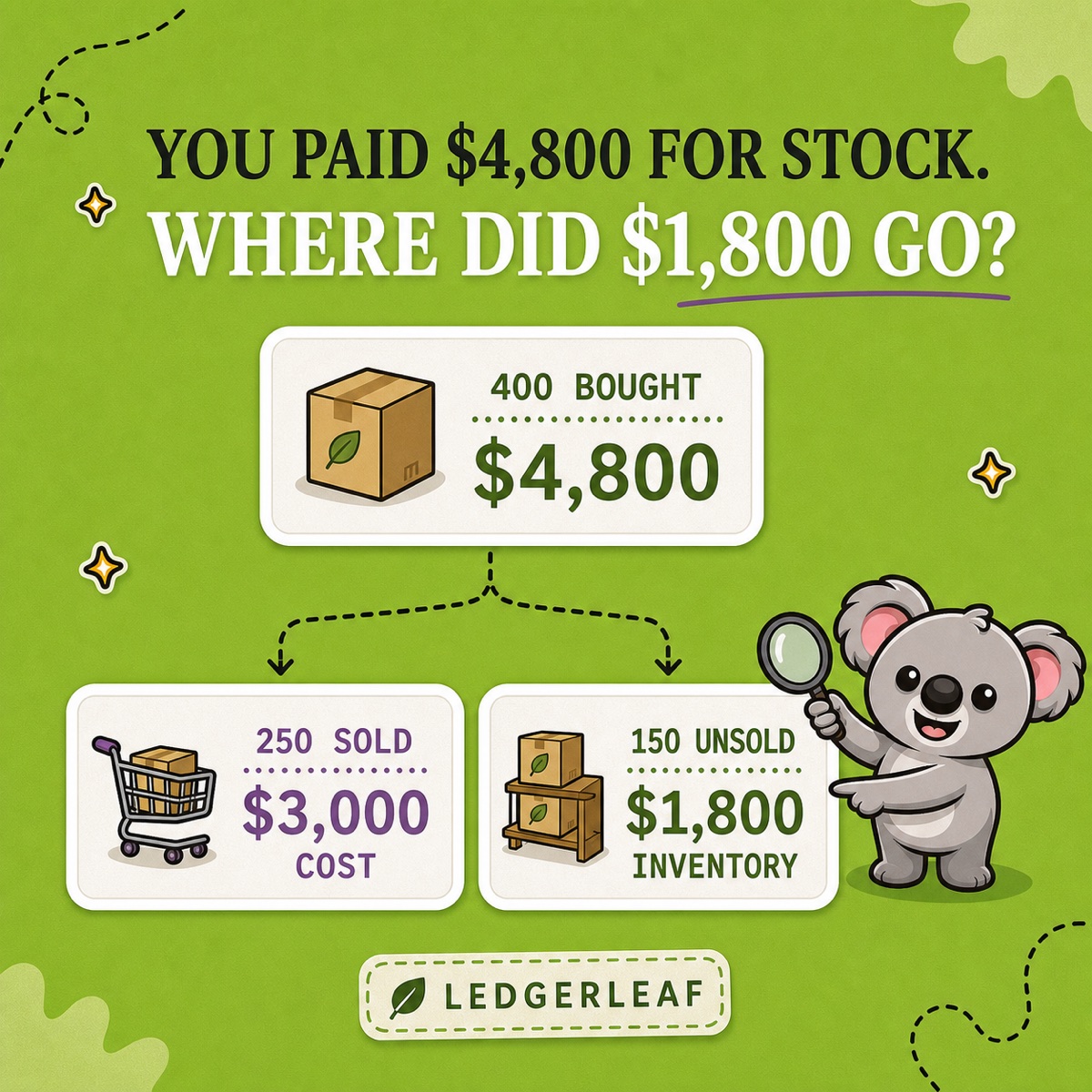
See why Shopify purchases and COGS differ, then use LedgerLeaf sales exports and inventory snapshots to build a repeatable cost trail.
Read field note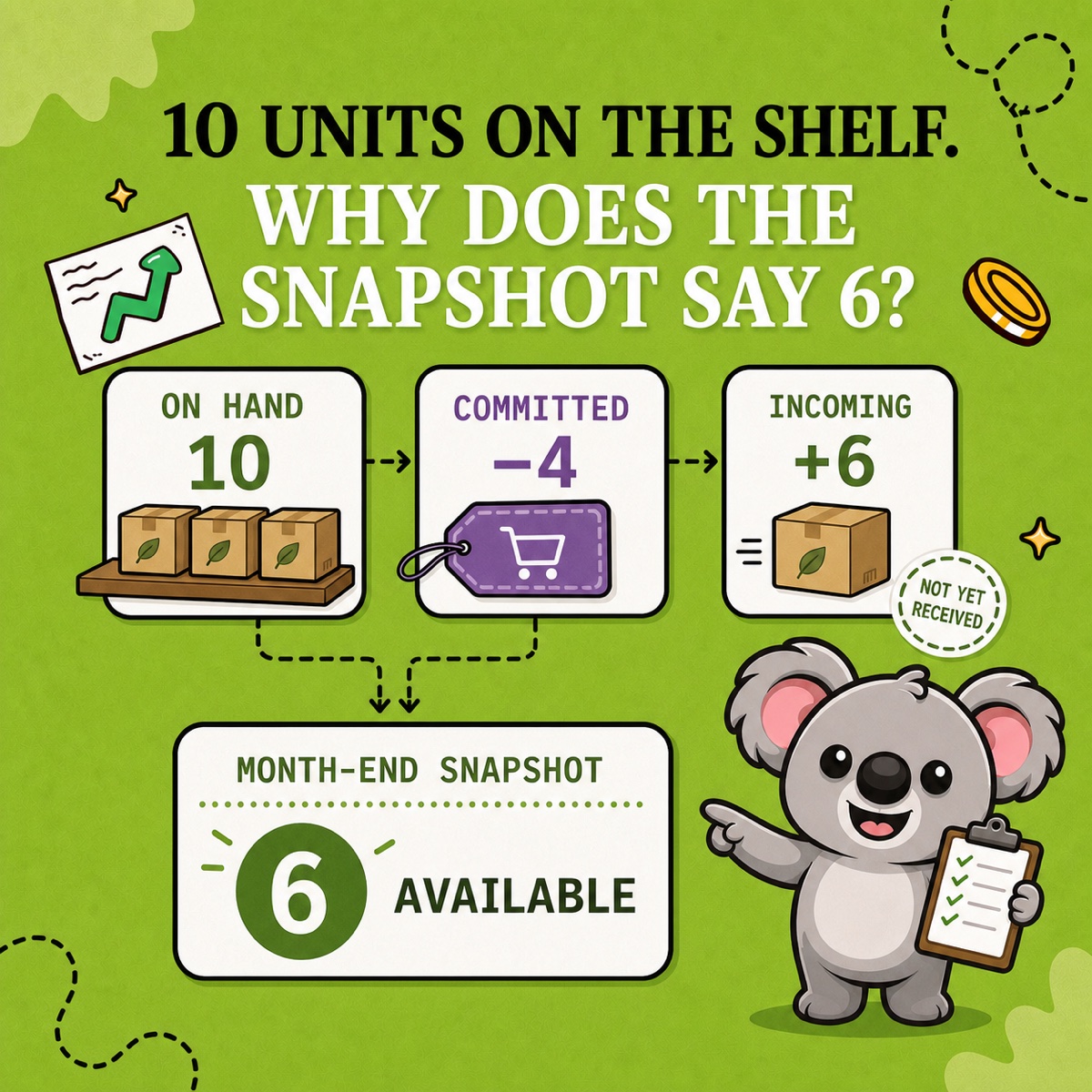
Understand Shopify month-end inventory quantities, then use LedgerLeaf Pro snapshots to keep a repeatable stock trail for every close.
Read field note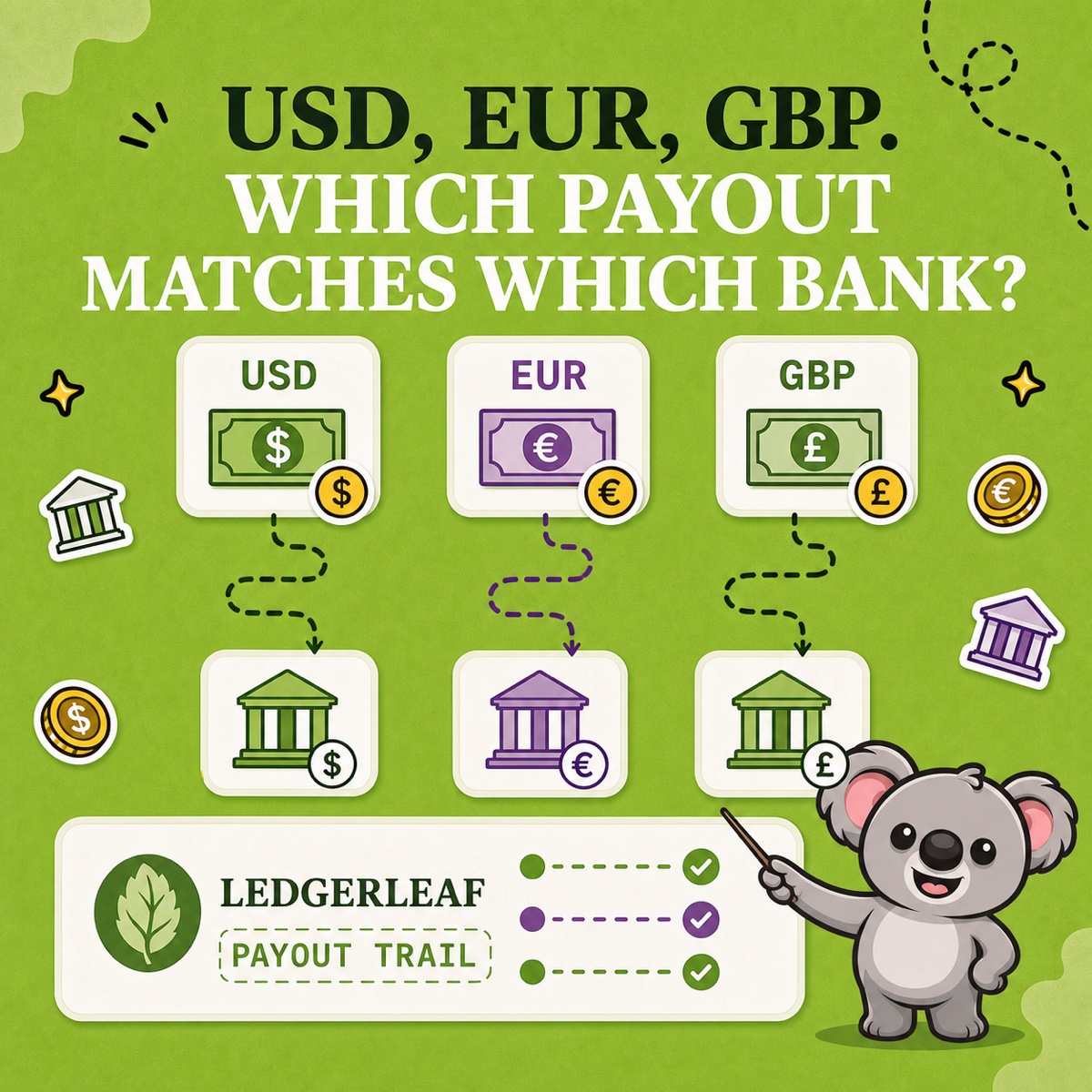
Reconcile Shopify payouts one currency at a time, then use LedgerLeaf payout evidence to keep each bank match and conversion traceable.
Read field note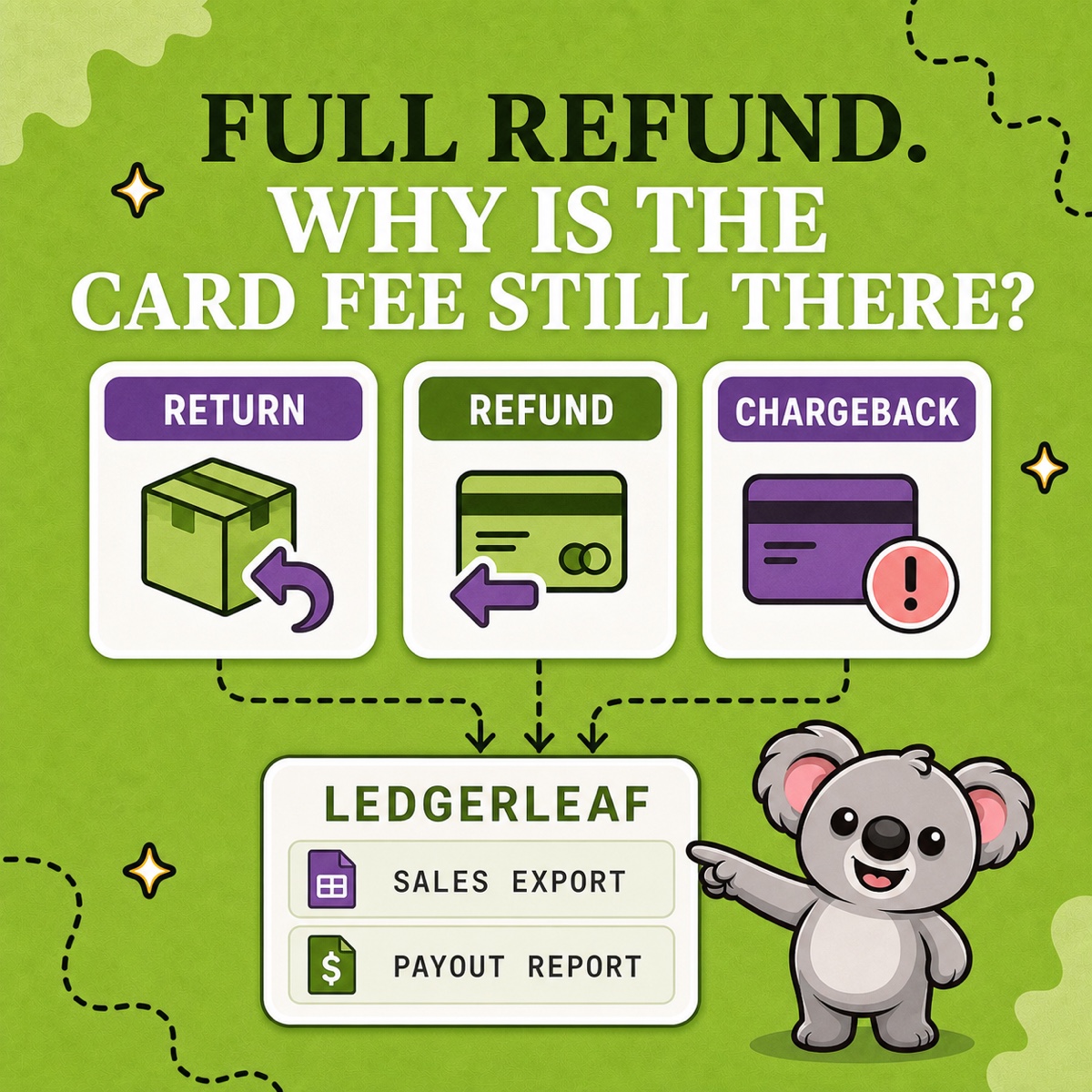
Separate Shopify returns, refunds, and chargebacks, then use LedgerLeaf sales exports and payout reports to keep every movement traceable.
Read field note
Build a clear Shopify accountant handoff, then save the sales, tax, payment, and payout structure as a repeatable LedgerLeaf workflow.
Read field note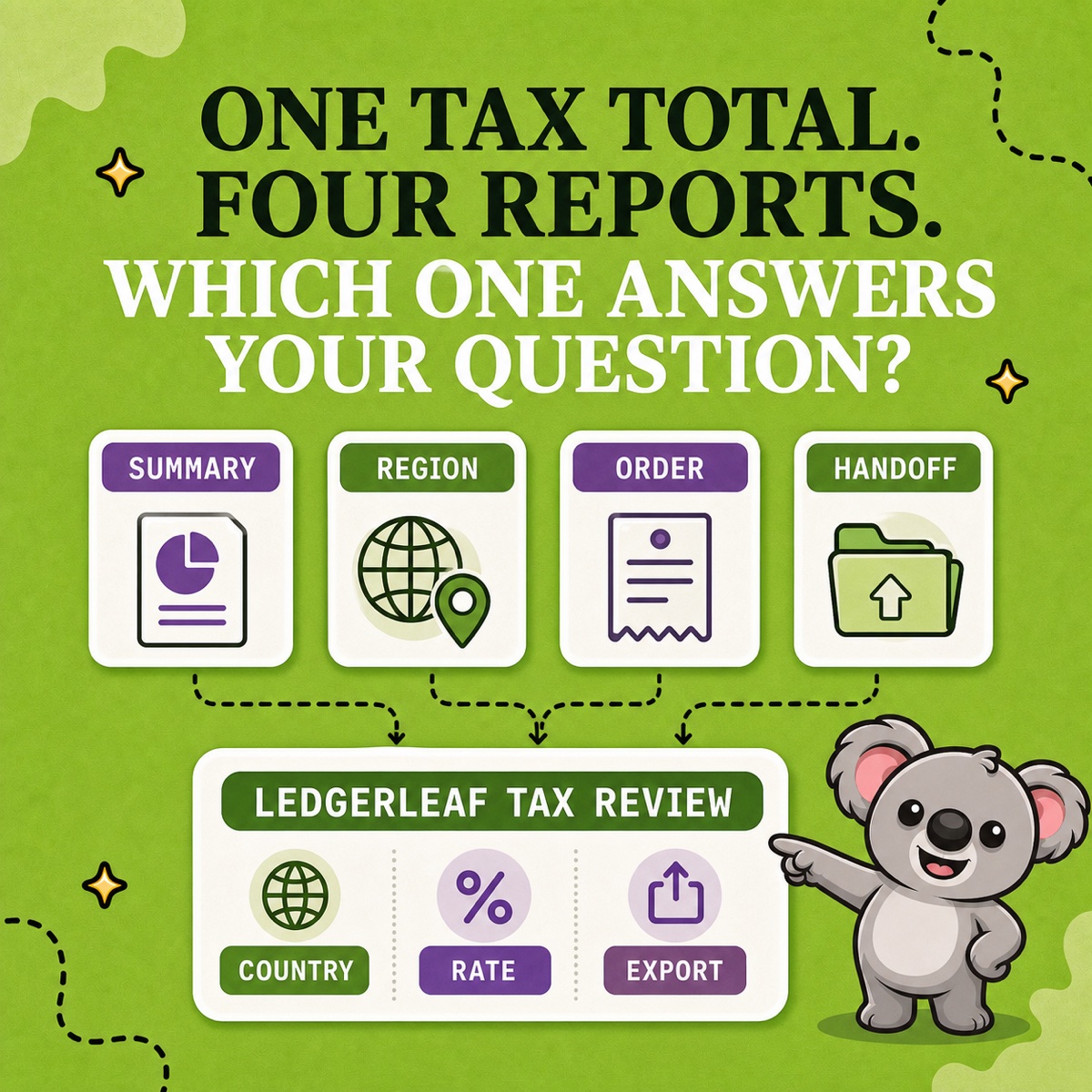
Choose the right Shopify tax report, then turn it into a repeatable country, rate, transaction, and handoff workflow with LedgerLeaf.
Read field note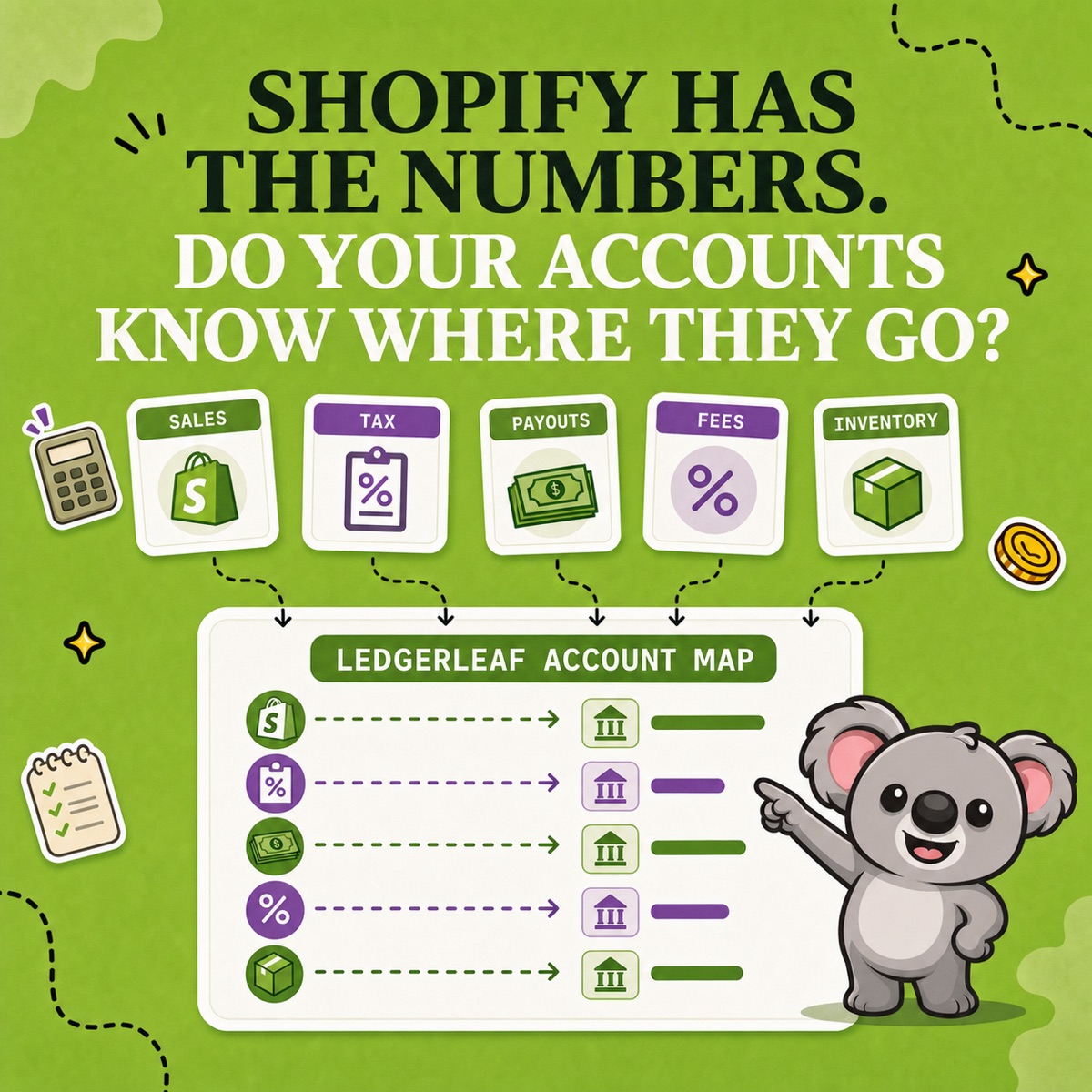
Use a worked Shopify chart of accounts example to separate revenue, tax, fees, and bank deposits with repeatable LedgerLeaf exports.
Read field note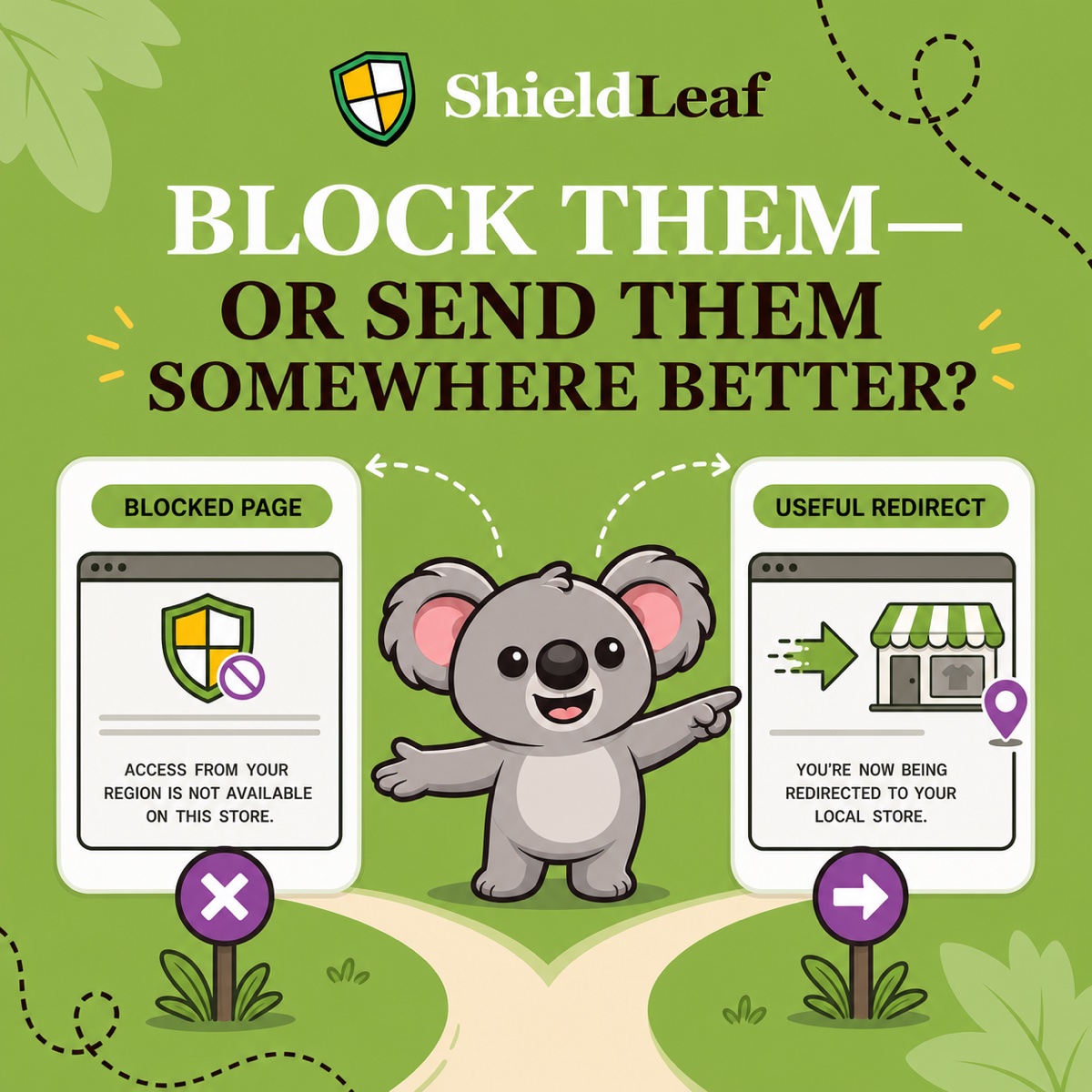
Choose a blocked page or redirect in ShieldLeaf so visitors get a clear answer or reach the right regional seller, without editing Shopify theme code.
Read field note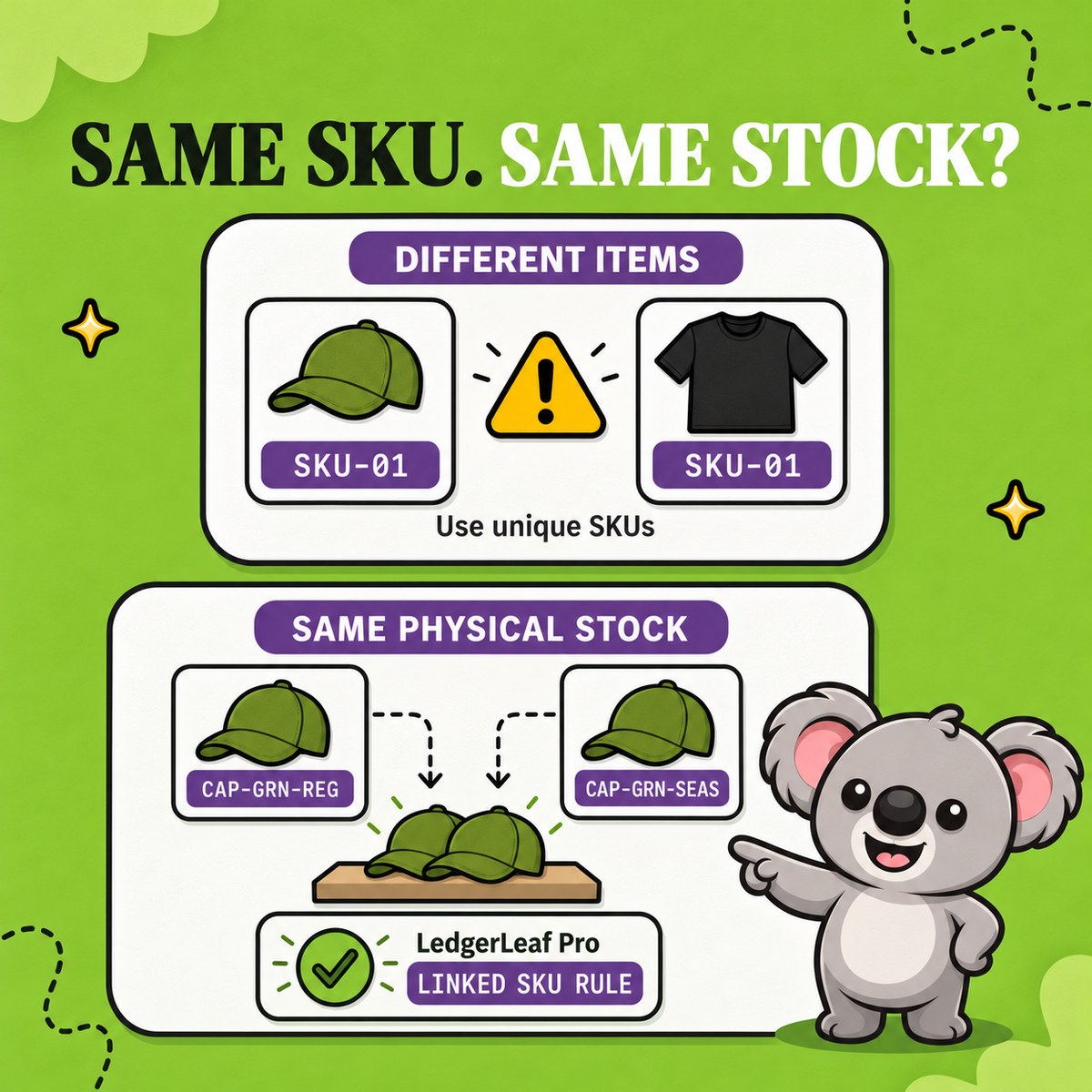
Find accidental duplicate Shopify SKUs, fix catalog collisions, and use LedgerLeaf linked-SKU rules when listings intentionally share stock.
Read field note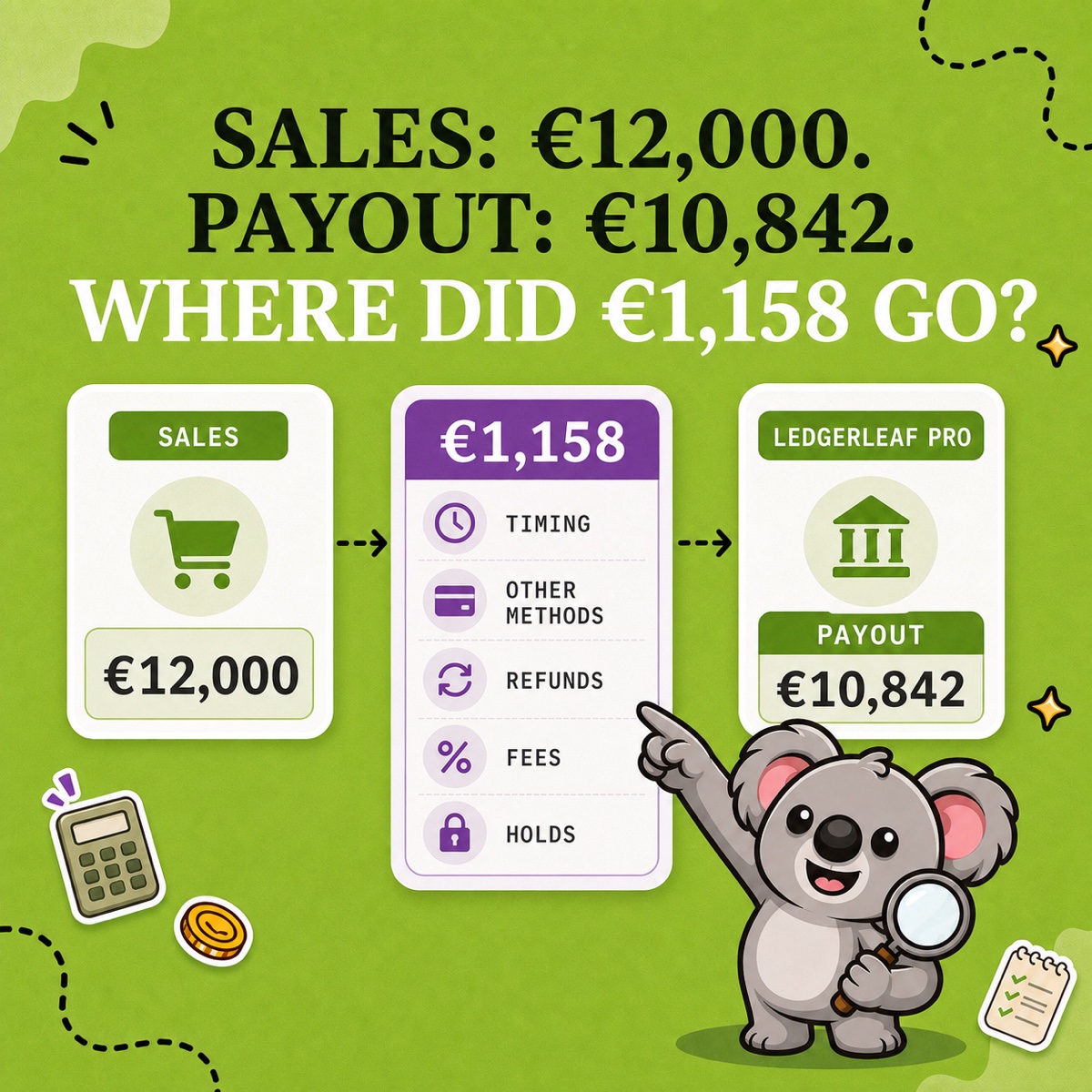
See why Shopify sales and payouts differ, then use LedgerLeaf sales exports and payout reports to explain the gap without guessing.
Read field note
Shopify Markets restricts purchases but leaves browsing open. See how ShieldLeaf blocks unwanted country visits with a free rule and a preview.
Read field note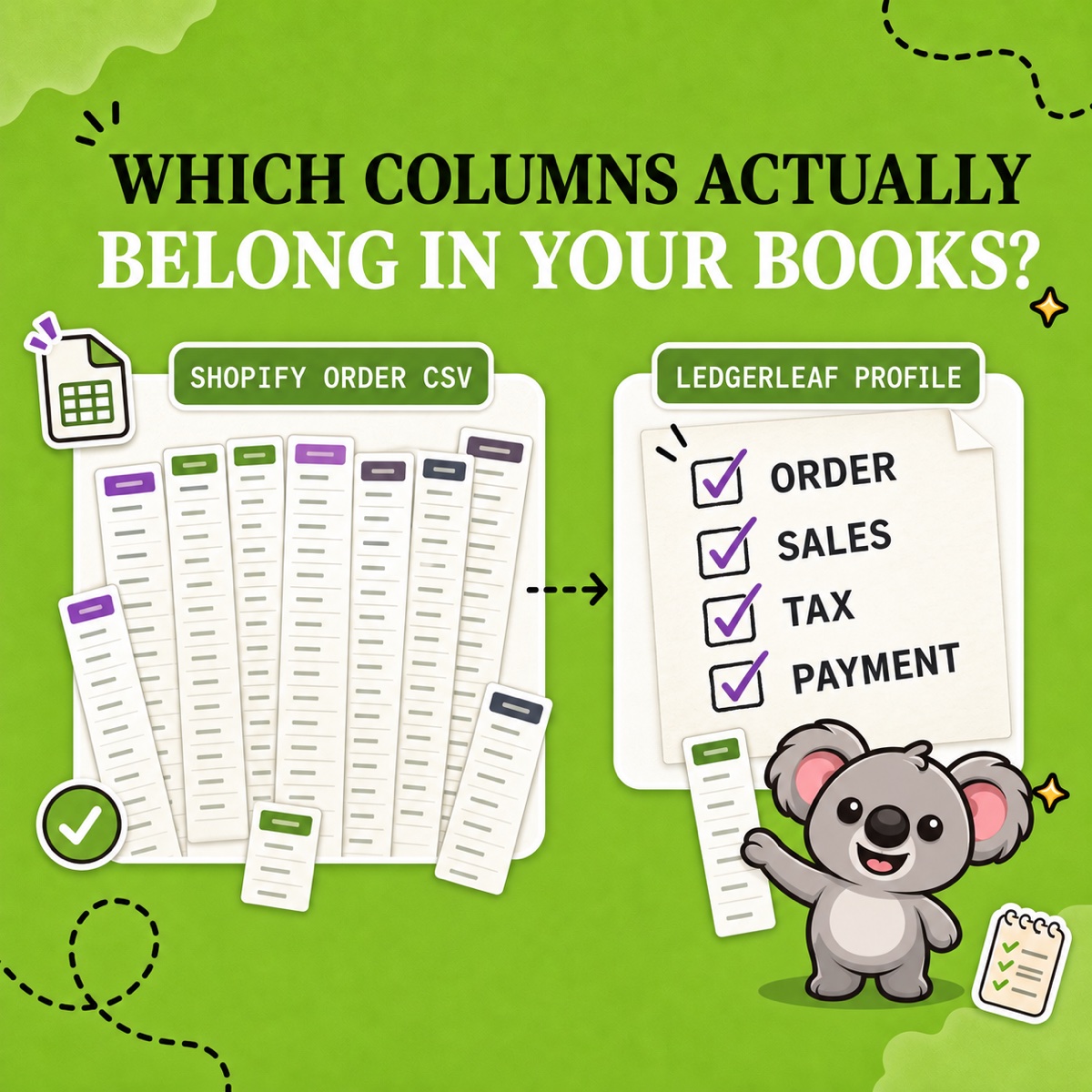
Understand Shopify order CSV columns, avoid double-counting multi-item orders, and use LedgerLeaf to save a cleaner export profile for each job.
Read field note
Use LedgerLeaf to prepare Shopify Payments fee entries, explain a €97 deposit from a €100 payment, and send your accountant the supporting records.
Read field note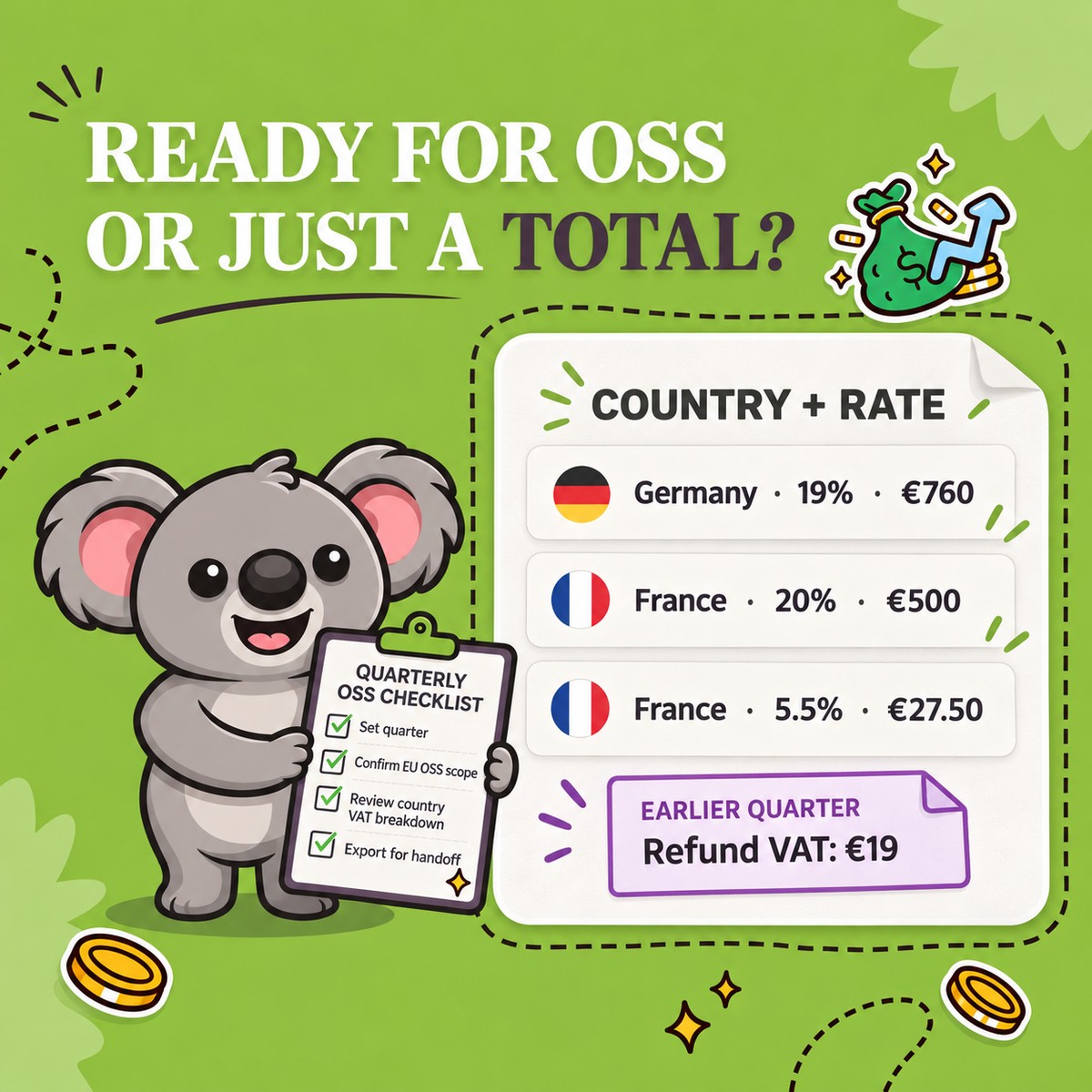
Prepare Shopify OSS reports with LedgerLeaf. Review country and rate totals, trace refunds to the right quarter, and export a clear accountant handoff.
Read field note
Understand Shopify gross, net, and total sales with a worked example, then use LedgerLeaf to turn the supporting records into a reusable accountant export.
Read field note
Unexpected country traffic can hide healthy Shopify sales. Learn how to trace the cause and use ShieldLeaf to handle unwanted storefront visits.
Read field note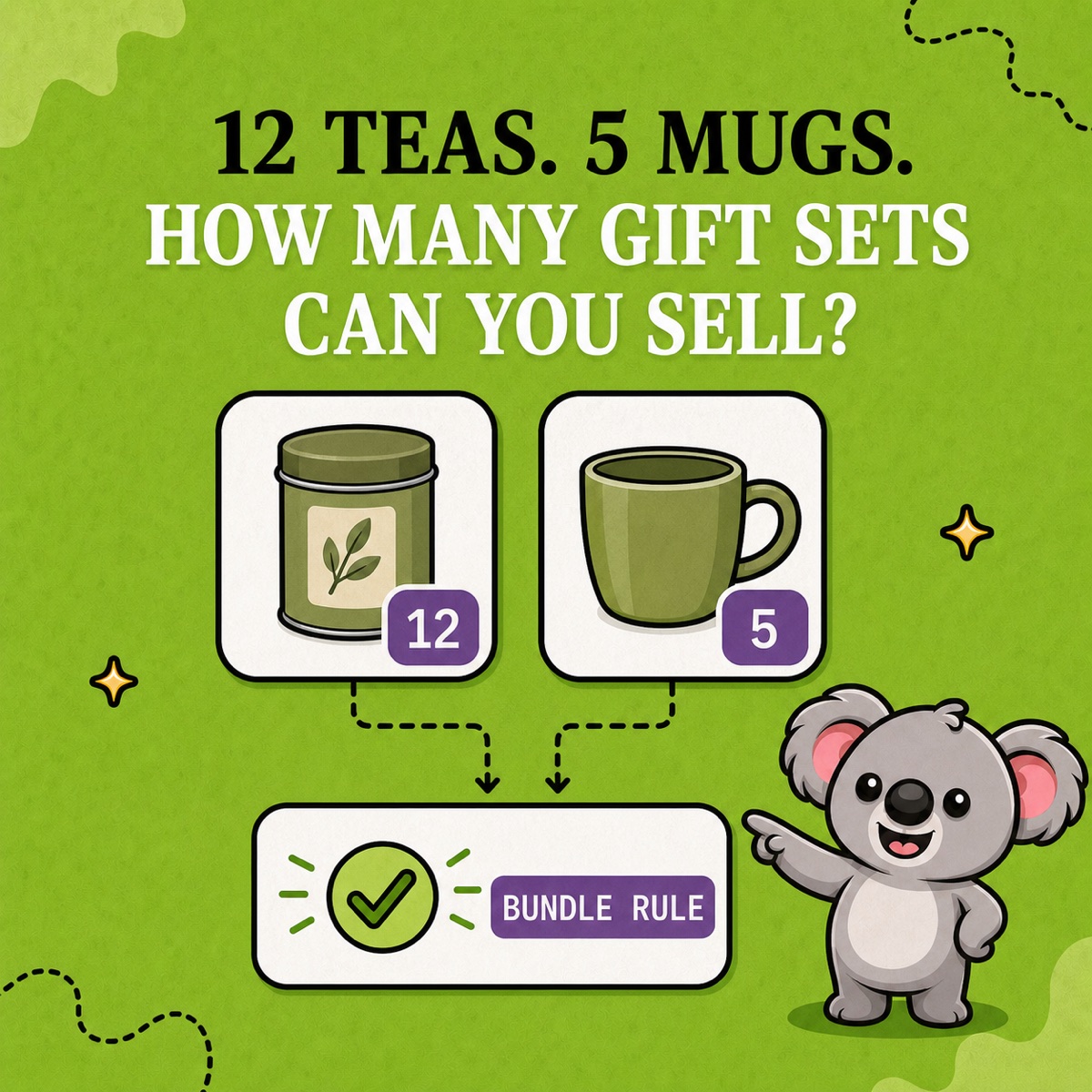
Keep Shopify gift-set stock aligned with tea and mug inventory. Set a LedgerLeaf bundle rule and check sales, restocks, and the limiting component.
Read field note
Give each Shopify variant a clear SKU, avoid duplicate codes, and use LedgerLeaf to keep bundle stock aligned with the items you can actually ship.
Read field note
Use LedgerLeaf to check Shopify VAT by country and rate, trace a refund difference, and send your accountant a clear summary with transaction detail.
Read field note
Identify Shopify bot traffic without mistaking it for lost sales. Follow a worked example to turn unwanted country traffic into a ShieldLeaf access rule.
Read field note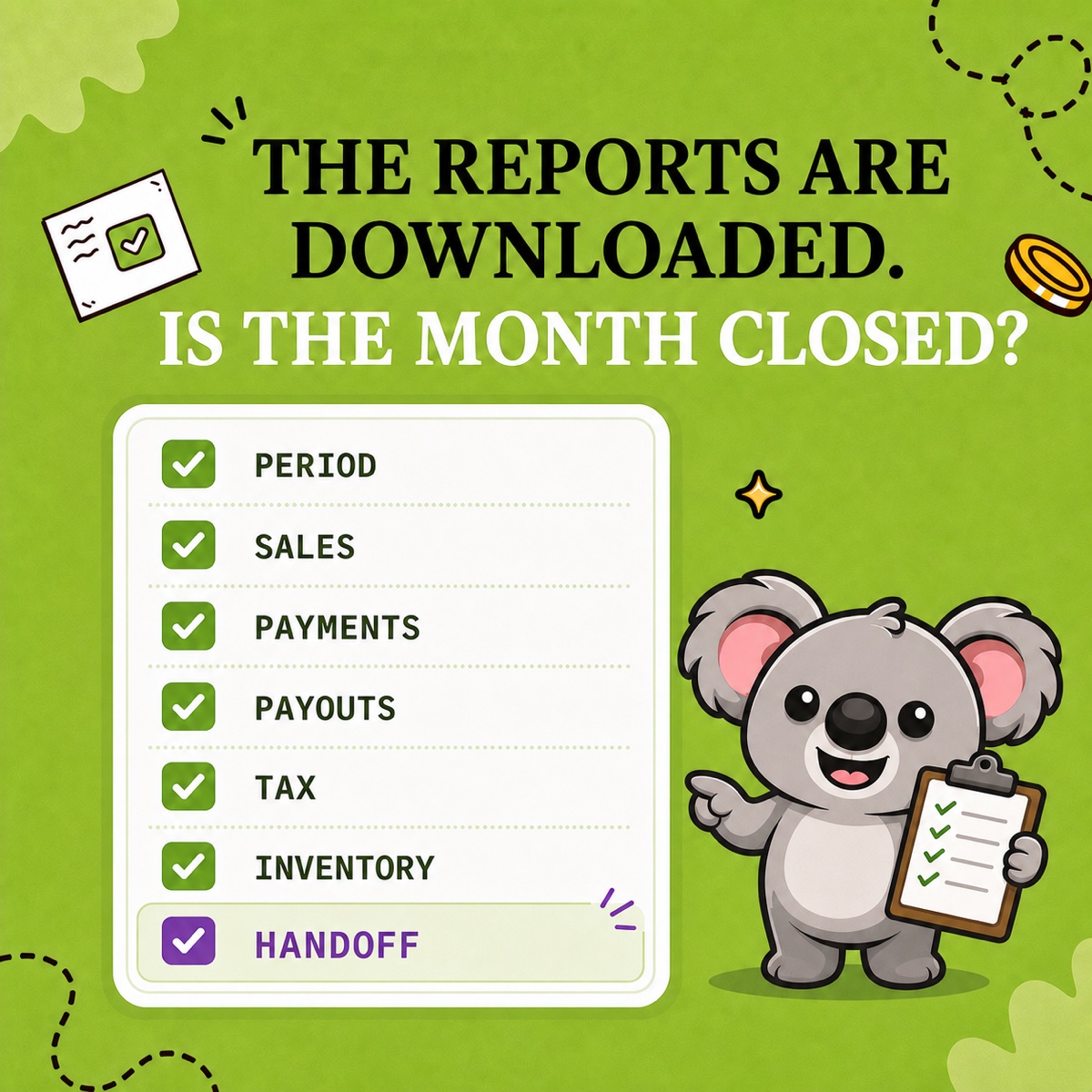
Use this Shopify month-end close checklist to prepare sales, payouts, VAT, and stock records with LedgerLeaf and resolve gaps before accountant handoff.
Read field note
Compare LedgerLeaf and Zoho Books for Shopify integration, exports, inventory, accounting features, and the regular price of direct store connection.
Read field note
Compare LedgerLeaf and FreshBooks for Shopify data, invoicing, reports, integrations, and regular pricing before adding a general accounting platform.
Read field note
Compare LedgerLeaf and Xero for Shopify exports, payouts, reports, complexity, and regular pricing—and decide whether a full ledger is necessary.
Read field note
Compare LedgerLeaf and QuickBooks for Shopify data, reports, spreadsheets, complexity, and regular pricing before paying for a full accounting suite.
Read field note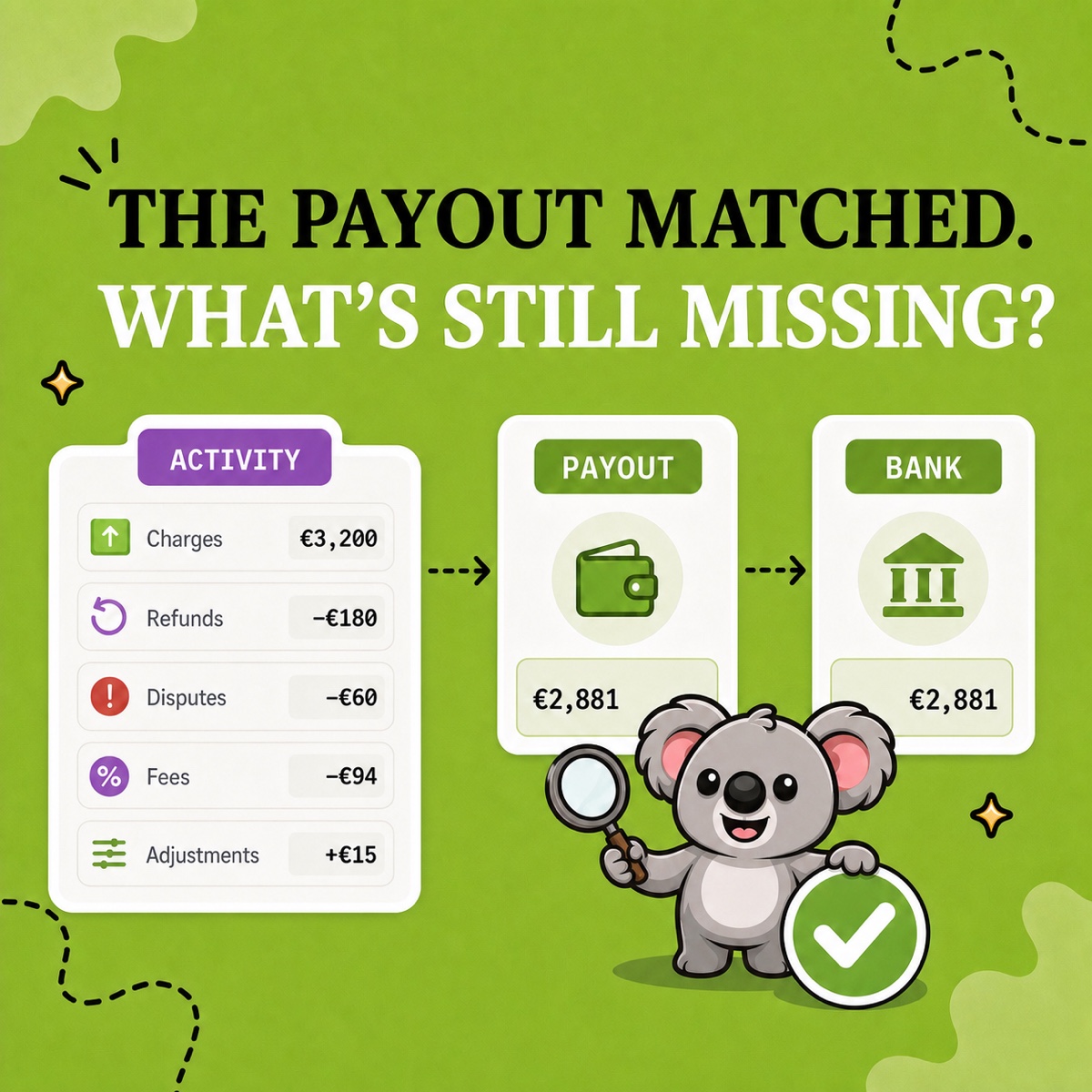
Reconcile Shopify Payments payouts with LedgerLeaf Pro. Follow a €2,881 example, spot missing fees, and prepare clear records for your accountant.
Read field note
Block unwanted country traffic on Shopify with ShieldLeaf. Follow a practical setup, choose a blocked page or redirect, and preview before going live.
Read field note
Use LedgerLeaf to export Shopify orders to Excel or CSV. Choose your accountant’s columns, understand extra rows, and save the selection for next month.
Read field note
LedgerLeaf makes Shopify bookkeeping easier with reusable sales exports, payout reports, VAT/OSS views, and inventory records.
Read field noteNo matches
Try a broader search or choose another topic.