Shopify can show 5 bundles available even when none of the components has a stock quantity of 5. That is not a mystery number. Shopify divides each tracked component’s total available inventory by the units required for one bundle, rounds down, and uses the lowest result.
At Studio Eucalipto, our view is that this calculation should become a quick check—not stock math someone repeats after every sale. Use the formula to understand the bottleneck, then make a supported parent-and-component SKU relationship operational with a LedgerLeaf Pro bundle rule.
Leafy’s Quick Answer
For every component, calculate
available inventory ÷ units needed per bundle, round down, and choose the smallest answer. That component limits the bundle. For parent and component SKUs that need to stay aligned, put the relationship into a reviewed LedgerLeaf Pro bundle rule instead of relying on a manually updated parent quantity.
The calculation is a lowest-capacity test
Shopify’s bundle inventory guidance describes this formula:
available bundles = lowest rounded-down (component available ÷ component units required)
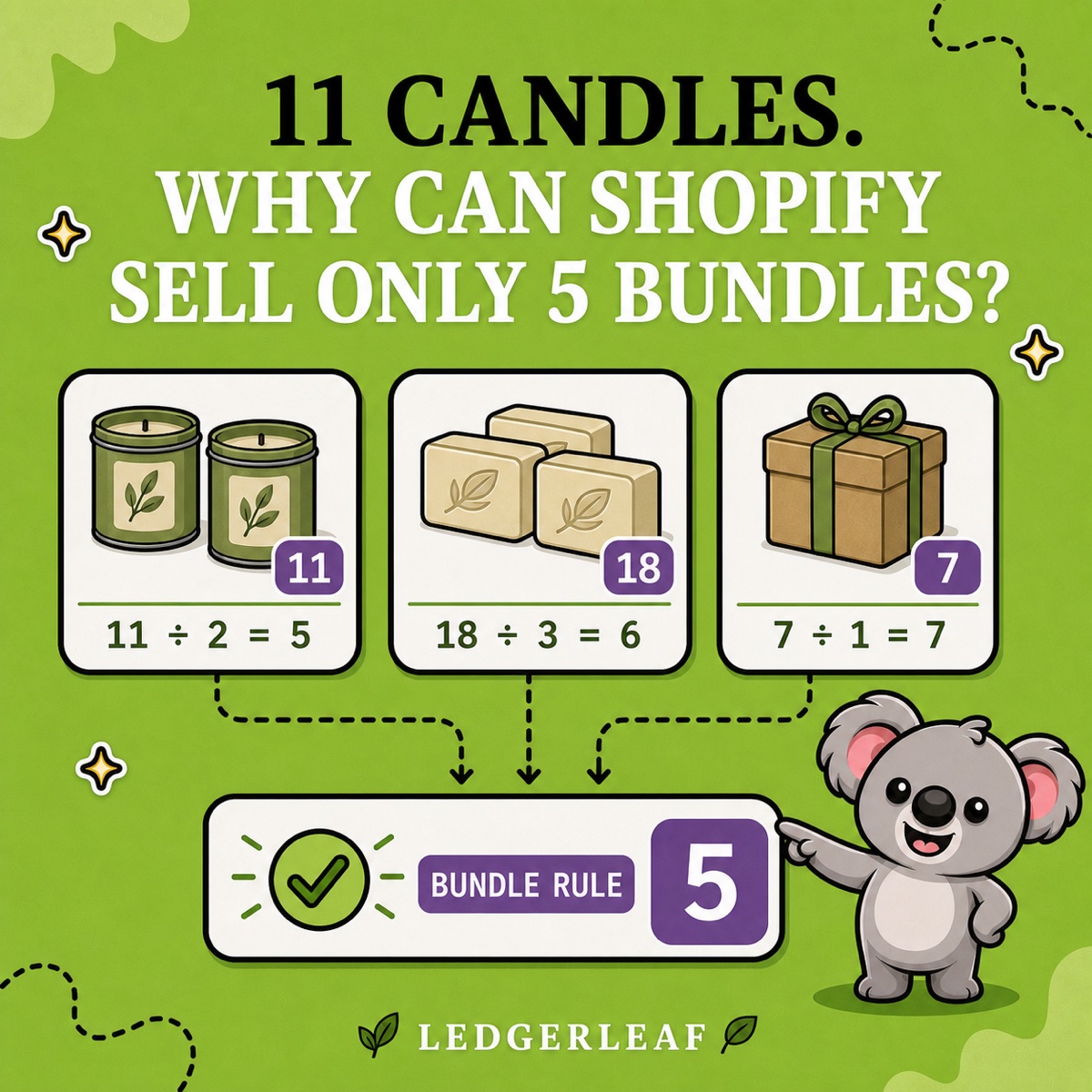
Imagine a self-care bundle containing two candles, three soaps, and one gift box:
| Component | Available | Needed per bundle | Complete bundles |
|---|---|---|---|
| Candle | 11 | 2 | 5 |
| Soap | 18 | 3 | 6 |
| Gift box | 7 | 1 | 7 |
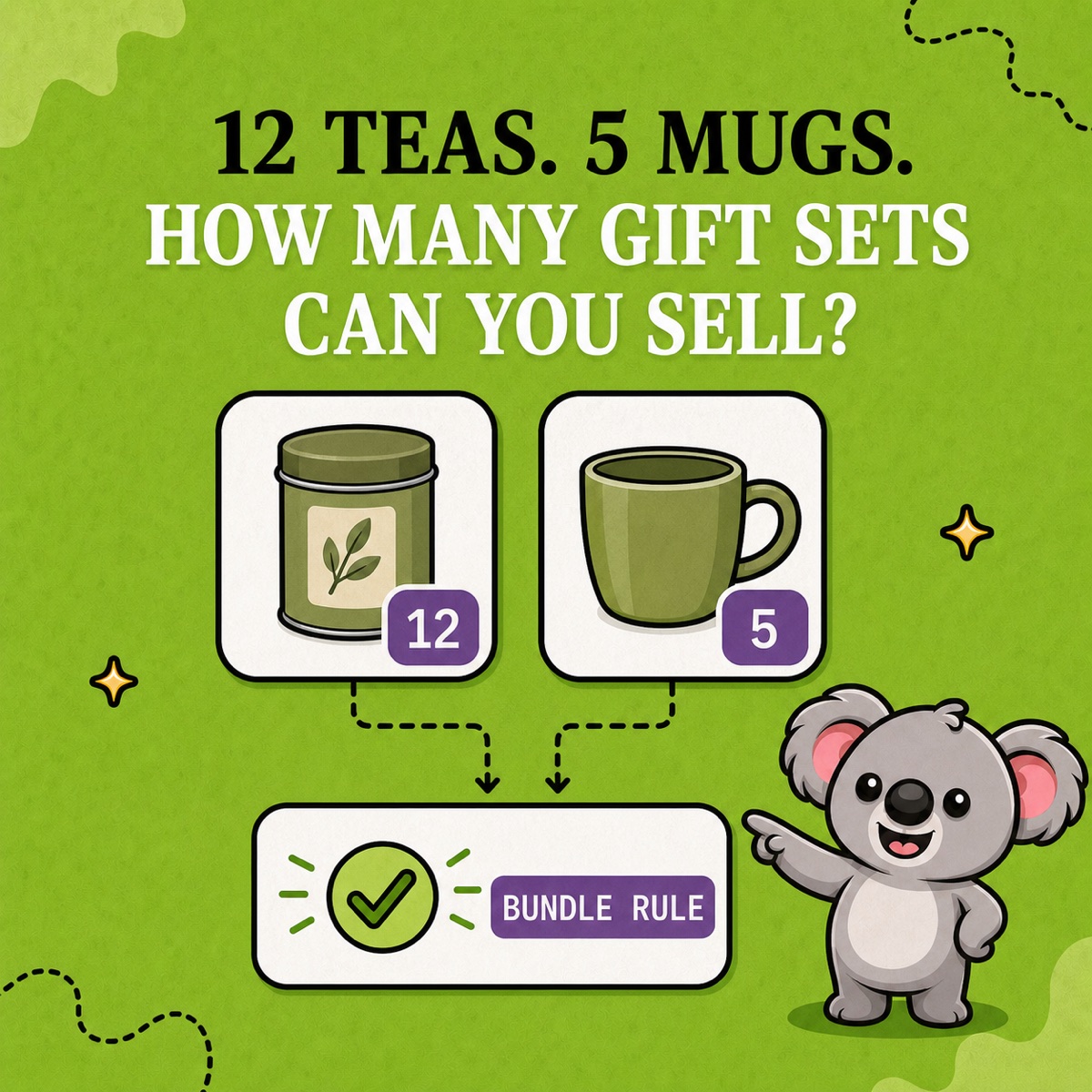
The available bundle quantity is 5. Candles are the limiting component because they can supply the fewest complete sets.
The extra candle does not create half a sellable bundle. Shopify rounds 11 ÷ 2 down from 5.5 to 5. If two more candles arrive, candle capacity becomes 6, matching the soap capacity; the store can then sell 6 complete bundles while the gift boxes still have room.
Check what Shopify includes in the number
Shopify describes bundle availability as an estimate based on total available component inventory. Its standard bundles use overall stock rather than a separate bundle quantity by location.
Two settings can change the result more than the arithmetic:
- a component with inventory tracking turned off is ignored;
- a component set to Continue selling when out of stock is also ignored.
That means a bundle may remain available even when an ignored component shows zero. Before investigating a surprising number, review tracking and overselling settings for every component. Also confirm the required quantity: changing one candle to two candles changes the divisor and can create a new bottleneck immediately.
Make the relationship operational in LedgerLeaf
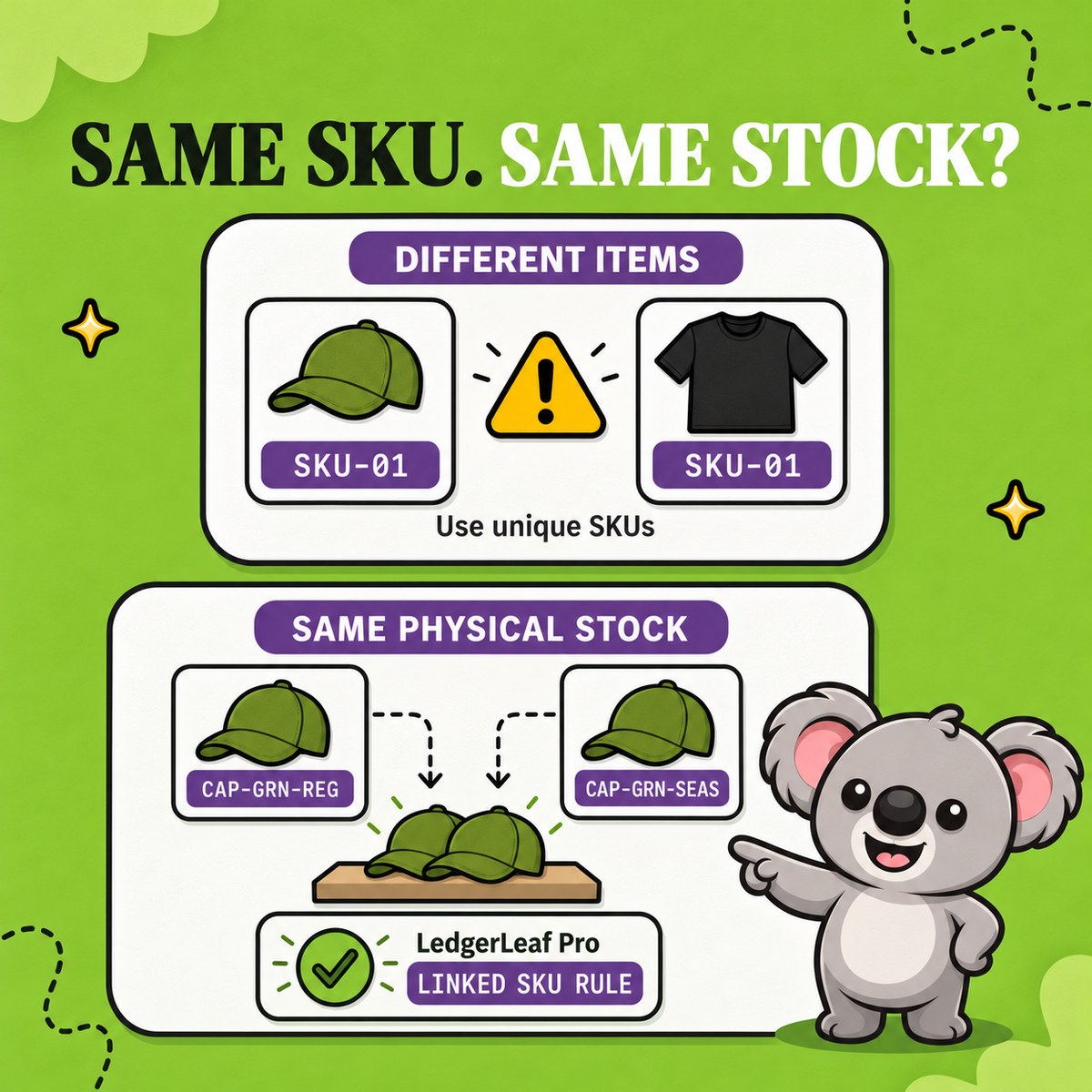
The formula gives you the expected answer. LedgerLeaf Pro is what turns a supported SKU relationship into a repeatable inventory workflow when your catalog uses a parent SKU and component SKUs.
Start with readable identifiers:
- parent bundle:
CARE-SET-01; - candle:
CANDLE-SAGE; - soap:
SOAP-OAT; - gift box:
BOX-KRAFT.
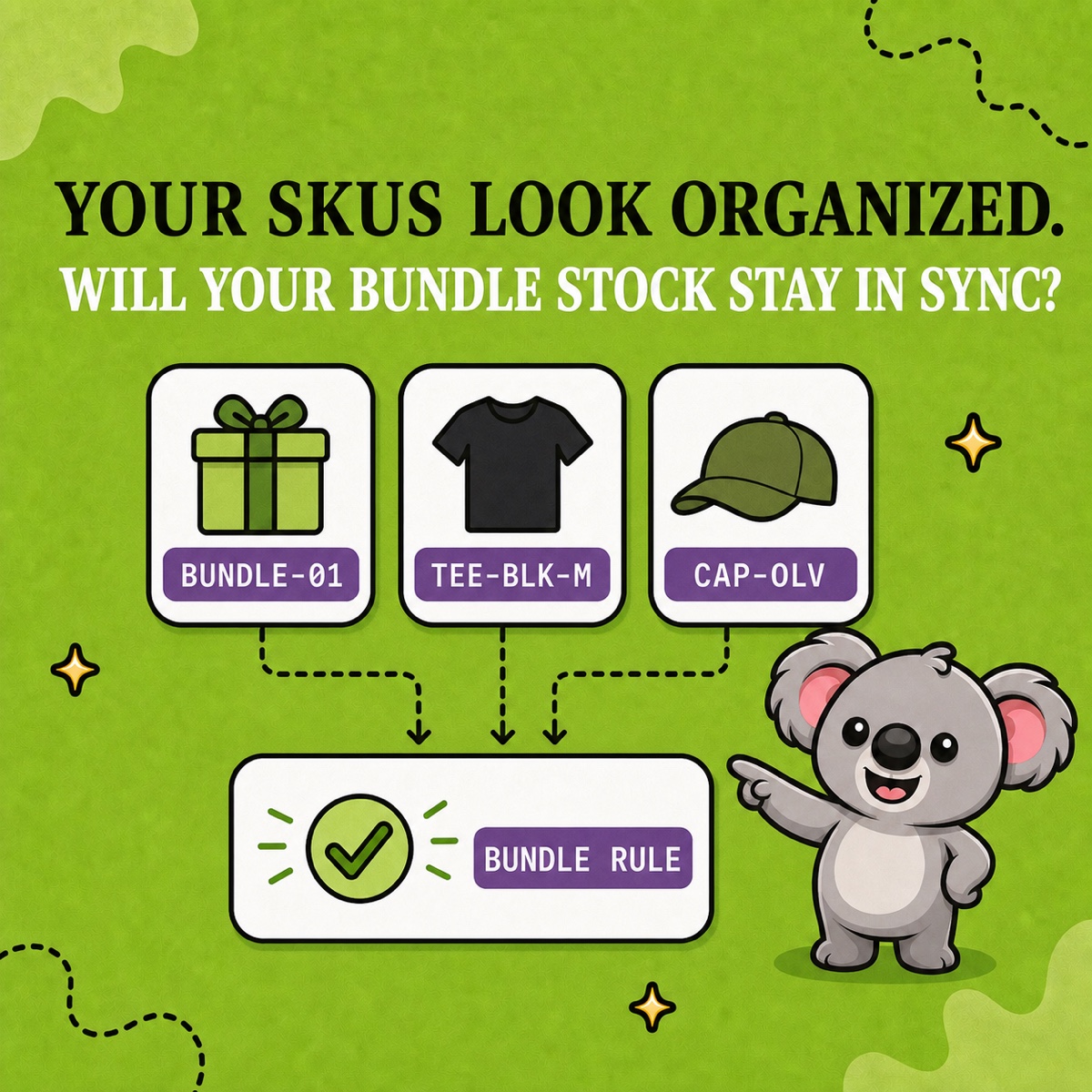
In LedgerLeaf’s Inventory workspace, create a bundle rule that connects the parent to its components, then review the matched products before activation. LedgerLeaf documents minimum, maximum, and exact sync logic. For a one-of-each bundle relationship, minimum logic carries the limiting component into the parent quantity. For any recipe that uses multiple units of a component, keep Shopify’s division formula as the acceptance test and activate only a rule whose observed behavior matches the quantity you expect.
This is the memorable split: Shopify’s formula explains why the number is 5; a LedgerLeaf bundle rule keeps a supported parent/component relationship from becoming another manual stock update.
Test the bottleneck before launch
Use deliberately uneven quantities so the expected result is obvious:
- Set the components to 11 candles, 18 soaps, and 7 boxes; confirm the expected capacity is 5.
- Reduce a non-limiting component without crossing 5 bundles; the parent should not fall.
- Reduce candles from 11 to 9; capacity should fall from 5 to 4.
- Restock candles and confirm the bundle responds as expected.
- Repeat after the order, return, and manual-adjustment paths your team actually uses.
Leafy’s Watch-Out
Do not add component stock together, round up, or assume the lowest raw quantity is always the bottleneck. Required units matter. Preview every SKU in the LedgerLeaf rule and test one small bundle before expanding the pattern.
The calculation is simple enough to remember: divide, round down, and let the lowest capacity win. The useful outcome is a LedgerLeaf rule that keeps that relationship clear after the next sale changes the numbers.