Use a SKU to identify a product variant inside your business. Use a barcode when a scanner, marketplace, warehouse, or retail partner needs to identify it. In Shopify, they have separate fields because they solve different jobs—and many physical-product merchants should use both.
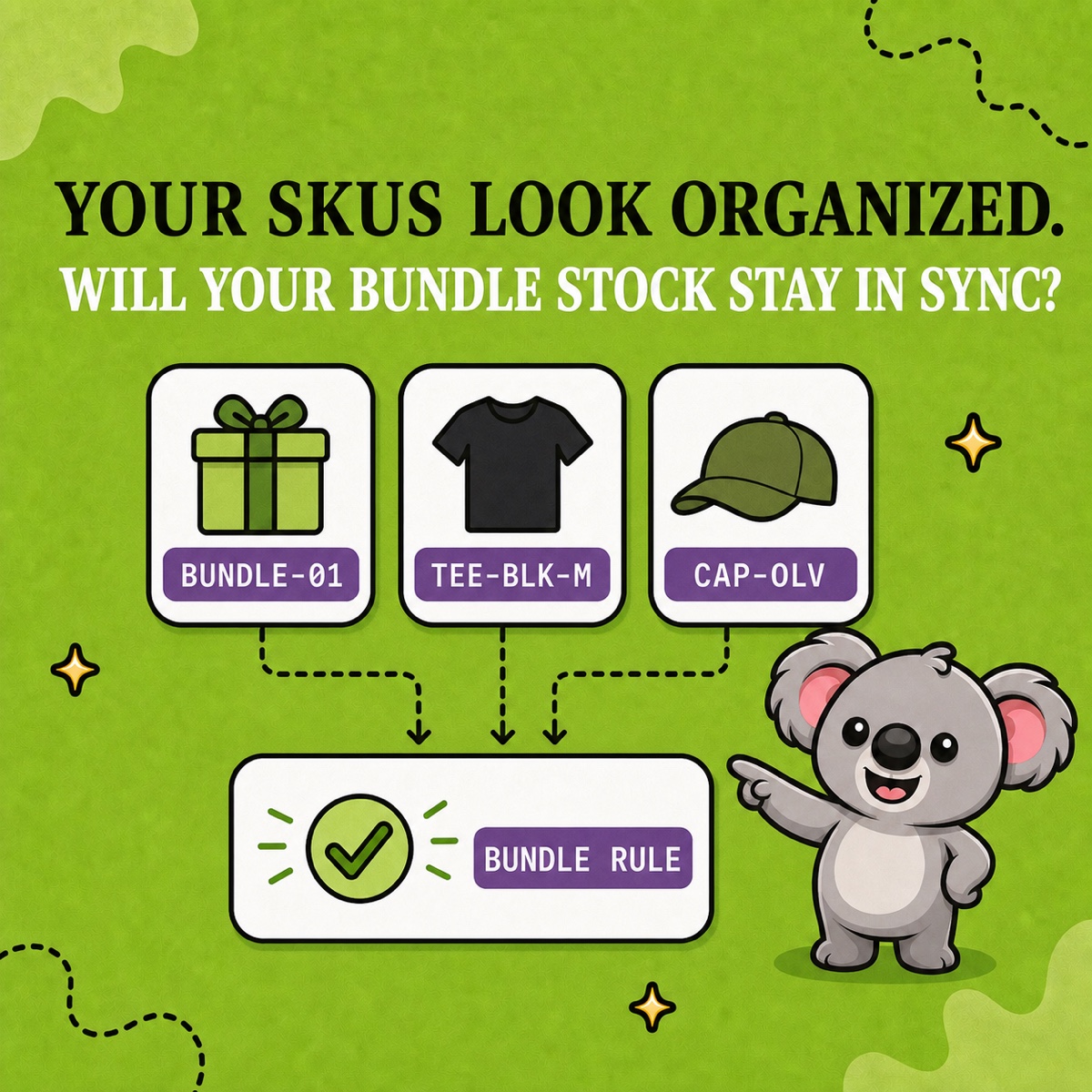
That distinction becomes operational when inventory relationships get complicated. LedgerLeaf Pro creates linked-SKU and bundle rules from the codes your team can read and review. A barcode may get the item through a scanner; the SKU gives LedgerLeaf a deliberate language for keeping related stock aligned.
Leafy’s Quick Answer
Keep one short, unique SKU for each ordinary Shopify variant. Add a valid barcode when you sell through POS, marketplaces, wholesale, or a scanning workflow. Do not replace a useful SKU with a long external code: keep the barcode in Shopify’s barcode field, then use clear SKU patterns for the LedgerLeaf rules that connect linked listings or bundle components.
SKU and barcode are not competing choices
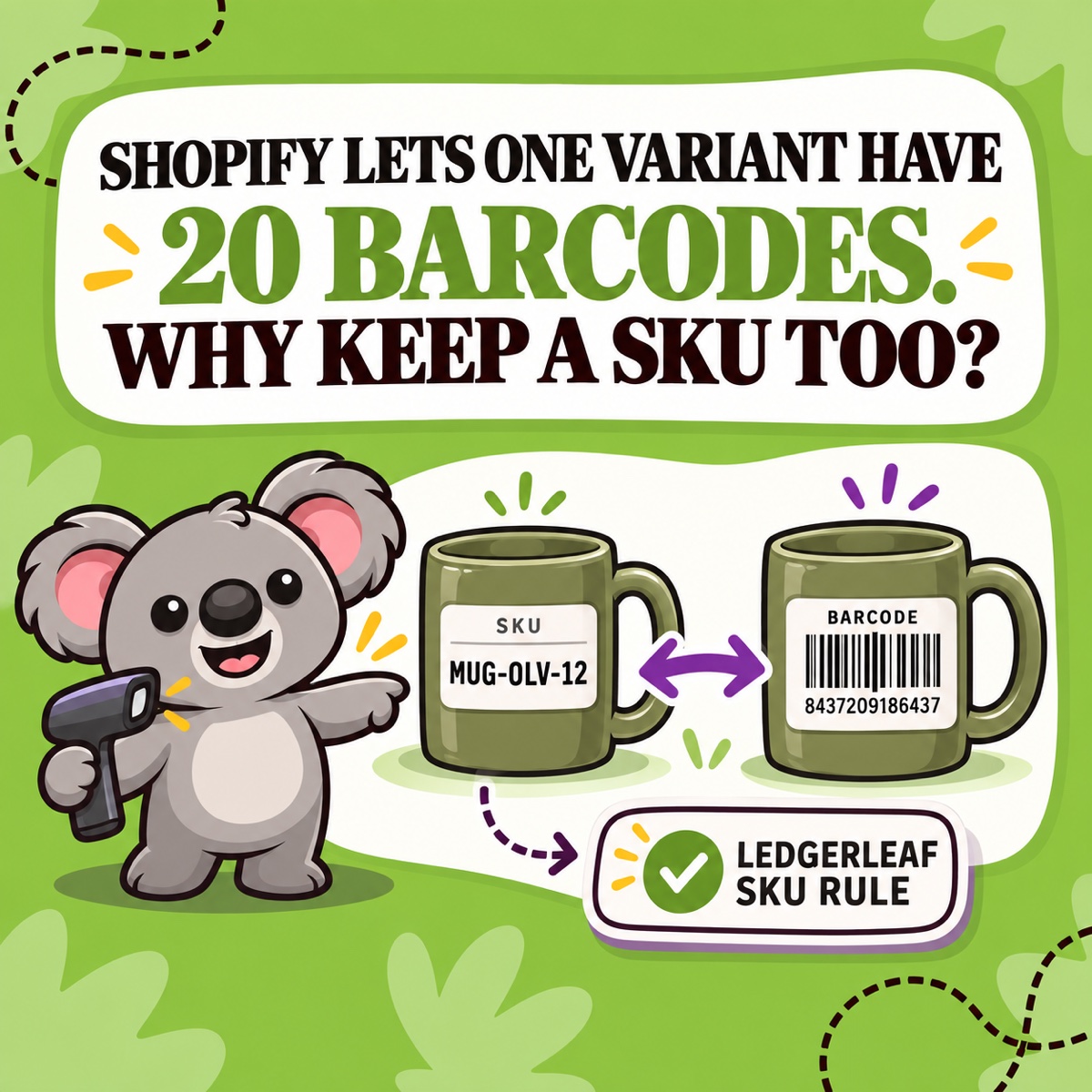
Shopify defines SKUs as internal codes for inventory tracking and sales reporting. You create the format, so MUG-OLV-12 can tell a picker exactly which mug is on the order.
A barcode is the scannable symbol and identifier used to find that item quickly. The value might be a globally recognized GTIN—such as a UPC or EAN supplied by a manufacturer or GS1—or a custom value used in your own workflow. Shopify’s product details documentation currently allows up to 20 barcodes on a product or variant, while keeping the SKU as a separate inventory field.
| Question | SKU | Barcode |
|---|---|---|
| Who controls it? | Your business | Your business, a manufacturer, or a global registry |
| Main job | Internal identification, reports, and inventory workflows | Fast scanning and external product identification |
| Typical shape | Short, readable letters and numbers | A scannable symbol encoding a value |
| Shopify field | SKU | Barcode |
| LedgerLeaf role | Builds readable linked-SKU and bundle rules | Not the identifier used for LedgerLeaf SKU rules |
When you need only a SKU
An online-only merchant with a small catalog may not scan products or publish them to a channel that requires a GTIN. In that case, a clear SKU can be enough for picking, searching, exports, and inventory work.
Shopify’s SKU guidance recommends a unique SKU for each ordinary variant. It also recommends short, consistent codes and warns that duplicates can cause inventory-tracking and integration problems. Give every size or color its own code rather than copying one product-level value across the variants.
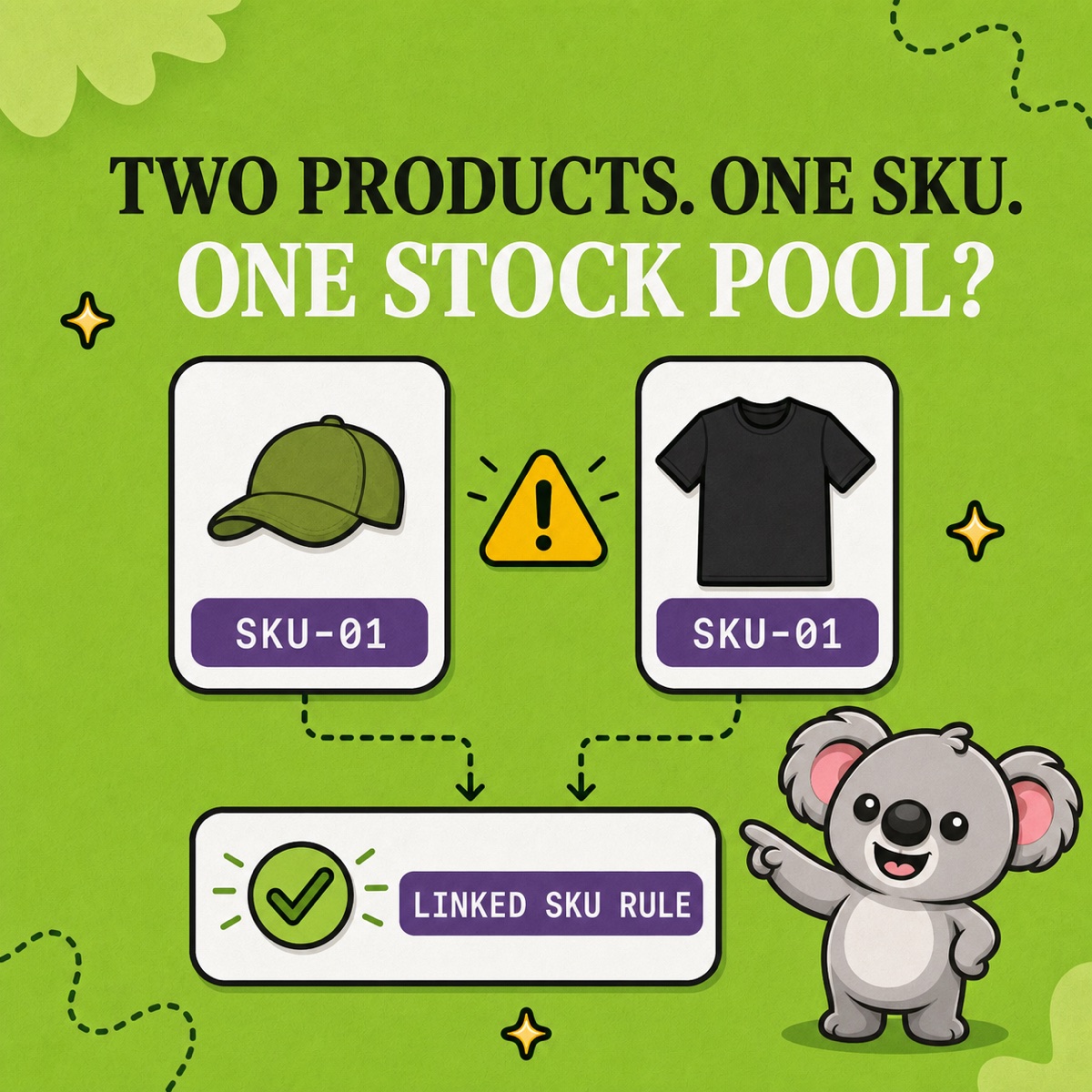
For LedgerLeaf, clean SKUs do more than make a report readable. They let you create a reviewable inventory rule. If two listings represent the same physical mug, related codes such as MUG-OLV-12-CORE and MUG-OLV-12-GIFT can support a linked-SKU pattern without hiding which listing produced the sale.
When you should add a barcode too
Add a barcode when the product needs to be scanned at Shopify POS, received or moved through a warehouse, supplied to retailers, or identified on an online marketplace. Shopify’s barcode guidance specifically calls out marketplaces, wholesale, fulfillment services, and larger inventory processes.
If you resell a packaged product, use the manufacturer’s valid GTIN when appropriate; do not invent another UPC or EAN for the same item. If you manufacture the product and need global identification, obtain the correct identifier through GS1. Shopify also supports custom barcode values for workflows that do not use a global standard.
The barcode speeds up the lookup. It does not make an internal SKU convention unnecessary, and it does not tell LedgerLeaf whether two listings share stock or whether a parent SKU depends on components.
Give each field one job, then connect the stock
Consider an olive mug sold individually and inside a gift set:
- individual listing SKU:
MUG-OLV-12-CORE; - gift listing SKU:
MUG-OLV-12-GIFT; - barcode: the valid identifier printed on that physical mug, saved in the barcode field;
- stock relationship: a reviewed LedgerLeaf linked-SKU or bundle rule, depending on what the listings physically represent.
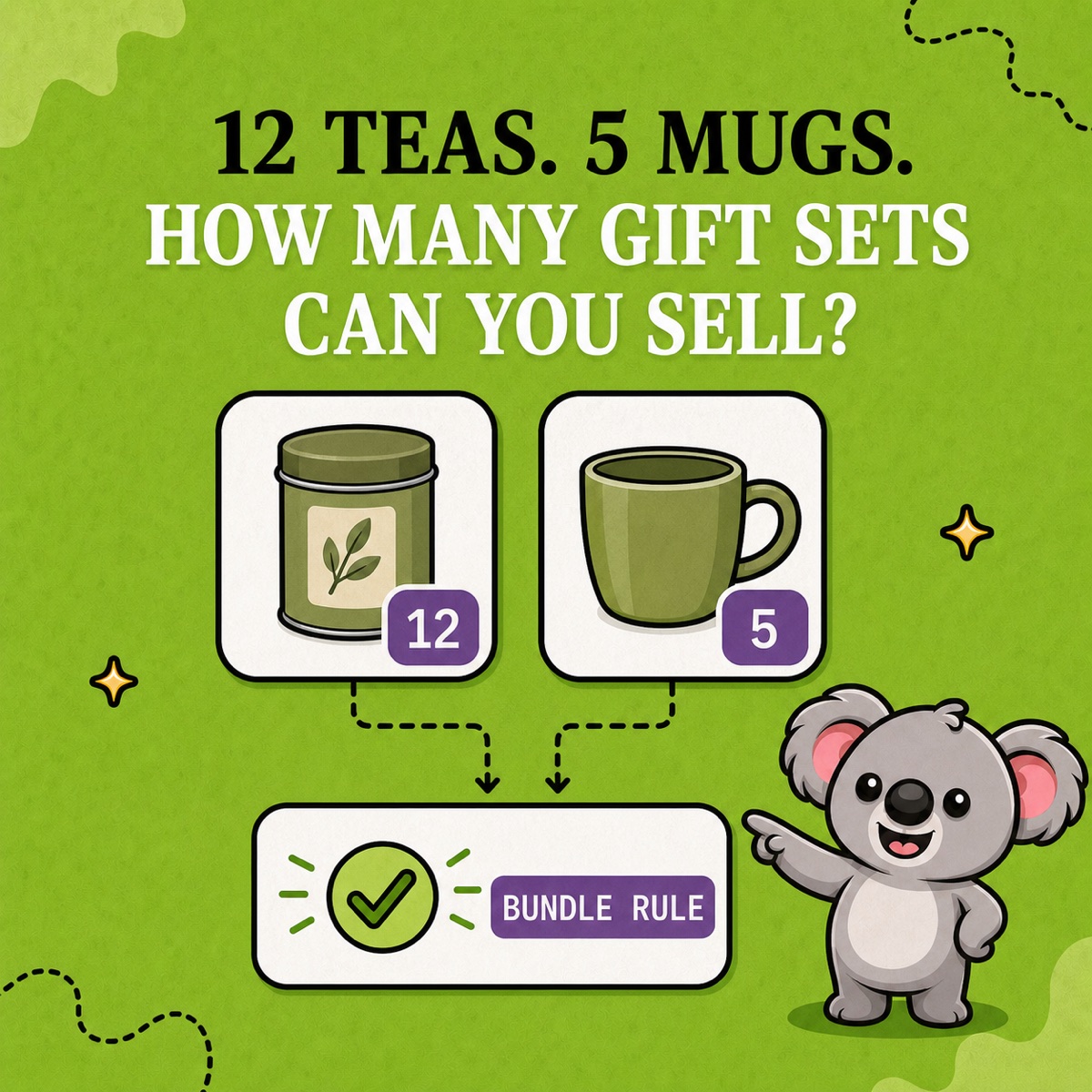
This is the useful division of work: barcodes make products fast to scan; SKUs make stock relationships clear enough for LedgerLeaf to automate. LedgerLeaf Pro can link SKUs by readable patterns, connect parent and component SKUs in bundle rules, and apply the minimum, maximum, or exact sync logic suited to the intended relationship.
Leafy’s Watch-Out
Do not paste one code into both fields just to make the catalog look complete. First confirm whether the value is an internal SKU, a valid GTIN, or a custom barcode. Then test one sale, return, manual adjustment, and restock before widening a LedgerLeaf rule.
Once every identifier has a clear job, staff can scan without guessing, reports keep a readable product key, and LedgerLeaf can carry the stock relationship instead of leaving it in someone’s memory.
Turn your clear Shopify SKUs into linked-stock and bundle rules with LedgerLeaf Pro.