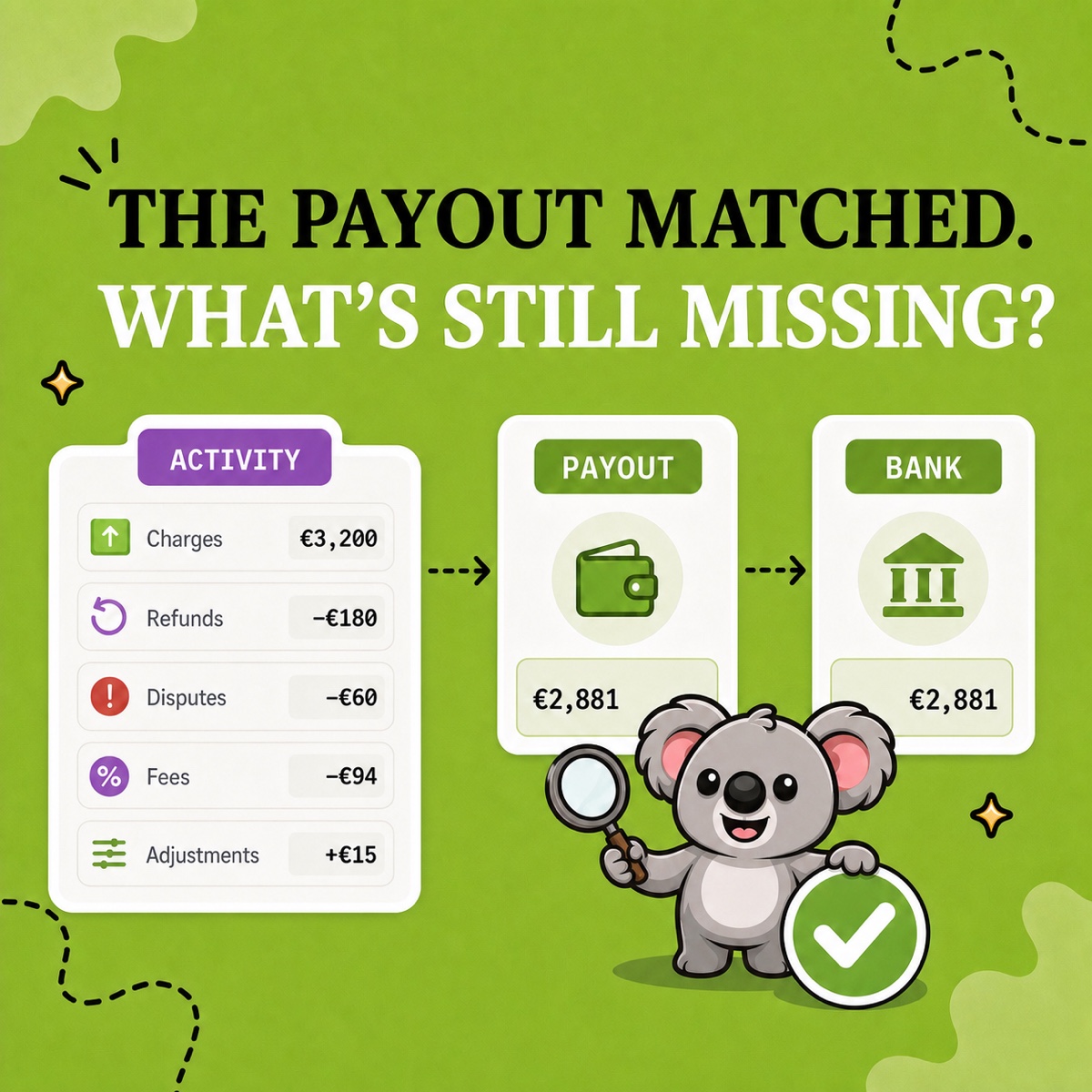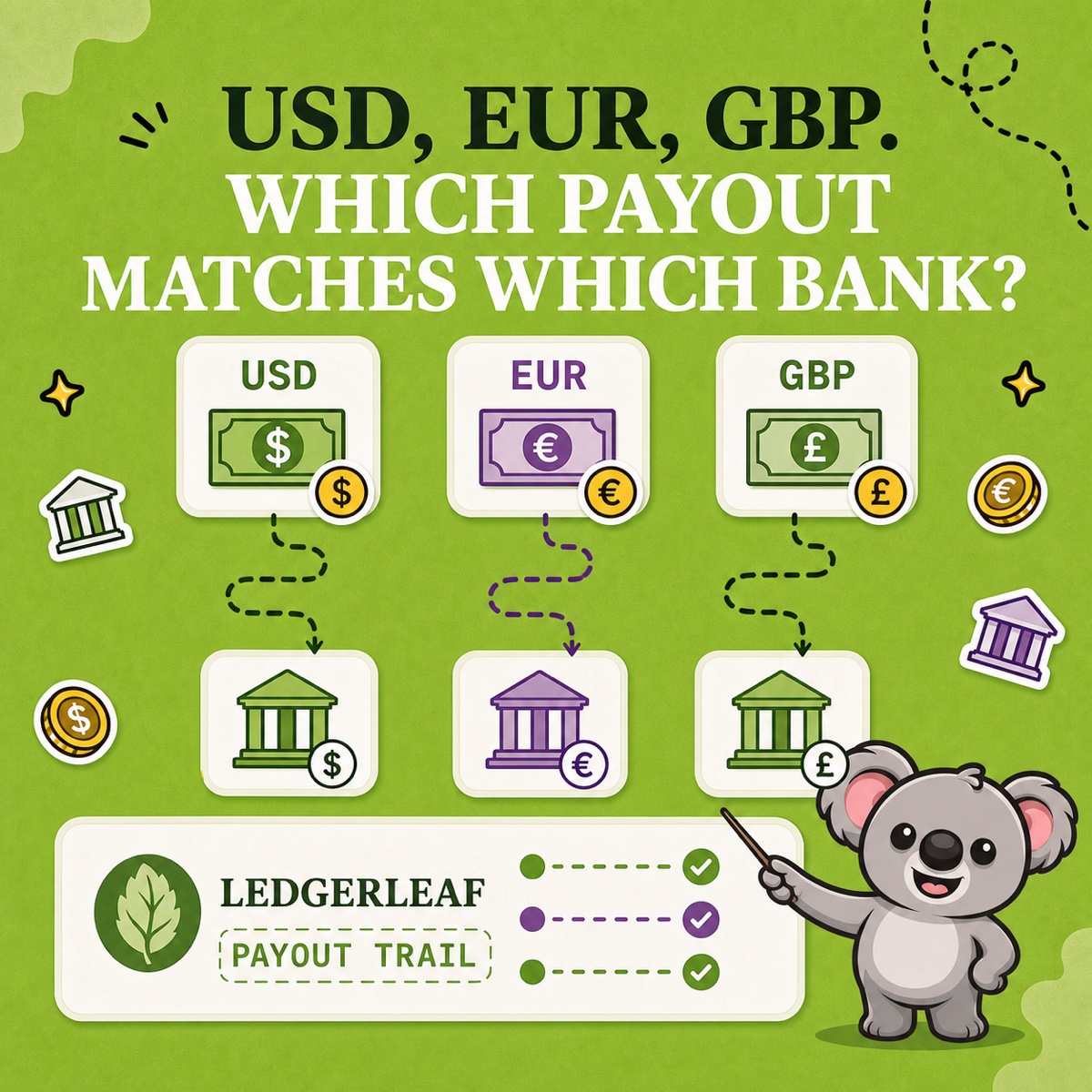
A customer checks out in dollars, your store reports in euros, and Shopify sends payouts to more than one bank account. The numbers can all be correct and still look impossible to reconcile when three different currency roles are mixed together.
The fix is not one giant converted spreadsheet. It is a separate payout trail for each currency, matched before anything is translated into the currency of your books.
Leafy’s Quick Answer
First confirm whether Shopify converts all orders into one payout currency or sends true Multi-Currency Payouts. Then use LedgerLeaf Pro payout reporting to keep one evidence trail per payout currency, match each net payout to a bank account in that same currency, and translate the reconciled result only afterward under your bookkeeping policy.
This is general bookkeeping information, not accounting or tax advice. Confirm exchange-rate sources, posting dates, accounts, and tax treatment with your advisor.
Separate the three currency roles
Before opening a spreadsheet, label the currencies involved:
- Presentment currency is the currency the customer used at checkout. Trace it in the order and payment detail.
- Payout currency is the currency Shopify sends to a payout bank account. Reconcile its Shopify Payments activity to the bank deposit.
- Bookkeeping currency is the currency used for your financial records. Translate the reconciled foreign-currency result into it afterward.
Selling in several currencies does not always mean receiving several payout currencies. Shopify’s Multi-Currency Payouts guidance currently limits the feature to eligible Advanced and Shopify Plus stores. Other eligible Shopify Payments stores can sell in multiple currencies while receiving payouts converted into a domestic payout currency.
That distinction decides the workflow. If Shopify pays only EUR, reconcile the EUR payouts. If Shopify pays EUR, USD, and GBP into dedicated accounts, run three separate trails.
Build one LedgerLeaf trail per payout currency
At Studio Eucalipto, our rule is simple: never translate an unexplained payout. Reconcile it in its own currency first.
LedgerLeaf Pro keeps Shopify Payments payout reporting beside the store’s other bookkeeping evidence inside Shopify admin. Use it as the repeatable working source for each currency:
- Choose one payout currency and period. Label the LedgerLeaf payout export with the currency and date boundary. Do not combine USD and EUR amounts in one total.
- Match payouts to the same-currency bank account. Compare a USD payout with the USD bank deposit before a bank or accounting platform converts its value.
- Explain the net amount. Review the charges, refunds, processing fees, Multi-Currency Payout fees, disputes, holds, and adjustments reported for that currency.
- Carry timing separately. Pending activity and payouts crossing month-end can leave a valid currency-specific clearing balance. Keep the explanation and test that it clears later.
- Translate only the reconciled result. Record the rate, date, functional-currency value, and any exchange difference using the policy approved for your books.
Shopify’s payout reconciliation report supports this currency-by-currency approach: each payout currency has a separate report covering balance activity, fees, payouts, and ending balance. Its payout transaction export supplies amount, fee, and net detail for individual payouts.
The memorable connection is: LedgerLeaf keeps each payout currency in a trail you can repeat and hand off.
Leafy’s Watch-Out
Do not compare a customer’s USD checkout amount directly with a EUR bank deposit, and do not use a converted dashboard total as proof that a payout matched. Follow presentment currency into payout currency, match the payout to its bank account, then translate for the books.
A USD payout example
Suppose a euro-based business has an eligible USD payout account. The LedgerLeaf and Shopify payout evidence shows:
| USD payout activity | Amount |
|---|---|
| Customer charges | $10,000 |
| Refunds | −$300 |
| Processing and payout fees | −$215 |
| Net USD payout | $9,485 |
| USD bank deposit | $9,485 |
The reconciliation succeeds at $9,485 to $9,485. If the business later converts those dollars to euros, that bank conversion is a separate event with its own rate and charges. It should not be pushed back into the original Shopify payout to make an EUR total fit.
Shopify notes that a Multi-Currency Payout fee can apply to a non-domestic payout even when the customer paid and the bank received the same currency. Use the fee actually reported for the store rather than assuming that “no FX conversion” means “no currency-related fee.”
Save a currency pack for the next close
For every payout currency, retain the LedgerLeaf payout export, Shopify reconciliation report, matching bank statement, translation record, and short exception notes under one consistent name. If a currency uses a different bank account, give it a separate clearing account in the working papers too.
That pack changes the next review: instead of re-creating which dollars became which euros, you reopen a LedgerLeaf payout trail that already separates currency, bank match, fees, timing, and translation.
Keep multi-currency payout evidence clearer with LedgerLeaf Pro.