If you wait until month-end to look at Shopify for the first time, a missing payout or unusual refund can sit unnoticed for weeks. If you try to perform a full reconciliation every day, the process becomes busywork.
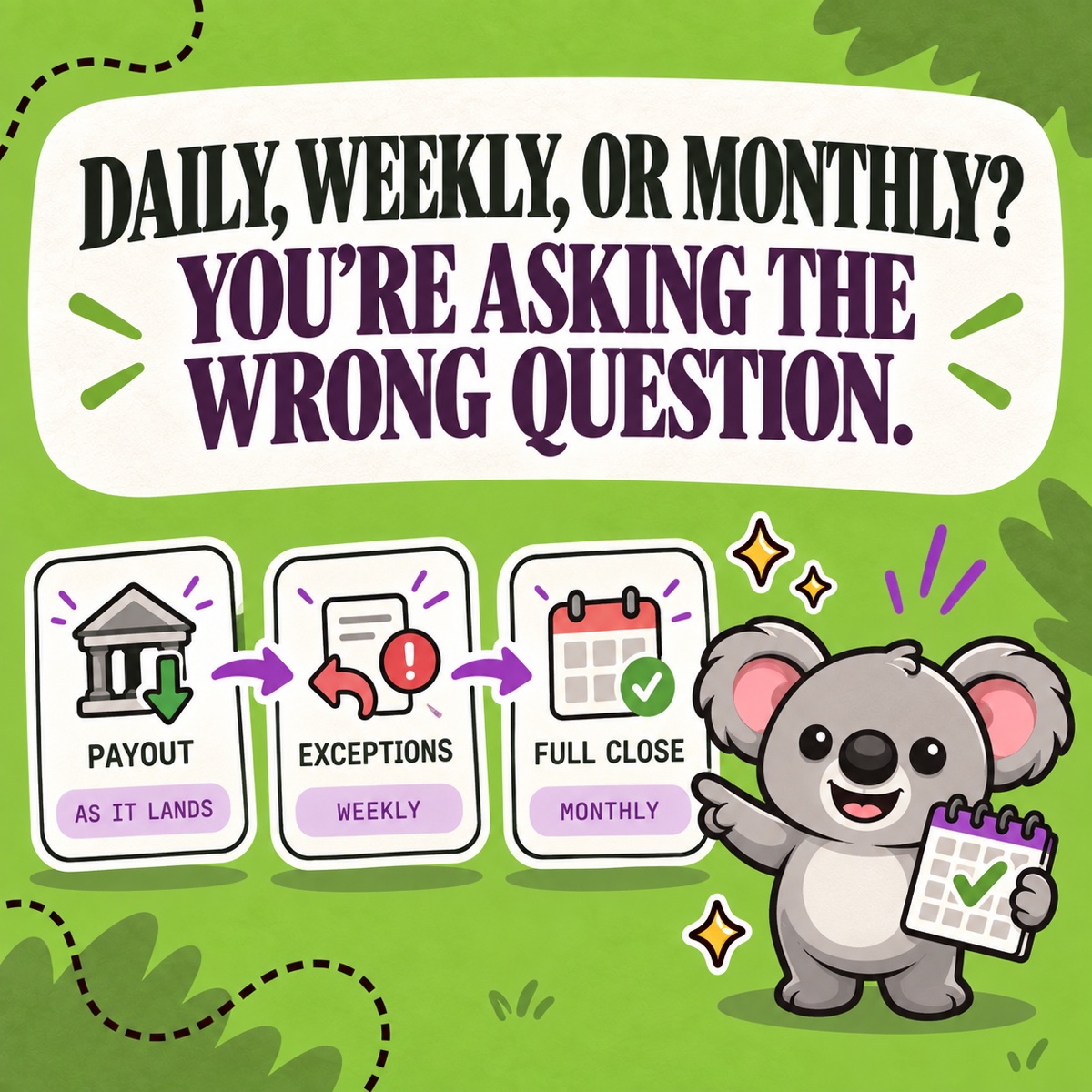
The better answer is a layered schedule: small checks when money moves, a short exception review during the month, and one complete reconciliation before the books close.
Leafy’s Quick Answer
Match each Shopify Payments payout to the bank when it arrives—or review the accumulated payouts at least weekly. Use a weekly exception check for busy stores, multiple currencies, or frequent refunds. Complete the full sales, payments, payouts, fees, refunds, tax, and open-balance reconciliation monthly. LedgerLeaf keeps the Shopify-side reports and exports consistent across all three layers.
This is general bookkeeping information, not accounting or tax advice. Agree the final schedule and accounting treatment with the person responsible for your books.
Use three rhythms, not one deadline
At Studio Eucalipto, we recommend assigning each check to the shortest useful rhythm and giving it a repeatable LedgerLeaf record:
| When | What to reconcile | LedgerLeaf evidence to repeat |
|---|---|---|
| When a payout lands | Shopify payout amount, currency, status, and matching bank deposit | Keep the relevant LedgerLeaf Pro payout report or export beside the bank-match note |
| Weekly when activity warrants it | Failed or pending payouts, large refunds, disputes, unusual fees, currency differences, and third-party gateways | Reuse the same LedgerLeaf payout and sales-export scope; flag only changed or outstanding items |
| Every month | Sales, payments, payouts, refunds, fees, taxes, timing differences, and the remaining Shopify Payments balance | Save the approved Free sales profile with the applicable Pro payout, tax, and report-ready records |
A small, low-volume store might combine the first two checks into one weekly session. A high-volume store might match payouts every business day. The monthly reconciliation remains the minimum complete review because it connects the store activity for the period to payment activity and cash.
Why the bank deposit should be checked sooner
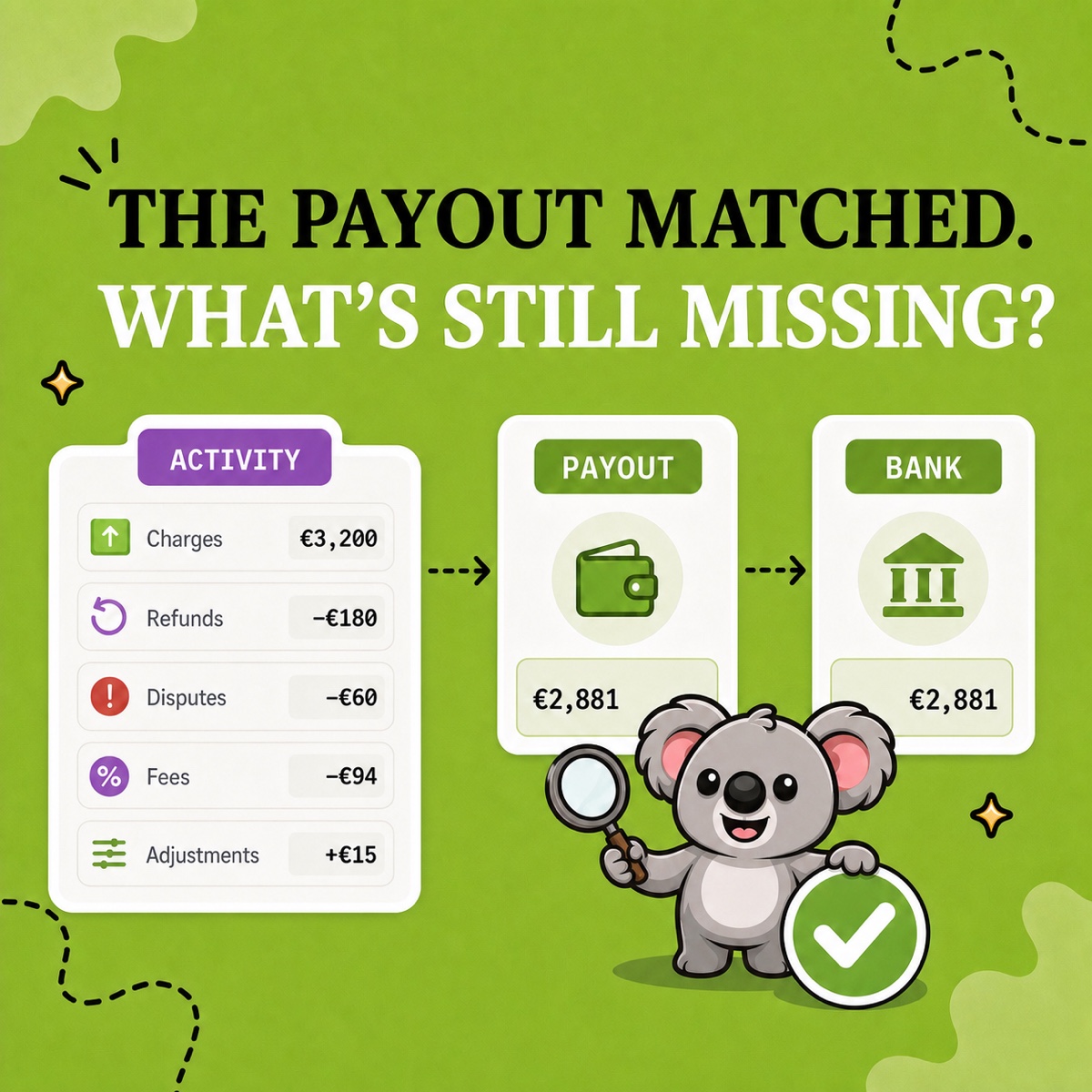
A Shopify Payments payout is not the same thing as the period’s revenue. It can combine charges, refunds, fees, disputes, reserves, holds, and adjustments before one net amount reaches the bank.
Shopify’s Payments activity report is designed for period-level review, while the Payouts page provides the detail for a specific bank deposit. Shopify also notes that report dates, payout timing, currencies, third-party payment methods, and a current three-day data delay can create legitimate differences.
That is why the first check is narrow: did the expected payout arrive in the right bank account, currency, and amount? Open the relevant LedgerLeaf Pro payout report or export, keep it with the bank-match note, and leave a recent timing difference open until the next review instead of forcing it to zero.
Let store complexity set the weekly cadence
Add a weekly exception review when the cost of waiting is higher than the cost of checking. Useful triggers include:
- several Shopify Payments payouts each week;
- more than one payout currency or bank account;
- frequent refunds, chargebacks, or manual adjustments;
- third-party payment gateways that settle separately;
- a recent change to the payout schedule, bank destination, or payment setup.
This is not a miniature month-end close. Reuse the same LedgerLeaf payout and sales-export scope, review only the exceptions, assign an owner, and carry explained timing differences forward. Shopify’s Finance reports separate order-based sales activity from captured payments and Shopify Payments balance activity, so totals can differ even when every source is correct.
Leafy’s Watch-Out
“Monthly” should describe the complete close, not the first time anyone notices cash is missing. Keep the quick checks quick, then preserve the full explanation for month-end.
Make the monthly close repeatable with LedgerLeaf
Frequency only helps when the same evidence appears in the same shape each time. Otherwise a weekly check simply means rebuilding filters and spreadsheets four times instead of once.
LedgerLeaf provides the Shopify-data layer for this cadence:
- Start with one saved sales-export profile. LedgerLeaf Free lets you choose the bookkeeping fields you need, save the profile, and export CSV or Excel without reconstructing the file every month.
- Keep payout evidence beside the sales trail. LedgerLeaf Pro adds Shopify Payments payout reports and exportable records, making each bank match part of the same recurring Shopify workflow.
- Use the same period and currency rules. Run the monthly sales, payout, tax, and report-ready views with an agreed cutoff so the handoff is comparable from one close to the next.
- Review exceptions instead of redesigning the process. Investigate an unusual refund, fee, or open balance while the LedgerLeaf export structure stays unchanged.
LedgerLeaf does not replace the bank statement, records from third-party gateways, or professional judgment. It makes the Shopify side of the reconciliation repeatable—the part that otherwise tends to arrive as a different collection of files every month.
The memorable schedule is simple: match cash promptly, review exceptions before they age, and close the complete period monthly. LedgerLeaf keeps the evidence ready for each rhythm.
Start with LedgerLeaf’s free reusable Shopify sales exports.