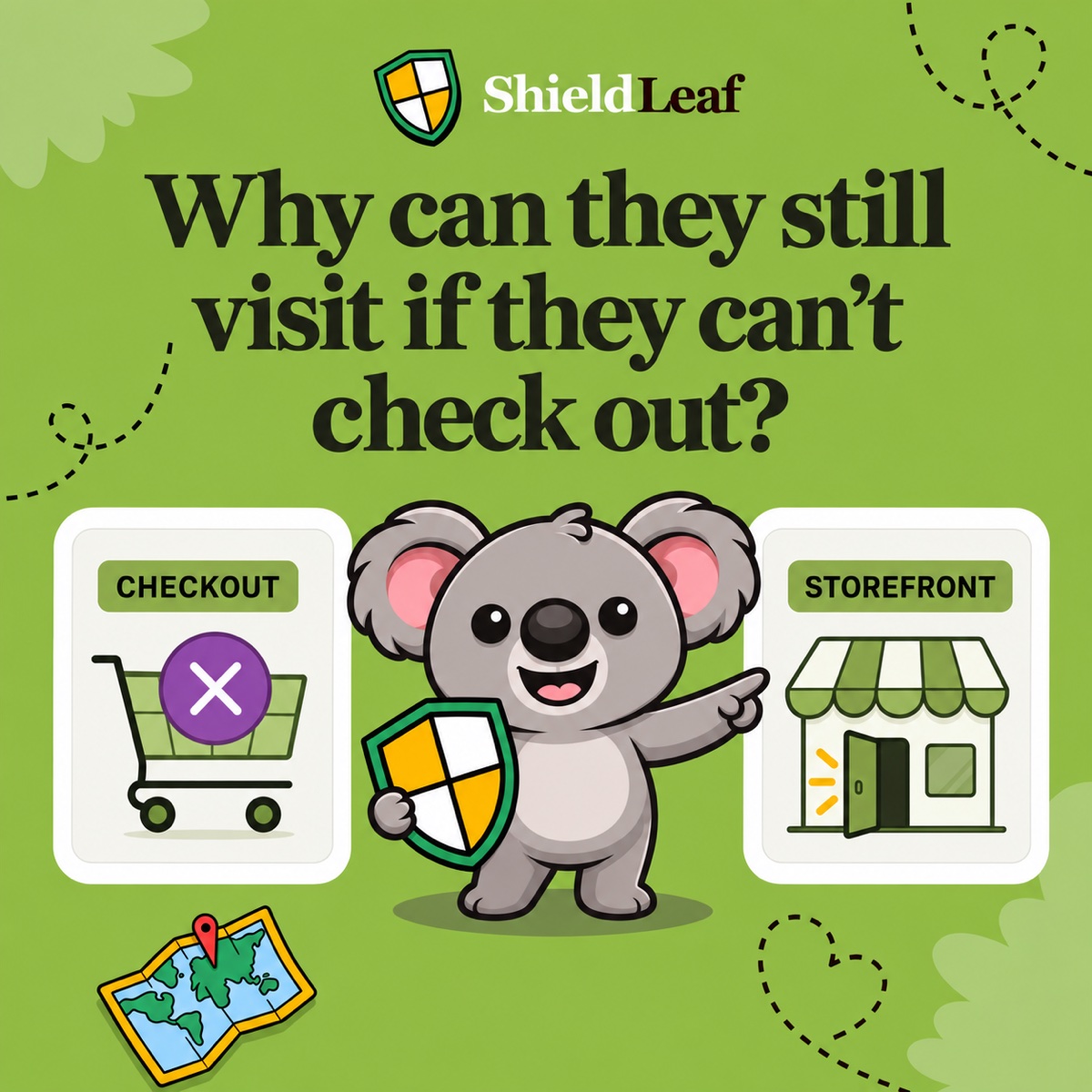
Visitors from a country you do not serve keep reaching your Shopify store. Some ask about delivery you cannot offer. Others leave without finding the regional seller who could take their order. A country rule should reduce those avoidable support requests without wasting a chance to send a customer to the right place.
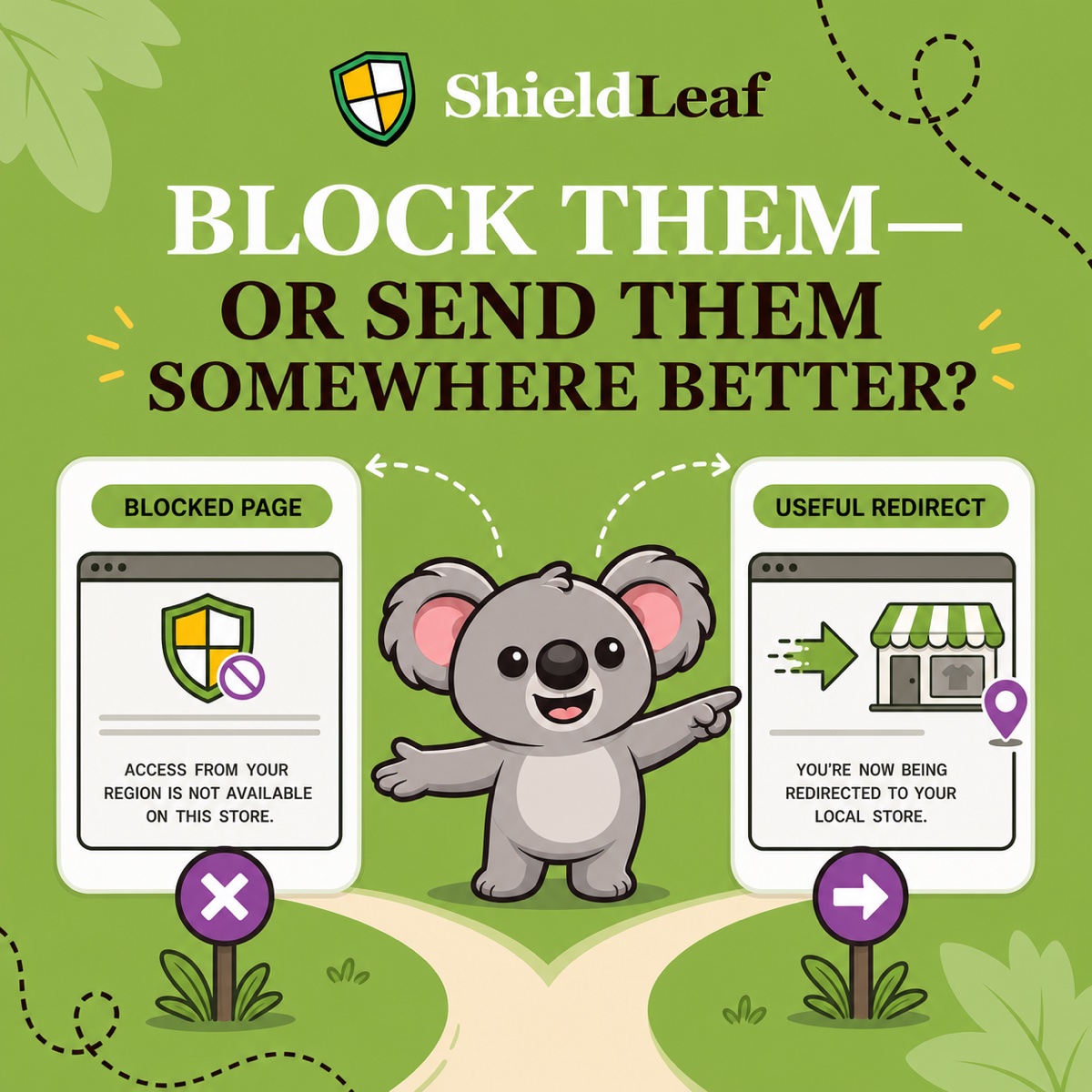
With ShieldLeaf, choose a blocked-access page when there is no useful destination. Choose a redirect when a regional store, authorized distributor, or availability page can help. You can preview either outcome before putting the rule live.
Why Shopify’s native redirect is not enough
Shopify’s automatic storefront redirection matches visitors to a market experience, such as the right currency or regional domain. That does not provide ShieldLeaf’s workflow for selecting blocked countries, writing an access message, and choosing an external destination.
For example, a Canadian visitor reaching a US store may need an independent Canadian distributor rather than another currency on the same storefront. Native market localization alone leaves that handoff unresolved.
A theme script creates another maintenance task when the theme changes. ShieldLeaf keeps the country selection and visitor outcome together inside Shopify admin, with an app embed and no theme-code edits. That makes it easier to change the response as your distribution arrangements change.
Match the outcome to the situation
| What the visitor needs | Outcome to choose in ShieldLeaf | Why it helps |
|---|---|---|
| Your store does not serve the country and no alternative exists | Blocked-access page | Explains the restriction before another delivery inquiry |
| A regional storefront serves the country | Redirect to that storefront | Gives the visitor a route to products they can actually order |
| An authorized distributor handles the country | Redirect to the distributor’s relevant page | Sends purchase interest to the seller who can fulfill it |
| Repeated unwanted traffic has no useful destination | Blocked-access page | Applies the country boundary without sending that traffic elsewhere |
| The destination has not been checked | Blocked-access page for now | Avoids sending people to a broken or misleading route |
Do not redirect merely to avoid showing a block. Redirect because the destination is better for that visitor.
Set up a blocked page for one country
Suppose your US store does not deliver to Canada and has no Canadian seller yet. US and UK customers should continue shopping normally.
- Open ShieldLeaf’s Protection workspace. In Blocked countries, search for Canada and add it. Check that Selected countries contains Canada only.
- In Blocked visitor experience, choose Show a blocked-access page.
- Enter a short Blocked message, such as “This store does not deliver to Canada. We do not currently have a Canadian retailer.”
- Save the settings and use the private preview to check the message before enabling protection. Complete the Shopify app embed setup, then turn protection on.
The message answers the delivery question directly. Avoid promises about future availability unless you have a launch planned. Include a support route only if your team can help.
Switch to a redirect when a distributor opens
Now suppose you appoint a Canadian distributor. Keeping the blocked page would hide a real buying opportunity.
In the same ShieldLeaf workspace, keep Canada selected, change the visitor outcome to redirect, and enter the distributor’s Canadian landing page in Redirect URL. Save and preview the new experience before applying it live. The country selection stays the same. What changes is where those visitors go.
Choose a page that explains Canadian ordering and delivery. A generic distributor homepage that leaves visitors searching for your brand weakens the handoff. Do not point back to the protected store or to a destination that automatically returns visitors there.
Leafy’s check before launch
Open the destination in a private browser window and on mobile. Confirm it loads without login and offers the products and delivery the visitor expects. Then check the live rule from a connection located in Canada and confirm that US and UK visitors can still browse the original store.
Keep the cost proportionate to the job
ShieldLeaf Free supports one active country, either visitor outcome, and preview. Both stages of the Canadian example fit that plan. You can start free and change from a message to a redirect without buying a higher tier for the redirect itself.
By comparison, Blocky’s listing limits its free plan to development and partner stores. Its Basic plan is US$9.99 a month, while country redirects are listed under Advanced at US$16.99 a month. Paying that much just to redirect one country is an unnecessary expense when ShieldLeaf Free covers this job.
For wider coverage, ShieldLeaf Pro costs US$5.90 a month and adds unlimited countries, groups, presets, and blocked-visit activity logs. It includes a seven-day free trial. Choose the scope you need rather than paying for a broader blocking package to get this one outcome.
Country rules use IP location, which can differ from a visitor’s actual location. Check the visitor experience rather than treating country detection as proof of identity.