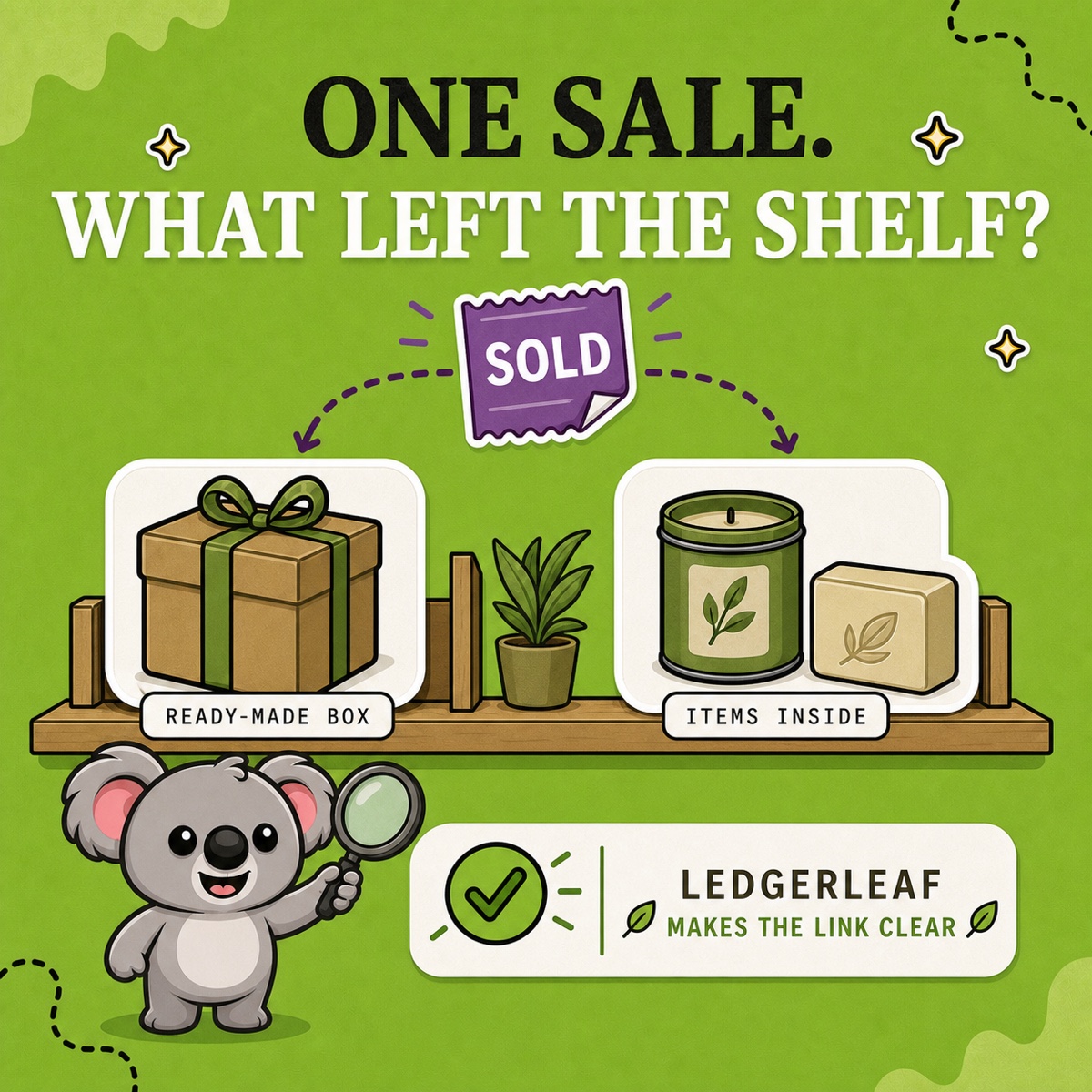
A product called Starter Kit can hide two completely different stock movements. When it sells, should Shopify reduce one ready-made box—or the candle and soap inside it?
The name cannot answer that. Your shelf can. What your team physically counts and replenishes determines how inventory should move and what later appears in reports. LedgerLeaf Pro turns that decision into a visible SKU rule, so it does not live only in a product title—or in one person’s memory.
Leafy’s Quick Answer
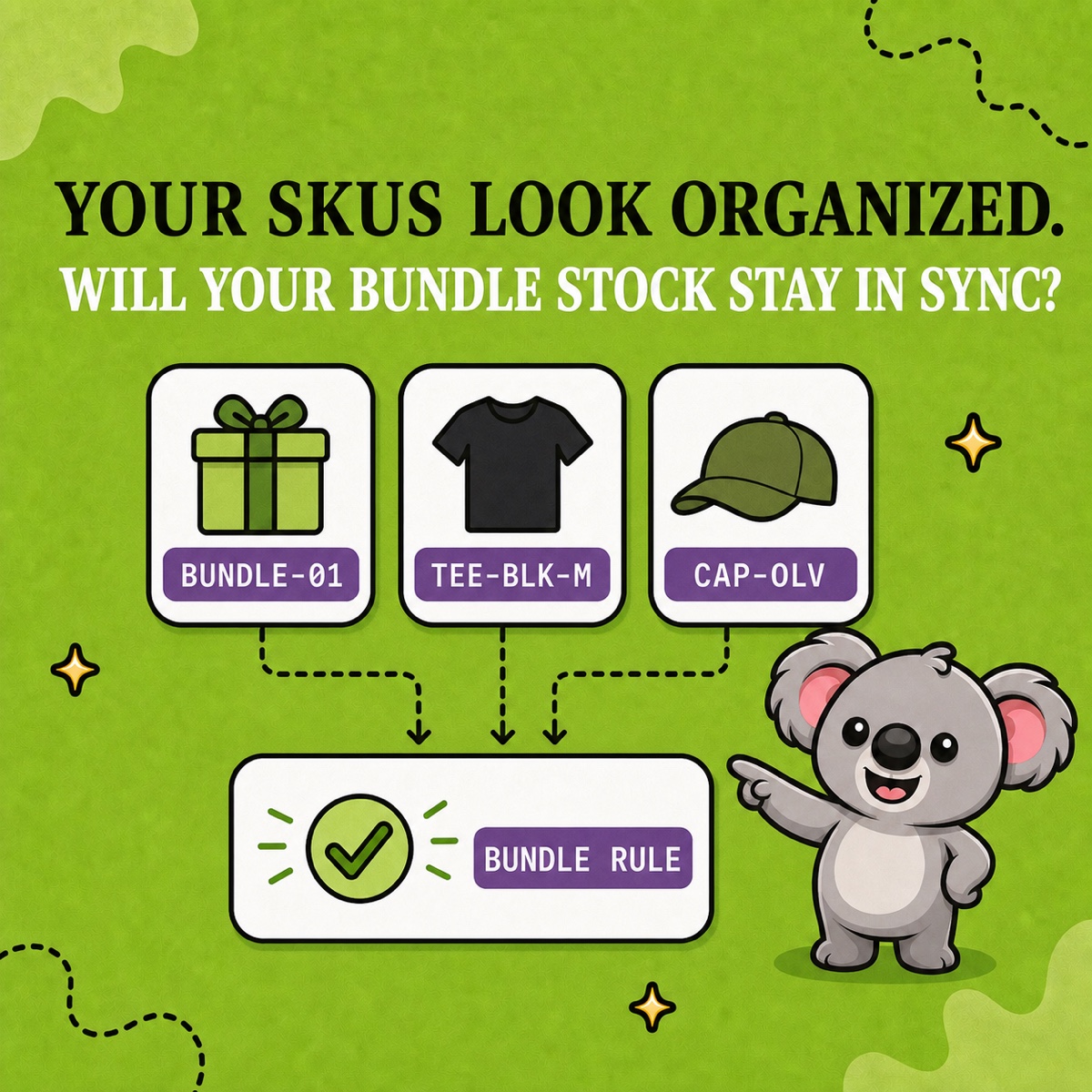
If you prepare and count finished boxes, track each box as one finished product. If you pick the items only after a sale, track the items inside. In LedgerLeaf, use a bundle rule for the parent-and-item relationship; use exact linked-SKU sync only when several listings represent the same finished stock.
Start with the shelf, not the product name
Shopify’s bundle guidance covers fixed bundles, multipacks, and mix-and-match bundles. “Kit” may be the customer-facing name for any of them—or for a finished product you assembled earlier. The practical test is simpler: if the offer disappeared from your store today, what would you count on the shelf?
- Ready-made box: You count finished boxes. One sale reduces one finished product, the number already prepared limits availability, and the order trail follows that product.
- Items picked after the sale: You count the individual items. One sale reduces every required item, the first item to run out limits availability, and the order trail preserves both the bundle and its contents.
This is the real kit-versus-bundle difference. The words on the storefront describe the offer; the stock model describes the operation.
When you stock a ready-made box
Suppose you assemble 12 candle-and-soap boxes before launch, seal them, and place them in a dedicated bin. Those boxes are now real finished stock. One sale should take the finished product from 12 to 11, and ordinary product sales reporting follows that product.
Replenishment means building more boxes. The loose candles and soaps remain separate stock until you deliberately allocate them to that work. Selling the finished box should not reduce the loose items again; they already left those stock pools during assembly.
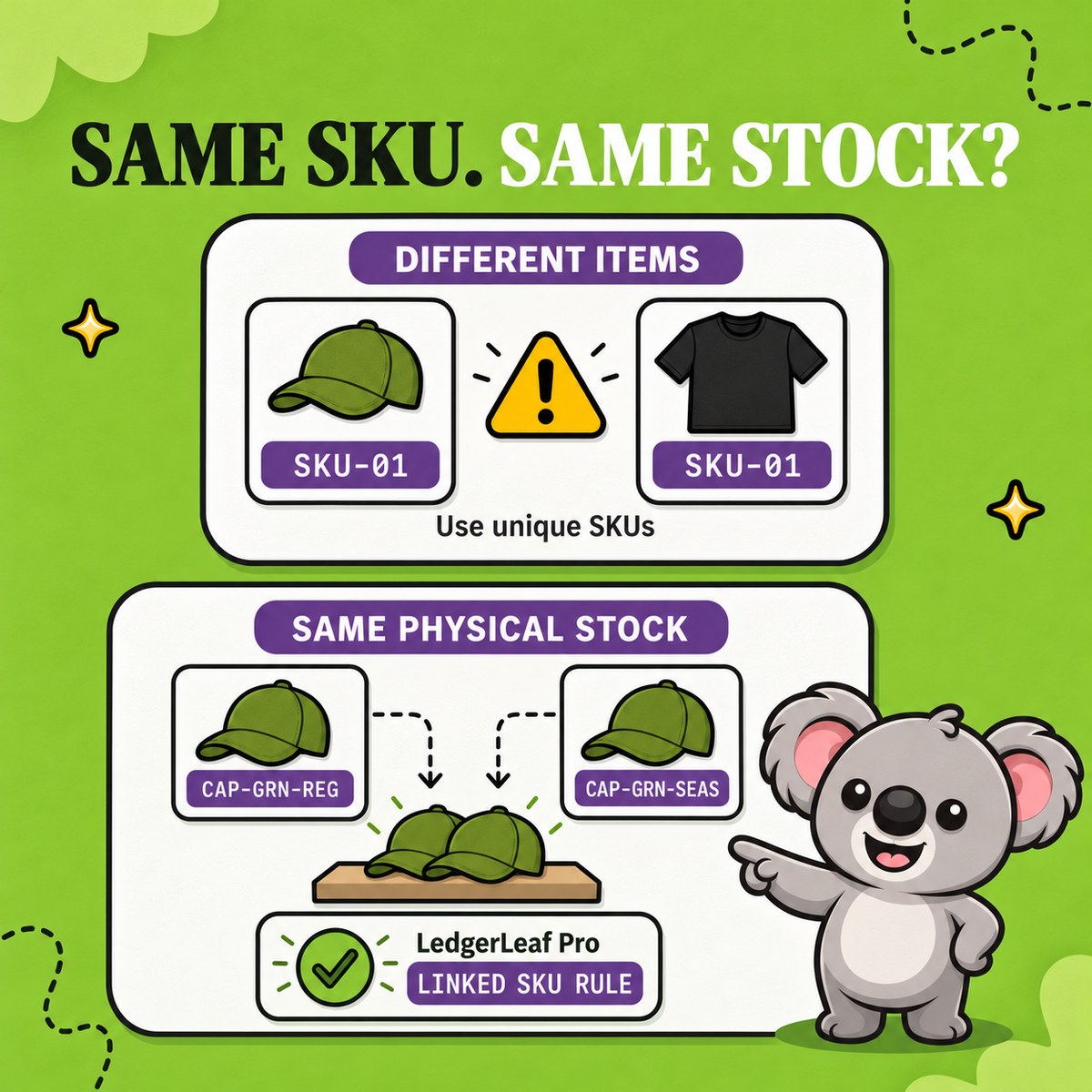
If the same finished box appears through several Shopify products or variants, those listings still share one physical quantity. Give them distinct, related SKUs and use a LedgerLeaf linked-SKU rule with exact sync so each listing follows the same stock.
When you pick the items after the sale
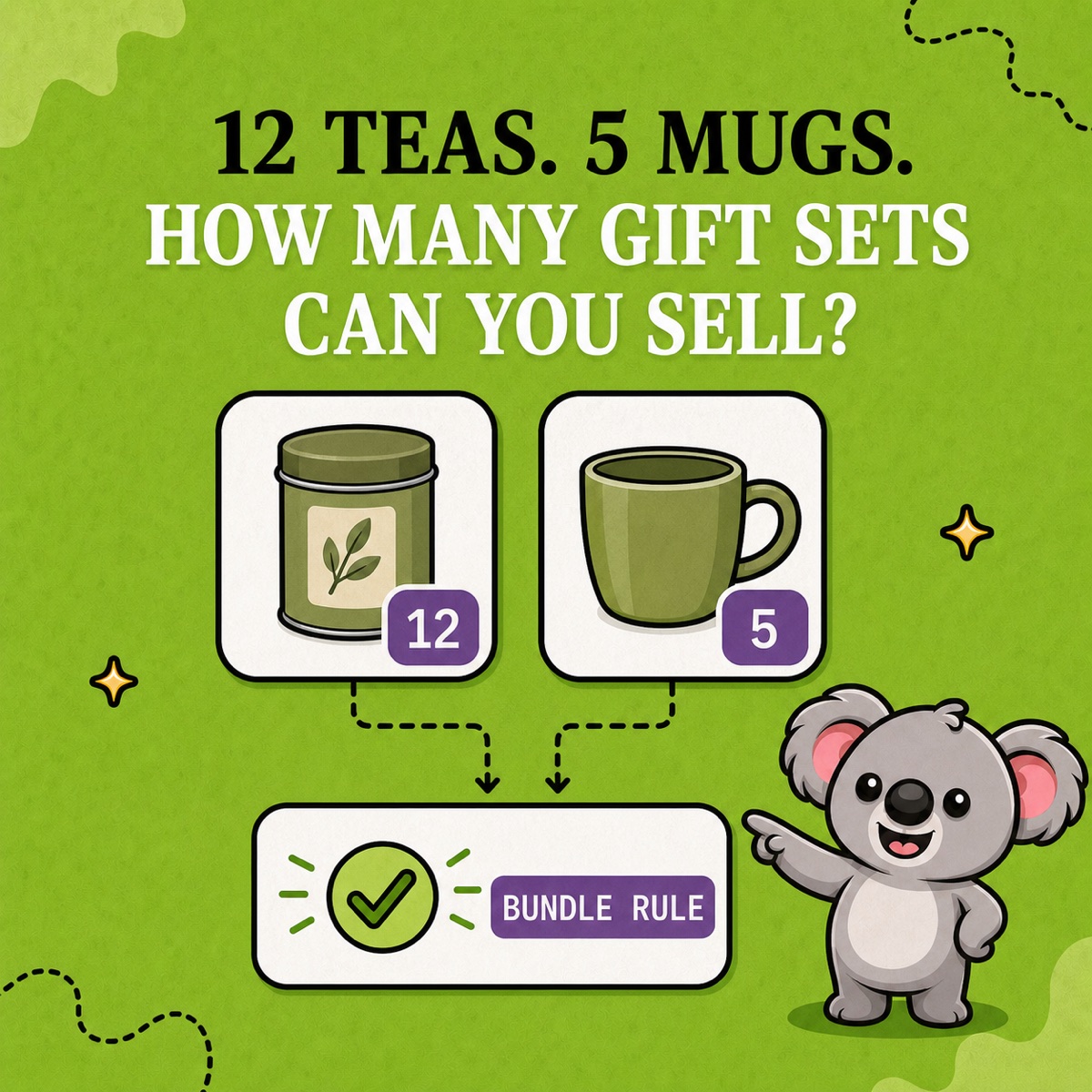
If a picker takes one candle and one soap from their normal shelves only after an order arrives, the offer behaves as a component bundle. Shopify calculates its availability from those items: divide each available quantity by the number required, round down, and use the lowest result.
With 12 candles and 7 soaps, a one-of-each offer can sell 7 complete sets. After one sale, the shelf should hold 11 candles and 6 soaps. There is no separate quantity of finished boxes because none were prepared in advance.
The reporting trail changes with the stock model. Shopify displays bundles as a nested group in orders and preserves the included items for processing. When you sell through Shopify Bundles, its bundle sales reports show sales by bundle, sales by item, and bundle-versus-individual comparisons.
Put the stock model into LedgerLeaf
The decision is not operational until another person can inspect it. LedgerLeaf Pro gives that relationship a clear home inside Shopify admin:
- Choose a bundle rule when one parent product depends on separately stocked items.
- Choose a linked-SKU rule when several listings are alternate views of the same physical stock.
- Leave quantities independent when the products genuinely occupy different stock pools.
This is the memorable connection: the product name tells customers what they can buy; the LedgerLeaf rule tells your operation what stock is connected. The Inventory workspace lets you review the matched products before activation instead of relying on naming conventions and manual updates alone.
Start with obvious test quantities such as 12 and 7. Place one order, check the exact Shopify inventory records that changed, then test a restock or return. If the wrong quantity moves, correct the relationship before adding more products.
Leafy’s Watch-Out
Do not give a finished box the same SKU as one of the items inside it. A SKU identifies stock; it does not explain whether a sale should move one finished product, several items, or multiple listings tied to one quantity.
Choose what leaves the shelf, then make that relationship visible in LedgerLeaf. The next sale will move stock where your team expects—and leave a reporting trail it can understand.
Make your Shopify stock relationships explicit with LedgerLeaf Pro.