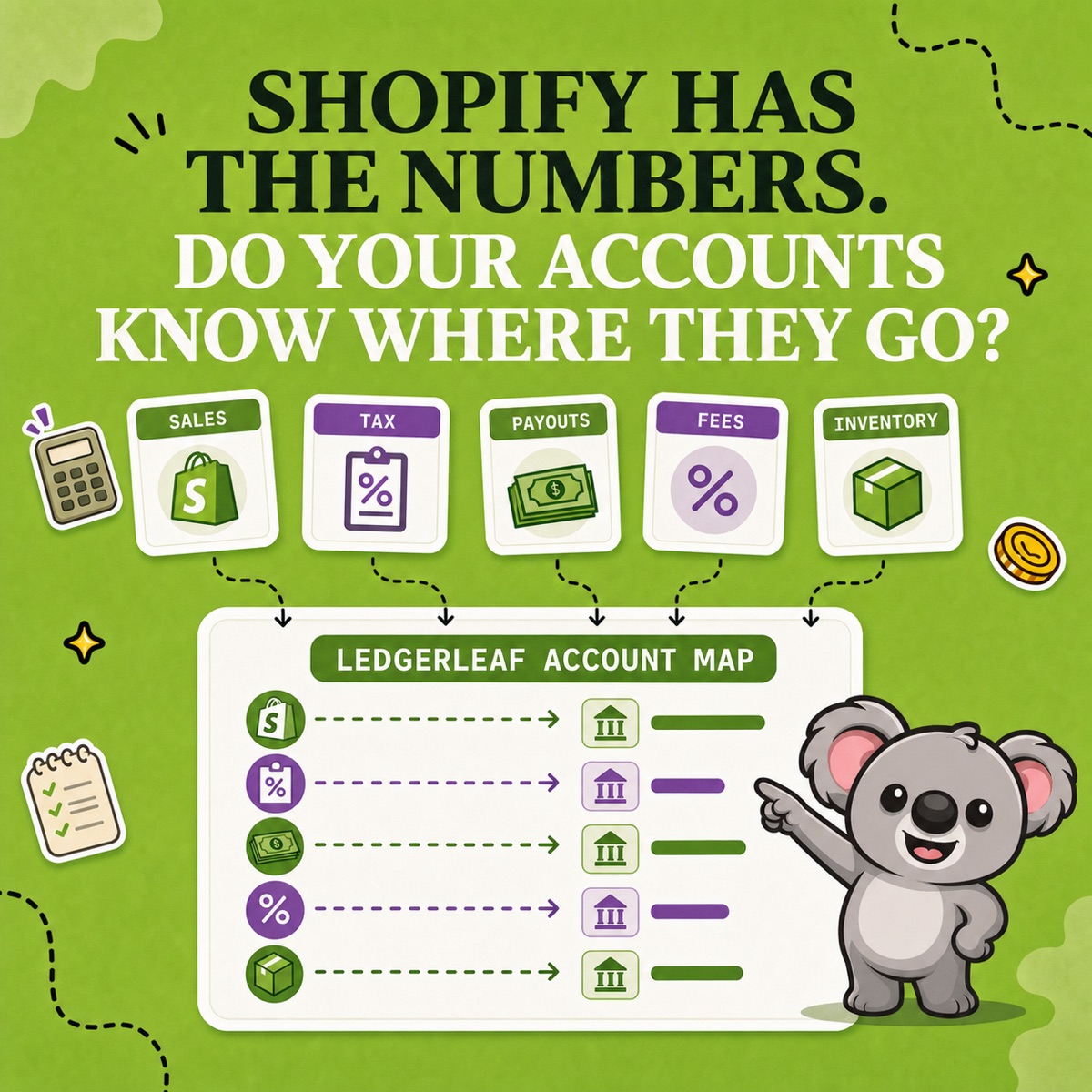
Shopify can show gross sales, discounts, returns, shipping, taxes, fees, payouts, and inventory. But if the books have only “Sales” and “Bank,” those useful differences disappear as soon as someone posts the month.
A better chart of accounts gives each recurring Shopify movement a stable destination. The goal is not hundreds of accounts. It is a short map built around a repeatable LedgerLeaf source pack, so the account names become a month-end routine instead of a one-time template.
Leafy’s Quick Answer
Keep your existing business-wide chart, then add a Shopify layer for product sales, discounts and returns, shipping income, tax payable, Shopify Payments clearing, processing fees, inventory, and cost of goods sold. Save a LedgerLeaf sales-export profile around that map; use LedgerLeaf Pro payout, tax/VAT/OSS, inventory, and summary records to feed the same accounts at each close.
This is general bookkeeping information, not accounting or tax advice. Account names, numbering, timing, and tax treatment depend on your business and jurisdiction; confirm the final structure with your bookkeeper or accountant.
The small Shopify layer your LedgerLeaf workflow needs
Do not rebuild the whole chart around one sales channel. Add only the accounts needed to keep Shopify activity visible.
Assets
- Bank account — cash that has actually arrived.
- Shopify Payments clearing — customer funds moving through Shopify Payments before payout, including legitimate timing differences.
- Inventory — the cost of products still held for sale, when inventory accounting applies.
Liabilities
- Sales tax or VAT payable — tax collected that remains distinct from revenue. Add subaccounts only when your filing and review process genuinely needs them.
- Gift cards or store credit outstanding — a separate liability when these balances are material to your store.
Income and contra-income
- Product sales — gross product revenue before discounts and returns.
- Sales discounts and sales returns — separate contra-income accounts that explain the move from gross to net sales.
- Shipping charged to customers — customer-facing shipping income kept visible from product sales.
Cost of sales and expenses
- Cost of goods sold — the cost attached to units sold under the business’s accounting method.
- Inventory adjustments or write-offs — losses, damage, shrinkage, and approved corrections when separate tracking is useful.
- Payment processing fees — fees deducted from Shopify Payments activity.
- Shopify subscription, app, and shipping-label charges — operating costs supported by Shopify bills, not sales or payout reports.
You may also need accounts for other payment gateways, duties, chargebacks, tips, or marketplace-collected tax. Add them because a recurring movement needs its own treatment—not because an account template included them.
This list is only half the setup. Before anyone posts a number, give each account a recurring LedgerLeaf source. That is what stops “Sales” and “Bank” from swallowing the useful detail again next month.
Map each LedgerLeaf record to the accounts
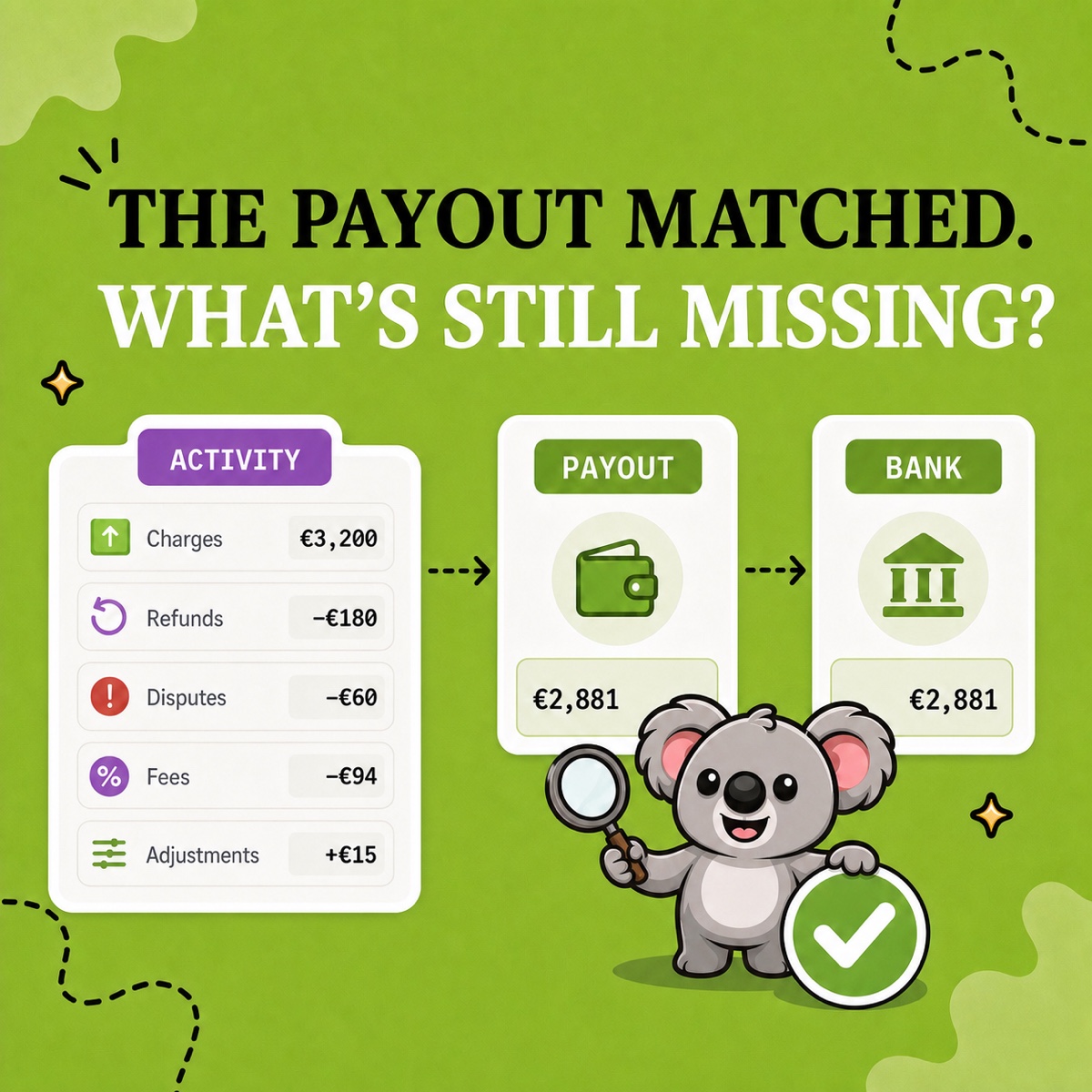
Shopify’s Total sales breakdown separates gross sales, discounts, returns, shipping, and taxes. Its payout reconciliation report separately explains Shopify Payments balance activity, fees, refunds, holds, adjustments, payouts, and ending balance; Shopify explicitly says it is not a revenue statement.
That distinction is the backbone of the chart. Build the working map around the LedgerLeaf records you can reproduce:
| LedgerLeaf source | Account destination |
|---|---|
| Saved Free sales export profile | Product sales, discounts, returns, shipping income, and tax payable |
| Pro Shopify Payments payout report | Shopify Payments clearing, processing fees, and bank |
| Pro tax, VAT, and OSS exports | Tax-payable review with country, rate, period, and OSS support where relevant |
| Pro inventory snapshot | Inventory, cost of goods sold, and adjustment accounts as advised |
| Pro report-ready summary | Period close review across the mapped Shopify categories |
LedgerLeaf Free lets the sales columns follow the approved chart instead of a generic spreadsheet. Pro completes the recurring pack with payout, tax/VAT/OSS, inventory, and summary evidence. The chart supplies the destinations; LedgerLeaf keeps the Shopify evidence consistent enough to use them.
Build a LedgerLeaf-to-accounts routine
At Studio Eucalipto, our view is simple: an account without a repeatable source is only a label. Use this routine to turn the chart into a month-end system:
- Agree the map. Confirm the account names, numbers, currency handling, tax liabilities, clearing method, and inventory treatment with the person responsible for the books.
- Save the sales source. In LedgerLeaf Free, choose the order, payment, tax, and other columns needed for the agreed map, then save that CSV or Excel export profile.
- Complete the source pack. In LedgerLeaf Pro, keep payout reporting, tax/VAT/OSS exports, inventory snapshots, and report-ready summaries beside the sales file for the same period.
- Post and reconcile consistently. Send the same source categories to the same accounts. Carry explained timing in clearing instead of forcing sales to equal the bank deposit.
- Add evidence outside LedgerLeaf. Export Shopify bills for subscription, app, shipping, and third-party transaction charges, plus any gateway or business records outside Shopify.
Leafy’s Watch-Out
Do not create a tax-payable account for every country or rate just because the data exists. LedgerLeaf Pro can preserve VAT by country, rate, period, and OSS scope in the supporting report; the general ledger can stay as detailed as your actual filing and review process requires.
For product businesses, Shopify’s current inventory reports include month-end quantity and value views, but values depend on cost-per-item data and tracked inventory. LedgerLeaf Pro inventory snapshots keep that operational evidence close to the rest of the close pack; your accounting policy still determines the final inventory and cost entries.
The memorable connection is: LedgerLeaf keeps Shopify evidence aligned to the chart of accounts. The chart says where the numbers belong; LedgerLeaf makes the sales, payout, tax, and inventory trail repeatable enough to use it.
Try LedgerLeaf for a cleaner Shopify bookkeeping source pack.