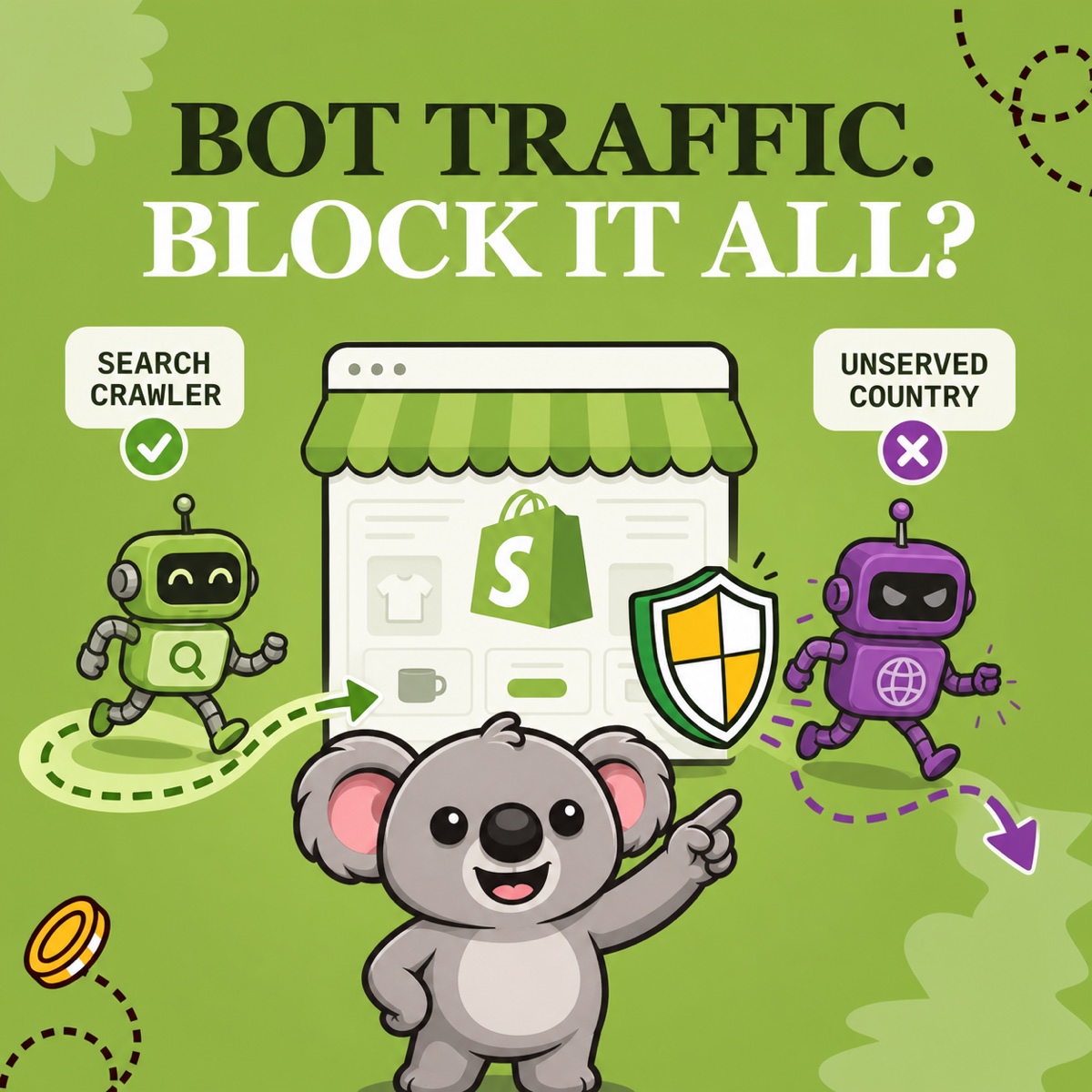
Seeing “bot” in a Shopify report can make block it feel like the obvious response. But automated traffic has different jobs. Search crawlers can help people discover your products, while scrapers, spam, checkout automation, and fraud can create noise or real harm.
The useful question is not simply “good bot or bad bot?” It is: what is this automation doing, and what access decision matches the evidence? If repeated unwanted traffic is concentrated in a country you do not serve, ShieldLeaf gives that diagnosis a focused outcome: block or redirect that country without turning every crawler into the enemy.
Leafy’s Quick Answer
Keep beneficial automation available, use Shopify’s bot filter to understand likely human performance, and respond to harmful activity with the protection that matches it. When bot-heavy traffic repeatedly comes from an unserved country and you want it outside the storefront, preview a narrow ShieldLeaf country rule instead of trying to block every bot everywhere.
“Good” and “bad” describe intent, not appearance
Shopify’s bot types and intents guidance uses three categories: beneficial, undesirable, and harmful. That middle category matters because unfamiliar automation is not automatically an attack.
| Intent | Shopify examples and practical response |
|---|---|
| Beneficial | Search indexers, accessibility tools, and authorized integrations. Keep access unless there is a specific problem. |
| Undesirable | Unknown scrapers, form spam, and restock or checkout bots. Investigate the behavior and reduce its impact. |
| Harmful | DDoS activity, data theft, fraudulent orders, and counterfeit scraping. Treat it as a security or fraud problem promptly. |
Google makes the same distinction concrete: Googlebot crawls pages so they can appear in Search. Google also warns that a crawler can spoof a Googlebot user agent, so a familiar name alone is not proof of identity. If you are investigating server logs, use Google’s documented verification methods rather than trusting the label.
Why blocking every bot is the wrong starting point
Shopify says completely blocking bots can prevent search indexing, break social-sharing previews, and remove visibility into automated traffic patterns. A bot can also be a monitoring service checking whether your storefront works.
Start by separating measurement from access:
- In a sessions-related Shopify report, add Human or bot session as a dimension.
- Compare human and bot sessions over the same dates.
- Add country, referrer, and landing page to see where the pattern clusters.
- Check for legitimate causes such as a campaign, integration, publicity, or performance test.
Shopify’s identification guide lists sudden session changes, abnormal searches, account creation, and checkout patterns as clues—not automatic proof. Its bot classification is deliberately conservative, so treat it as strong diagnostic help rather than a complete roll call of every automated visit.
Match the response to the actual problem
Different symptoms need different tools:
- If automation only distorts reports, use Shopify’s Human or bot session filter for a cleaner human-performance view.
- If forms or customer accounts are being spammed, confirm that Shopify’s hCaptcha is active and keep themes and apps current.
- If you see fraudulent orders or checkout abuse, follow Shopify’s fraud and order-risk protections. A country rule is not a substitute for those controls.
- If repeated bot-heavy traffic comes from a country you do not serve, decide whether that country should reach the storefront at all.
That last decision is where ShieldLeaf turns classification into control. Choose the country, select a blocked-access page or redirect, preview the visitor experience privately, and then switch the rule on. Normal setup uses a Shopify app embed without theme-code edits. The Free plan supports one active blocked country; Pro adds unlimited countries, groups and presets, plus blocked-visit activity logs.
Leafy’s Example
A merchant finds recurring bot-labeled sessions from an unserved country, with no matching campaign or orders. Search crawlers elsewhere are still useful, so a blanket bot ban would be too broad. A previewed ShieldLeaf rule handles the unwanted country while leaving the rest of the storefront open.
The memorable distinction is simple: Shopify helps you understand the automation; ShieldLeaf lets you act when the evidence becomes a country-access decision. Keep useful bots useful. Give unwanted regional traffic a narrow, testable boundary.
Turn a confirmed country pattern into a focused ShieldLeaf rule.