A Shopify order CSV can open with dozens of columns, repeated order numbers, and blank cells under totals. Your accountant sends it back with questions about dates, refunds, and totals. Sorting it again costs time, and mistakes can carry into your books.
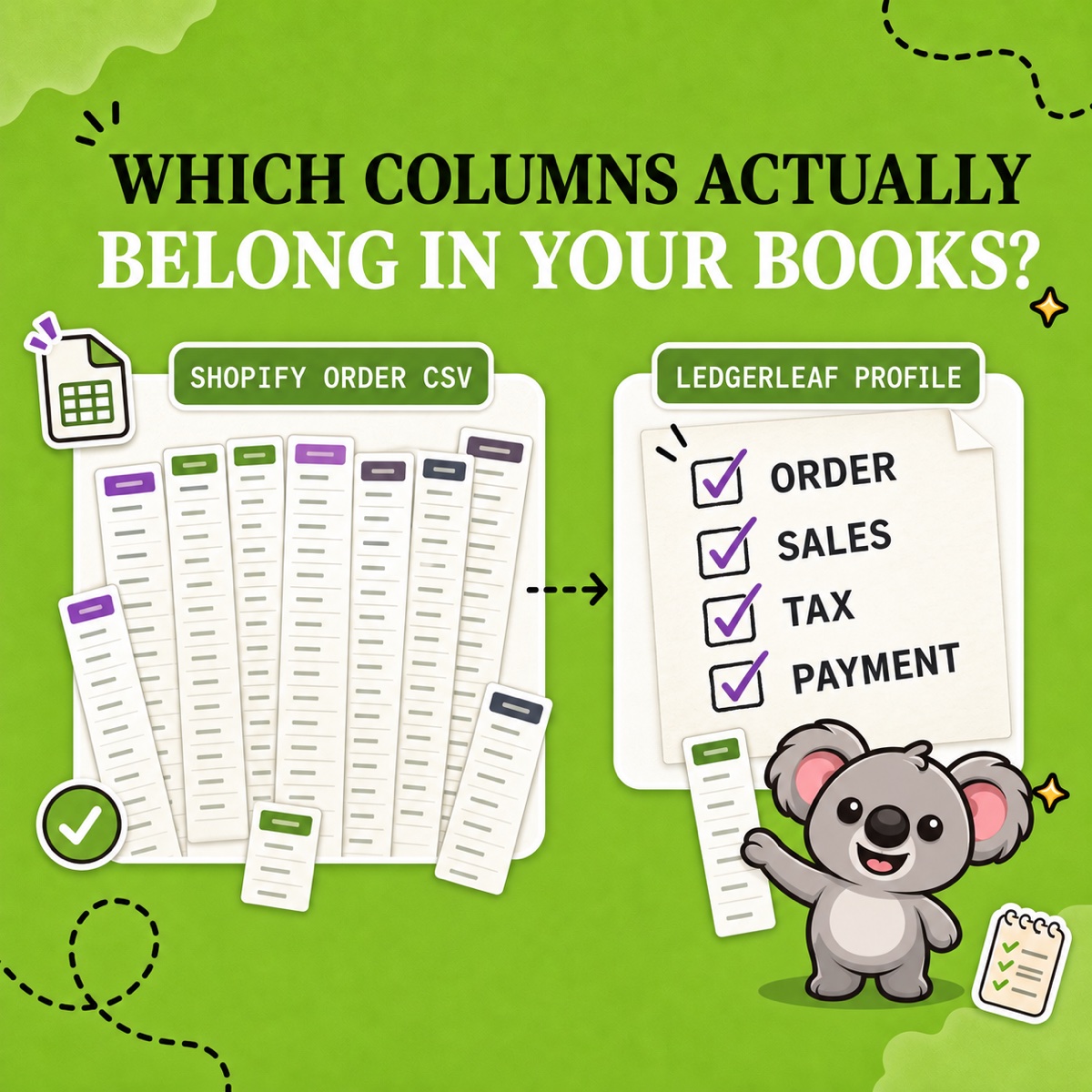
Shopify’s standard export puts order, customer, payment, tax, fulfillment, and product data in one broad file. It leaves you to choose and rearrange the useful columns after every download. LedgerLeaf lets you make those choices in Sales, save them, and export the same structure next month.
First, know what one row represents
Shopify’s order export reference explains that additional products appear on separate lines, with many order-level cells left blank.
An order containing three products might look like this.
| Name | Lineitem name | Lineitem quantity | Total |
|---|---|---|---|
| #1048 | Ceramic mug | 1 | €54.00 |
| Gift box | 1 | ||
| Tea | 1 |
That is one order, three line items, and one €54 total. Counting rows as orders overstates activity. Copying the total into the blank cells and adding all three turns €54 into €162.
In LedgerLeaf’s sales overview, Total orders and Rows in preview are separate. Check the order count before handoff, and keep order references in your saved column selection so your accountant can trace an amount back to Shopify.
What the five column groups mean
These are Shopify’s native CSV headers. LedgerLeaf uses its own labels, shown below. Use the groups to decide what your saved export needs.
1. Identity and timing
Name is the order number and Id identifies the underlying order. Created at records order completion. Paid at and Fulfilled at record payment capture and fulfillment. Cancellation has its own date field.
A September sale paid in October belongs to different periods depending on the question. Agree which date the recipient needs before saving the profile.
2. Order amounts
Subtotal excludes shipping and tax. Shipping, Taxes, and Discount Amount separate those components. Total is the order cost, Currency is the store’s base currency then, and Refunded Amount records refunds applied to the order.
Keep order amounts separate from product amounts. A refunded amount does not give the refund date. Keep the order reference for investigation.
3. Payment activity
Financial Status describes payment state. Payment Method can list several methods. Payment References includes payment-provider IDs for failures, captures, and refunds. The singular Payment Reference is deprecated. Payment ID excludes captures and refunds.
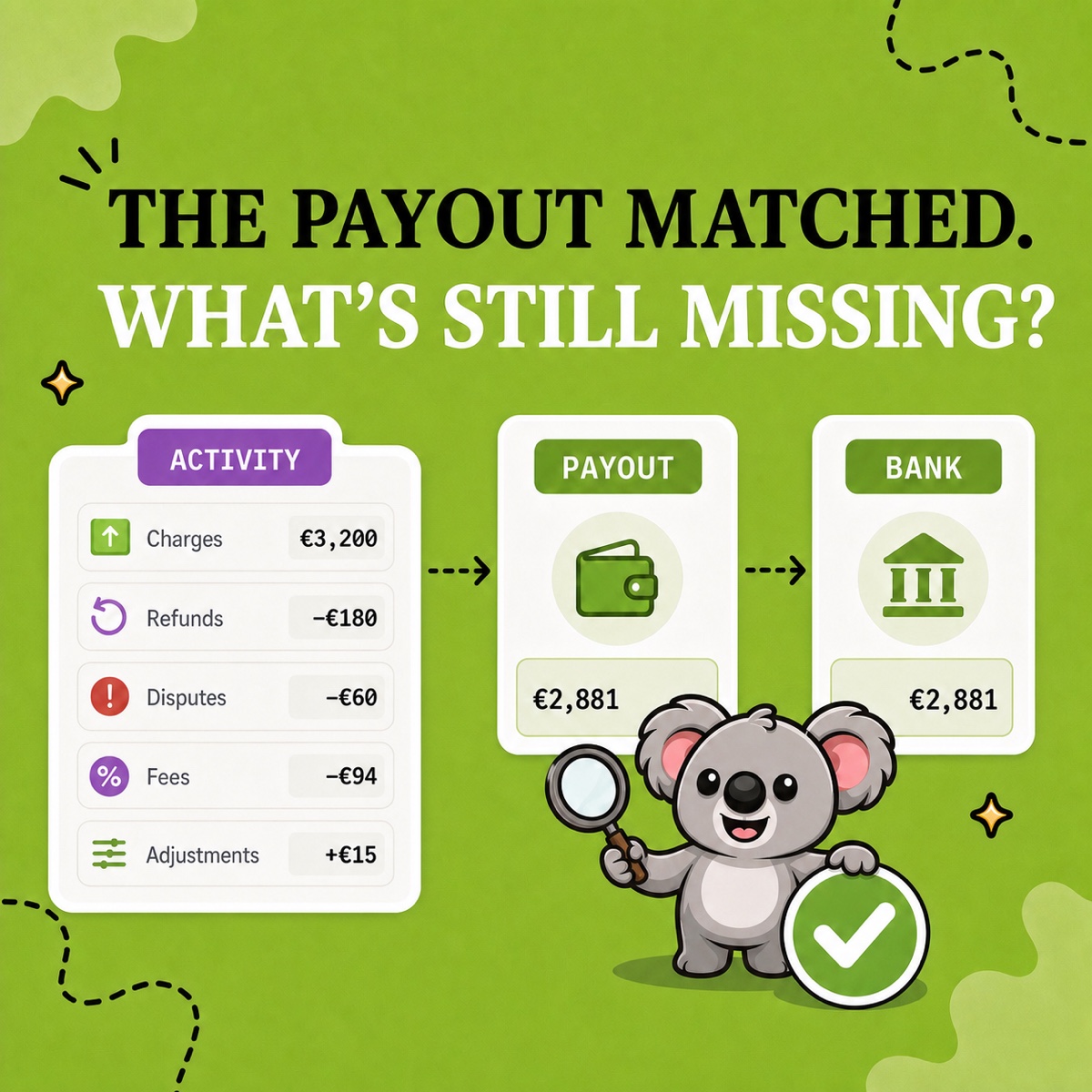
For payout checks, use LedgerLeaf Pro’s Payouts workspace with the sales order references as evidence.
4. Products and SKUs
Lineitem name, Lineitem SKU, Lineitem quantity, Lineitem price, Lineitem discount, and Vendor describe individual products. Order exports preserve historical product information.
Investigate empty SKUs or compare-at prices. Product quantities are not order counts.
5. Tax and destination
Billing and shipping fields describe different addresses. Tax # Name and Tax # Value provide up to five line taxes.
Shipping country alone does not determine tax treatment. For VAT by country and rate, use LedgerLeaf Pro’s Taxes workspace and confirm treatment with your adviser.
Leafy’s Watch-Out
A blank cell can mean another line of the same order, a field that does not apply, or missing information. Do not fill every blank with the value above it.
Save a monthly export your accountant can use
Suppose your accountant asks for order references, sale dates, currency, gross amounts, and tax. Open Sales in LedgerLeaf and use Edit filters to select the requested month. Check the displayed period and payment filter.
Choose the following fields for this request.
| LedgerLeaf fields | What they let the accountant check |
|---|---|
| Order name and Order ID | Find the original order |
| Year, Month, and Day | Identify the sale date |
| Currency | Read each amount in the correct currency |
| Total gross and Total tax | Review the sales and tax amounts |
Leave out customer names and regions unless requested. Add Country if the accountant needs it. These app labels are not interchangeable with every native CSV header or Shopify Analytics measure. Check the first file against the underlying orders.
Under Column presets, save the selection as “Monthly accounts.” Choose Export XLSX for an Excel handoff or Export CSV for a system that imports plain tables. Shopify’s native order export only provides CSV, so XLSX also avoids a conversion step.
Next month, reuse the preset and change the period. Update the selection if the accountant requests another field. You no longer have to remember which columns to delete from every download.
A simpler choice for this job
Custom sales exports and saved profiles are included in LedgerLeaf Free. You work inside Shopify admin without creating a separate account.
Matrixify’s Demo limits each file to 10 orders. Basic costs US$20 a month. Paying for its wider import and migration tools is poor value when this job only needs a reusable sales file. LedgerLeaf provides this export without that subscription cost. Prices checked on October 12, 2026.
Install LedgerLeaf free and save the columns for your next accountant handoff.