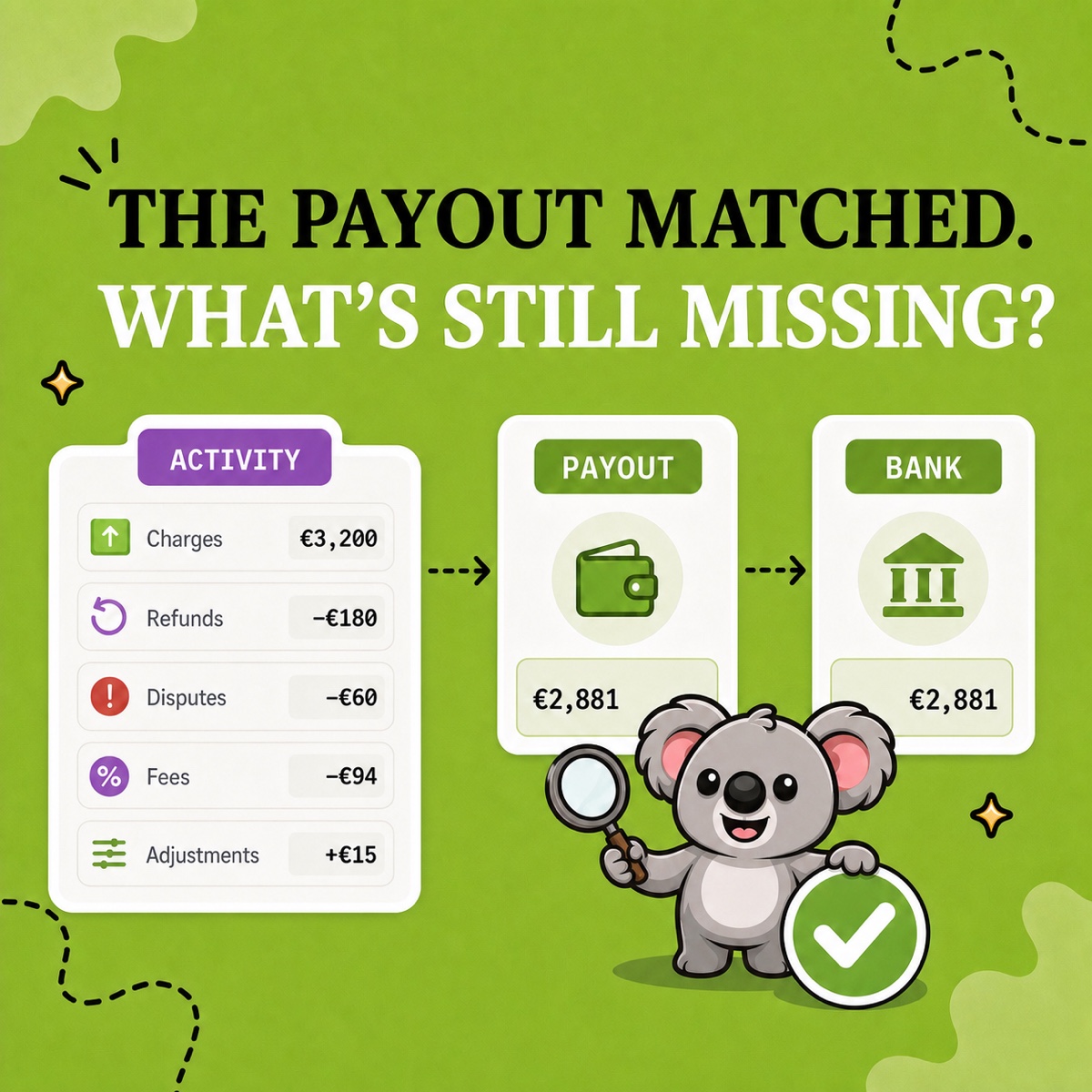
You open Shopify and see €10,000 in sales. Then €8,742 reaches the bank. Nothing immediately explains the €1,258 gap, so it is tempting to treat the payout as the “real” sales number or assume money is missing. Usually, neither conclusion is correct. Sales and payouts describe different stages of the same activity.
Leafy’s Quick Answer
Shopify bookkeeping connects sales, customer payments, fees, refunds, and bank payouts while keeping tax and inventory records clear. Start with sales, then explain the movements behind each deposit. LedgerLeaf makes that routine easier with reusable sales exports in Free and payout, VAT/OSS, and inventory reporting in Pro.
The real time sink is rebuilding that trail every month. With LedgerLeaf, you can save the sales columns you need once and reuse them at the next close. As your reporting needs grow, Pro brings the supporting reports into the same Shopify-admin workflow, without a separate external account.
Why Shopify sales, payments, and payouts are different
Start with sales and follow the money through to the bank deposit.
- Sales describe order activity, including discounts, returns, shipping, and taxes.
- Payments describe customer money collected and refunded across payment methods.
- Payouts describe transfers to your bank after fees and other balance movements.
Shopify’s Payments activity report tracks Shopify Payments balance activity; it is not an accounting revenue statement. An order placed at month-end may reach the bank next month. Other payment gateways need their own reconciliation.
This example shows how €10,000 in gross sales could result in an €8,742 payout.
| Illustrative movement | Amount |
|---|---|
| Gross product sales | €10,000 |
| Discounts | −€300 |
| Returns | −€500 |
| Shipping charged | +€200 |
| Tax collected | +€190 |
| Customer activity | €9,590 |
| Paid through another gateway | −€450 |
| Shopify Payments fees | −€238 |
| Balance retained or awaiting payout | −€160 |
| Bank payout | €8,742 |
The €8,742 payout is not evidence that €1,258 disappeared. The reconciliation succeeds when every movement has an explanation. The workflow below uses LedgerLeaf to prepare the sales and supporting records for that review.
1. Set the period for your LedgerLeaf close
Record the bookkeeping period, reporting time zone, currencies, payment gateways, and bank accounts involved. Agree the accounting basis and required export fields with your accountant. Consistent reporting boundaries help separate genuine timing differences from errors.
2. Save a sales-export profile in LedgerLeaf Free
Choose the sales columns your bookkeeping process needs, export them in CSV or Excel, and save the selection as a reusable profile. The next close starts with the same structure, saving you another round of deleting and rearranging columns.
Your sales review should cover gross sales, discounts, returns, shipping, taxes, order references, and payment status, plus gift-card or store-credit activity where relevant. Add product or SKU detail when reviewing stock. Keep the components visible so the totals can be traced back to orders.
Leafy’s Tip
Build the export around its job. An accountant handoff, product analysis, and VAT review should not automatically receive the same columns.
3. Use LedgerLeaf Pro payout reports to explain deposits
Review and export Shopify Payments payout activity in LedgerLeaf Pro, alongside your sales-export workflow. This gives you the payout detail to investigate the gap between sales and money received, with less switching between tools.
For each payout, match its identifier, currency, and net amount to the bank deposit. Review payments, refunds, fees, holds, and adjustments; note amounts still settling. Reconcile additional gateways separately and keep Shopify bills with the period’s expenses. Save explanations for outstanding differences with the payout export.
4. Prepare VAT and OSS records in LedgerLeaf Pro
For EU-focused stores, Pro’s country and rate views, VAT summaries, transaction exports, and quarterly OSS views make tax review easier to organize. Export the relevant CSV or XLSX reports for your accountant instead of rebuilding the same breakdown each period.
Keep tax separate in your working records and investigate unexpected rates or refund amounts. Shopify’s finance reports documentation explains its sales, payments, and tax figures. Agree the tax treatment and filing requirements with your accountant.
5. Keep the stock record with your month-end figures
Use LedgerLeaf Pro’s inventory snapshots to retain a quantity record for the close. Its linked-SKU and bundle rules also help keep products that share stock aligned during the month, so inventory work continues between reporting dates.
Compare recorded quantities with physical counts and investigate returns, damage, transfers, or manual adjustments. Keep product-cost records alongside the quantities for your accountant’s inventory and cost-of-goods-sold review.
6. Build a close pack you can reuse next month
Save your LedgerLeaf sales export, Pro payout reports, applicable VAT/OSS exports, and inventory snapshot in a dated folder. Add bank statements, other gateway records, expense documents, and notes explaining any differences. Every final figure should lead back to a source file.
LedgerLeaf turns Shopify bookkeeping preparation into a repeatable routine. Free gives you a practical starting point with saved export profiles; Pro adds the supporting reports as your close becomes more detailed. You spend less time preparing spreadsheets and can give your accountant a clearer set of records.
Start with LedgerLeaf Free below and save one sales-export profile for your next month-end.