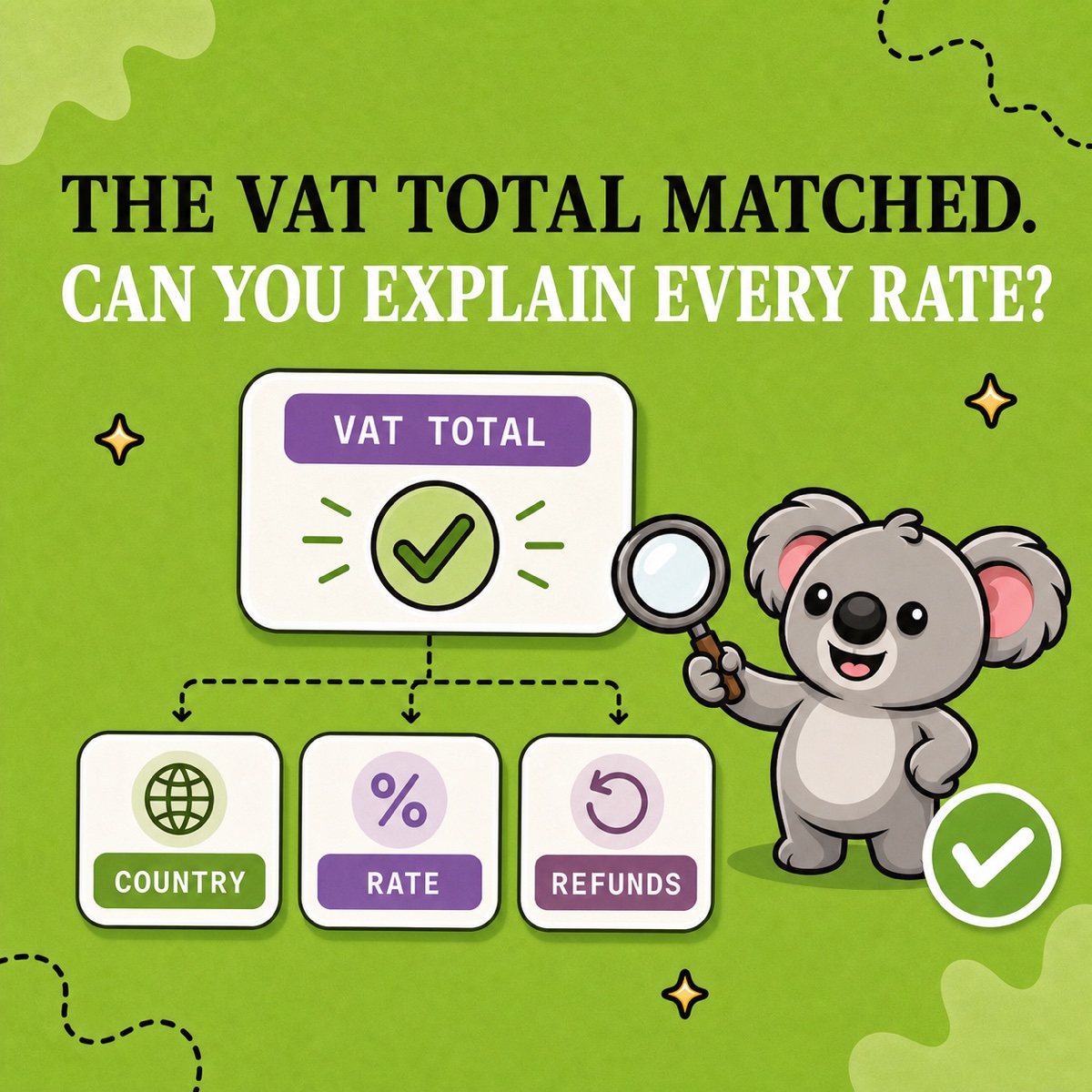
A €120 tax-inclusive price at 20% contains €20 VAT, not €24. The 20% rate applies to the €100 price before VAT; multiplying the €120 customer total by 20% counts tax on top of tax.
Shopify performs that split automatically. The reporting risk comes later, when a tax-inclusive gross amount is mistaken for taxable sales—or when prices move between markets and nobody checks what happened to net sales. LedgerLeaf Pro turns that split into a repeatable review by country, rate, and transaction.
Leafy’s Quick Answer
For a tax-inclusive price, divide the gross price by one plus the tax rate to find the net amount. In LedgerLeaf Pro, set the reporting period, review Gross, VAT, and Net together for each country-and-rate row, trace an unexpected split to its Shopify order, then export the detail for handoff.
This is general operational guidance, not tax advice. Confirm where you must collect tax, which rate applies, and how to file with the relevant authority or a qualified adviser.
The €120 calculation Shopify uses
Shopify’s tax-inclusive pricing guidance gives this formula:
Included tax = (tax rate × price) ÷ (1 + tax rate)
For a €120 price at 20%:
| Reported part | Calculation | Amount |
|---|---|---|
| Gross | Customer price | €120 |
| VAT | (20% × €120) ÷ 1.20 | €20 |
| Net | €120 − €20 | €100 |
Shopify says activating tax-inclusive pricing does not change tax reporting. The tax is still shown in the order details; it is simply extracted from the displayed price instead of added on top at checkout.
That distinction matters in bookkeeping: gross is what the customer paid, net is the sale before VAT, and VAT is the liability between them. Recording €120 as net sales and another €20 as VAT would overstate the order.
The split can change across Shopify Markets
Shopify can display tax as included or excluded by market. Its current pricing-impact guidance explains that tax display and tax calculation are separate choices: the applicable rate still determines the tax charged.
Suppose the store’s €120 home price includes 20% VAT, leaving a €100 net base. If dynamic tax-inclusive pricing applies a 10% destination rate while preserving that base, the customer total becomes €110: €100 net plus €10 tax.
But if €120 is the actual tax-inclusive price charged in a 10% market, the split is different:
| Customer total | Rate | VAT | Net |
|---|---|---|---|
| €120 | 20% | €20.00 | €100.00 |
| €120 | 10% | €10.91 | €109.09 |
The same gross price can therefore produce a different net amount. Shopify also notes that fixed product prices set for a market are not dynamically adjusted. Market pricing, tax overrides, exemptions, the store address used for the home rate, and fulfillment locations can all deserve review before you treat a difference as an error.
Make LedgerLeaf the reporting check
1. Lock the boundary
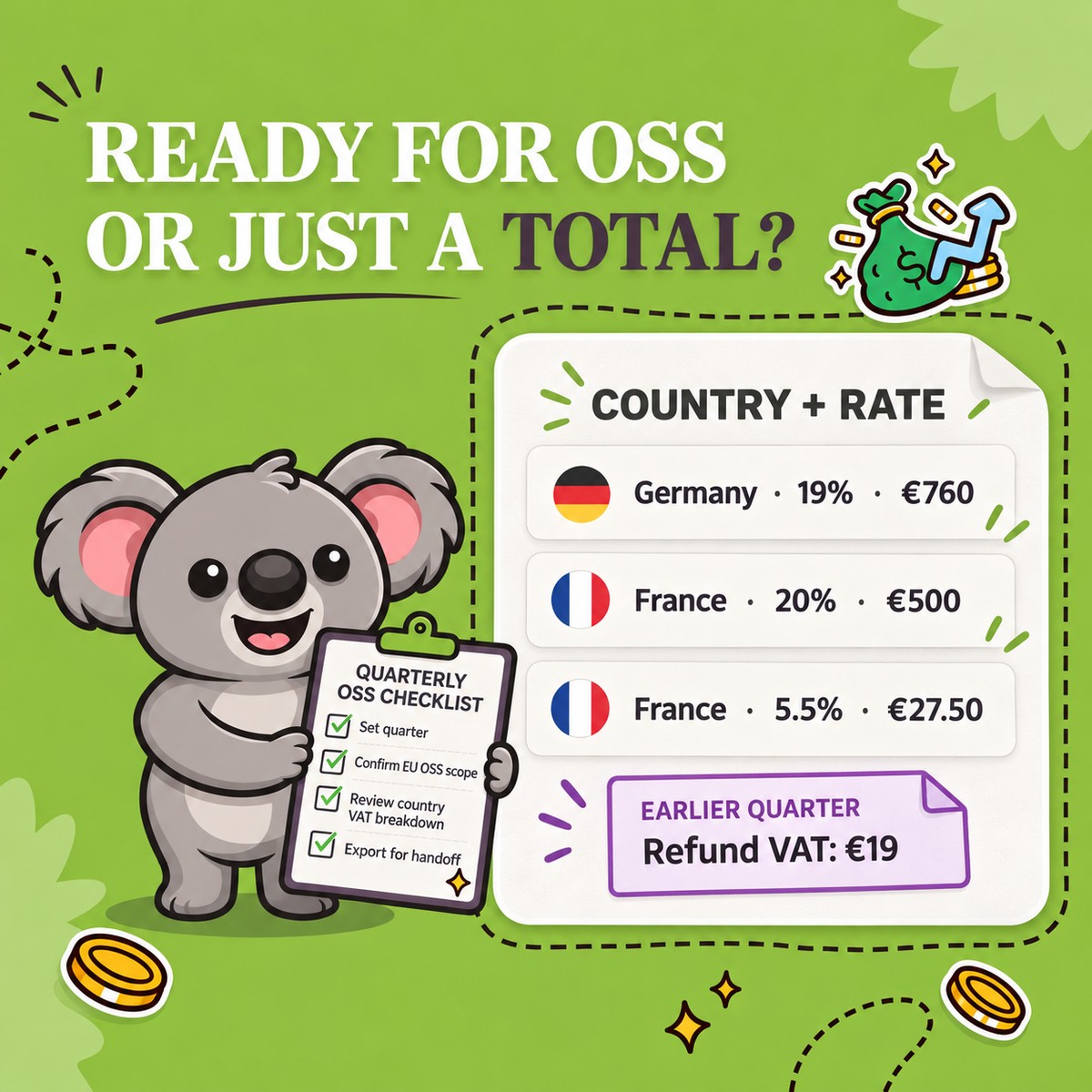
Set the exact period, EU OSS scope, and payment-status filter in LedgerLeaf Pro. Save those choices with the export so the result can be reproduced.
2. Read Gross, VAT, and Net together
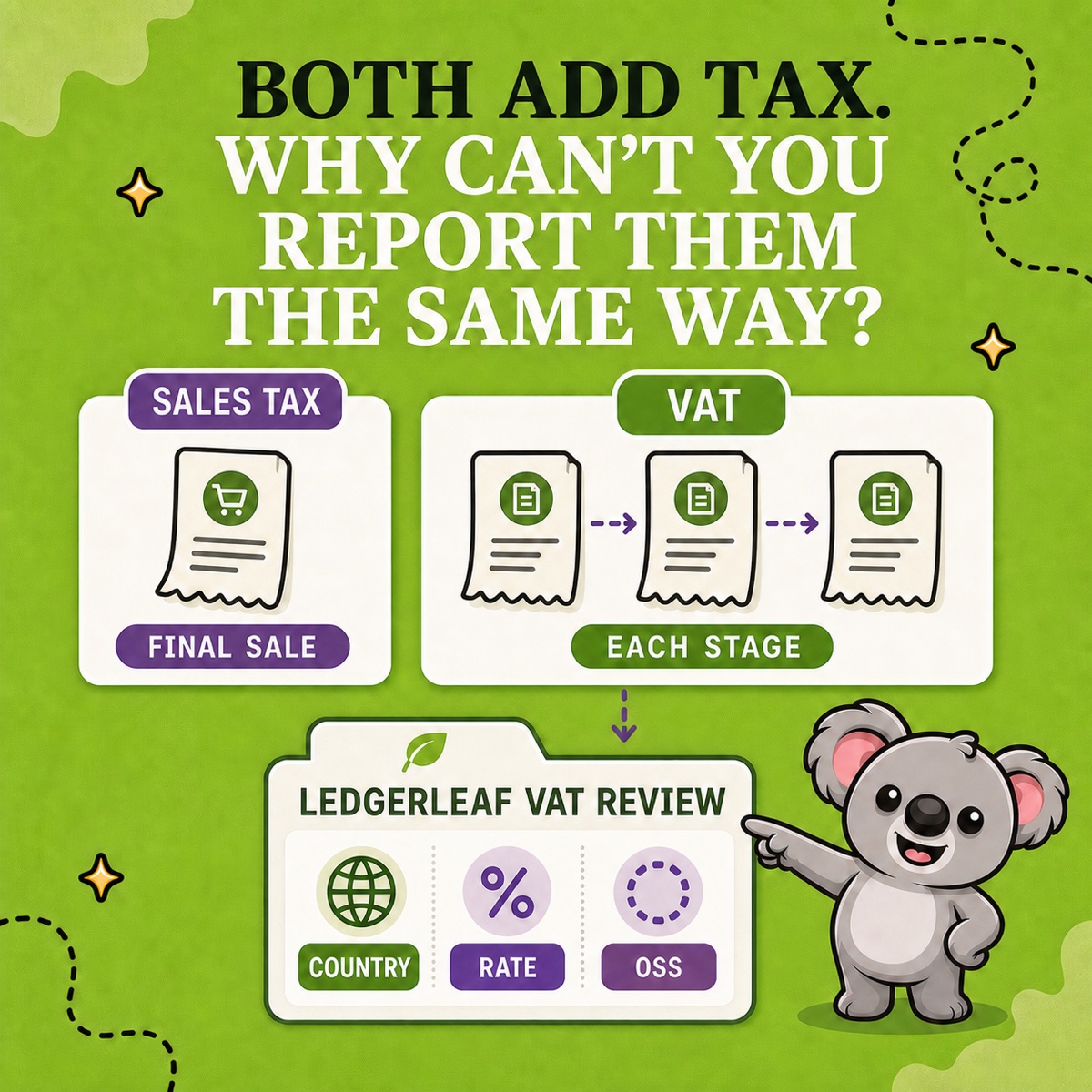
Use the country VAT breakdown and rate views to find a new rate, a changed net amount, or a row that does not match the market you expected. Never assess a tax-inclusive order from gross alone.
3. Trace the transaction
Open or export the transaction detail behind the row. Check the destination, rate, product tax treatment, discount, refund, and order date against Shopify. LedgerLeaf identifies the row and preserves the order trail; the applicable authority or adviser determines the correct tax treatment.
4. Export one review pack
Keep the country-and-rate summary with the tax CSV or XLSX and a note for each exception. For EU OSS work, include the OSS-by-country export when it belongs to the period.
That is the memorable LedgerLeaf connection: tax-inclusive pricing hides the arithmetic from the storefront, while LedgerLeaf keeps Gross, VAT, Net, and the underlying Shopify transaction visible for review.
Leafy’s Watch-Out
Do not calculate included VAT by multiplying the customer total by the rate. Back it out from gross, then verify the actual Shopify tax row before changing your books or return.