Two Shopify listings show two caps available, but your shelf holds only two caps in total. You gave both listings the same SKU and assumed they would share stock. After one sells, the other listing still offers two. The next orders can leave you arranging refunds and explaining why an available item cannot ship.
Duplicate SKUs do not make ordinary Shopify variants share inventory. Accidental duplicates need distinct identifiers. Listings that deliberately sell the same physical stock need a working connection. LedgerLeaf Pro provides that connection through linked-SKU inventory rules inside Shopify admin.
What Shopify’s duplicate warning actually tells you
Shopify’s SKU guidance recommends a unique code for each variant and warns that duplicates can disrupt inventory tracking and third-party integrations. Shopify permits repeated values for some specialist workflows, but the repeated text does not define a stock rule.
The first question is whether the listings represent different items or the same units on your shelf.
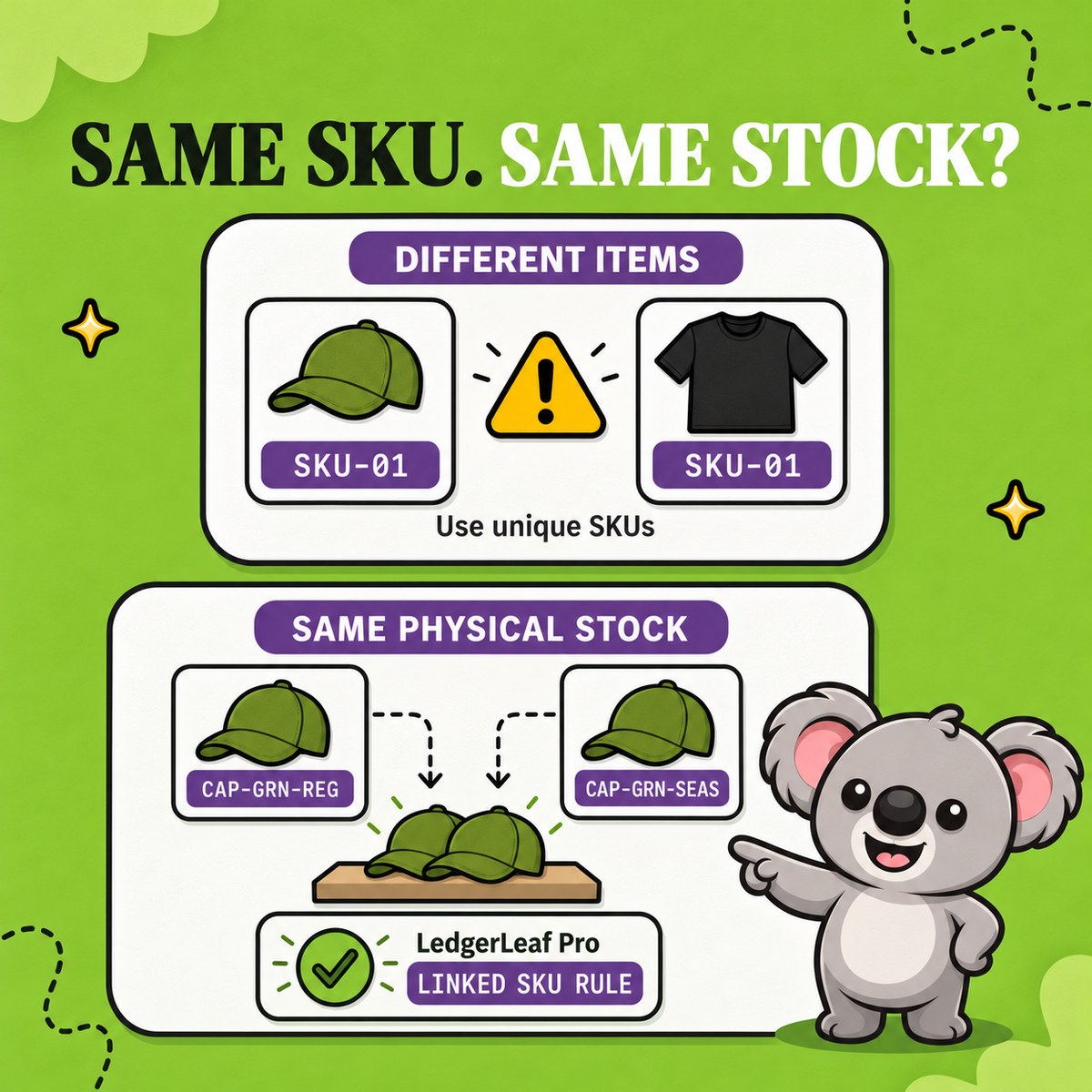
Variants sharing SKU-01 |
What the duplicate hides | What needs to change |
|---|---|---|
| Green cap and black T-shirt | Two different items have one identifier | Separate the codes and keep their stock independent |
| The same green cap on two product pages | Both pages sell the same physical units | Identify each listing clearly and link its stock in LedgerLeaf |
A mistaken cap-and-shirt match can confuse picking and exports. An unconnected pair of cap listings can make the same two units available for sale twice. Clearing a duplicate warning solves neither relationship by itself.
Vanilla Shopify leaves this gap between an SKU label and stock behavior. Its bulk editor can change codes, but it does not turn ordinary variants into a shared stock pool. A spreadsheet is no better at carrying a sale through to the other listing. Someone still has to notice the change and update it before another order arrives.
Give the shared stock a LedgerLeaf rule
For the cap example, use two separate listings for the same green cap, perhaps one in your regular range and one with seasonal merchandising. Both draw from the same shelf at one location, and each sale uses one cap.
Keep recognizable, distinct codes such as CAP-GRN-REG and CAP-GRN-SEAS. This makes each listing identifiable in searches and exports while the app manages their relationship. Record any old-to-new SKU mapping your fulfillment partners need.
Open the LedgerLeaf Inventory workspace inside Shopify admin. Use the SKU filter and Apply filters to check the intended products and their quantities. Confirm the physical count before linking them. Two listings showing two does not mean you own four caps.
Create a rule with Link SKU as the rule type. Set the matching pattern to include only the two related cap SKUs, then choose Exact sync under How to calculate stock. Give it a clear rule name, such as Green cap shared stock, and create the rule.
Exact sync matches the stock of the changed SKU. That fits this one-cap-per-sale relationship. The min and max options use the lowest or highest stock value instead. Choosing a calculation deliberately is safer than assuming that identical SKU text tells an app what you meant.
Setup stays straightforward. You choose the relationship and calculation in the app, with no code or separate account. The Products and Rules views let you inspect what is connected instead of relying on a note in someone’s spreadsheet.
Check what happens after each sale
Start with two physical caps and two units on each linked listing. These are successive expected results for the rule at the location being checked, not quantities to add together.
| Event | Regular listing | Seasonal listing | Physical caps remaining |
|---|---|---|---|
| Starting stock | 2 | 2 | 2 |
| One cap sells through the regular listing | 1 | 1 | 1 |
| One cap sells through the seasonal listing | 0 | 0 | 0 |
| Five caps are received and one linked quantity is updated | 5 | 5 | 5 |
After the first sale, the useful result is the seasonal listing falling to one too. Without the connection, it could still accept orders for two caps when only one remains. LedgerLeaf carries the stock change across the defined relationship, reducing the manual corrections between orders.
Check both sale directions and your restock and return workflows before expanding to more listings. Review rule status, matched SKUs and location quantities if the results differ. Also confirm that Shopify’s out-of-stock selling setting matches your intention to stop at zero.
Leafy’s Tip
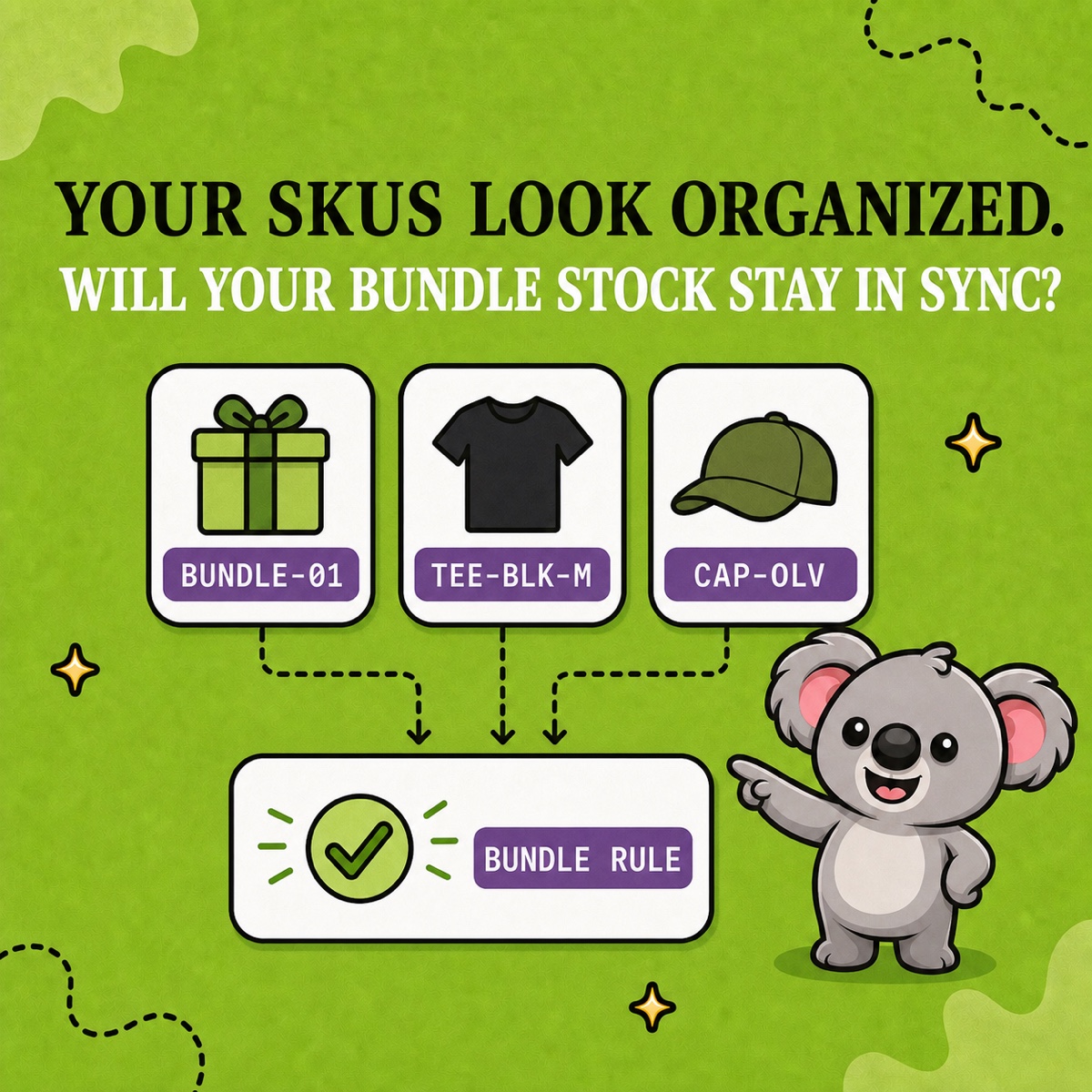
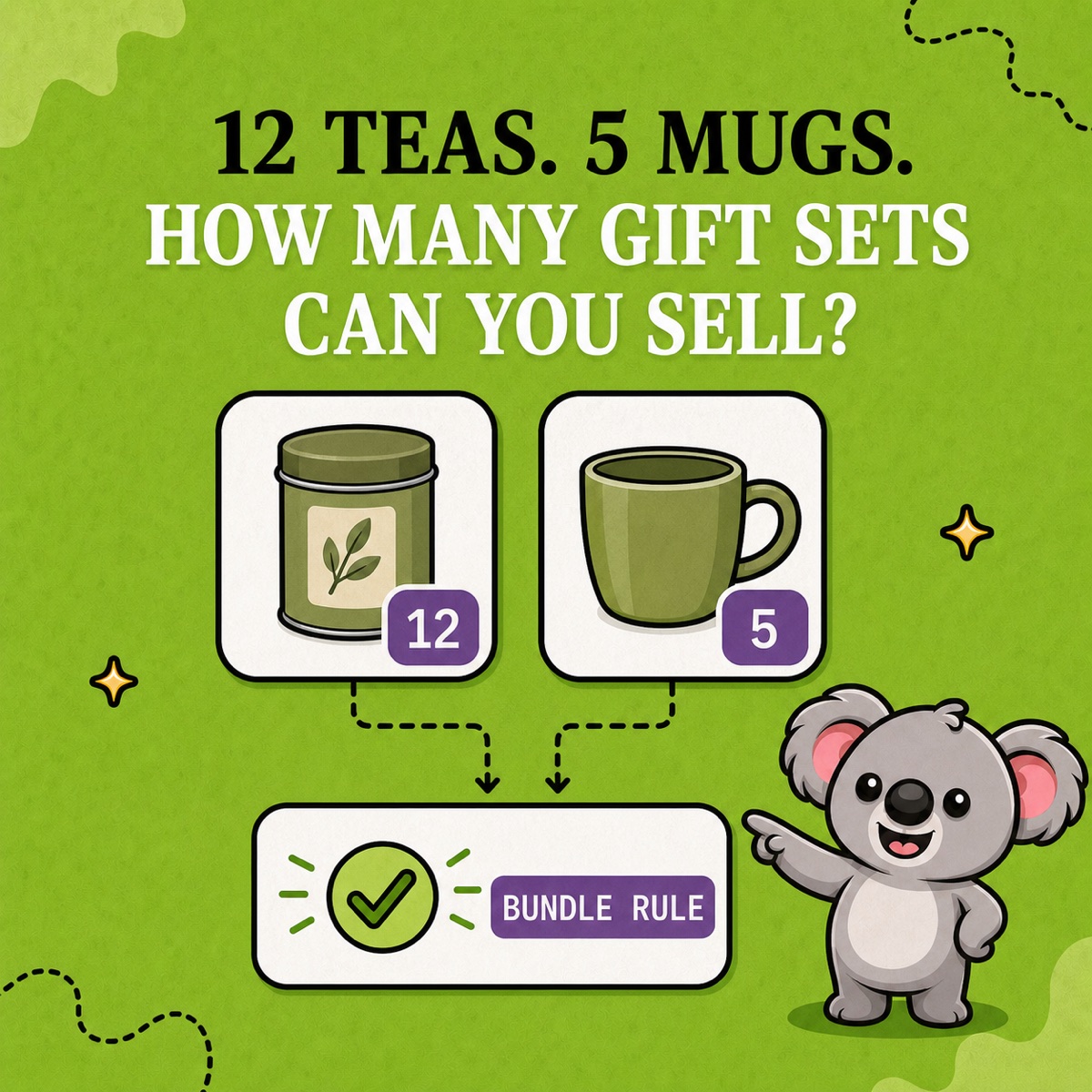
Link listings only when each sold unit consumes the same physical item. A cap and a T-shirt must stay independent. A gift set containing both needs a bundle rule connecting its components.
A lower monthly cost for the working connection
NASP Connected Inventory starts at US$9.99 per month and lists English as its only app language. That is a higher recurring cost for an inventory-focused tool. LedgerLeaf Pro costs US$5.90 per month, supports English, German, Italian, Spanish and French, and includes payout reporting alongside SKU automation. Prices were checked on October 15, 2026.
For a small store managing shared listings and preparing sales records, LedgerLeaf offers better value in one familiar admin workspace. The immediate gain is concrete. Your two caps remain two sellable caps across the linked listings, with a rule your team can review.
Start LedgerLeaf Pro’s seven-day free trial and connect one pair of listings that shares stock.