The month has ended and the reports are downloaded. But a refund is recorded in another payment gateway, one SKU shows negative stock, and nobody saved the file that explains the tax total. Your accountant sends the files back, and you spend another evening rebuilding them.
LedgerLeaf brings the recurring sales, payout, VAT, and inventory work into Shopify admin so you can prepare the records together and investigate gaps before handoff.
Leafy’s Quick Answer
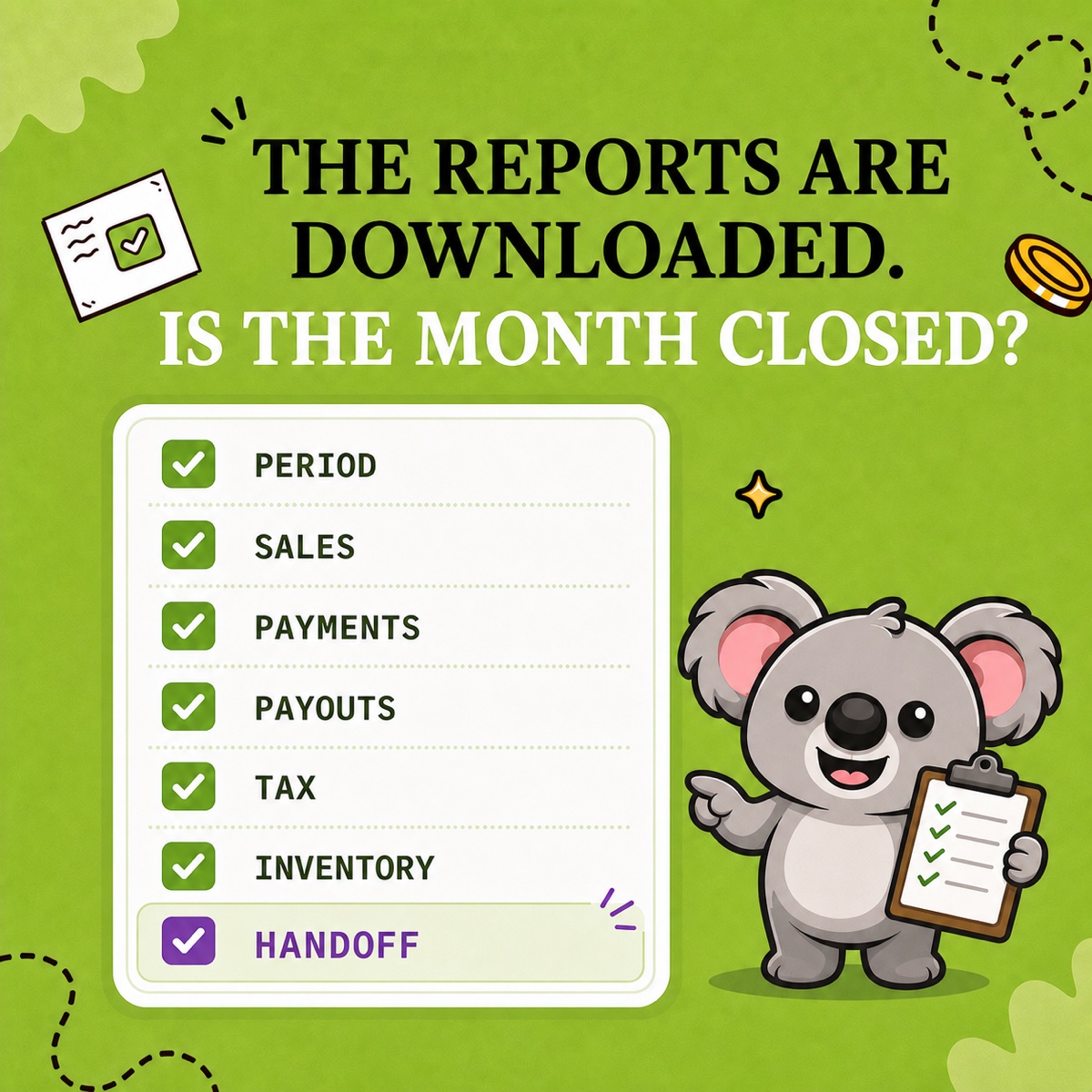
Work through seven checks using your LedgerLeaf exports and supporting records. Confirm the period, review sales, separate payment gateways, explain payouts, preserve tax detail, capture inventory, and record anything still unresolved.
Shopify’s native reports leave that preparation to you. Sales and payments use different timelines, payout reports cover only Shopify Payments, and downloaded files still need organizing for your accountant. Rebuilding a spreadsheet each month adds another chance to omit a refund or change a column.
Your seven-check month-end checklist
Agree the accounting treatment and reporting dates with your accountant.
| Check | Record to keep |
|---|---|
| 1. Period | Dates, store time zone, currencies, and payment gateways |
| 2. Sales | LedgerLeaf sales export using your saved column profile |
| 3. Payments | Gateway records with captures, refunds, and unsettled amounts |
| 4. Payouts | LedgerLeaf Shopify Payments payout export and bank match |
| 5. Tax | VAT summary and transaction detail for the same period |
| 6. Inventory | Dated stock snapshot and notes on discrepancies |
| 7. Handoff | Final files and unresolved items with an owner and review date |
1. Set the period before exporting
Open Sales in LedgerLeaf and select the month you are closing. Check the displayed date range before downloading. Write down the store time zone, store and payout currencies, and payment gateways alongside the files. Use those dates consistently in the other workspaces.
A June 30 order paid on July 1 can belong to different sales and payment periods. Shopify’s finance reports documentation explains this difference. Record the timing rather than changing dates until two totals agree.
2. Save a sales file you can trace back to orders
In Sales, choose the columns your accountant needs, including the order identifier, date, currency, gross amount, and tax. Save the selection as a column preset named Month-end, then export XLSX or CSV. Custom columns and saved profiles are included in LedgerLeaf Free.
Check the preview before exporting. Total orders and rows in preview are separate counts, so extra rows do not automatically mean extra orders. Keep identifiers for investigating repeated orders or unexpected amounts. Next month, reuse the preset instead of rebuilding the file.
3. Check each payment gateway separately
Use the order references in your sales file when checking captured payments and refunds against each gateway’s records. Keep PayPal, manual payments, and other providers separate from Shopify Payments.
For example, a €60 PayPal refund needs PayPal’s transaction evidence. Looking for it in a Shopify Payments payout creates a false €60 discrepancy. Save that evidence and note amounts awaiting settlement.
4. Explain each payout before matching the bank
Open Payouts in LedgerLeaf Pro and export the Shopify Payments data you need for the close. Review the activity behind each deposit, then compare the payout with the bank entry in the same currency.
Suppose a payout contains €500 in charges, a €30 refund, and €15 in fees. The expected deposit is €455. A €455 bank match confirms receipt, but the supporting file must also explain the €45 reduction. Otherwise the refund and fees disappear inside the net amount.
Shopify’s Payments activity report excludes third-party processors and Shopify billing fees. Keep those records separately. LedgerLeaf keeps payout exports alongside sales preparation, reducing switching between reporting tasks.
5. Keep the tax detail behind the total
In LedgerLeaf Pro’s Taxes workspace, review VAT for the closing period by country and rate. Export the summary and transaction detail for handoff. An unexpected French VAT total points you to France’s breakdown, with the transaction file supporting an order-level review.
Check refunds and exemptions before treating a total as final. Keep collected tax separate from revenue and have your accountant confirm filing treatment. Save monthly evidence even when the relevant OSS return is quarterly.
6. Capture stock before the next month changes it
Keep a dated LedgerLeaf Pro inventory snapshot with the month’s files. Investigate negative stock, damaged units, large adjustments, and supplier returns. Record the cost source your accountant uses.
If linked products show inconsistent stock, review their inventory rule in LedgerLeaf to prevent the same cleanup next month. A current stock figure alone cannot explain what was on hand at the close.
7. Hand over the files with clear open items
Save the final sales export, payout data, tax detail, inventory snapshot, and gateway evidence together. Give each unresolved item an owner and a review date. A note such as “June 30 capture expected in July 2 payout” lets your accountant distinguish timing from a missing payment.
Leafy’s Final Check
Can another person follow the sales file to the payment evidence and bank deposit, then find the tax and stock records? If so, the Shopify side is ready for review.
Make the next close simpler and more affordable
For a merchant preparing files for an accountant, A2X’s external accounting integrations add cost and setup beyond this workflow. Its Mini plan starts at US$29 a month for up to 200 orders. LedgerLeaf Pro costs US$5.90 a month and works inside Shopify admin without a separate account. It is the simpler, better-value choice for preparing these Shopify records, while your saved sales profile keeps next month’s file consistent.
Try LedgerLeaf’s seven-day Pro trial and work through this checklist for your latest completed month.