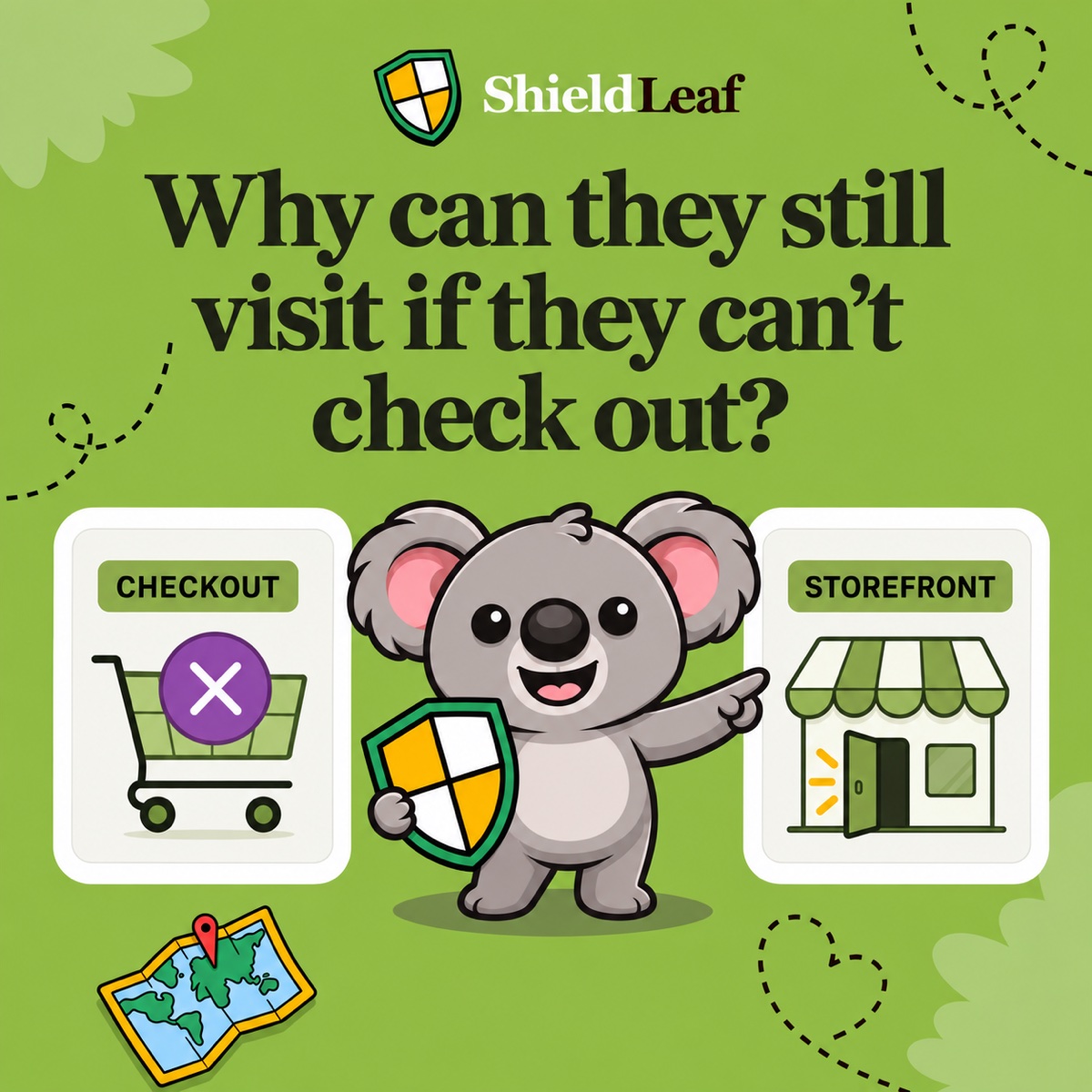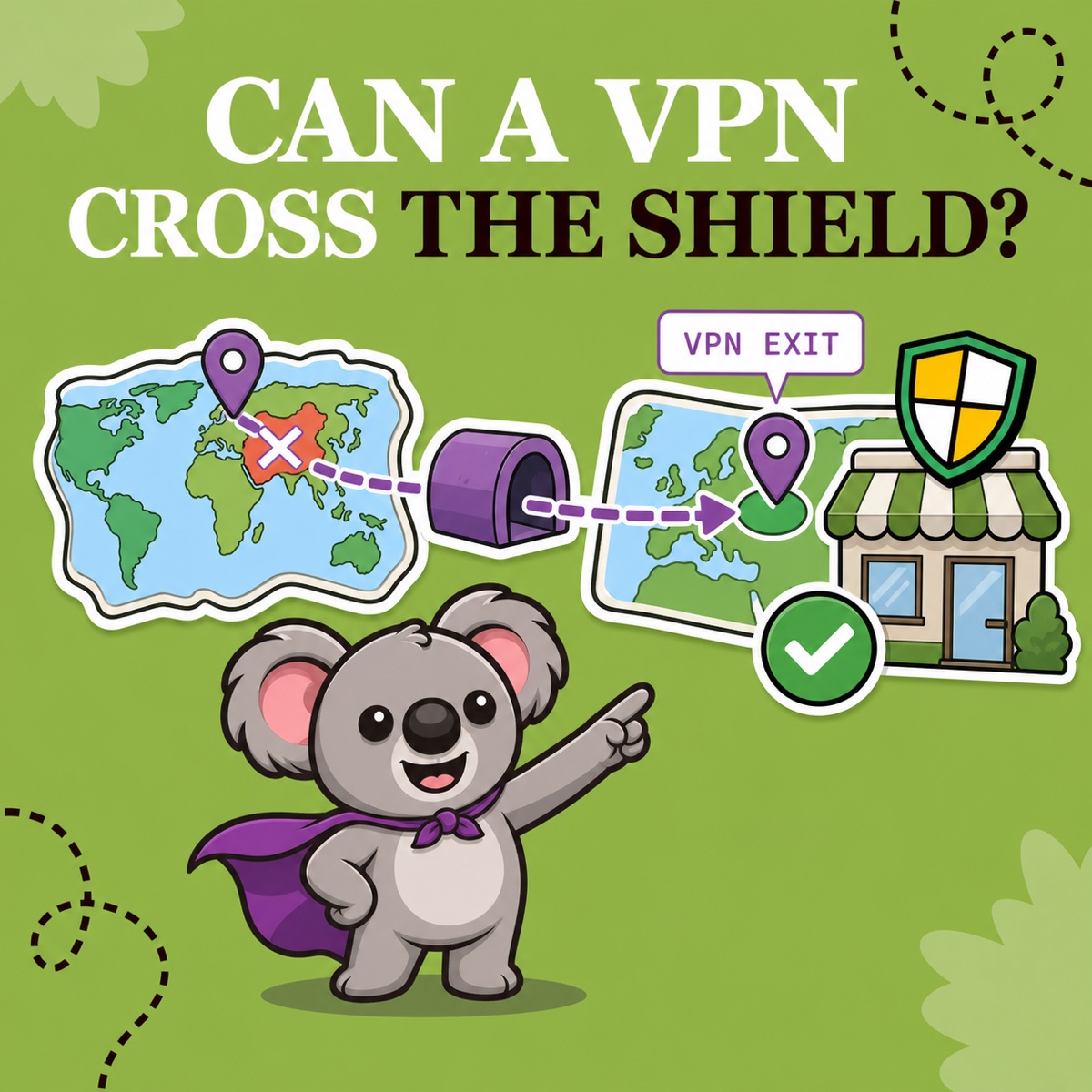
You block a country on your Shopify storefront, then wonder whether someone there can simply connect through a VPN or proxy and get in. Yes, sometimes they can. A country rule sees the location associated with the connection it receives, not a verified physical identity.
If a visitor in a blocked country routes traffic through an exit server in an allowed country, that connection can look allowed. This does not make country blocking pointless. It defines what the rule is good at: keeping ordinary connections from selected countries outside the storefront and giving unwanted regional traffic one clear, manageable boundary.
Leafy’s Quick Answer
A VPN or proxy can change the IP address—and therefore the apparent country—that a storefront sees. Use ShieldLeaf when your decision is genuinely geographic: choose the countries you do not want browsing the store, preview the blocked page or redirect, and review the result. Do not treat a country match as identity proof or VPN detection.
Why a VPN can cross a country rule
Country handling usually starts with IP-based geolocation. Shopify’s Markets localization guidance says a visitor’s first geographic location is determined from their IP address. Shopify also warns that VPNs, corporate networks, and some mobile carriers can be detected in the wrong place.
A VPN or proxy inserts another network endpoint between the visitor and the storefront. Cloudflare’s proxy geolocation documentation explains the important effect: destination servers see the exit IP and geolocate that connection. Traditional VPNs and proxies can therefore make the apparent location differ from the person’s actual one.
| Connection seen by the storefront | Country rule result |
|---|---|
| Direct IP geolocates to a blocked country | Apply the blocked page or redirect |
| VPN exit IP geolocates to an allowed country | Treat the connection as allowed |
| Corporate or mobile network geolocates incorrectly | Apply the rule for the apparent country |
That last row matters. An unexpected location is not automatically malicious. A traveler, privacy-conscious customer, corporate employee, or mobile user can also appear somewhere different.
What country blocking still does well
Most merchants are not trying to prove where every person is standing. They are trying to turn a regional business decision into a consistent storefront outcome.
ShieldLeaf makes that decision concrete. Select an unserved or unwanted country, then choose whether matching visitors see a blocked-access page or go to a more useful URL. Preview the experience before launch, enable the Shopify app embed, and turn protection on. The Free plan supports one active blocked country; Pro adds unlimited countries, groups and presets, plus activity logs for blocked visits.
That workflow is valuable because it is proportionate. You do not need to maintain individual IP lists or pretend that every unusual session is an attack. You create one readable rule for traffic that still presents itself as coming from the selected country.
ShieldLeaf deliberately does not claim VPN-proof, scraper-proof, bot-proof, or identity-level blocking. Its job is narrower and clearer: practical country access for unwanted regional traffic, with an outcome you can test before real visitors see it.
Check the rule, then interpret exceptions correctly
Use this sequence when setting up or investigating a country rule:
- Confirm the policy. Block a country because you do not serve it or do not want its traffic browsing the storefront—not because one session looked strange.
- Choose the visitor outcome in ShieldLeaf. Use a blocked-access page when access ends there, or a redirect when you have a real destination that serves the visitor better.
- Preview before launch. Check the complete message or redirect instead of testing on customers first.
- Enable the app embed and protection. A saved country is not useful until the storefront connection is active and the rule is on.
- Review new activity. With ShieldLeaf Pro, blocked-visit activity shows when a connection matched the country rule. It intentionally does not store raw visitor IP addresses.
- Read allowed exceptions honestly. A VPN exit in an allowed country will not look like a blocked-country match. That is a limit of the geographic signal, not evidence that the saved rule was ignored.
Shopify Analytics can still record a visit even when a storefront rule handles it, so use the actual blocked outcome and ShieldLeaf activity as the access evidence. Our guide to blocked visitors in Shopify Analytics explains that distinction.
The useful expectation is the image’s question: can a VPN cross the shield? Sometimes—but ShieldLeaf still gives the regional traffic you have chosen not to serve a clear, previewable boundary. Use country blocking for that boundary, and do not ask geography alone to prove identity.