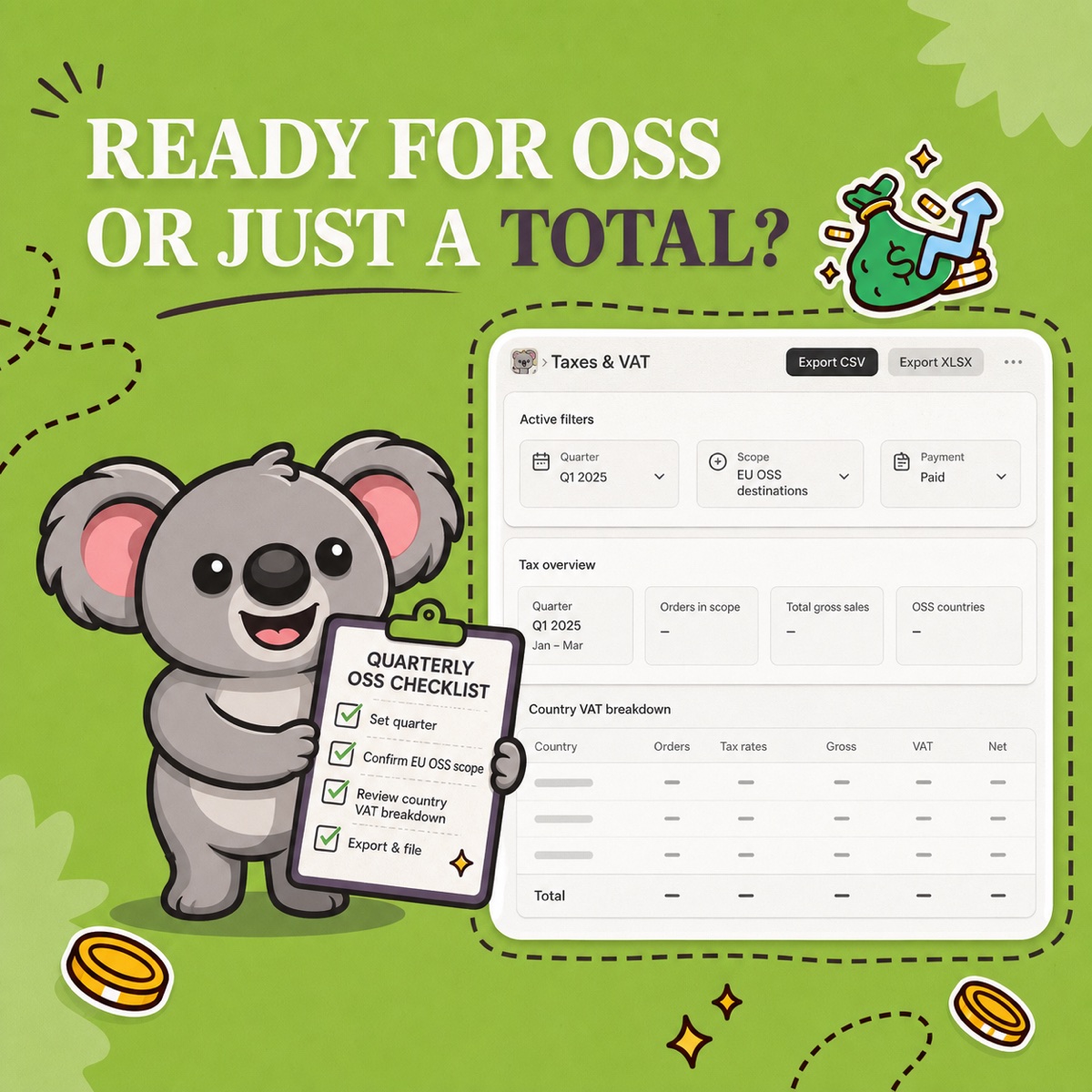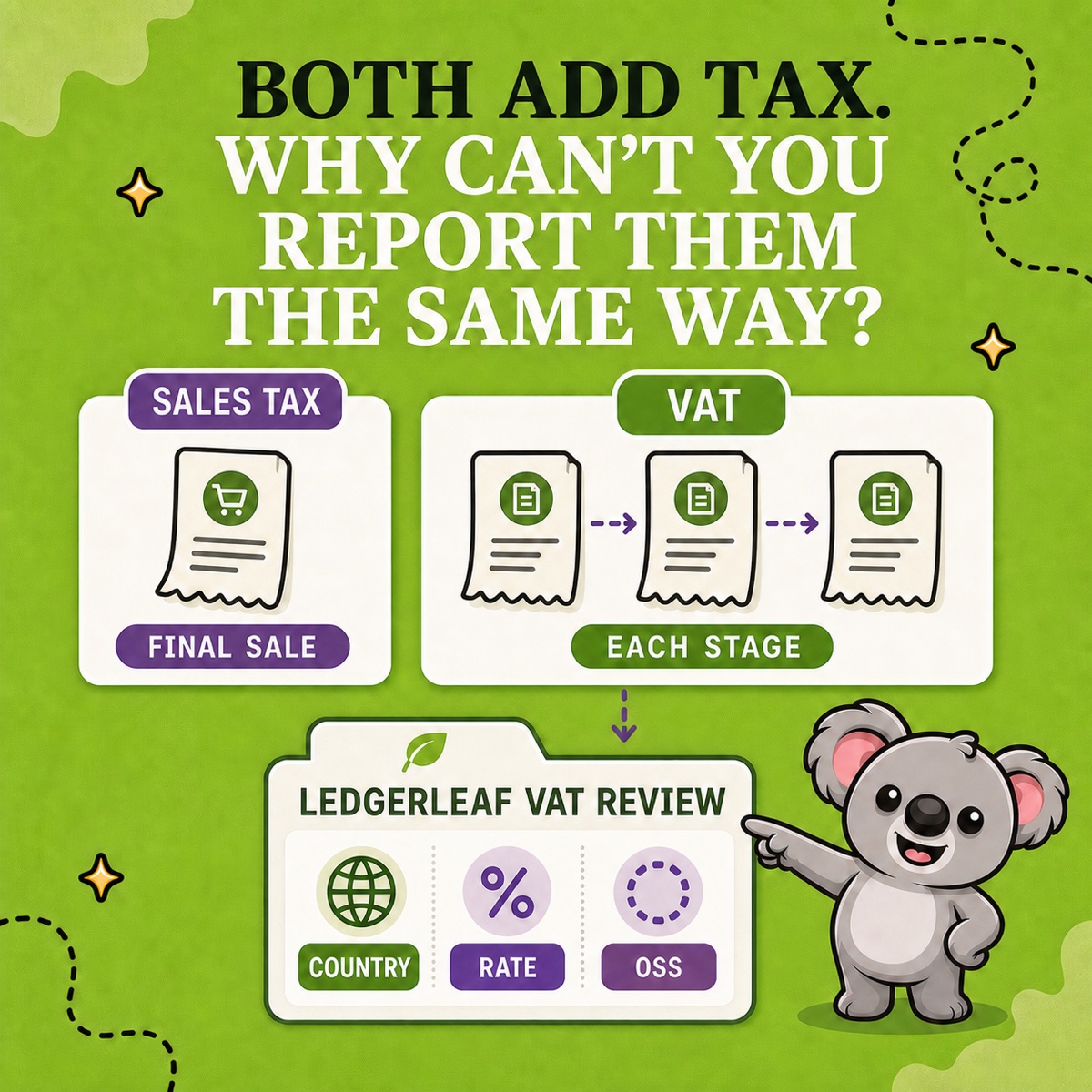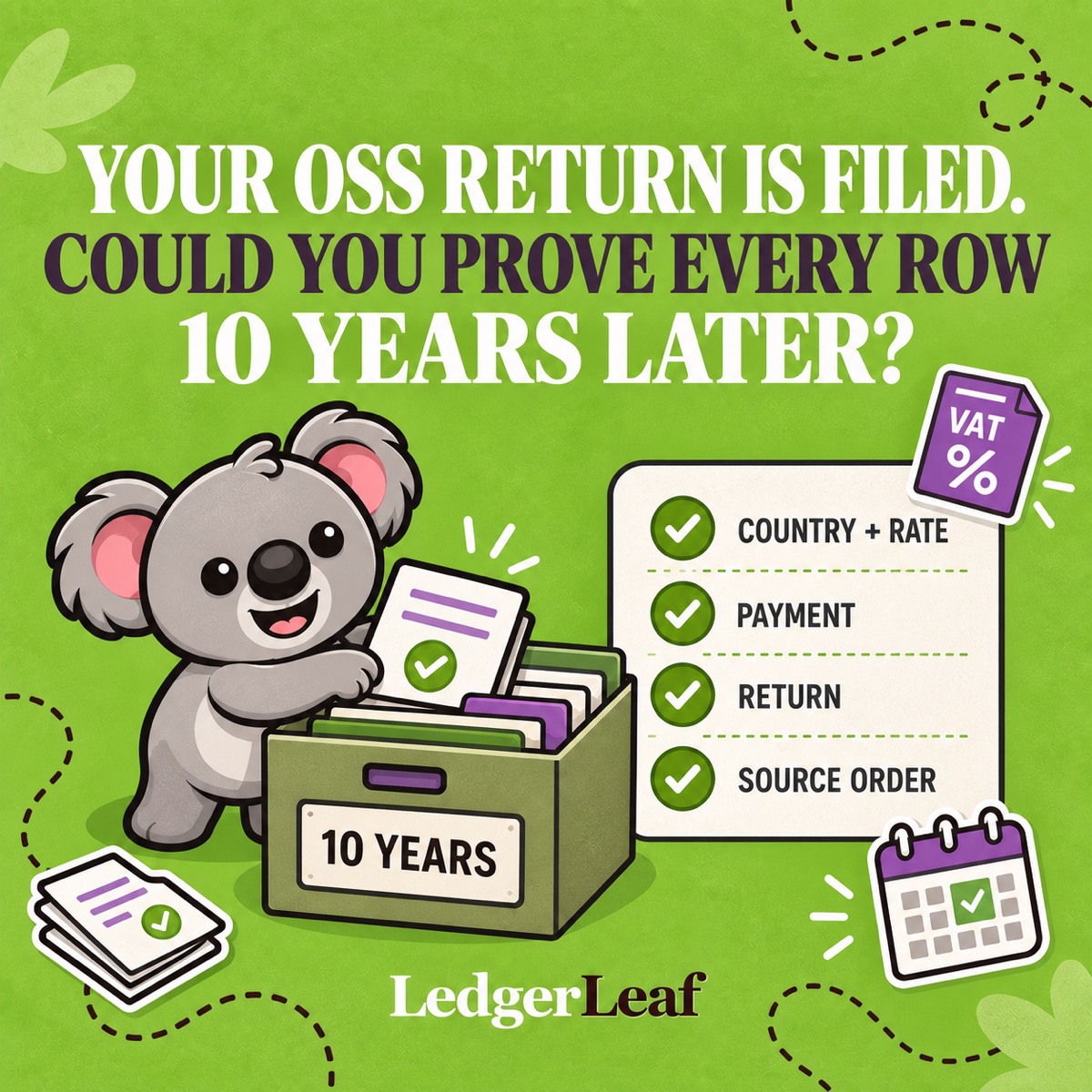
An OSS return total is not the record. The record is the evidence that explains every country, rate, payment, adjustment, and returned item behind it—and EU rules require that trail to stay electronically available for 10 years.
LedgerLeaf Pro gives Shopify merchants a practical center for that archive: lock the quarter, review VAT by country and rate, trace the transactions, and export the same reviewed detail you used for handoff. Then keep the source documents, filing, and payment proof beside it.
Leafy’s Quick Answer
For each OSS supply, retain the destination Member State, supply details and date, taxable amount and currency, later increases or reductions, VAT rate and amount, payment details, relevant invoice data, location evidence, and proof of returns. Build the quarter around LedgerLeaf’s OSS-by-country CSV and tax detail export, then add the submitted return, payment confirmation, and review notes.
This is general operational guidance, not tax advice. Confirm your scheme, local requirements, and retention process with the relevant authority or a qualified advisor.
The 10-year rule is longer than it sounds
The European Commission’s OSS record-keeping guidance says records must be kept for 10 years from the end of the year in which the transaction occurred, even if you stop using the scheme.
That means a transaction made in May 2026 needs an accessible trail through the end of 2036. A folder containing only the submitted return will not explain which Shopify orders created the figures if the data is questioned years later.
Keep the fields that explain each supply
Article 63c of the VAT Implementing Regulation is transaction-focused. The Commission’s record-keeping table lists the information for the Union and non-Union schemes:
- Member State of consumption;
- type of service, or description and quantity of goods;
- date of supply;
- taxable amount and currency;
- any later increase or reduction of that amount;
- VAT rate, VAT payable, and currency;
- date and amount of payments received, including relevant payments on account;
- invoice information when an invoice is issued;
- evidence used to determine customer location for services, or where goods transport began and ended; and
- proof of returns, including taxable amount and VAT rate.
Do not flatten these into one country total. The total is useful for filing; the transaction trail is what makes it defensible.
Build the archive around LedgerLeaf
1. Freeze the reviewed quarter
In LedgerLeaf Pro, select the exact period, EU OSS scope, and payment-status filter. Review the country-and-rate breakdown, then trace unfamiliar rates, missing destinations, refunds, and other exceptions to their Shopify transactions.
Export the OSS-by-country CSV and the supporting tax report XLSX or transaction CSV from that same reviewed scope. LedgerLeaf makes those files the stable index of what was checked—not a spreadsheet rebuilt from memory years later.
2. Attach the source evidence
Keep the matching Shopify order and transaction information, invoices where issued, payment references, dispatch and destination evidence, and return or refund documentation. Shopify’s order-export guidance confirms that order CSVs can include order dates, currencies, line quantities, tax amounts, billing and shipping countries, payment references, and refunded amounts.
Preserve evidence from other channels too. A LedgerLeaf report reflects the Shopify data in its scope; your OSS archive should also contain any relevant records that live outside the store.
3. Preserve decisions, filing, and payment
Add a short review note explaining the quarter’s filters, currency treatment, and resolved exceptions. Keep the submitted return, portal receipt, unique payment reference, proof of payment, corrections, and authority correspondence in the same folder.
Use a durable name such as 2026-Q2-OSS-reviewed and protect the final files from silent overwriting. A readable PDF copy can help humans, but keep the structured CSV or XLSX too so the records remain electronically searchable.
Leafy’s Watch-Out
“Filed” and “archived” are different states. The return proves what you declared; the LedgerLeaf pack and source evidence explain why you declared it.
The habit to remember is simple: review in LedgerLeaf, export the transaction trail, then archive the filing proof around it. That gives each OSS total a route back to the Shopify orders that created it.