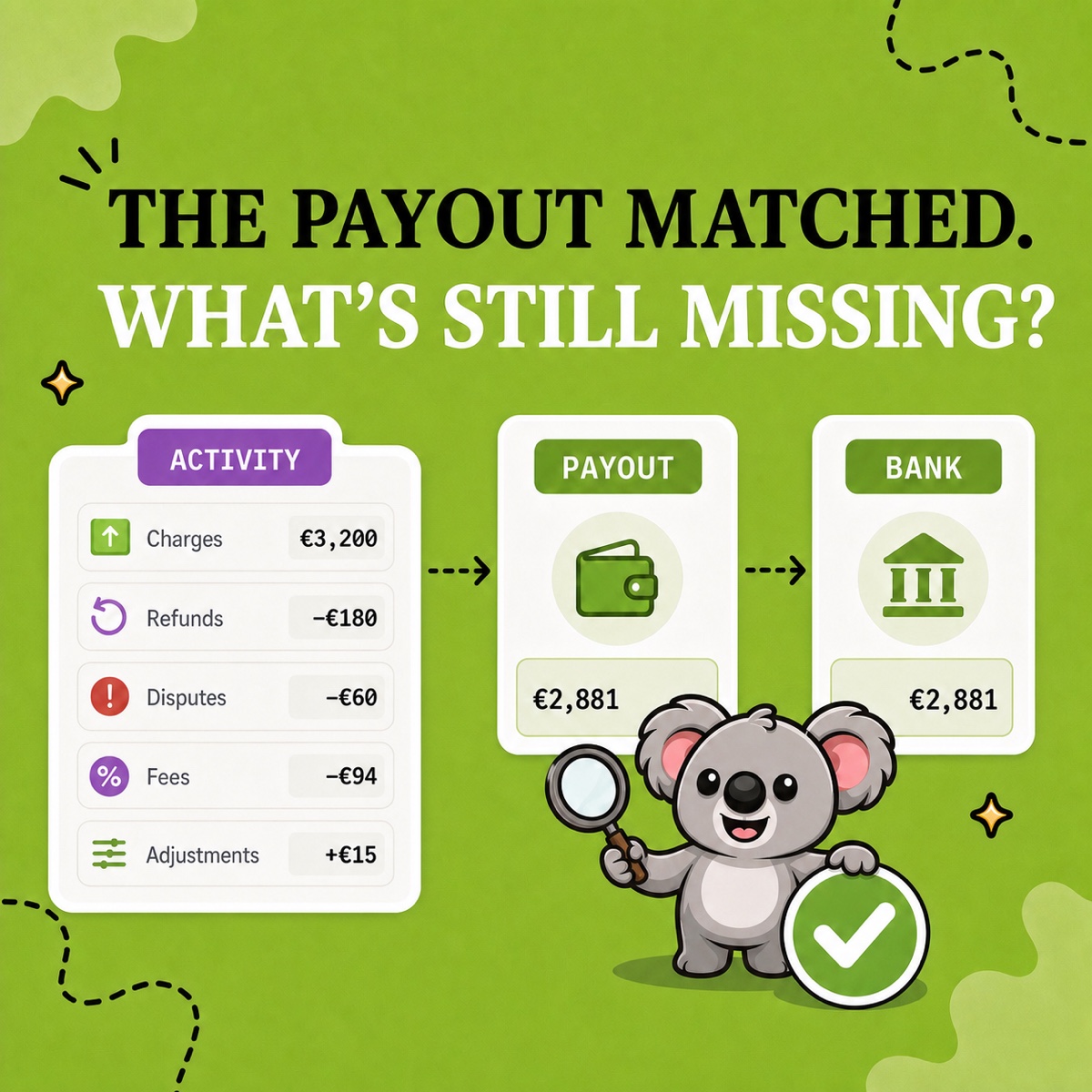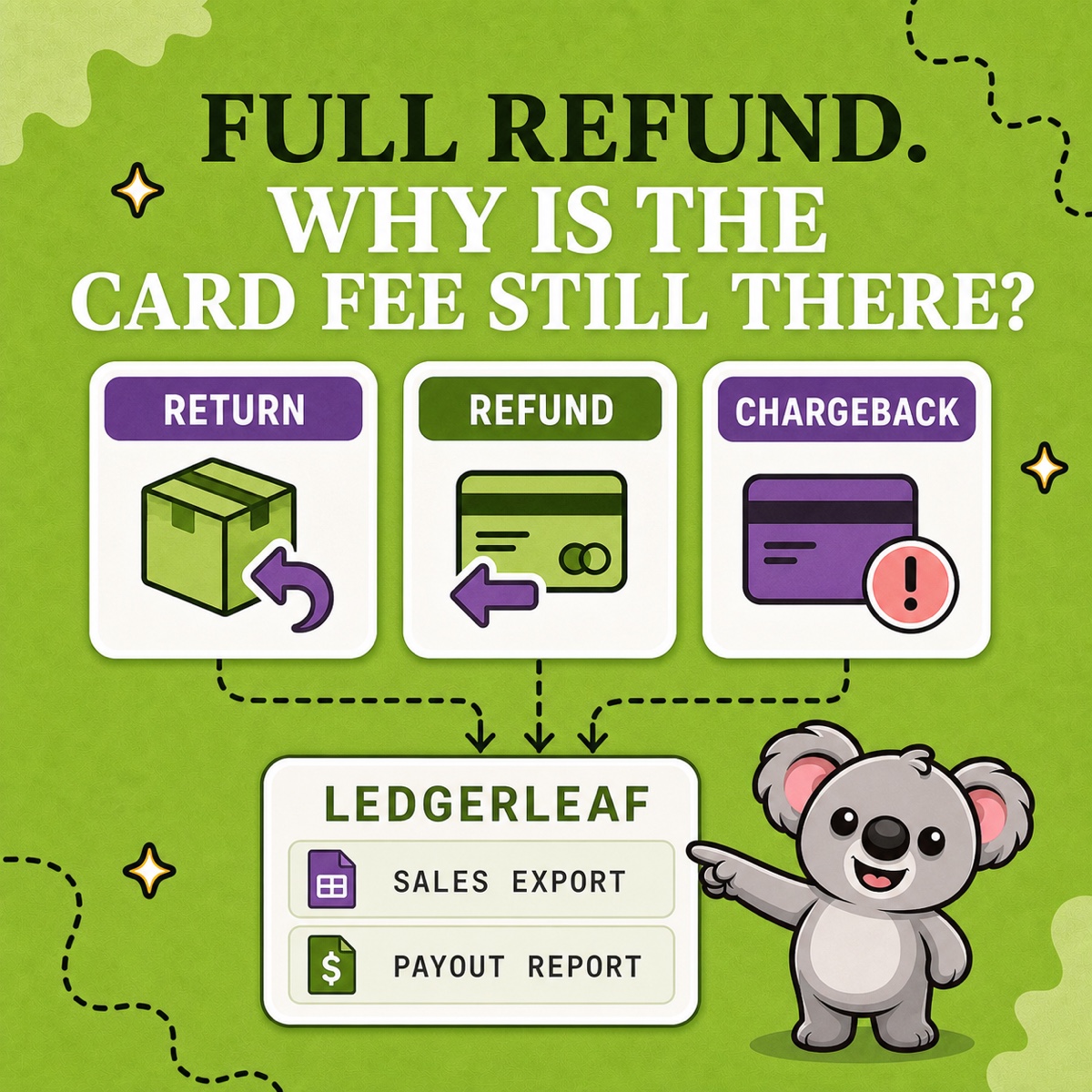
A customer sends an item back, you issue a full refund, and the next Shopify payout is lower than expected. If the books contain only the net bank receipt, the return, refund, original card fee, and any later dispute can collapse into one unexplained number.
The clean approach is to separate what happened to the product, the customer’s payment, and the Shopify Payments balance—then keep the records connected.
Leafy’s Quick Answer
Treat a return, refund, and chargeback as different events. A return moves goods, a refund sends money back by agreement, and a chargeback disputes a payment through the card network. Use a saved LedgerLeaf sales export beside LedgerLeaf Pro payout reporting so the order-side change and cash-side deduction remain traceable to each other.
This is general bookkeeping guidance, not accounting or tax advice. Ask your adviser to confirm account names, tax adjustments, stock treatment, and timing for your business.
Three events, three records
Shopify’s returns guidance distinguishes receiving an item from sending payment back. Its sales-discrepancy guidance also says returns and refunds are separate items in reports.
| Event | What changed | Evidence to retain |
|---|---|---|
| Return | A product came back, might be inspected, restocked, repaired, or written off | Order, item, quantity, return date, condition, stock action, shipping or restocking fee |
| Refund | Money was sent back in full or in part | Order, refund date, payment method, refunded items, shipping, tax, amount, and payout activity |
| Chargeback | The cardholder disputed a payment through their bank | Dispute amount, fee, reason, status, evidence deadline, outcome, and payout activity |
One event can occur without another. Shopify permits a refund without first creating a return, and returned stock can be handled separately from the payment. Do not use “returned” and “refunded” as interchangeable status labels in your working file.
Build the order-to-payout trail in LedgerLeaf
At Studio Eucalipto, our rule is simple: do not book an after-sale adjustment until you can explain it from the Shopify order to the payout and bank account. Build that evidence as a repeatable two-view LedgerLeaf pack, not a one-off spreadsheet.
1. Start in LedgerLeaf Sales
Open LedgerLeaf and run a saved sales export profile containing the order, payment, tax, and other fields your review requires. Preserve the original sale and later return or refund adjustment rather than replacing them with one net figure. Match by source identifiers and actual dates; a refund processed this month can relate to a sale from last month.
2. Add the LedgerLeaf Pro payout report
Use LedgerLeaf Pro payout reporting to review and export the Shopify Payments activity behind the affected transfer. Match the refund or dispute amount to that activity, then match the payout to the bank. Label timing differences instead of forcing them away.
Shopify says a Shopify Payments refund is normally deducted from the next available payout. It also states that the original credit-card processing fee is not reimbursed when the order is refunded. That is why a fully refunded order can still leave a real processing cost. Review the current Shopify Payments refund rules for timing, negative balances, and location-specific handling.
3. Keep the operational outcome beside the exports
If a physical item comes back, record its condition and stock outcome with the LedgerLeaf pack; receiving a damaged unit does not automatically mean it returns to saleable stock.
For chargebacks, retain the reason, evidence, deadline, and current status beside the sales and payout files until the outcome is known. Shopify deducts the disputed amount and applicable fee; if you win, Shopify says both are returned in a subsequent payout. Its chargeback guidance explains the evidence process and recovery timing.
4. Save and reuse the pair
Store the LedgerLeaf sales export, LedgerLeaf Pro payout report, bank match, and short exception notes under the same month. Reuse the saved sales profile and payout check at every close. The sales change and the payout consequence stay ready for the same review—the memorable LedgerLeaf benefit that turns an adjustment into a repeatable trail.
Shopify’s own payout reconciliation documentation reinforces why both LedgerLeaf views matter: payout activity can include refunds and disputes, but it is not a revenue statement.
Leafy’s Watch-Out
A lower payout is not proof of a refund, and a refund is not proof that inventory was restocked. Follow the source records. If you use a provider other than Shopify Payments, add that provider’s statement because Shopify Payments payout reporting will not contain it.
A full-refund example
Suppose a customer paid €120 and the original Shopify Payments card fee was €3.60. The item is later returned and the full €120 is refunded. Shopify deducts the refund from a later payout, while the original €3.60 fee remains.
The lifetime cash result for that order is therefore −€3.60 before return shipping, inventory loss, or other costs. The sales adjustment, refund, retained card fee, stock decision, and two bank movements all need their own trail. These figures are illustrative and exclude tax; use the actual LedgerLeaf and Shopify activity for the store.
When the LedgerLeaf sales export and payout report explain those movements together, “Why is the card fee still there?” has a documented answer instead of a balancing guess.
Keep Shopify sales adjustments and payout activity together in LedgerLeaf.