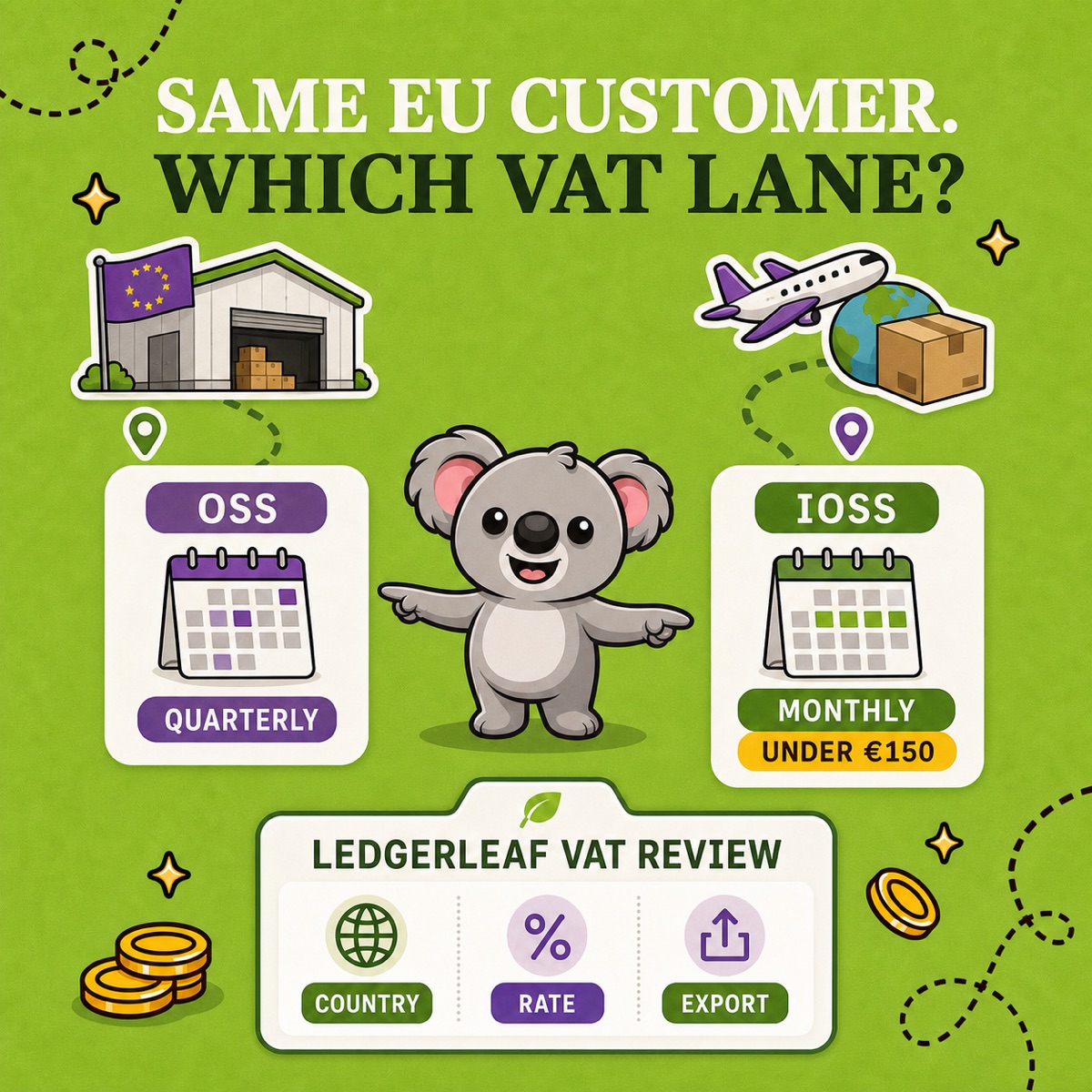
OSS and IOSS can both simplify EU VAT, but they do not cover the same journey. The fastest way to separate them is to ignore the customer destination for a moment and ask: where are the goods when dispatch begins? Stock moving between EU countries points towards Union OSS; a low-value parcel entering the EU from outside points towards IOSS.
That classification is only useful when it survives into your records. At Studio Eucalipto, our view is that Shopify merchants should separate the two lanes at order level, then use LedgerLeaf Pro to turn the OSS lane into a repeatable country, rate, period, transaction and export review.
Leafy’s Quick Answer
Use Union OSS for qualifying B2C goods dispatched from one EU Member State to a customer in another. Use IOSS for qualifying physical goods dispatched from outside the EU in consignments with an intrinsic value no higher than €150. OSS returns are generally quarterly; IOSS returns are monthly. Confirm the scheme with your tax authority or adviser before configuring Shopify.
This is general operational guidance, not tax advice for the UK or any other jurisdiction. Establishment, warehouses, marketplaces, excise goods, services, registrations, and local obligations can change the answer.
Start with the parcel, not the acronym
The European Commission’s One Stop Shop guidance describes three schemes under the wider OSS system. For a merchant selling physical goods, the practical comparison is usually:
| Shopify order | Likely VAT lane | Return rhythm |
|---|---|---|
| Goods leave an EU warehouse for a consumer in another EU country | Union OSS may apply | Quarterly |
| Goods leave a non-EU country for an EU consumer; consignment is no more than €150 and is not subject to excise duty | IOSS may apply | Monthly |
| Goods are already stored and delivered within the same EU country | Domestic VAT rules generally apply | Local return |
| Digital services are supplied to EU consumers | Union or non-Union OSS may apply; not IOSS | Quarterly |
IOSS is not simply “OSS for merchants outside Europe.” An EU-established merchant can use the import scheme too, while a non-EU seller may need an EU intermediary. The defining IOSS transaction is a qualifying distance sale of imported physical goods.
Two €60 orders can belong in different systems
Imagine two Shopify orders for the same €60 product, both delivered to a customer in France.
Order A leaves a warehouse in Italy. The goods begin inside the EU and cross into another Member State. If the sale is in scope, it belongs in the Union OSS lane. The review needs the destination country, applicable rate, taxable amount, VAT, period, and transaction trail.
Order B leaves a warehouse in the US. The goods enter the EU in a €60 consignment. If the other conditions are met, IOSS may allow VAT to be collected at checkout and declared in a monthly import-scheme return. The evidence also needs the dispatch origin, intrinsic value, customs data, and correct use of the IOSS identifier through the delivery chain.
The price and customer are identical; the movement of the goods changes the reporting route.
There is also a current customs distinction. Since 1 July 2026, the EU applies a temporary €3 customs duty per item category on low-value consignments. IOSS still concerns VAT on eligible consignments up to €150, but “IOSS eligible” no longer means “customs-duty free.” Keep VAT and customs charges as separate questions.
Make LedgerLeaf the OSS evidence lane
1. Classify before you total
Record dispatch location, destination, goods or service, consignment value and intended VAT scheme for each workflow. Do not begin with one EU tax total and try to reverse-engineer origin later.
2. Review EU-dispatched orders in LedgerLeaf
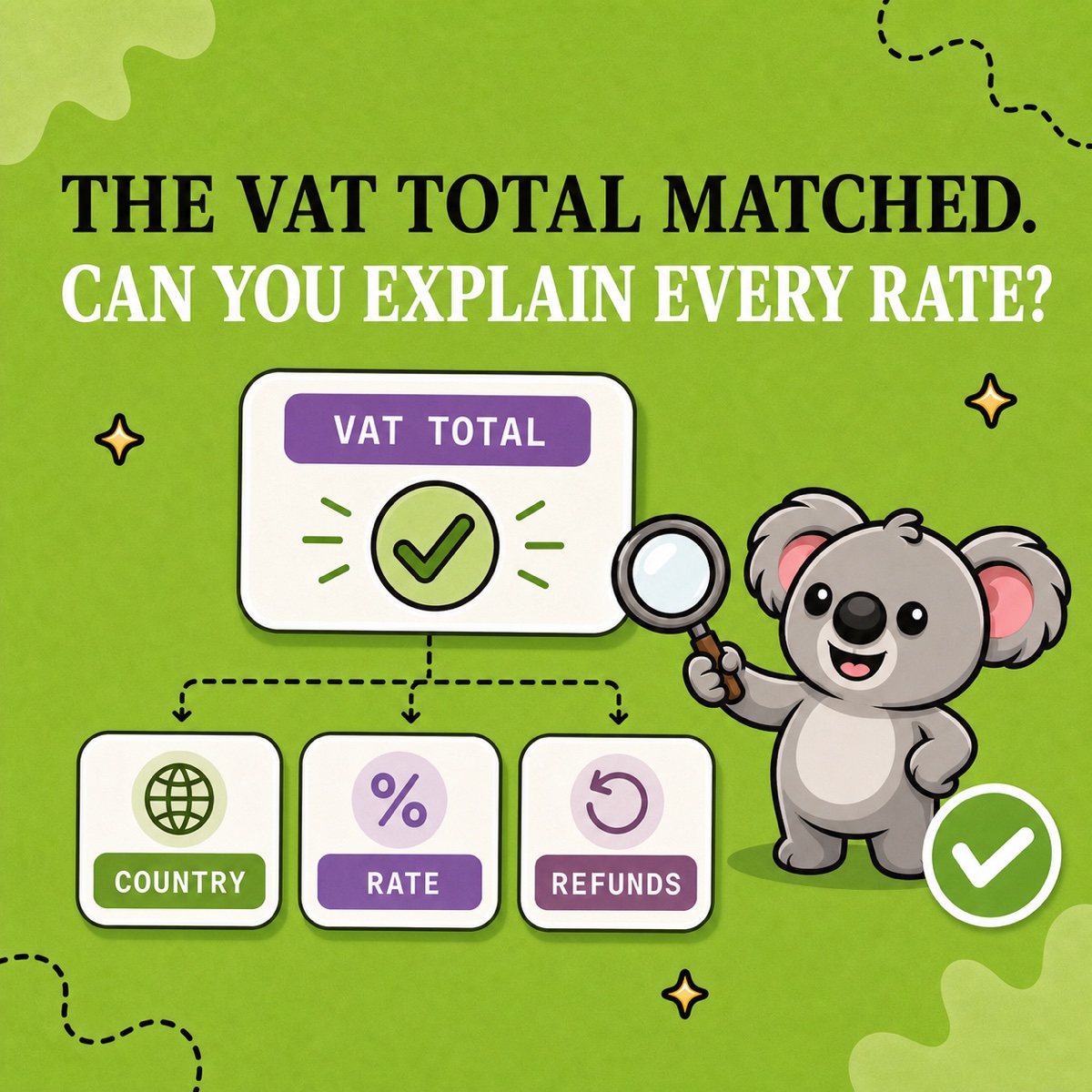
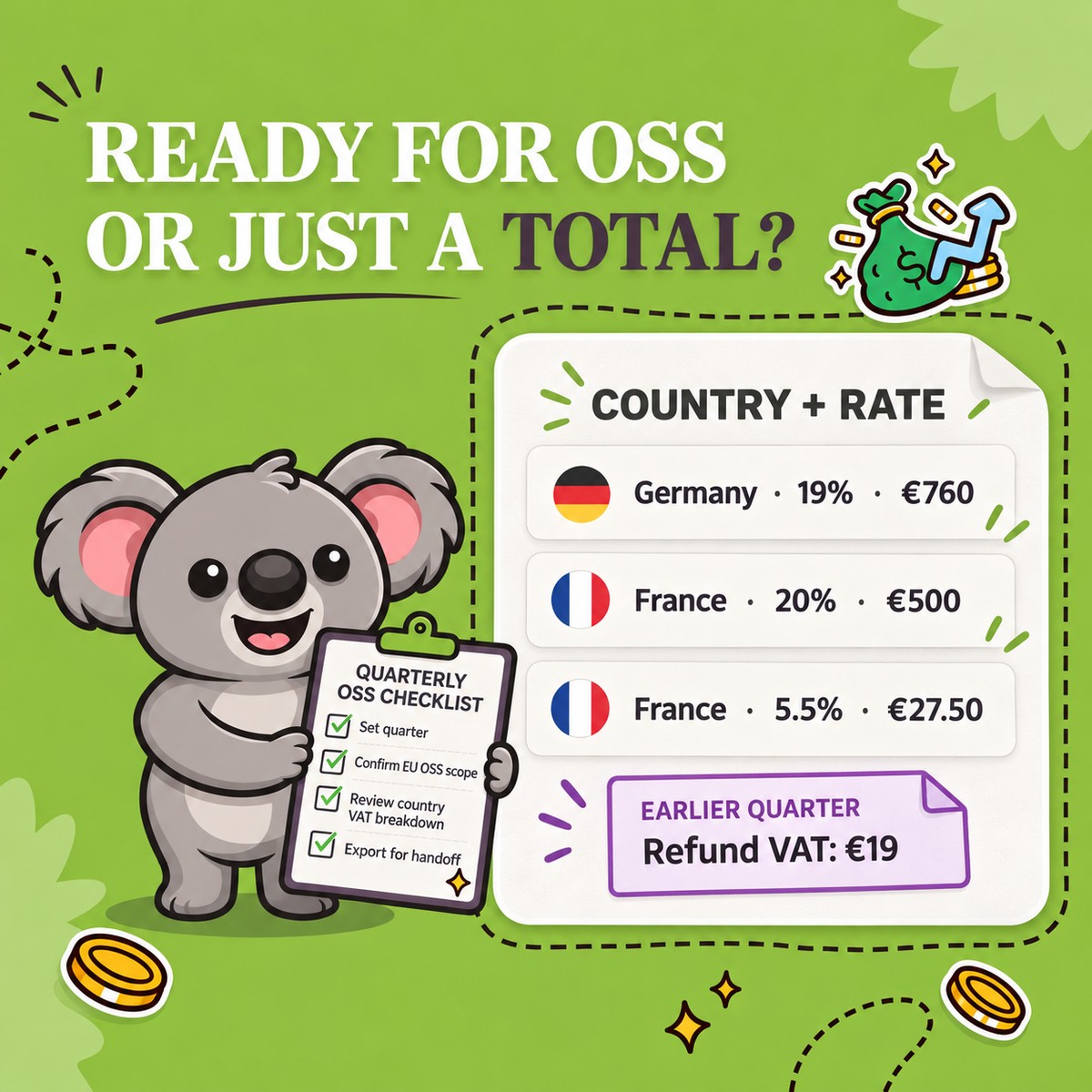
For the OSS lane, set the exact period in LedgerLeaf Pro, apply the EU OSS scope and payment-status filters, then review VAT by country and rate. Trace an unexpected country, rate, refund, or zero-tax row back to its transaction before exporting.
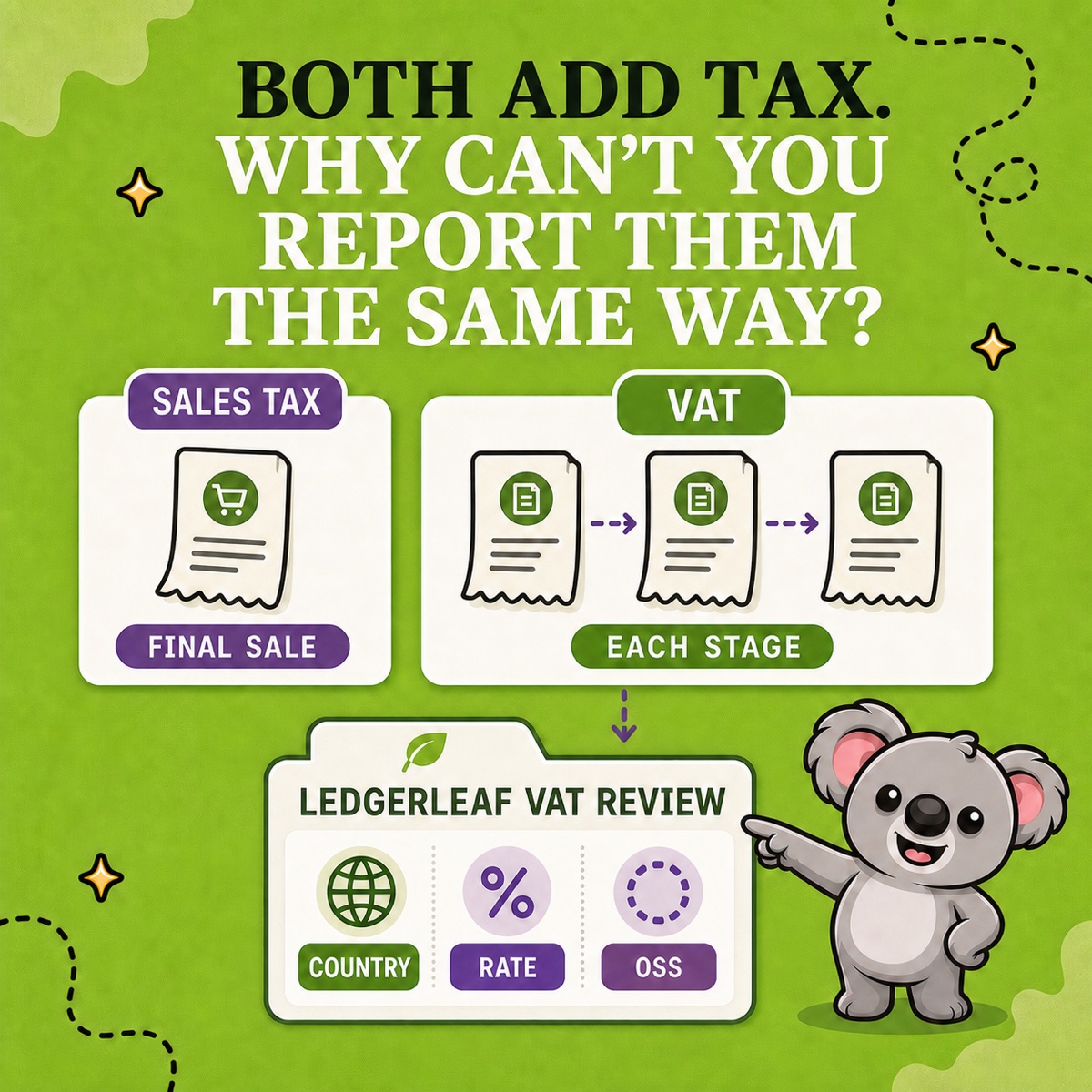
LedgerLeaf makes the recurring proof visible: which country, which rate, which period, and which Shopify transactions produced the OSS figure. Export the OSS-by-country CSV and the detailed tax CSV or XLSX for review or accountant handoff.
3. Keep the import lane visibly separate
Preserve IOSS orders in their own monthly handoff with the Shopify order, dispatch origin, intrinsic value, VAT charged, customs or carrier evidence, and any intermediary records. LedgerLeaf is not being presented as an IOSS filing service; its job in this workflow is to keep the OSS review from being contaminated by imported-order assumptions.
4. Check Shopify’s configuration limit
Shopify’s current EU tax reference says using OSS and IOSS simultaneously is not supported in Shopify tax registrations. If you fulfil from both EU and non-EU locations, do not assume one checkout setting correctly resolves both lanes. Map the fulfilment routes first, then confirm the collection and filing setup with Shopify support and your tax adviser.
Leafy’s Watch-Out
“EU customer” is a destination, not a scheme. The dispatch origin decides which questions come next.
The memorable test is simple: EU stock crossing an EU border points towards OSS; qualifying stock entering the EU points towards IOSS. Once the orders are separated, LedgerLeaf keeps the OSS side ready to review instead of leaving you with one unexplained VAT total.