An OSS quarter can end with a neat VAT total and still be difficult to file. Your accountant asks which countries and rates produced it, then spots a refund from an earlier quarter. You are reopening orders and rebuilding spreadsheets as the deadline approaches. The total has cost you another evening without answering the questions.
Use LedgerLeaf Pro to prepare the quarter inside Shopify admin. Its OSS view, country and rate breakdowns, and transaction exports give you the evidence behind the figures. Here is how to turn that evidence into an accountant handoff.
Why a Shopify tax total is not an OSS review
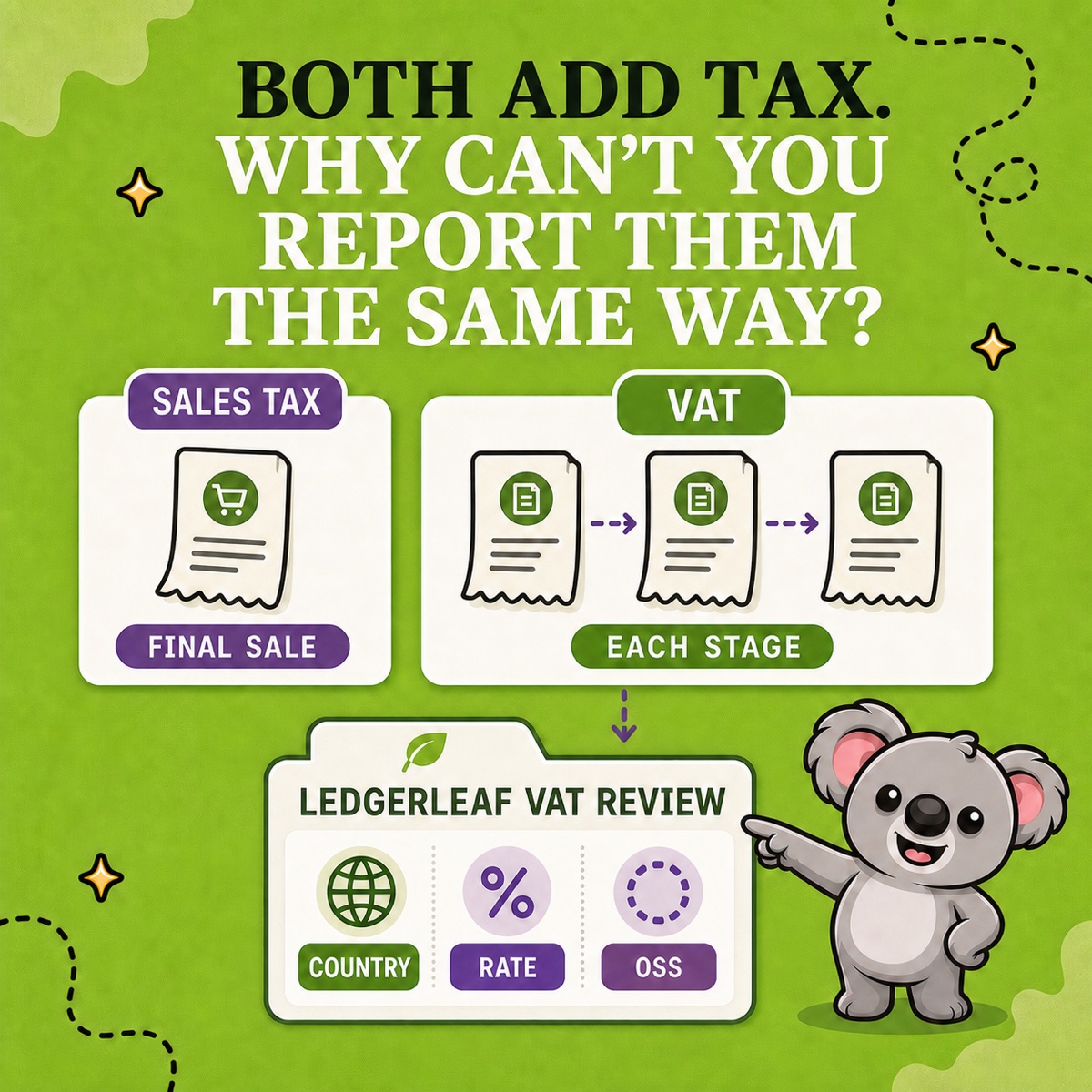
Shopify’s Taxes report shows the taxes applied to sales. The weakness is the preparation it leaves to you. A tax summary or order CSV does not settle your OSS scope or separate earlier-quarter corrections. A homemade workbook adds formulas and country groupings to maintain each quarter.
LedgerLeaf’s VAT and OSS workspace brings the country review and supporting exports together. Investigate a figure and hand over its detail without designing another spreadsheet.
Fix the quarter and filing scope
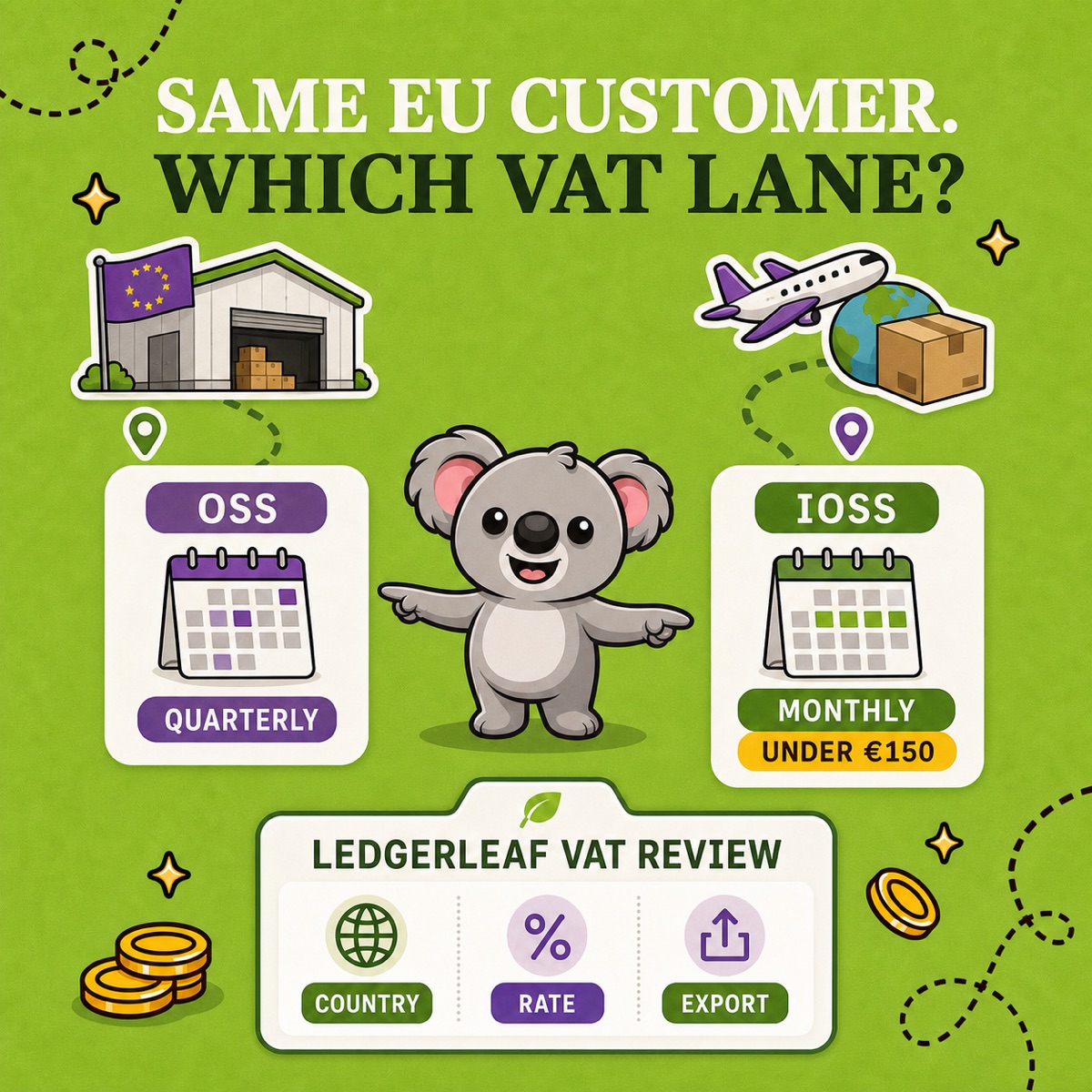
For Union OSS, the European Commission’s filing guidance sets these deadlines for both the return and payment.
| Quarter | Period | Deadline |
|---|---|---|
| Q1 | 1 January to 31 March | 30 April |
| Q2 | 1 April to 30 June | 31 July |
| Q3 | 1 July to 30 September | 31 October |
| Q4 | 1 October to 31 December | 31 January of the following year |
Weekends and public holidays do not extend the deadline. Registered merchants with no in-scope supplies or corrections still submit a nil return.
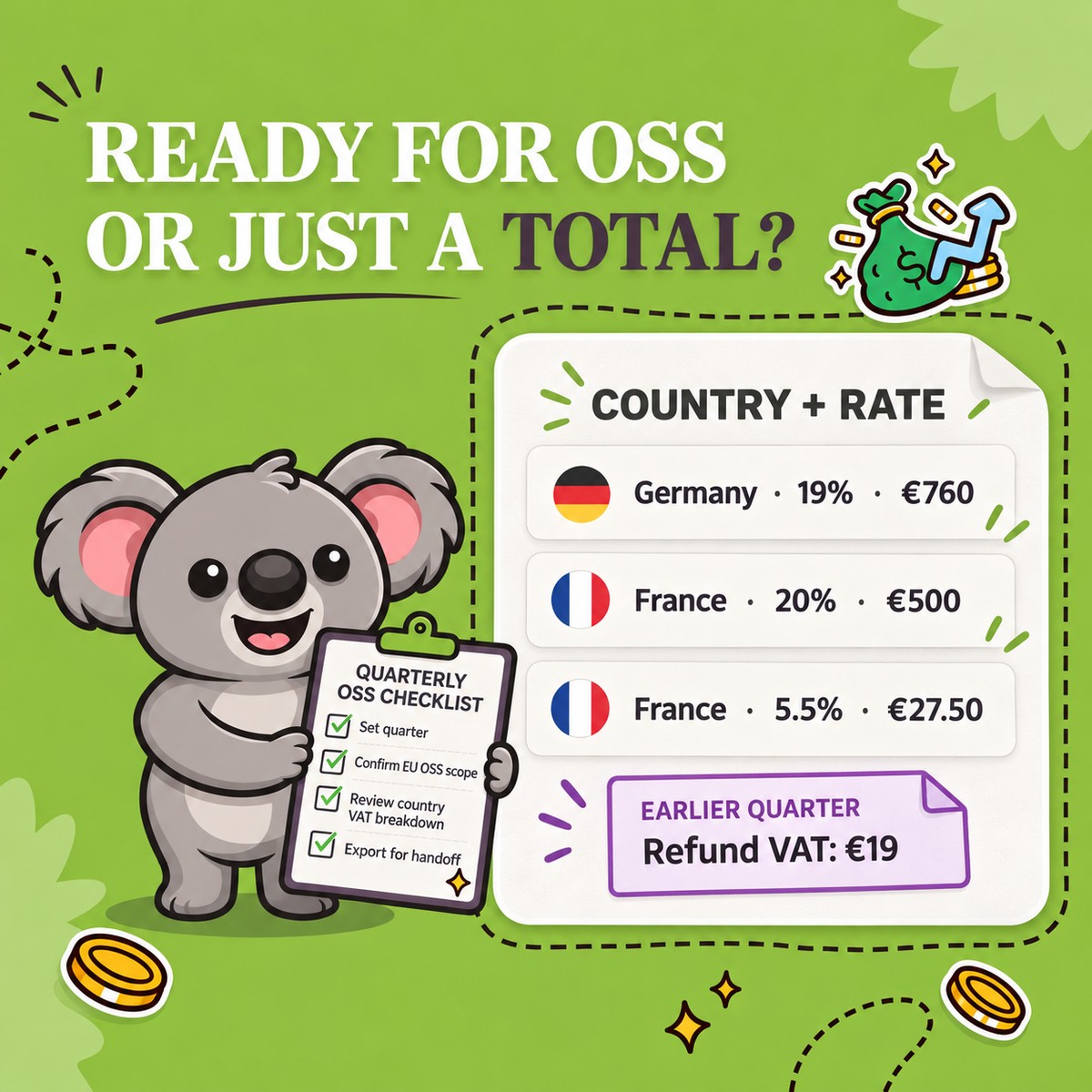
Open Taxes in LedgerLeaf and use Edit filters to set the exact quarter and EU OSS destinations only scope. Record the payment filter, currency, and store time zone in your review note. Check the displayed dates and orders in scope before exporting.
Confirm the filing scope with your accountant. Shopify’s EU tax guidance distinguishes OSS from local VAT registrations. An EU destination alone does not establish that a sale belongs in your return. For a store shipping from Italy, ordinary Italian domestic sales follow a different reporting route from qualifying cross-border sales.
Turn the country breakdown into an answer
Suppose your agreed July to September scope contains these sales before refunds. The rates are illustrative recorded rates, not instructions for taxing your products.
| Destination | Recorded rate | Sales excluding VAT | VAT |
|---|---|---|---|
| Germany | 19% | €4,000 | €760 |
| France | 20% | €2,500 | €500 |
| France | 5.5% | €500 | €27.50 |
| Total | €7,000 | €1,287.50 |
In LedgerLeaf’s Country VAT breakdown, France contributes €527.50. Review its rates so the €27.50 does not disappear inside that country total. Use Export CSV to obtain the transaction detail and locate the orders carrying the smaller rate. Your accountant can review those sales without asking you to reconstruct the French figure.
This matters because OSS reporting separates taxable amounts and VAT by destination and rate. Flag unfamiliar rates, missing destinations, and zero-tax rows for review.
Keep a refund attached to its original quarter
Now suppose a German order placed in June was fully refunded in August. The €119 refund comprises €100 of sales and €19 of VAT. It remains a correction to an earlier sale.
Use the LedgerLeaf transaction export for the original period to identify the sale. Match its reference to the refund evidence and note the original quarter, destination, and €19 VAT adjustment. A current-quarter order selection should not be assumed to capture earlier-order refunds.
If the June sale was already declared, the correction belongs in a subsequent OSS return with the original period identified. Keep it separate from current-quarter supplies. The LedgerLeaf records explain the amount and its origin for your accountant.
For foreign-currency sales, confirm the return currency and period-end ECB exchange rate with your accountant. A payout conversion does not replace the OSS method.
Export one pack and keep the reviewed version
Use Export OSS by country CSV for the country summary and Export report XLSX for spreadsheet review. Keep the transaction CSV with the same agreed scope alongside them. Attach original-period records for corrections, your filter note, and unresolved questions. Date the folder to preserve the version reviewed for filing.
Submit through your Member State of identification and use the return’s reference for payment. Keep the submitted return, payment confirmation, exports, invoices, and customer-location evidence together. The OSS record rules require electronic records for ten years from the end of the transaction year.
For this handoff, LedgerLeaf is easier to use and better value than an accounting connector. A2X Mini costs US$29 monthly for up to 200 orders and focuses on syncing with external accounting software. That adds cost and setup for a quarterly file handoff. LedgerLeaf Pro costs US$5.90 monthly and works inside Shopify admin without a separate external account. Prices checked 10 October 2026.
Start LedgerLeaf Pro’s seven-day trial and prepare your latest completed quarter for your accountant.