A Shopify order can show one tidy tax line whether the customer paid US sales tax or UK or EU VAT. That visual similarity is where the confusion starts. Sales tax and VAT both target consumption, but they collect it differently and create different reporting evidence. Treating them as interchangeable can leave the right total in the wrong workflow.
At Studio Eucalipto, our view is simple: keep sales tax and VAT in separate review lanes, then make LedgerLeaf Pro the working surface for the VAT lane. Its country, rate, period, transaction, and OSS views turn Shopify VAT from a generic tax total into evidence you can review and hand over.
Leafy’s Quick Answer
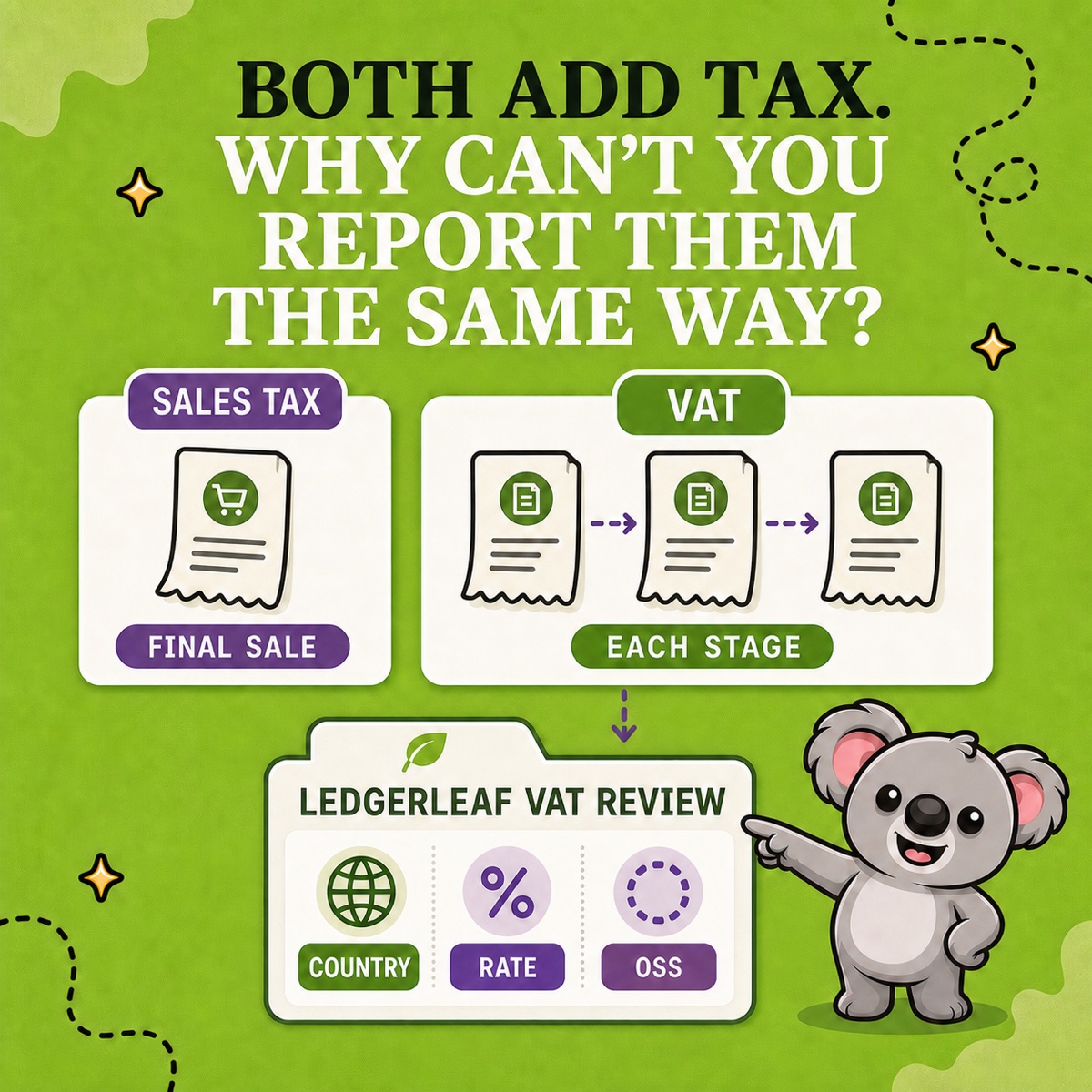
Retail sales tax is generally charged once at the final sale to the consumer. VAT is charged through the supply chain, with VAT-registered businesses generally deducting eligible input VAT from the VAT they collect. In Shopify, identify the system first; then use LedgerLeaf Pro to review EU VAT by country and rate, trace transactions, apply OSS scope when relevant, and export the evidence.
This is general operational guidance, not tax advice for the UK or any other jurisdiction. Registration, rates, exemptions, nexus, deductions, and filing treatment depend on the jurisdictions involved; confirm them with the relevant authority or a qualified adviser.
Sales tax and VAT are not two names for one mechanism
The OECD’s comparison of consumption taxes describes the structural difference clearly: retail sales tax is a single-stage levy at the final sale, while VAT uses staged collection throughout production and distribution. The European Commission’s VAT explanation adds the practical bookkeeping point: VAT-registered traders generally deduct eligible VAT paid on business purchases from VAT collected on sales.
| Question | Retail sales tax | VAT |
|---|---|---|
| Where is tax collected? | Generally at the final retail sale | At stages through the supply chain |
| What happens on a business purchase? | A resale exemption or certificate may apply | Eligible input VAT may be deducted from output VAT |
| What shapes the review? | State, county, city or other jurisdiction | Country, rate, taxable amount, input/output VAT and scheme |
| What must the Shopify merchant avoid? | Mixing jurisdictions or assuming collection equals registration | Treating gross tax as the amount due without the VAT trail |
These are broad structural differences, not rules for every transaction. The useful habit is to ask which system produced this tax line? before exporting or grouping it.
Shopify already points to two reporting shapes
Shopify’s tax-report guidance describes its United States sales tax report by state, jurisdiction, and transaction. Its EU guidance explains that VAT can depend on customer destination and that eligible cross-border sales may be reported through the One Stop Shop.
That means one column called Tax is not enough for a mixed-market review. A US jurisdiction total and an EU VAT total may both be correct, yet they answer different filing questions and need different supporting records.
Build a two-lane tax review with LedgerLeaf
1. Identify the system before the total
For each market, record the tax registration or scheme, reporting period, destination basis, currency and source report. Do not begin with a worldwide tax total and try to separate it later.
2. Keep the native sales-tax detail intact
For eligible US stores, preserve Shopify’s state, jurisdiction, and transaction exports. Do not force that hierarchy into an EU country-and-rate workbook merely because both contain collected tax.
3. Make LedgerLeaf the VAT working surface
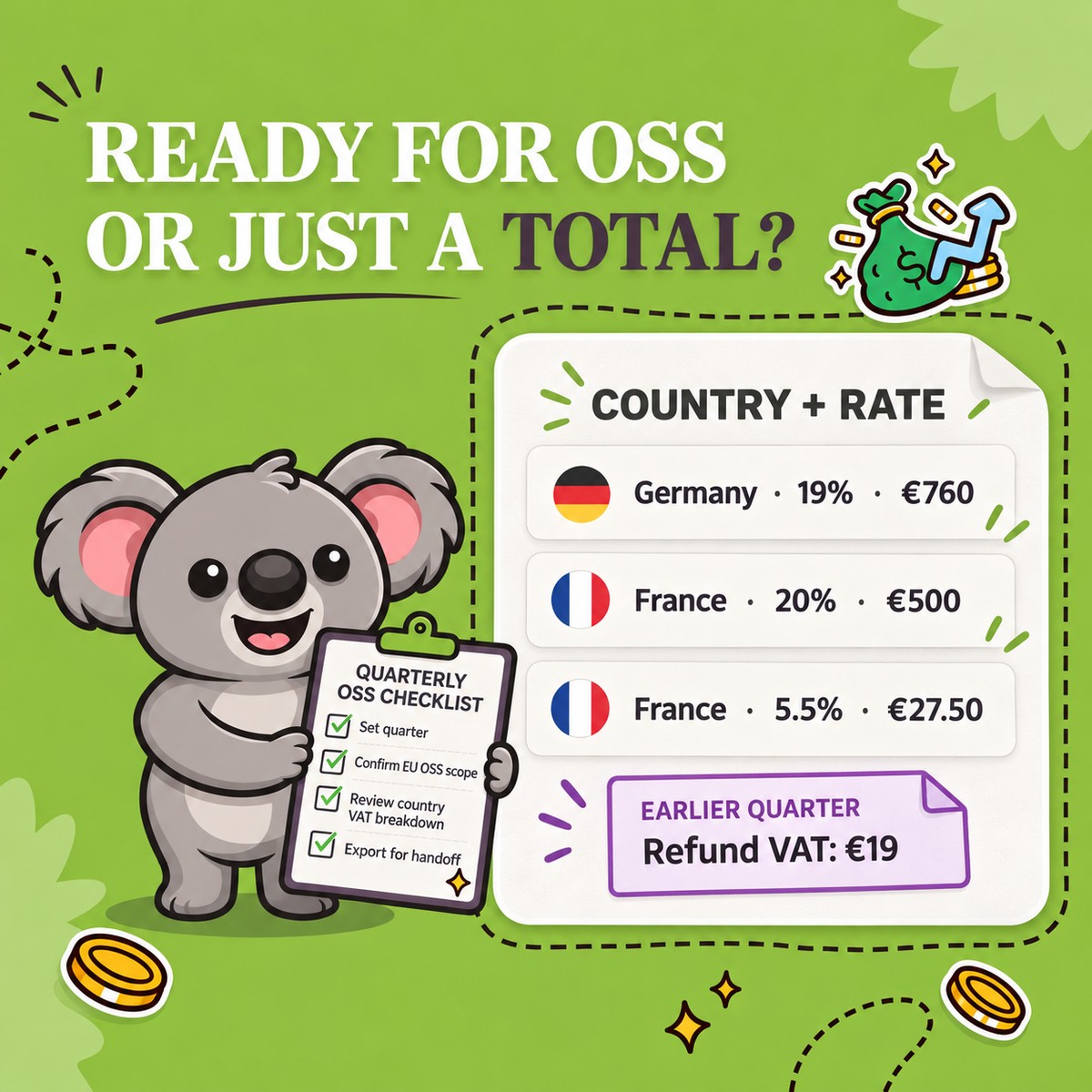
In LedgerLeaf Pro, select the exact period and payment-status filter, apply EU OSS scope when it belongs, then review the tax overview and country VAT breakdown. Check every country-and-rate combination, trace unusual amounts to transaction detail, and export the same CSV or XLSX pack for review.
This is the step that prevents VAT from becoming “the other tax total.” LedgerLeaf gives the VAT lane its own repeatable country, rate, transaction and OSS structure inside Shopify admin.
4. Hand off two explained packs—not one blended file
Suppose a US order has a US$100 selling price plus US$8.25 sales tax, while an EU order has a VAT-inclusive price of €120 at 20%, containing €20 VAT. Both orders contain tax, but the review questions differ: which US jurisdictions produced US$8.25, and which EU country, rate, scope, and transaction produced €20?
Preserve the sales-tax jurisdiction evidence separately. For VAT, save the LedgerLeaf filters, country-and-rate summary, transaction export, exception notes and OSS-by-country export when relevant. Your adviser receives two explained trails instead of one ambiguous tax column.
Leafy’s Watch-Out
Shopify can calculate and report tax data, but a collected amount does not decide where you must register, file, or remit. Use the right evidence lane, then confirm the obligation separately.
The memorable distinction is not only “sales tax versus VAT.” It is jurisdiction detail for US sales tax; country-and-rate traceability for VAT—and LedgerLeaf keeps the VAT trail ready to review.