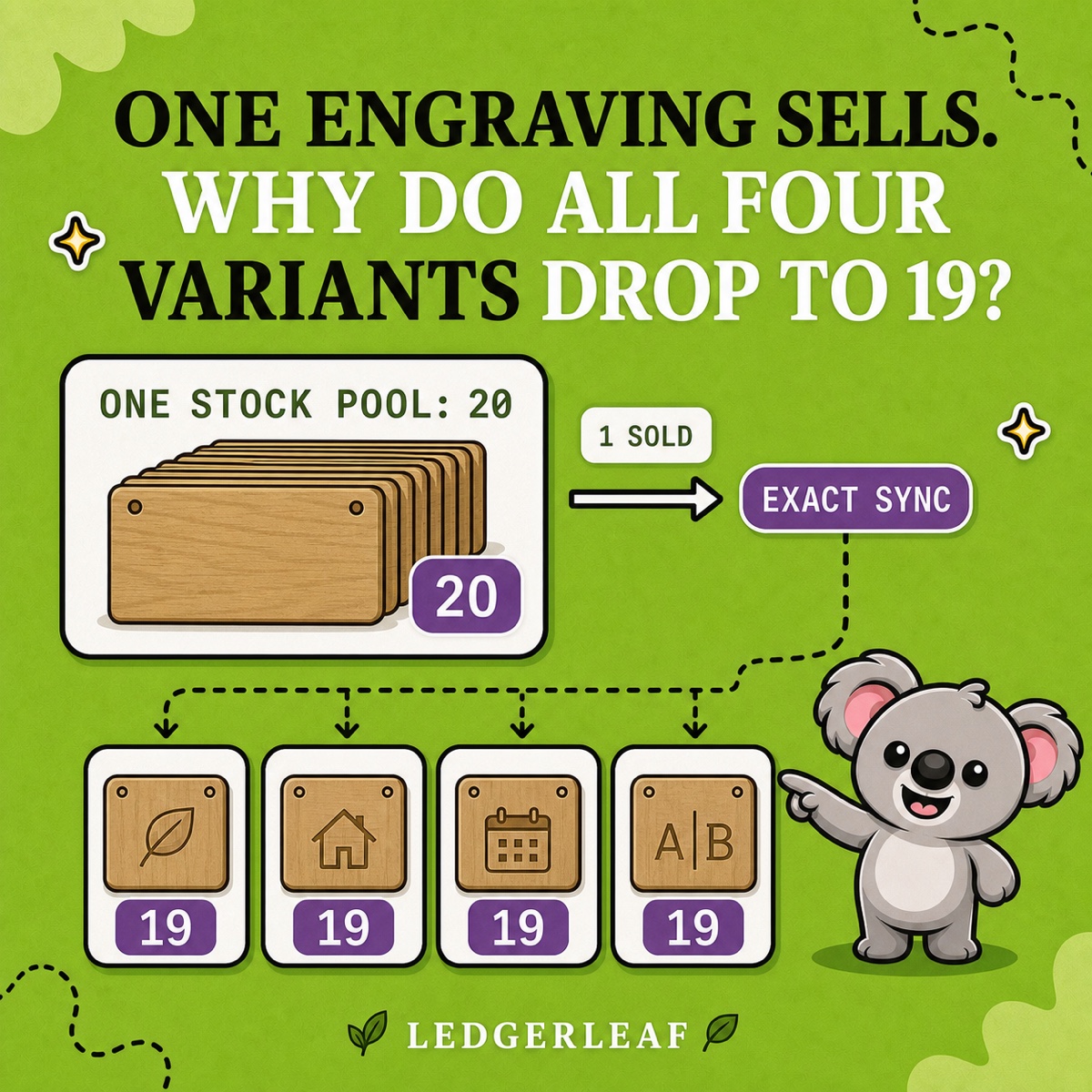
Four engraving variants each show 20 available. That does not mean you have 80 blank plaques. If every choice is made from the same 20 blanks, the four Shopify stock figures are shopfront views of one physical stock pool.
Shopify manages stock at variant level, so a sale normally changes the quantity of the variant that sold. Reusing one SKU does not turn several variant records into shared stock. For a deliberate shared-stock setup, give the variants clear related SKUs and use a LedgerLeaf Pro linked-SKU rule with exact sync to keep every view aligned with the real pool.
Leafy’s Quick Answer
Share inventory only when the choices consume the same physical units. Keep separate quantities for genuinely different items, use distinct but related SKUs for the shared variants, then connect them with a LedgerLeaf Pro exact-sync rule. Test a sale, return, adjustment, and restock before relying on it.
Decide whether the variants really share stock
A Shopify variant is a sellable version of a product. Shopify lets each variant have its own quantity, SKU, price, and other details, which is exactly right when each choice represents a different item on the shelf.
Use separate stock when the picker reaches for a different ready-made item: a small shirt instead of a large one, or a green mug instead of a purple mug. Those units are not interchangeable.
Use shared stock when the choice changes how the same base unit is finished or presented after purchase. Imagine 20 identical oak plaques with four made-to-order engraving choices. Any engraving sale consumes one of those same 20 blanks, so the remaining capacity is 19 across every choice.
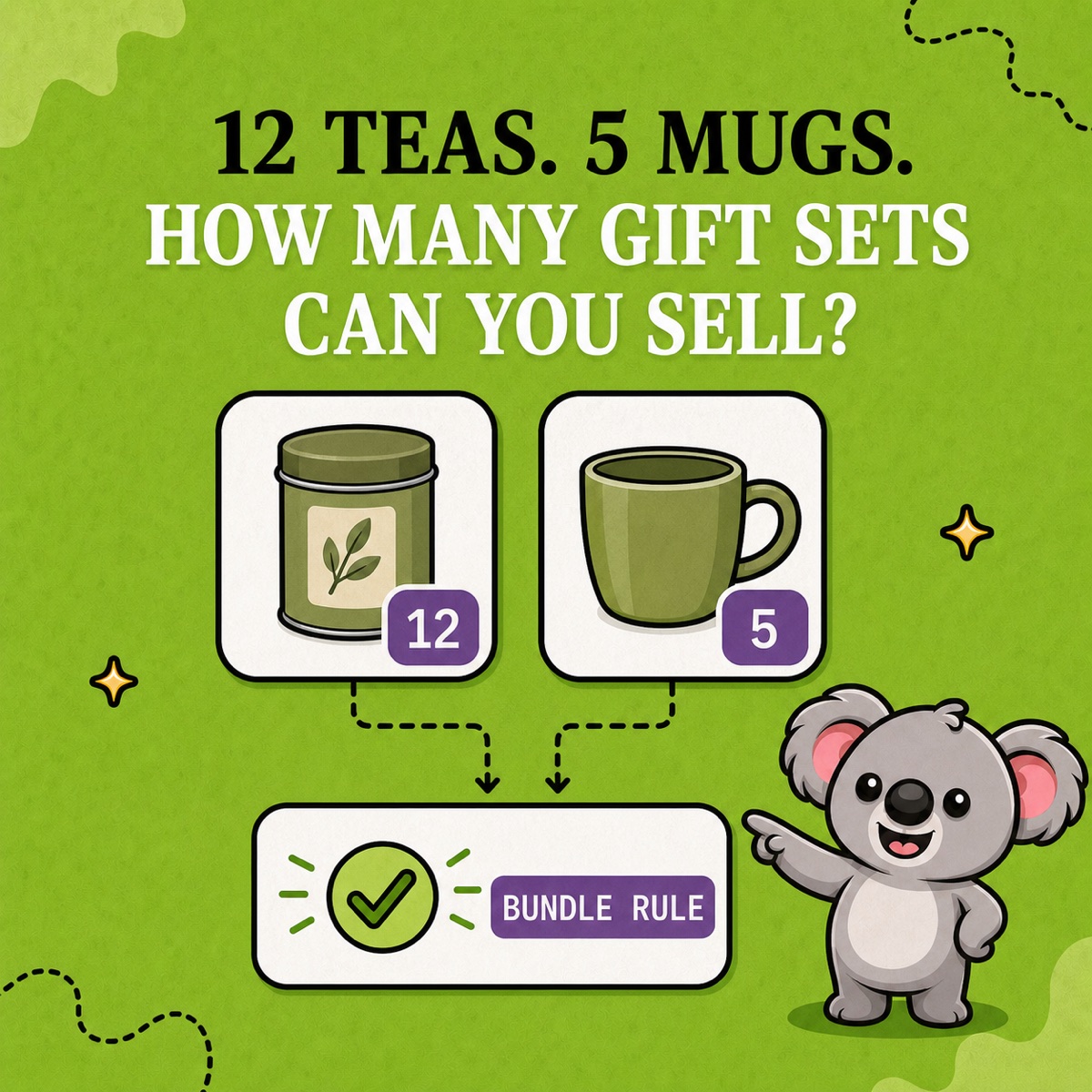
Do not confuse that relationship with a bundle. If an order consumes a blank plaque and a separately stocked gift box, those components need a bundle rule and a limiting-stock calculation. Multiple warehouses are different again: Shopify tracks inventory by location, not as one pooled number across locations.
A matching SKU is not a shared-stock rule
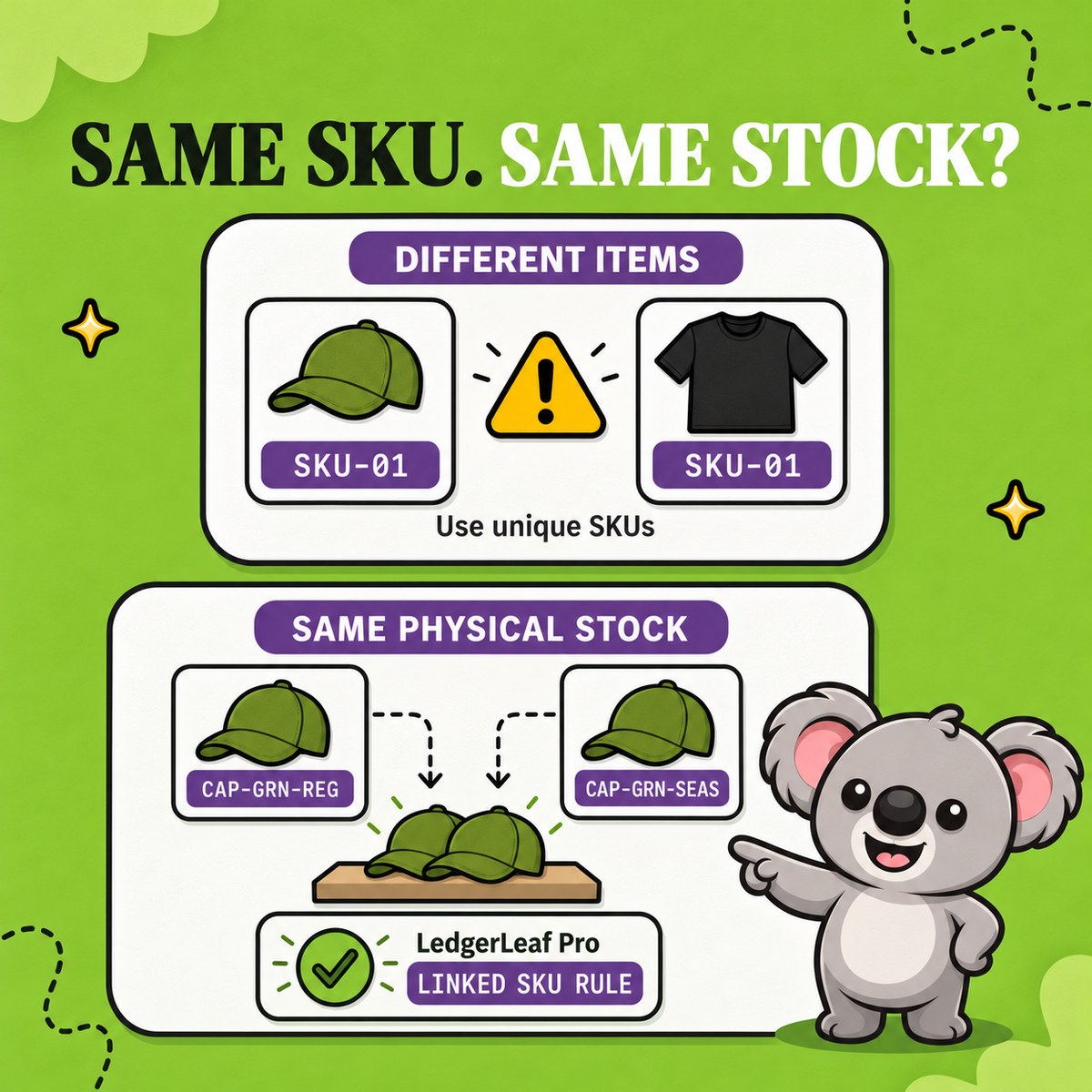
Shopify’s SKU guidance recommends unique SKUs for ordinary variants and warns that duplicates can cause reporting, integration, and inventory-tracking problems. That is why entering PLAQUE-OAK on all four engraving variants is a weak shortcut. It obscures which choice sold, while Shopify still presents separate variant quantities.
Use a readable family instead:
PLAQUE-OAK-LEAFPLAQUE-OAK-HOUSEPLAQUE-OAK-DATEPLAQUE-OAK-INITIALS
The shared base identifies the physical family; each suffix identifies the customer’s choice. LedgerLeaf can then match the deliberate pattern without turning the catalogue into a set of duplicate labels.
Make one real quantity operational in LedgerLeaf
Open the Stock workspace in LedgerLeaf Pro and create a linked-SKU rule for the plaque family. Preview every matched variant before activation, then choose exact sync because all four choices must show the same remaining quantity.
Start them at 20. When the leaf engraving sells, Shopify records the order against that specific variant. The LedgerLeaf rule carries the physical relationship across the group so each linked quantity returns to 19. After another choice sells, they align at 18.
That is the useful distinction to remember: the variant records describe how the item was sold; the LedgerLeaf rule keeps those records tied to what can still be made. Remove the rule and someone must chase every sale, cancellation, stocktake, and delivery across all four quantities by hand.
Test the stock paths before launch
Begin with one small variant family and an obvious quantity. Then check:
- Set every linked variant to the same starting count.
- Place a test order through each choice and confirm the whole group decreases.
- Cancel or return an order using your normal restock path.
- Make a manual stock adjustment after a physical count.
- Add a small delivery and confirm every choice shows the new total.
- Review Shopify’s stock adjustment history to identify which user or app changed a quantity.
Leafy’s Watch-Out
Do not link variants merely because their names are similar. If one choice consumes a different item, component quantity, or location stock, it does not belong in the same exact-sync group.
Shared stock becomes manageable when the physical rule is explicit: one real pool, readable variant SKUs, and one reviewed LedgerLeaf rule carrying the relationship.
Keep shared Shopify variant stock aligned with LedgerLeaf Pro.