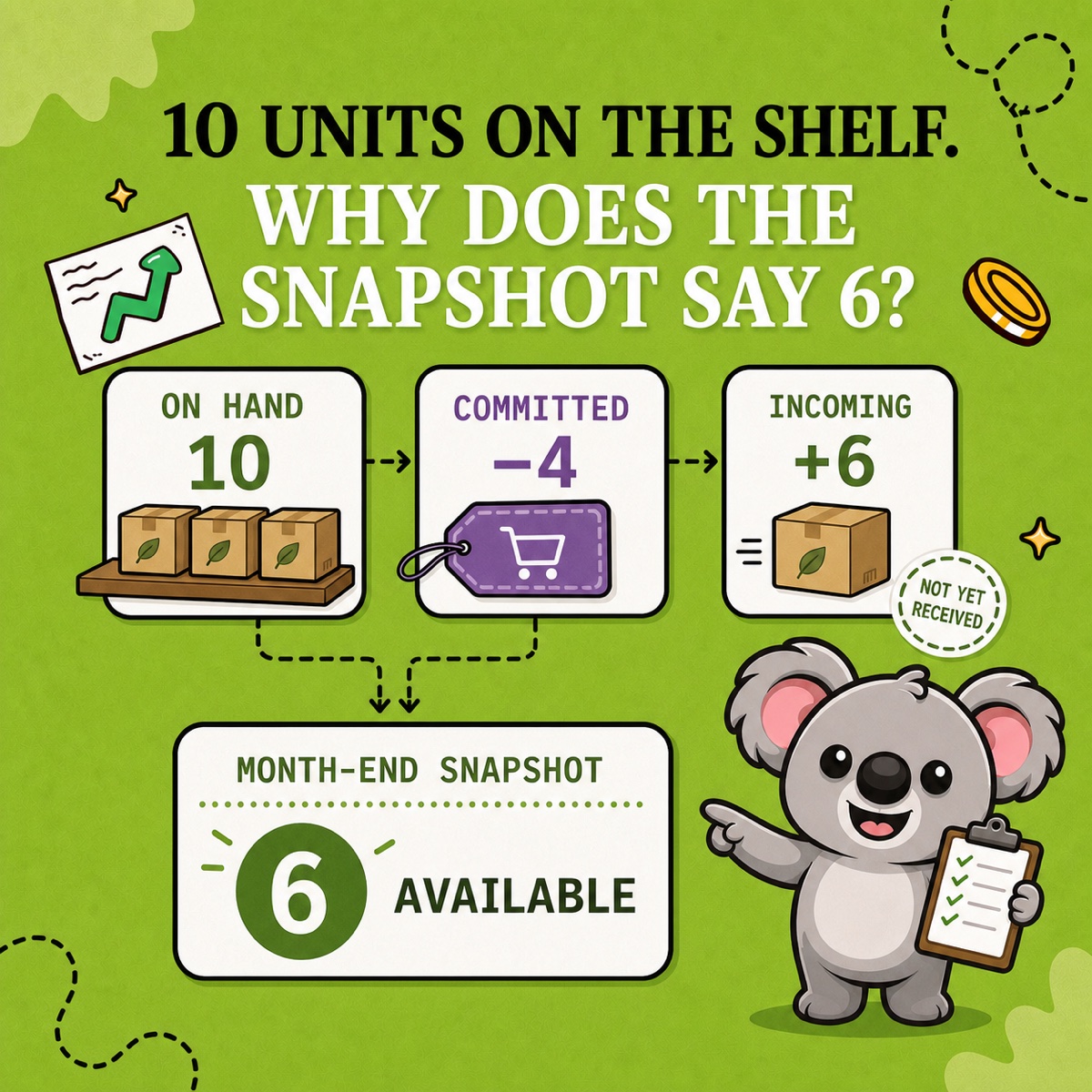
Your Shopify SKUs look tidy, but a bundle still shows eight available when you only have six of one component. That gap can become an order you cannot ship, a refund, and an awkward customer conversation. Clear codes help your team pick the right item. They do not tell Shopify how separate listings share stock.
A SKU, or stock keeping unit, is your internal identifier for a specific product variant. A useful Shopify SKU system gives each variant a short, unique code and connects related stock through an inventory rule. LedgerLeaf Pro handles that second part inside Shopify admin, so a naming convention becomes a working stock relationship.
Build a SKU pattern your team can read
Choose only the attributes that distinguish one stocked item from another. An apparel store might use TEE-BLK-S for a small black T-shirt.
TEEidentifies the product family.BLKidentifies the colour.Sidentifies the size.
The next variant becomes TEE-BLK-M, not another TEE-BLK-S. Shopify’s SKU guidance recommends short, consistent codes, avoiding spaces and special characters, and keeping 0 distinct from O and 1 from I. Use the same abbreviation for black throughout the catalogue.
Before adopting a pattern, ask whether a new team member can read it, whether it accommodates the next collection, and whether each code identifies one ordinary variant. Renaming a small catalogue is easier than untangling years of inconsistent identifiers later.
Keep the same SKU for a variant across Shopify locations. Its quantity can differ by location without changing the item’s identity. A SKU also differs from a barcode. It is your internal code, rather than the scannable identifier used by a barcode system.
Fix the mistakes that make rules harder to manage
Missing SKUs leave a rule without a dependable product identifier. A T-shirt in three sizes needs three codes on its variants. Add them before relying on SKU-based reports because a new code does not backfill historical orders.
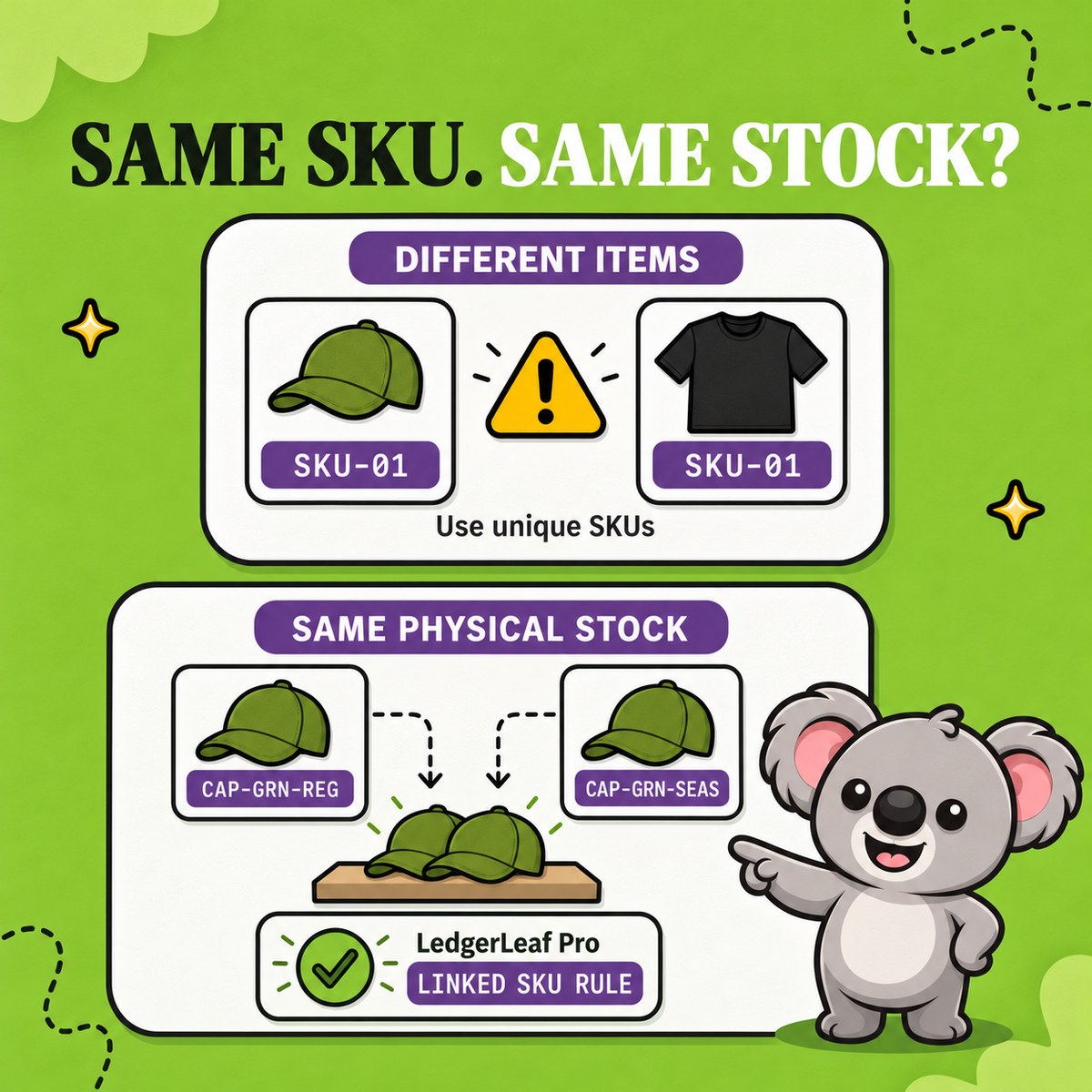
Accidental duplicates make it unclear which variant a stock action refers to. Shopify warns about duplicate SKUs, but a warning does not connect inventories. Giving a T-shirt and a gift set the same code cannot express that the set also needs a cap.
Inconsistent abbreviations and case make pattern matching harder to review. Keep BLK consistent and avoid mixing TEE with tee.
Codes with no room to grow create unnecessary renaming work. Include the attributes you need to distinguish variants, rather than squeezing a full product description into the code.
Treat catalogue cleanup as preparation for the rule. Keep a record of old codes and their replacements so connected systems remain understandable. LedgerLeaf’s Inventory workspace lets you filter products by SKU and review the items you intend to connect.
Connect the codes to stock you can actually sell
Suppose you sell a small black T-shirt, a black cap, and a gift set containing one of each. Give them separate identifiers.
| Item | SKU | Available units |
|---|---|---|
| Small black T-shirt | TEE-BLK-S |
12 |
| Black cap | CAP-BLK |
8 |
| T-shirt and cap gift set | SET-BLK-S |
Derived from its components |
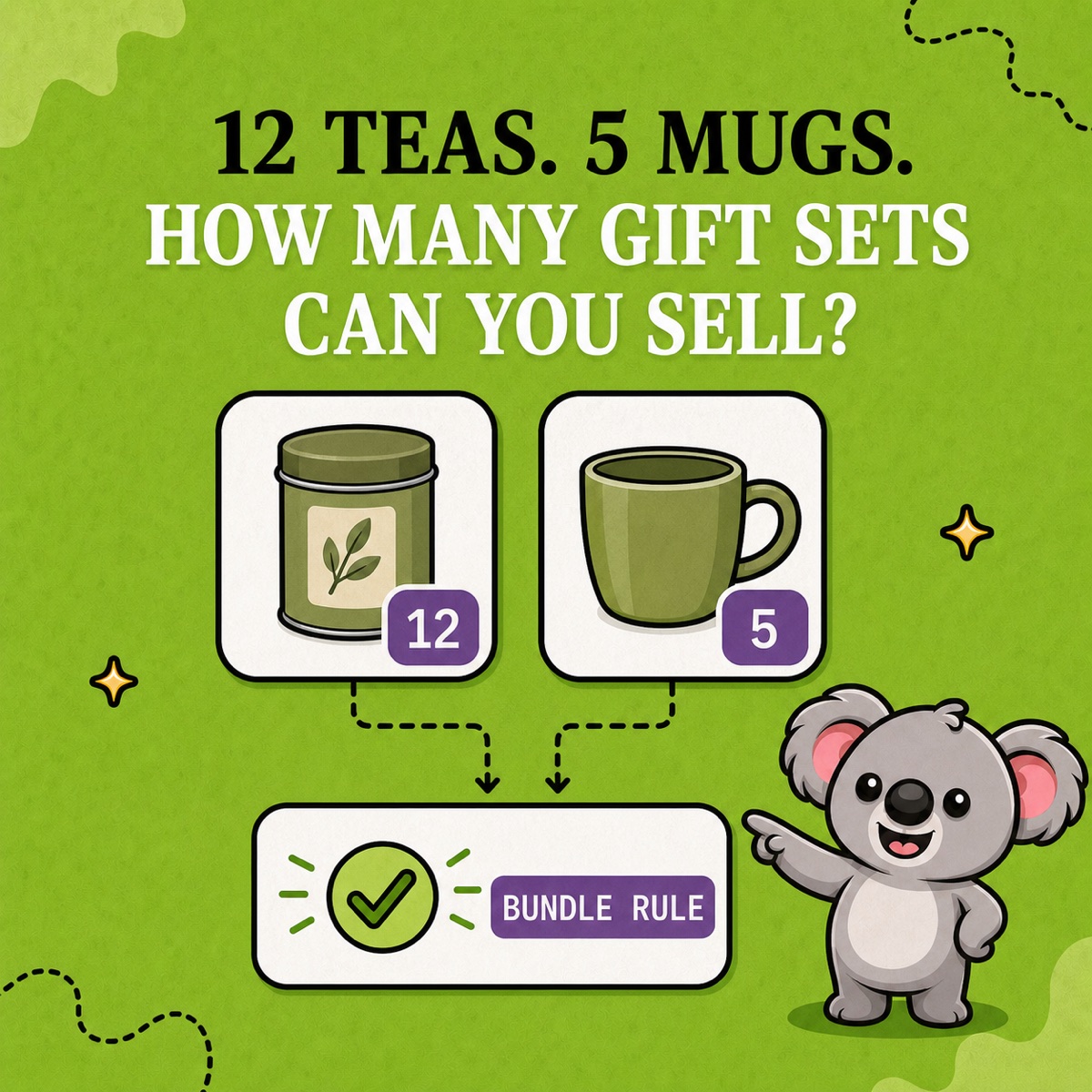
The set can offer eight units because the cap is the limiting component. If standalone sales reduce the T-shirt quantity to seven, the set should offer seven. If caps later fall to six, it should offer six.
Vanilla Shopify SKU fields do not calculate that relationship. A spreadsheet can show the right answer while the gift-set listing still carries yesterday’s quantity. You remain responsible for copying every change back into the store.
In LedgerLeaf Pro, open Inventory and create a Bundle SKU rule linking parent SET-BLK-S to components TEE-BLK-S and CAP-BLK. Choose Bundle (min) under How to calculate stock and give the rule a readable name such as Black tee and cap set.
For this one-of-each set, min uses the lowest component stock value. The parent quantity follows the limiting item through the rule, reducing the repeated checks and manual corrections that tidy SKU names alone cannot remove.
Review the rule against the example quantities before extending it to other sets. If separate listings represent the same physical item, use Link SKU pattern matching to define that relationship instead. Keep identifiers readable and make the stock connection explicit.
Leafy’s Tip
Start with one relationship your team can explain. In this example, twelve T-shirts and eight caps mean eight sets. A clear name makes the rule easier to recognize when you revisit it.
Choose a rule without adding an expensive inventory subscription
LedgerLeaf runs inside Shopify admin with no separate account. You select the rule and calculation in the app instead of maintaining a spreadsheet formula and updating each listing by hand.
At prices checked on 6 October 2026, NASP Connected Inventory charges US$9.99 per month for inventory syncing. That is a higher monthly cost for an inventory-focused tool. LedgerLeaf Pro costs US$5.90 per month and includes SKU rules alongside inventory snapshots, payout reports, and VAT/OSS reports. For a merchant who also prepares bookkeeping records, those tools make the same subscription useful beyond stock syncing.
Try LedgerLeaf Pro’s seven-day free trial and set up one bundle rule using SKUs your team already understands.