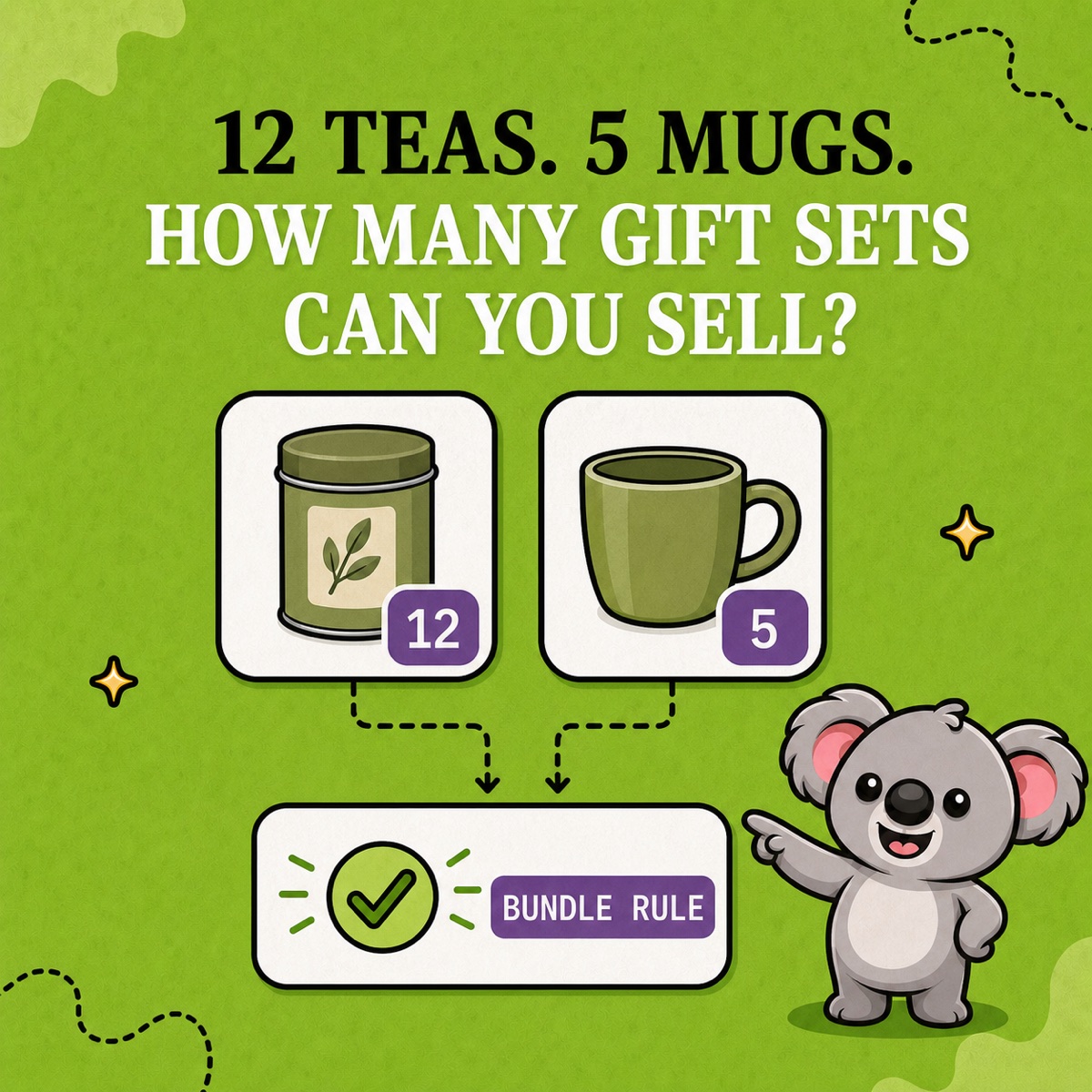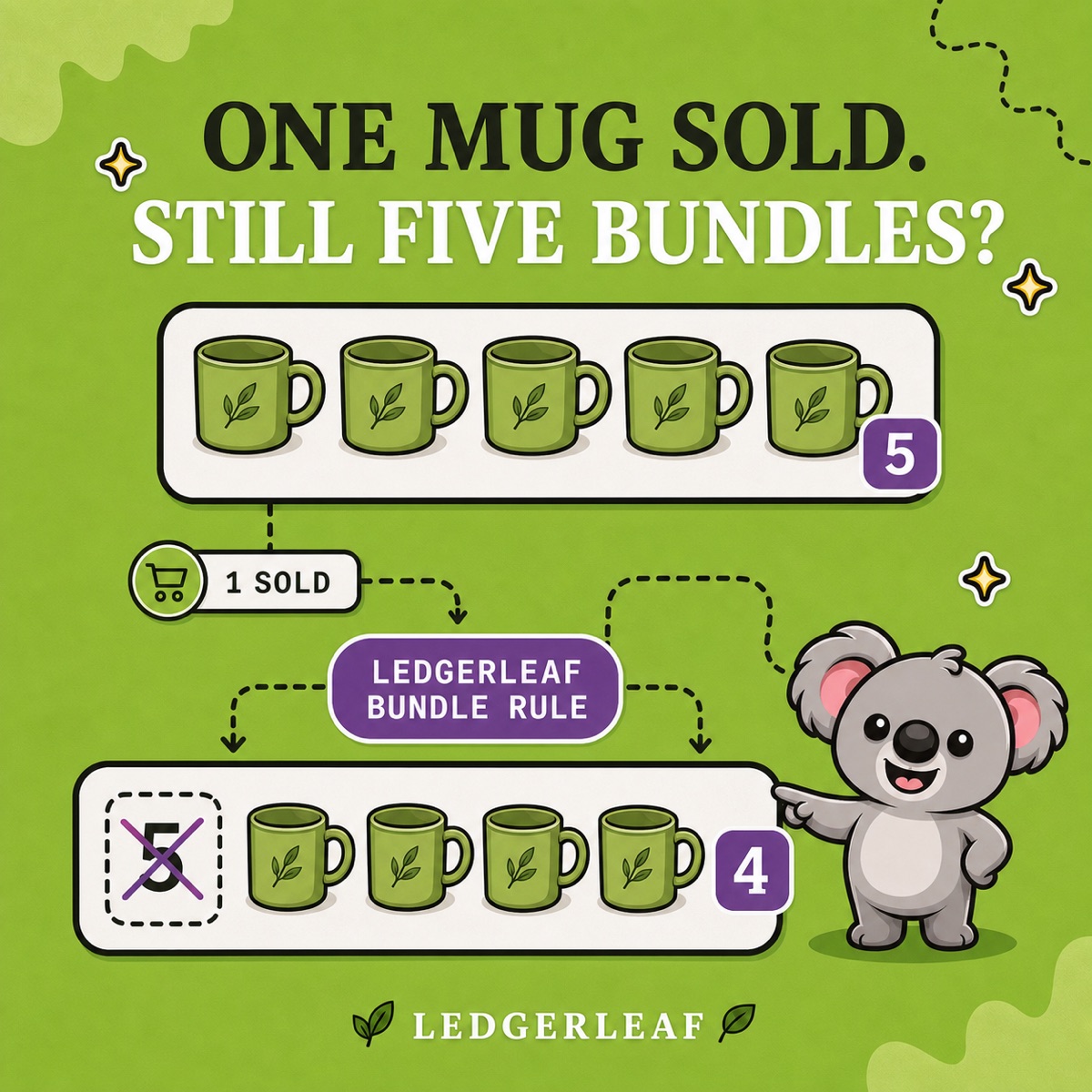
You have five mugs and a gift bundle that uses one mug. A customer buys a mug on its own, but the bundle page still says five available. If that number stays unchanged, the fifth bundle order promises stock you no longer have.
Preventing that oversell takes more than lowering the bundle quantity once. Every sale, return, restock, and manual adjustment must travel through the same parent-and-component relationship. Shopify supplies the stock settings; LedgerLeaf Pro turns the SKU relationship into a rule your team can inspect and test.
Leafy’s Quick Answer
Track every physical component, turn off Continue selling when out of stock unless overselling is intentional, write down the units each bundle consumes, then connect the parent and component SKUs with a LedgerLeaf Pro bundle rule. Test an individual component sale, a bundle sale, a return, and a stock adjustment before launch.
Close the three gaps that allow overselling
Shopify calculates native bundle availability from the tracked products inside the bundle. It divides each available component quantity by the amount required, rounds down, and uses the lowest result. Shopify’s bundle stock guidance also identifies two settings that remove a component from that calculation: stock is not tracked, or Continue selling when out of stock is enabled.
That creates three practical checks:
- Every physical component is tracked. If a mug can run out, its quantity must matter.
- Out-of-stock behaviour matches the promise. Shopify’s default stop-at-zero behaviour prevents online customers from buying a tracked item after it sells out; continue selling is for intentional cases such as pre-orders or made-to-order products.
- The stock relationship exists somewhere operational. Turning on tracking does not by itself connect an independent bundle parent SKU to the SKUs on the shelf.
The third gap is where a manual bundle setup usually breaks. The parent still says five because nobody—or no rule—carried the separate mug sale across to it.
Write the expected quantity before creating the rule
Use an uneven, obvious test. Suppose one gift bundle contains one mug and two tea tins:
| Component | Available | Needed per bundle | Bundle capacity |
|---|---|---|---|
| Mug | 5 | 1 | 5 |
| Tea tin | 12 | 2 | 6 |
The mug limits availability to five bundles. When one mug sells individually, the mug quantity falls to four and bundle capacity must fall to four. If the parent still shows five, the relationship is disconnected. If you need the full calculation, see our Shopify bundle inventory formula.
Also check locations before trusting the online shop number. Shopify says its Bundles app tracks overall stock rather than stock by location. If components are split between locations, confirm that your routing and picking process can assemble the complete sets the shop offers.
Put the relationship into LedgerLeaf Pro
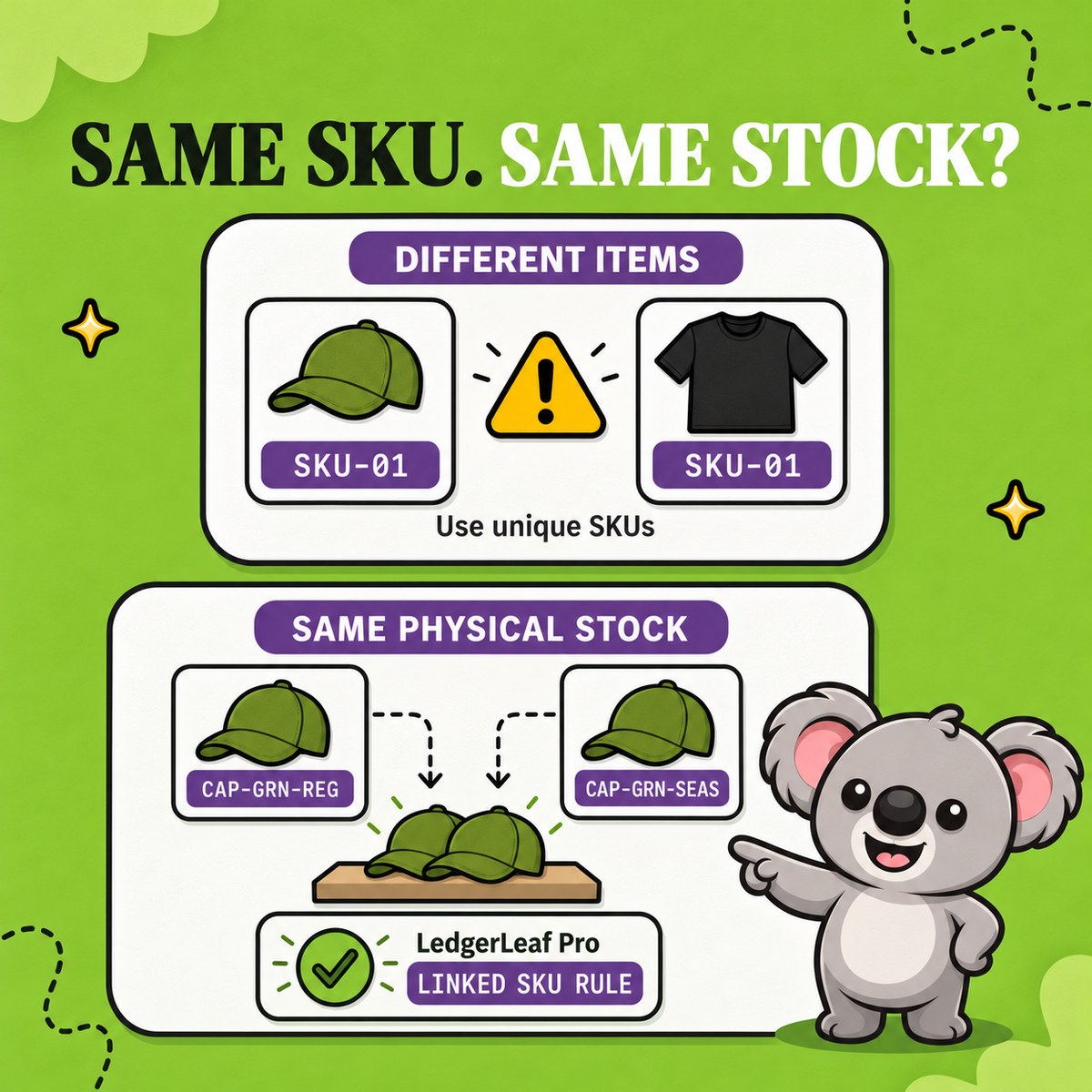
Give the bundle and its components clear SKUs—for example, TEA-GIFT-01, MUG-GRN-01, and TEA-TIN-01. Then open LedgerLeaf’s Stock workspace and create a bundle rule connecting the parent SKU to the component SKUs.
Review every matched product before activation. Use the five-mug and twelve-tin example as an acceptance test: the parent begins at five, drops to four after an individual mug sale, and does not rise again until enough limiting stock returns. The rule makes the connection visible inside Shopify admin instead of leaving it in a spreadsheet or one person’s memory.
That is the useful division of work: Shopify holds the quantities and stop-at-zero settings; LedgerLeaf keeps the parent/component SKU relationship operational. Without that rule, each component sale reopens the same manual-update window that caused the oversell risk.
Run the zero-stock test before launch
Use a low-risk product or unpublished copy, then test the paths that change stock:
- Sell one component individually and confirm the bundle capacity falls.
- Sell one bundle and confirm every required component moves as expected.
- Cancel or return the order using your normal restock path.
- Make a manual adjustment and a small restock.
- Take the limiting component to zero and confirm the bundle can no longer be purchased.
- Review Shopify’s stock adjustment history to see which user or app changed each quantity.
Leafy’s Watch-Out
A correct rule cannot rescue an incorrect recipe. Recheck component SKUs, units per bundle, tracking settings, and locations whenever a bundle changes.
Overselling stops being a recurring cleanup task when the bundle promise follows the shelf automatically: tracked components, deliberate out-of-stock settings, and one visible LedgerLeaf rule connecting what customers buy to what fulfilment actually picks.