Your Shopify shop shows £10,000 in gross sales and £7,600 in net sales for the same period. Nothing is necessarily missing. The £2,400 gap is the part worth understanding: discounts and sales reversals changed the full-price value of what was sold.
Gross and net sales are most useful as a pair. One shows demand before reductions; the other shows sales after them. The bridge between the two tells you whether promotions, cancellations, returns, refunds, or order edits changed the result.
Leafy’s Quick Answer
In Shopify, gross sales are product price × quantity before taxes, delivery, discounts and sales reversals. Net sales are gross sales − discounts − sales reversals. Start performance review with net sales, then use gross sales and the deductions to explain why it changed. Save the supporting Shopify sales fields as a reusable LedgerLeaf CSV or Excel profile so the same bridge is ready next month.
This is general bookkeeping guidance, not accounting or tax advice. Confirm the reporting treatment your business needs with the appropriate accountant or tax adviser.
The Shopify formula is simple; the gap needs context
Shopify’s current sales-report definitions use this calculation:
Net sales = gross sales − discounts − sales reversals
For example:
| Gross-to-net bridge | Amount |
|---|---|
| Gross sales | £10,000 |
| Discounts | −£1,500 |
| Sales reversals | −£900 |
| Net sales | £7,600 |
The gross-to-net gap is £2,400, or 24% of gross sales. That percentage is not automatically good or bad. A planned promotion can widen it intentionally. A rise in cancellations or returned products can widen it for a less welcome reason. The useful question is not merely “Which number is right?” but “What changed between them?”
Shopify now uses sales reversals as the broader term for negative order adjustments. These can include returned products, cancellations, refunds, order edits, and adjustments to shipping, taxes, fees, or discounts. A physical return is only one possible cause.
Which number should you use?
Use gross sales when you want to see full-price product demand before discounts and reversals. It can help answer whether more value was ordered at listed prices.
Use net sales when you want a cleaner view of sales after those reductions. It is usually the better starting point for comparing product-sales performance across periods because it keeps the cost of promotions and reversals visible.
Neither figure is profit, cash received, or a bank payout:
- Gross profit also considers product cost.
- Total sales adds items such as delivery, taxes, duties and fees to net sales.
- Payouts describe money moving through a payment provider to the bank.
Shopify also notes that gross sales in its sales reports can include pending, cancelled, and unpaid orders, while test and deleted orders are excluded. Returns and other reversals can land on a different date from the original sale. Those rules can change the comparison when periods, statuses, or report types do not match.
Make the bridge repeatable in LedgerLeaf
A dashboard can show the gap today. The bookkeeping problem is preserving enough evidence to explain it again after the period has closed.
LedgerLeaf Free turns that review into a reusable Shopify-admin workflow:
- Choose the period, currency, payment status, and other filters your approved process needs.
- Record gross sales, discounts, and sales reversals from the matching Shopify sales report.
- In LedgerLeaf, select the order, payment, tax, status, reference, and other sales fields your review needs, then export the supporting data as CSV or Excel.
- Save the column selection and export profile with a clear name, such as
monthly-gross-to-net. - Reuse the same report settings and LedgerLeaf profile next period, then investigate changes in discounts and sales reversals instead of rebuilding the spreadsheet.
This is the memorable LedgerLeaf benefit: the reason net sales differs from gross sales stays attached to repeatable Shopify evidence. You are not relying on a screenshot of one dashboard card or a manually rearranged export whose columns change every month.
Leafy’s Watch-Out
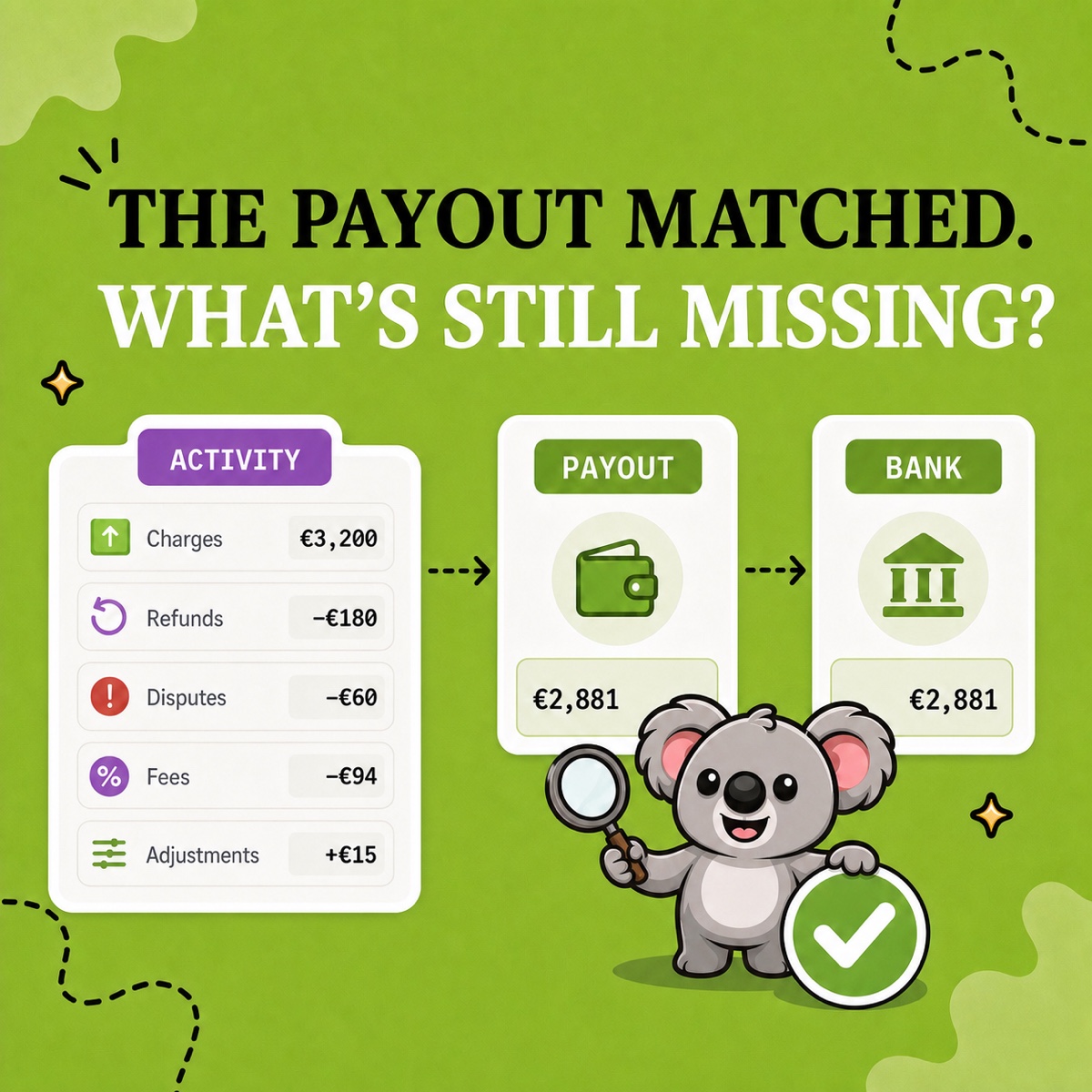
Do not force net sales to match a payout. Sales reports track sales activity, not payment movement. If the question is whether the bank receipt is correct, review payment methods, fees, refunds, holds, timing, and payout data separately.
If the gross-to-net gap suddenly widens, compare like-for-like periods and check the discount amount, sales-reversal amount, order statuses, return timing, currency, time zone and filters. Shopify’s sales-discrepancy guidance explains why report totals and exports can differ when their timing or logic is not aligned.
Gross sales tells you the starting value. Net sales tells you what remains after sales reductions. LedgerLeaf makes the bridge between them ready to review, export, and repeat.