You remove a country from Shopify Markets, then find its visitors still browsing your products. You check the market and shipping settings again, but nothing changes. Meanwhile, people you cannot serve can spend time choosing products and ask why delivery is unavailable. You lose time investigating a setting that was never designed to close the storefront.
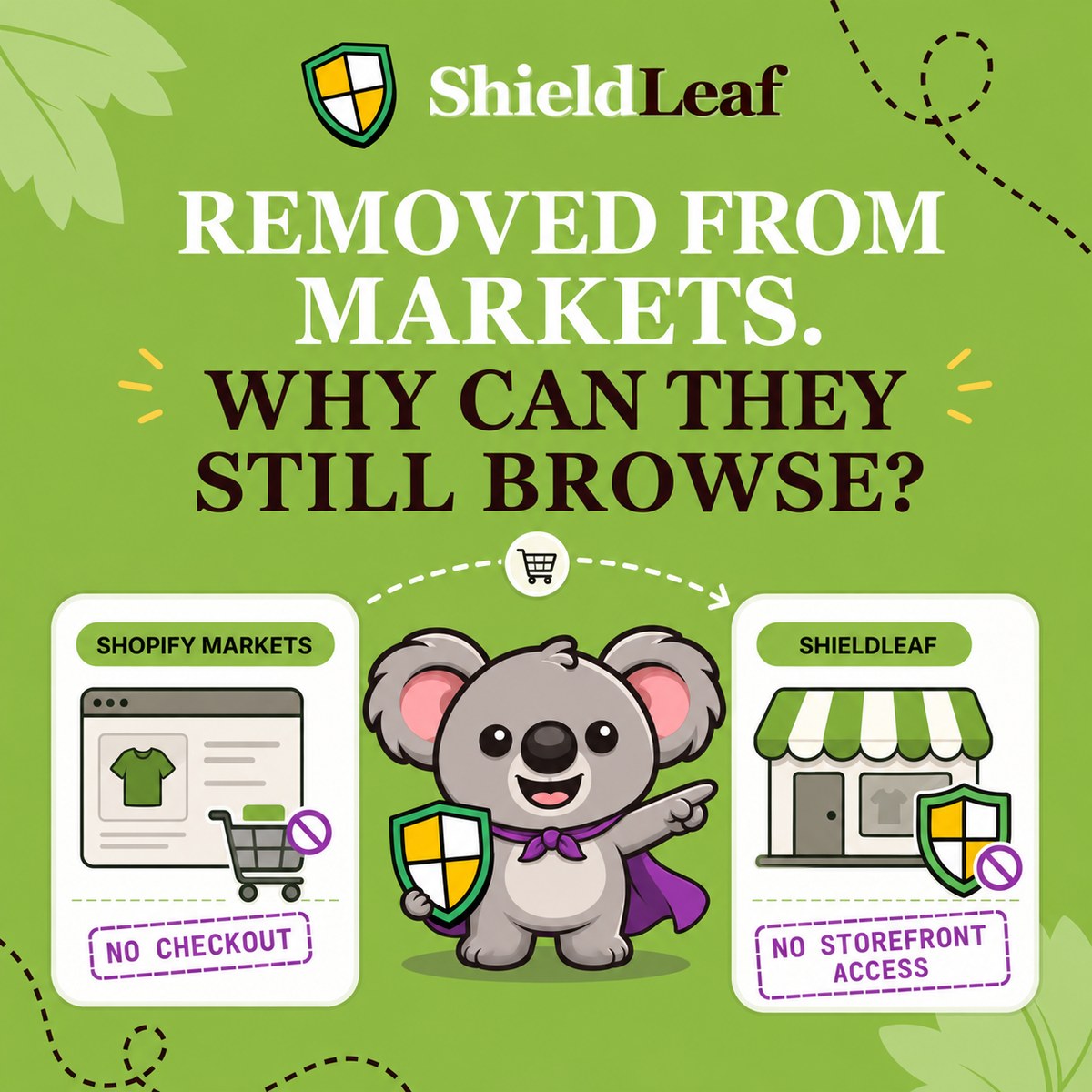
Shopify Markets can restrict purchases, but it does not give merchants a country rule that blocks storefront browsing. ShieldLeaf fills that gap by showing visitors from your selected country a blocked page or sending them to a useful destination.
Leafy’s Quick Answer
Removing a country from Markets does not remove its access to your storefront. Shopify gives unmatched visitors a backup-region experience. A ShieldLeaf country rule changes what those visitors receive when they arrive, instead of waiting until checkout to enforce your boundary.
Why excluded countries can still browse
Markets controls where and how you sell. Shopify’s backup-region documentation confirms that customers who do not match an active market can view products but cannot complete a purchase. The backup region supplies their currency, language, and theme experience.
That explains the apparent contradiction. The country is excluded from selling, while the storefront remains available. Changing the backup region only changes the experience these visitors see. It does not create a country block.
Native automatic redirection also serves localisation. It sends visitors towards a market experience rather than giving you a blocked-access page for an unwanted country. Repeatedly changing Markets, shipping destinations, or localisation settings cannot supply the missing storefront rule.
| What you want to control | What happens with native settings | What ShieldLeaf adds |
|---|---|---|
| An excluded country browsing products | Visitors can receive the backup-region storefront | A blocked page for the selected country |
| Visitors who need a separate regional destination | Localisation routes visitors to a market experience | A country rule with your chosen redirect URL |
| The message visitors see when access is unavailable | The selling restriction becomes apparent at checkout | A message you can preview before enabling protection |
Turn the policy into a visitor experience
Suppose your store serves Italy, France, and Germany. Brazil is outside your selling markets, and you have identified recurring unwanted traffic from there. Your aim is to stop those visits from browsing, while customers in your three markets retain normal access.
Open Protection in ShieldLeaf. Search for Brazil or BR under Available countries, select it, and check Selected countries. Brazil should be the only selection for this example. Leaving Italy, France, and Germany unselected keeps the rule focused on the traffic you intended to handle.
Under Blocked visitor experience, choose Show a blocked-access page. In Blocked message, use a short explanation such as “Access from your region is not available on this store.” The visitor receives a clear explanation instead of browsing products and discovering the restriction at checkout.
If you have a Brazilian distributor or regional storefront, choose a redirect instead and enter its address in Redirect URL. This gives the visitor somewhere useful to go. Check that the destination does not return them to the blocked store and create a loop.
The benefit is a specific change at arrival. Your selling markets stay configured for your customers, and the selected unwanted country receives the handling you chose in ShieldLeaf.
Check the rule before customers meet it
Enable ShieldLeaf’s app embed in your published Shopify theme. Setup needs no theme-code edits, so you can manage the country and visitor message in the app rather than maintaining a custom theme workaround.
Use the private preview before turning protection on. Check the message on desktop and mobile, or follow the redirect to confirm the destination opens. After activation, check a visit detected in Brazil against one detected in an allowed country. The first should receive your blocked page or redirect. The second should browse normally. Confirm the app embed remains enabled if you change themes.
Country handling uses IP-based location. A VPN can change a visit’s detected country, so check that location when investigating an unexpected result. With Pro, blocked-visit activity logs help you review which visits the rule handled. Judge the result by that handling rather than expecting historical analytics to disappear.
Avoid paying more for the missing control
The single-country example works on ShieldLeaf Free, including the blocked page, redirect, and preview. Pro costs US$5.90 per month for unlimited countries, country groups and presets, and blocked-visit activity logs.
Blocky Fraud Filter IP Blocker restricts its free plan to development and partner stores. On monthly billing, Basic country blocking costs US$9.99, while country redirection is listed in Advanced at US$16.99. Those paid tiers make this country block-or-redirect workflow more expensive. ShieldLeaf lets a live store start with one country free and expand for less. Prices checked on 13 October 2026.
Set up your first country with ShieldLeaf Free and preview the visitor experience before enabling it.