Your Shopify sessions jump, your conversion rate drops, and the extra visits come from a country you do not serve. You spend the morning questioning your ads or product pages, even though orders from your customer markets have not changed. That wasted attention is the first cost of unwanted country traffic.
Bots, shared links, broad campaigns, travellers, and VPNs can all explain unexpected visits. The useful question is whether those visits belong in your storefront. ShieldLeaf lets you turn a recurring unwanted country pattern into a specific access rule, with a blocked page or redirect you can preview first.
Find the cause before choosing the country
Start with Shopify’s Sessions by location report. Compare two similar periods and identify the country behind the increase. Then look at referrers, landing pages, and shopping activity in the relevant reports. Check these four explanations before selecting that country in ShieldLeaf.
- Automated traffic. Search engines, social link previews, and monitoring services generate visits. In supported session reports, use Shopify’s Human or bot session dimension. Its classification is conservative, so a human label does not guarantee a real shopper.
- Wider marketing reach. A broad campaign or an international creator can bring genuine interest. Compare the source and UTM fields with your active campaigns in marketing performance reports.
- An imperfect location. VPNs, proxies, and travellers can make a useful visitor appear elsewhere. Shopify’s Live View guidance explains why some unresolved US locations appear in Kansas. A map pin alone is weak evidence for a country rule.
- Genuine interest outside your service area. Search results and shared links can reach people you cannot supply. Repeated visits with no useful shopping activity may justify a rule even when they are human.
Shopify changed session measurement in September 2026. If your comparison crosses that change, account for it before treating a difference as new traffic.
See what the extra visits are costing you
Suppose an Italian store serves Italy, France, and Germany. In an illustrative week, 1,000 sessions from those markets include 30 sessions that complete checkout. Another 1,000 sessions arrive from Brazil, where the store does not sell, with no completed checkouts.
| Traffic in this example | Sessions | Sessions completing checkout | Conversion rate |
|---|---|---|---|
| Customer markets | 1,000 | 30 | 3% |
| Brazil | 1,000 | 0 | 0% |
| Combined | 2,000 | 30 | 1.5% |
The combined rate makes healthy customer traffic look weaker. You could spend time rewriting product pages that are already doing their job. After checking the sources and confirming the Brazilian traffic is consistently unwanted, use Brazil as the first ShieldLeaf rule.
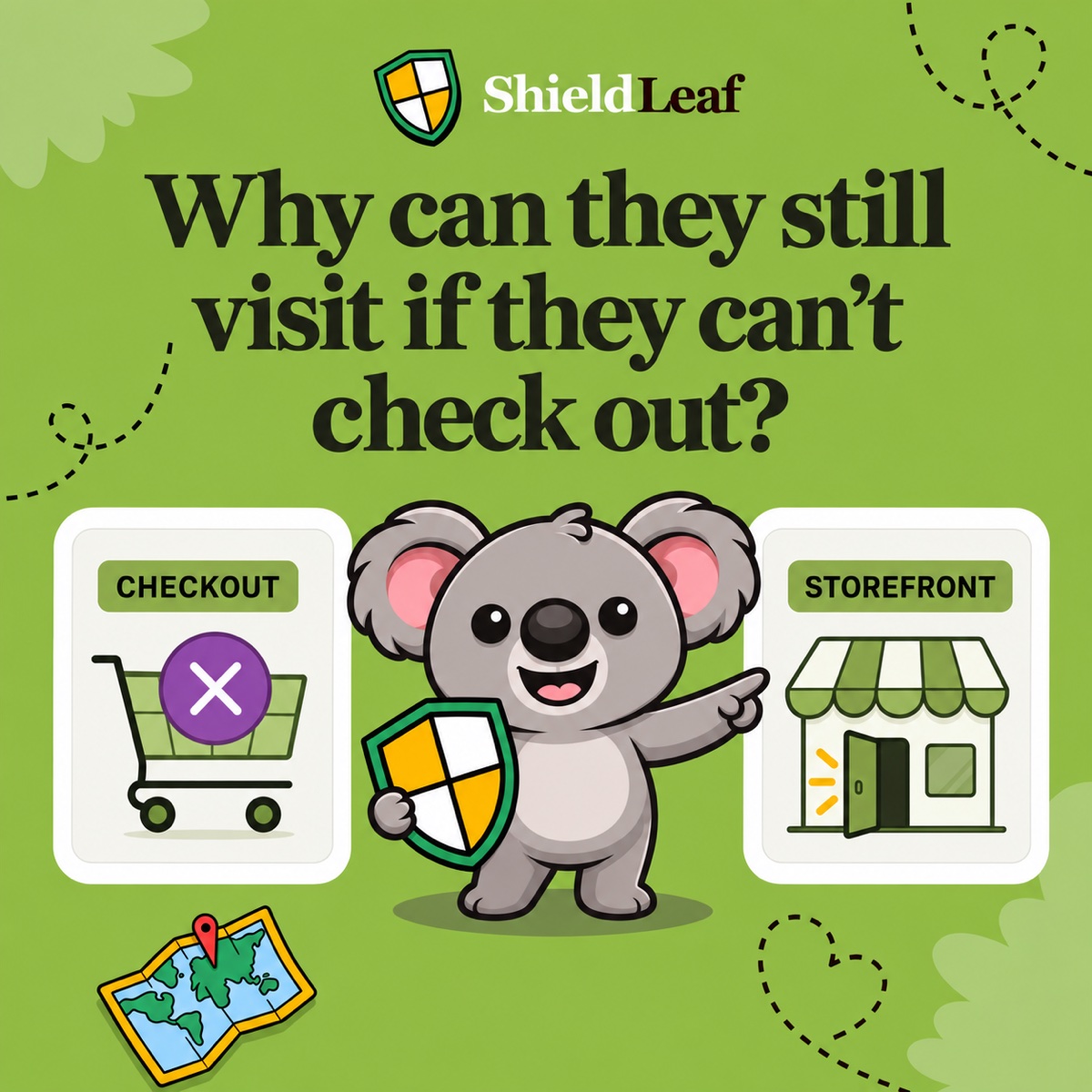
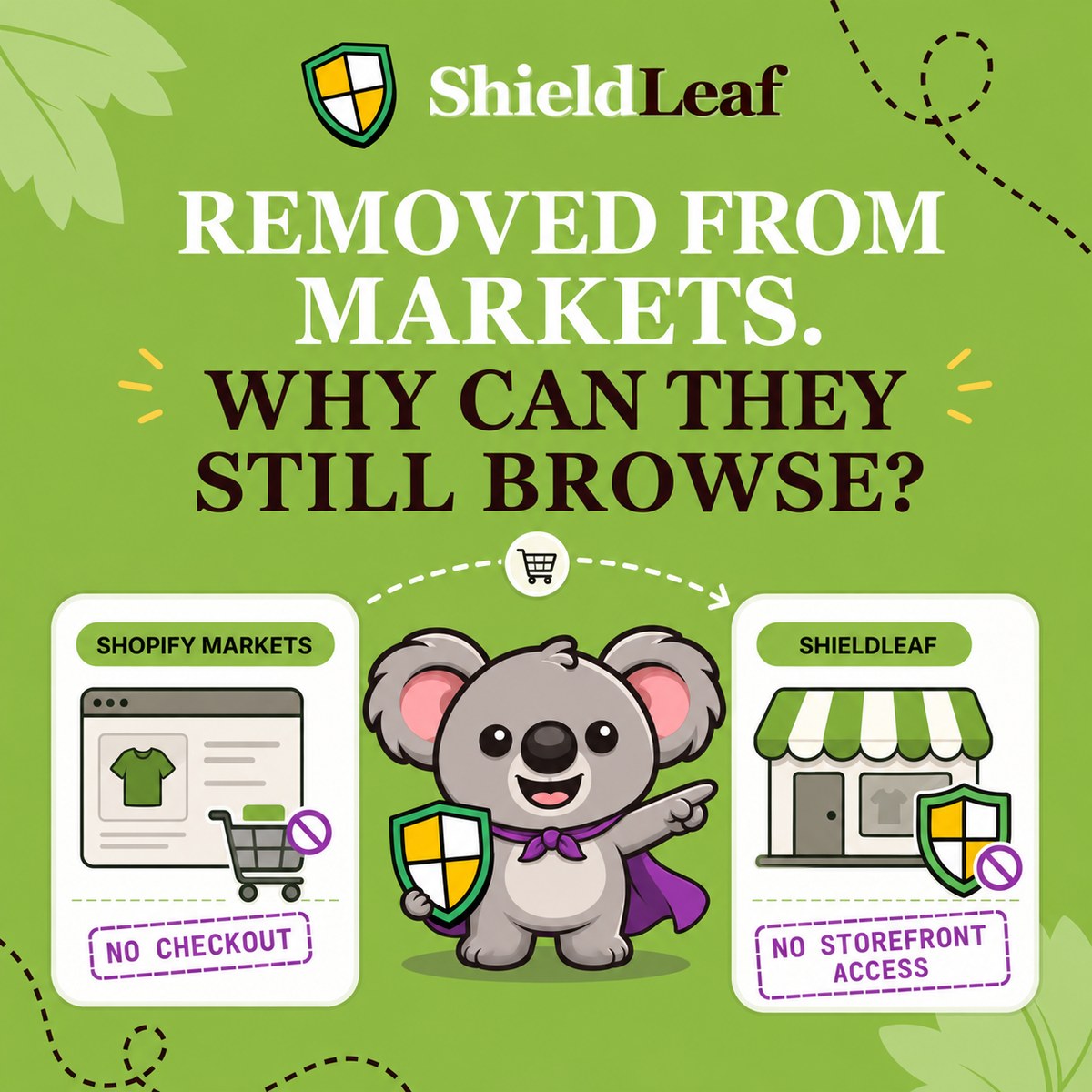
Shopify’s report filters can reveal the difference, but they do not handle those visits. Markets leaves another gap. Shopify’s backup-region documentation confirms that visitors outside active markets can still browse products without completing a purchase. Restricting sales leaves the access problem unresolved.
Apply the finding in ShieldLeaf
- Enable ShieldLeaf’s app embed in your published Shopify theme. Normal setup needs no theme-code edits.
- Open Protection, search Available countries for Brazil or BR, and select it. Confirm that Selected countries contains only Brazil. Keep Italy, France, and Germany accessible.
- Choose the Blocked visitor experience. A blocked page suits this store because it has no Brazilian destination to offer. A message such as “This store is not available in your region” explains the result before the visitor browses and reaches an unavailable checkout.
- If you have a useful regional destination instead, enter it in Redirect URL. Check that it does not return visitors to the blocked store.
- Preview the chosen experience, then turn protection on. Check normal access from your customer markets too.
You now have a country selection and visitor outcome you can manage inside Shopify. You do not need to keep changing market settings or ask a developer to maintain custom theme code.
Check the rule rather than chasing a perfect chart
On Pro, recent blocked-visit activity helps you see whether ShieldLeaf is handling the intended country. Compare that evidence with subsequent Shopify reports and check that valuable markets remain accessible. Existing sessions stay in historical reports, and IP-based location can change with a VPN. Judge success by the country rule’s behaviour rather than expecting every map dot to disappear.
Start with the plan that fits this problem
ShieldLeaf Free handles this one-country example, including the blocked page, redirect option, and preview. Pro costs US$5.90 per month for unlimited countries, groups, presets, and blocked-visit activity logs.
Blocky makes this workflow more expensive on monthly billing. Basic country blocking costs US$9.99, redirection appears in its US$16.99 Advanced plan, and its free plan is restricted to development and partner stores. ShieldLeaf gives a trading store a free first rule and a lower monthly price for wider country coverage. Prices checked on 8 October 2026.
Start with ShieldLeaf Free and preview a rule for the country behind your unwanted traffic.