Shopify fees are usually costs of running a Shopify business, so they can often be recorded as allowable business expenses. Whether a cost is allowable—and when—depends on the rules that apply to you, its business use and your accounting method.
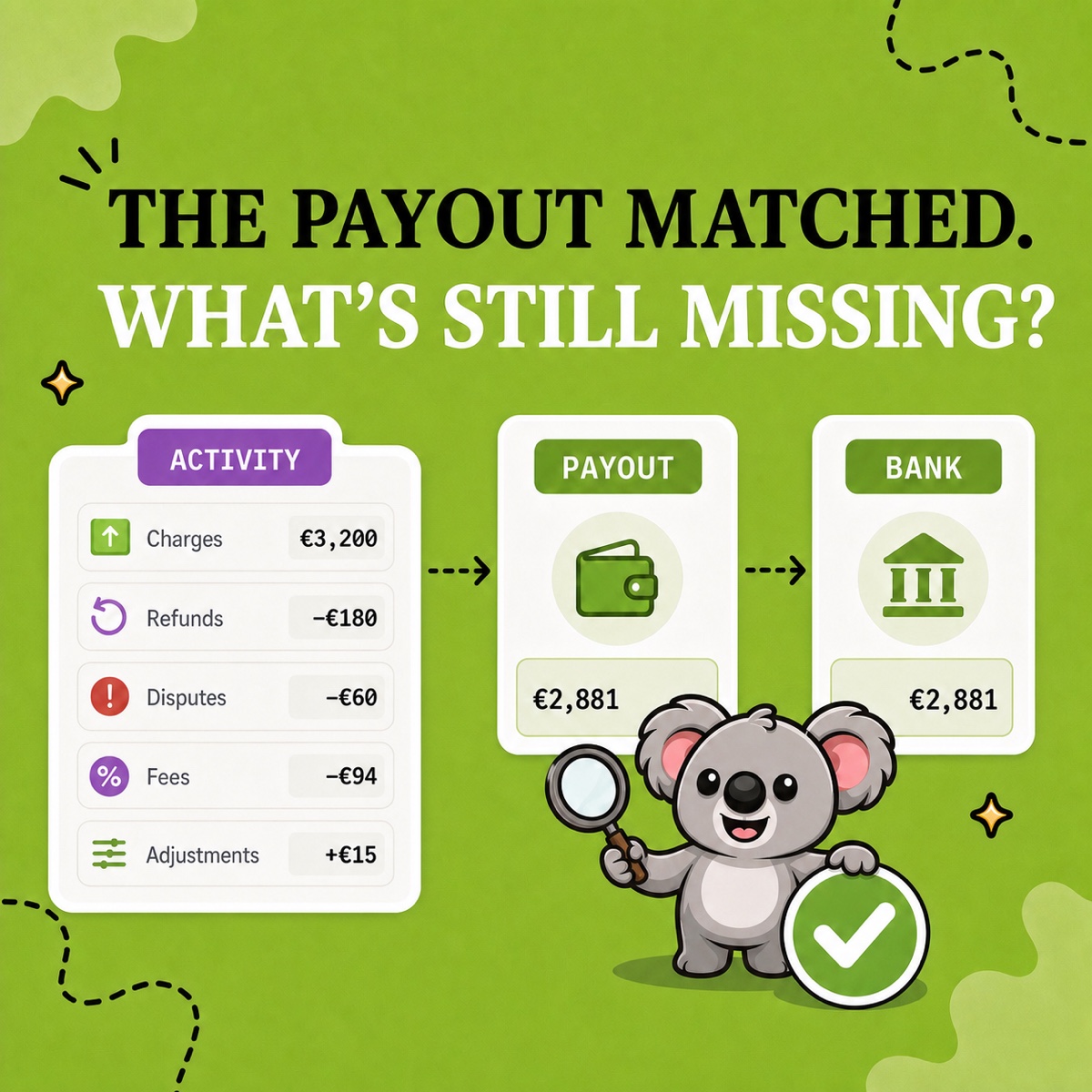
The practical problem comes first: “Shopify fees” are not one record. Subscription, app, shipping-label and third-party transaction charges appear on Shopify bills. Shopify Payments processing fees are deducted inside payout activity. Keep only the bill or only the bank receipt and part of the trail is missing.
Leafy’s Quick Answer
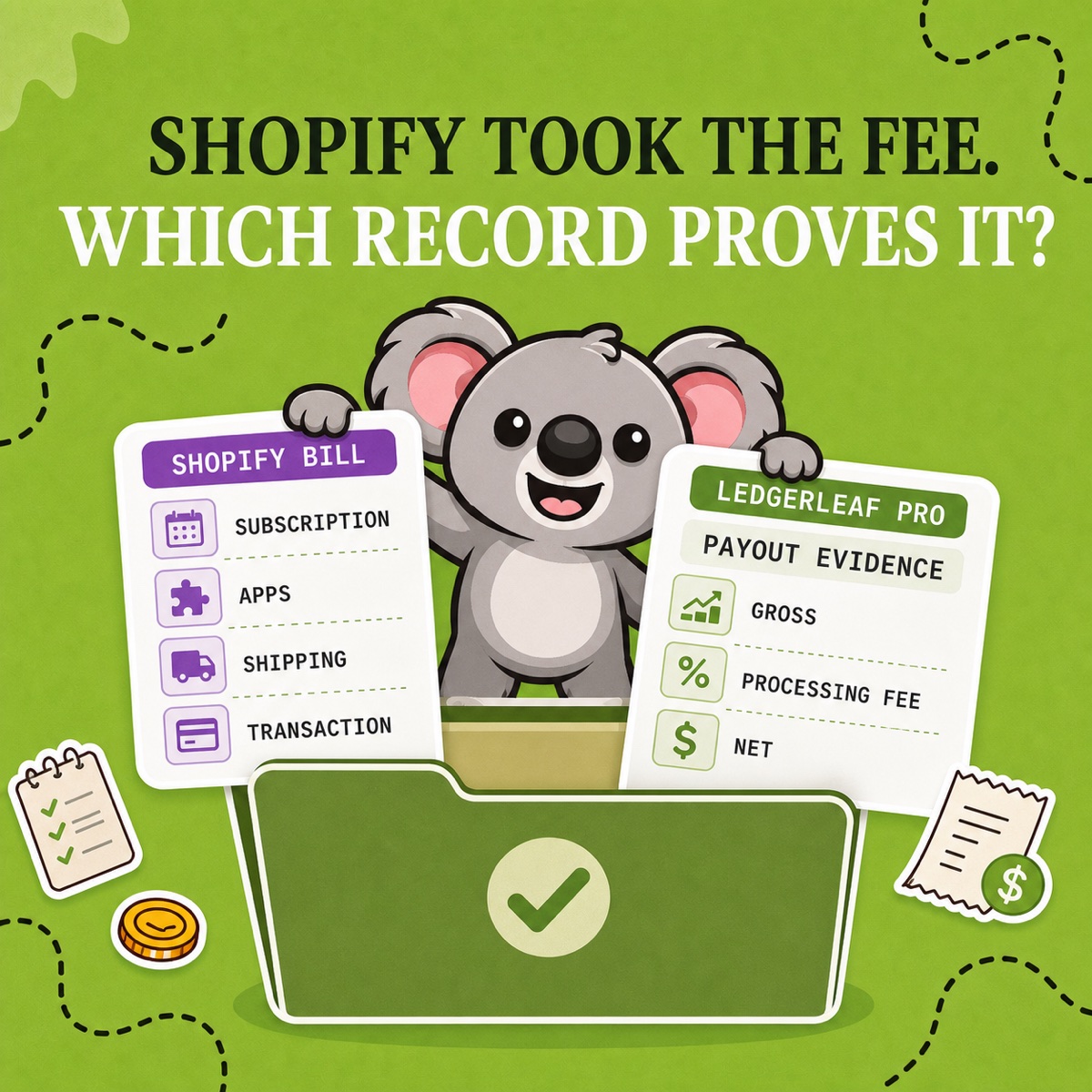
Build a two-source fee pack. Export Shopify bills for billed charges, then use LedgerLeaf Pro payout reporting for the processing fees deducted before Shopify Payments reaches the bank. Record each fee under the expense category your adviser approves, and keep the source, proof of payment, period, currency, and business purpose together.
This is general bookkeeping information, not accounting or tax advice. Confirm whether each cost is allowable, its tax treatment, account choice and record-retention rules with an appropriate accountant or tax adviser.
First, identify which Shopify fee you paid
Shopify’s current billing guidance separates several charge types. The record you need follows the way the fee was collected:
| Fee type | Where to find the evidence |
|---|---|
| Shopify plan subscription | Shopify bill and billing-history export |
| Recurring or one-time app charge | Shopify bill or separate provider invoice |
| Shipping label, adjustment, or insurance | Shopify bill and shipping detail |
| Third-party transaction fee | Shopify bill |
| Shopify Payments processing fee | LedgerLeaf Pro payout report and export |
| Theme, domain, or other one-time purchase | Individual bill plus any separate purchase record |
Shopify lets merchants export an individual bill as PDF or CSV and export billing history by date. Its statement of charges covers subscription, app, shipping, and third-party transaction fees. Those records explain charges paid to Shopify, but they do not replace the payout evidence for card-processing fees deducted from customer payments.
When is a fee an allowable business expense?
Tax rules differ, so avoid treating a common cost as automatically allowable. UK guidance lists business bank, credit-card and other financial charges among costs a self-employed business can claim, subject to its rules. In the United States, the IRS uses the idea of an expense being ordinary and necessary for the trade or business.
For a Shopify merchant, a plan used to operate the store or a processing fee charged on a customer payment will commonly have a clear business purpose. Mixed personal use, VAT added to fees, capital purchases and local rules can change the treatment. The safest working question is: can you show what the fee was, why the business incurred it, and how it was paid?
Build the fee pack with LedgerLeaf
A bill-only workflow misses the processing fee inside a payout. A bank-only workflow sees only the net deposit. LedgerLeaf Pro keeps the missing gross-fee-net evidence in the same Shopify-admin workflow as your sales exports and other bookkeeping records.
Use this routine each month:
- Export Shopify bills. Save the PDF or CSV for the period and separate subscription, app, shipping, transaction, tax, and one-time charges.
- Export payout evidence in LedgerLeaf Pro. Review Shopify Payments activity for the same period and currency, then preserve the gross amount, reported fee, and net payout.
- Match how each fee was paid. Match billed charges to the business card or bank account and match the net payout to the bank receipt.
- Apply the approved categories. Keep processing fees distinct from software, shipping, and other costs unless your bookkeeping policy says otherwise.
- Save one close folder. Store the Shopify bills, LedgerLeaf export, payment proof, and any explanation of unusual charges together.
This is the memorable connection: Shopify bills show what Shopify charged; LedgerLeaf shows the processing fee that disappeared before the payout reached the bank. The two-source pack makes every fee easier to explain without guessing from a net deposit.
A simple two-record example
Suppose the monthly Shopify bill contains £39 for the plan, £50 for apps and £20 for shipping labels. Separately, LedgerLeaf shows £10,000 of Shopify Payments activity, £290 of processing fees and a £9,710 payout.
The Shopify bill supports £109 of billed costs. The LedgerLeaf payout export supports £290 of processing fees and the bridge to the bank. Combining everything into one £399 “Shopify fee” line may hide useful evidence; treating the £9,710 receipt as sales hides even more.
Leafy’s Watch-Out
Do not record a processing fee twice—once from LedgerLeaf payout evidence and again as the difference between sales and the bank receipt. Also check whether tax was added to a fee before deciding its final bookkeeping treatment.
For every fee, keep the payee, amount, date, proof of payment, and description of the business service. The IRS specifically lists invoices, account statements, credit-card records, and proof of electronic payment among useful supporting documents; your local authority may require different documents or retention periods.
The goal is not one giant fee total. It is a trail another person can reproduce: Shopify bills for billed charges, LedgerLeaf for payout deductions, and payment records for the final match.