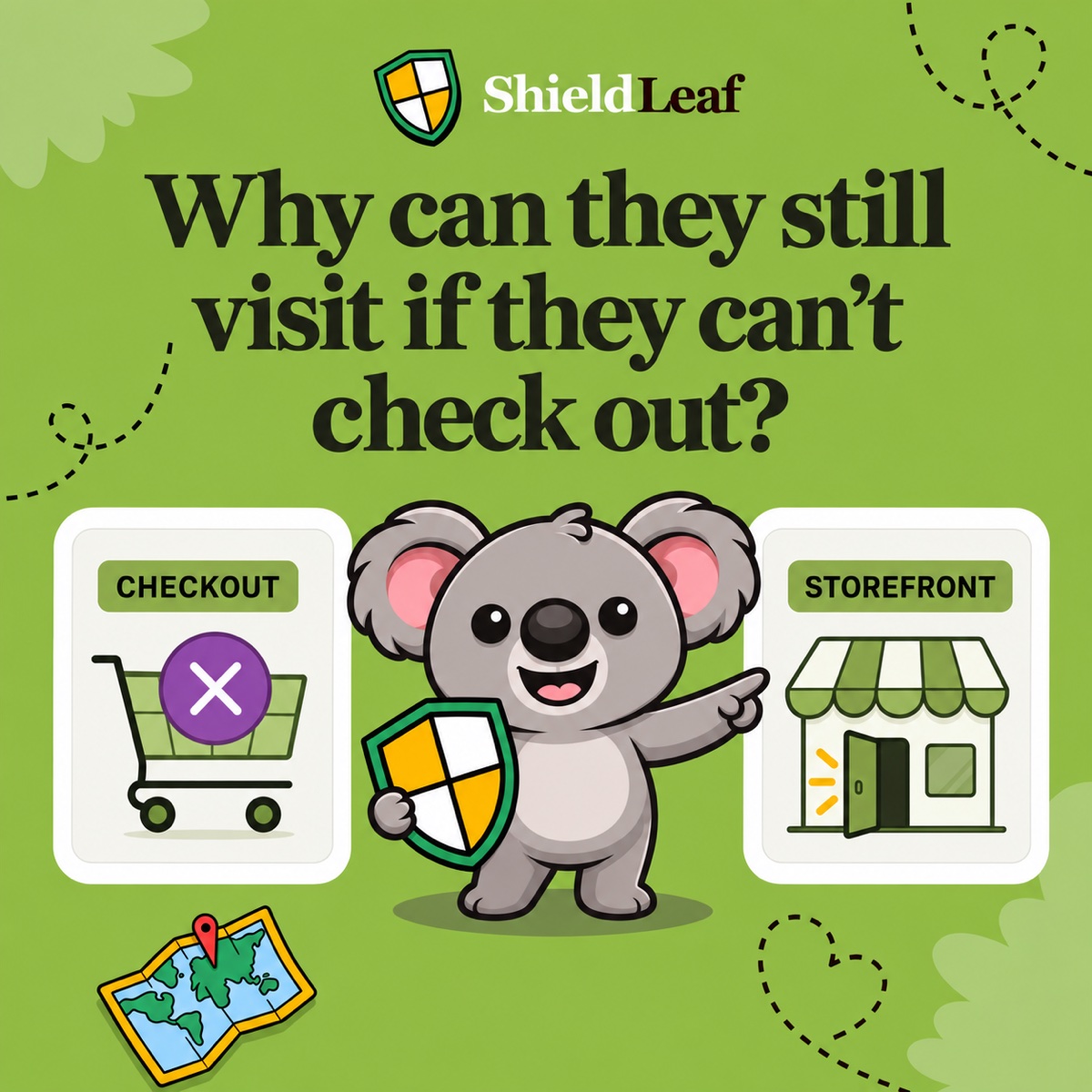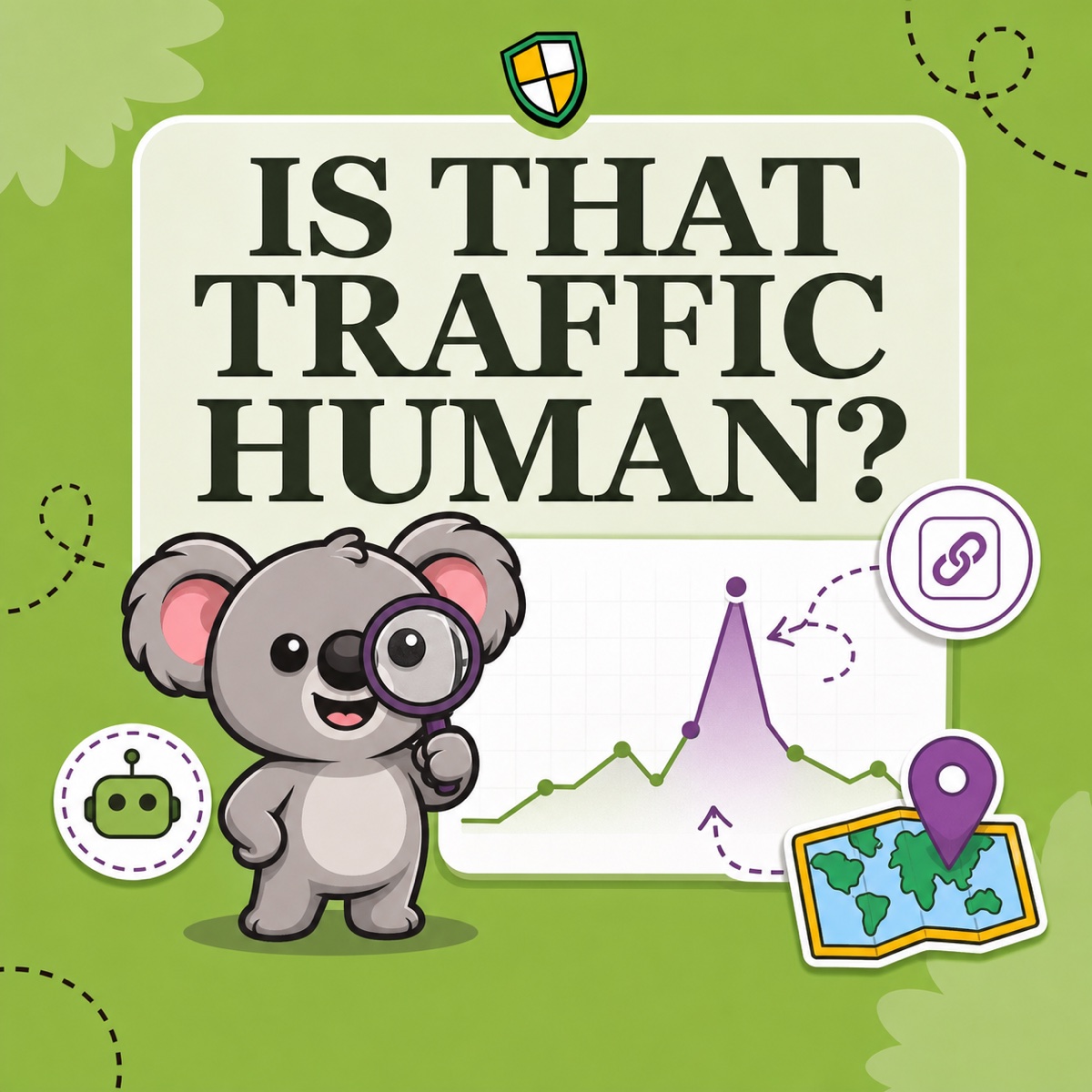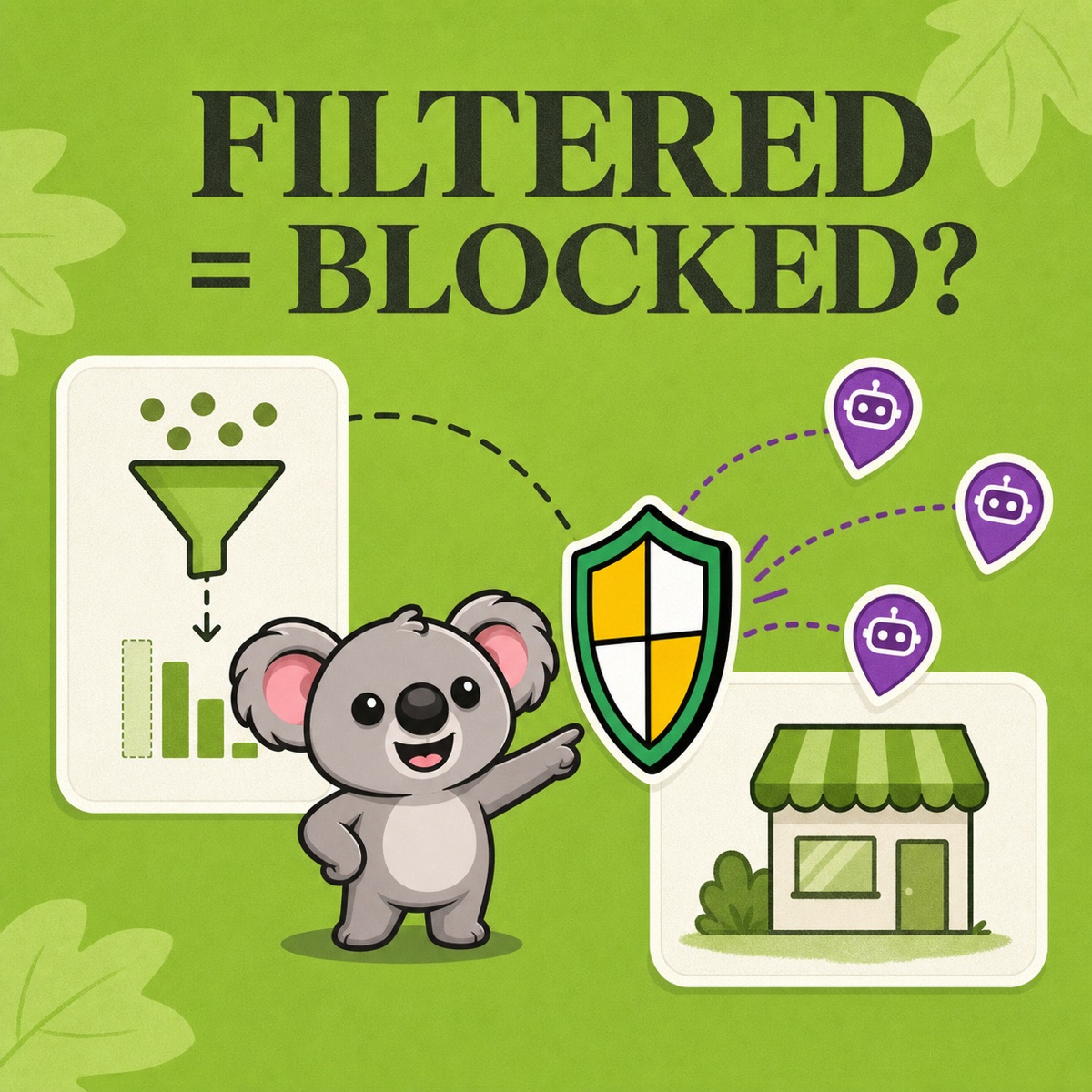
You filter a Shopify report to human sessions, the session count falls, and the conversion rate rises. Then the same unwanted traffic appears again tomorrow. The filter did not fail: it changed what the report shows, not who can reach your storefront.
That distinction matters. Shopify’s bot filter is the right tool for reading human performance more clearly. When the same bot-heavy traffic repeatedly clusters in a country you do not serve and you want it kept outside the store, the next step is a country-access rule in ShieldLeaf.
Leafy’s Quick Answer
Add Human or bot session to a sessions-related Shopify report. Use a human-only view for conversion and campaign decisions, but keep a second view that shows both groups. Filtering does not block visits. If the bot-heavy pattern is repeatedly tied to an unwanted country, use ShieldLeaf to preview and apply a focused block or redirect for that country.
What changes when you filter to human sessions
Shopify labels each online-store session as probably human or bot. In Analytics → Reports, you can add that label as a dimension or filter a report to is Human.
The visible numbers can change immediately:
- Sessions and visitor counts usually fall because automated sessions leave the view.
- Conversion rate can rise or fall because both sessions and conversion events are recalculated for the selected group.
- Campaign, referrer, landing-page, and location comparisons become easier to interpret when you are looking at likely shoppers instead of mixed traffic.
Shopify’s bot-filtering guide uses a simple example: an unfiltered report shows 1,000 sessions and a 3.5% conversion rate; separating the traffic reveals a 4% rate for human sessions and 2% for bot sessions. The store did not suddenly improve. The report exposed two groups with different behaviour.
Build two report views, not one
A human-only report is useful, but hiding bot sessions everywhere removes a clue you may need later. Save two views over the same date range:
- Human performance: filter Human or bot session to
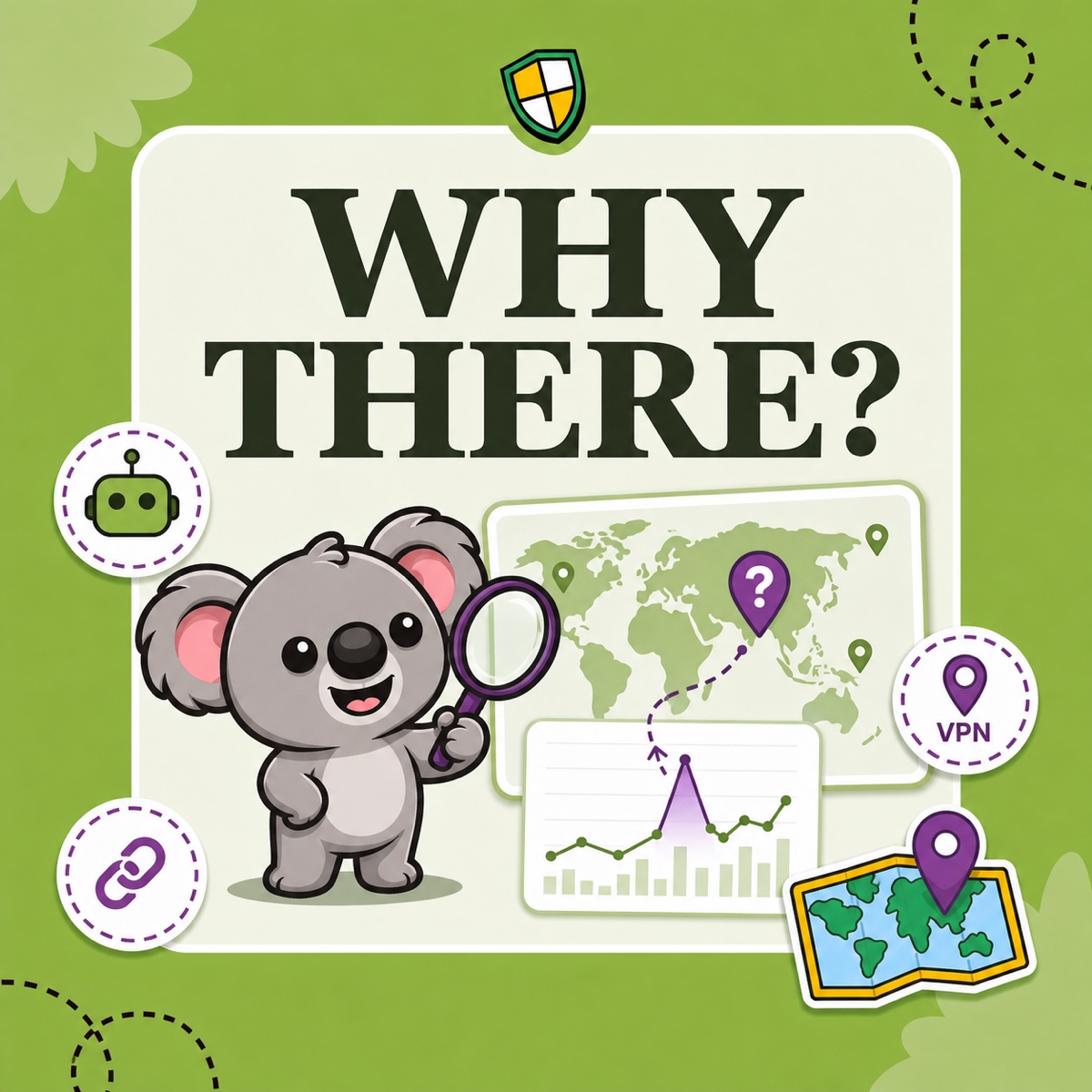
is Human. Use this view for campaign quality, product-page performance, and conversion decisions. - Traffic diagnosis: show both human and bot sessions, then add country, referrer, and landing page. Use this view to see whether automated traffic clusters around one source or region.
Shopify says its classification is deliberately conservative, so some sophisticated automation may not be identified immediately. Its filter also applies only to sessions-related metrics, only to new data from 7 October 2025, and not to Headless or Hydrogen storefronts. Do not compare a filtered period with older data as though the classification existed throughout both periods.
Different analytics products may still disagree. Shopify notes that services can define sessions, count bots, handle cookies, and use time zones differently. Treat the human-only Shopify view as a cleaner decision surface, not a universal replacement for every other tracker.
Leafy’s Watch-Out
A better-looking conversion rate is not proof that demand changed. Check whether orders, revenue, and campaign activity changed too; sometimes only the denominator became cleaner.
Filtering and blocking solve different problems
Use the report comparison to choose the outcome you actually want:
| What the evidence shows | Practical response |
|---|---|
| Bot sessions distort a report, but the traffic is harmless | Keep the storefront open and use the human-only view |
| A useful crawler or social preview service appears as automation | Keep access; review it in the diagnostic view when needed |
| Repeated bot-heavy traffic comes from a country you serve | Investigate the source before changing country access |
| Repeated unwanted traffic comes from a country you do not serve | Decide whether a focused country block or redirect should handle it |
The last case is where ShieldLeaf completes the workflow. Choose the country, decide whether visitors should see a blocked-access page or go to another URL, preview the experience, then turn protection on. The Free plan supports one active blocked country; Pro adds unlimited countries, country groups and presets, and activity logs for blocked visits.
This division keeps the decision honest: Shopify’s bot filter tells you how the traffic changes your analytics; ShieldLeaf gives you the storefront control to act when the evidence points to unwanted country access. A filter cleans the view. A country rule changes the visit.
Turn a confirmed country pattern into a focused ShieldLeaf rule.