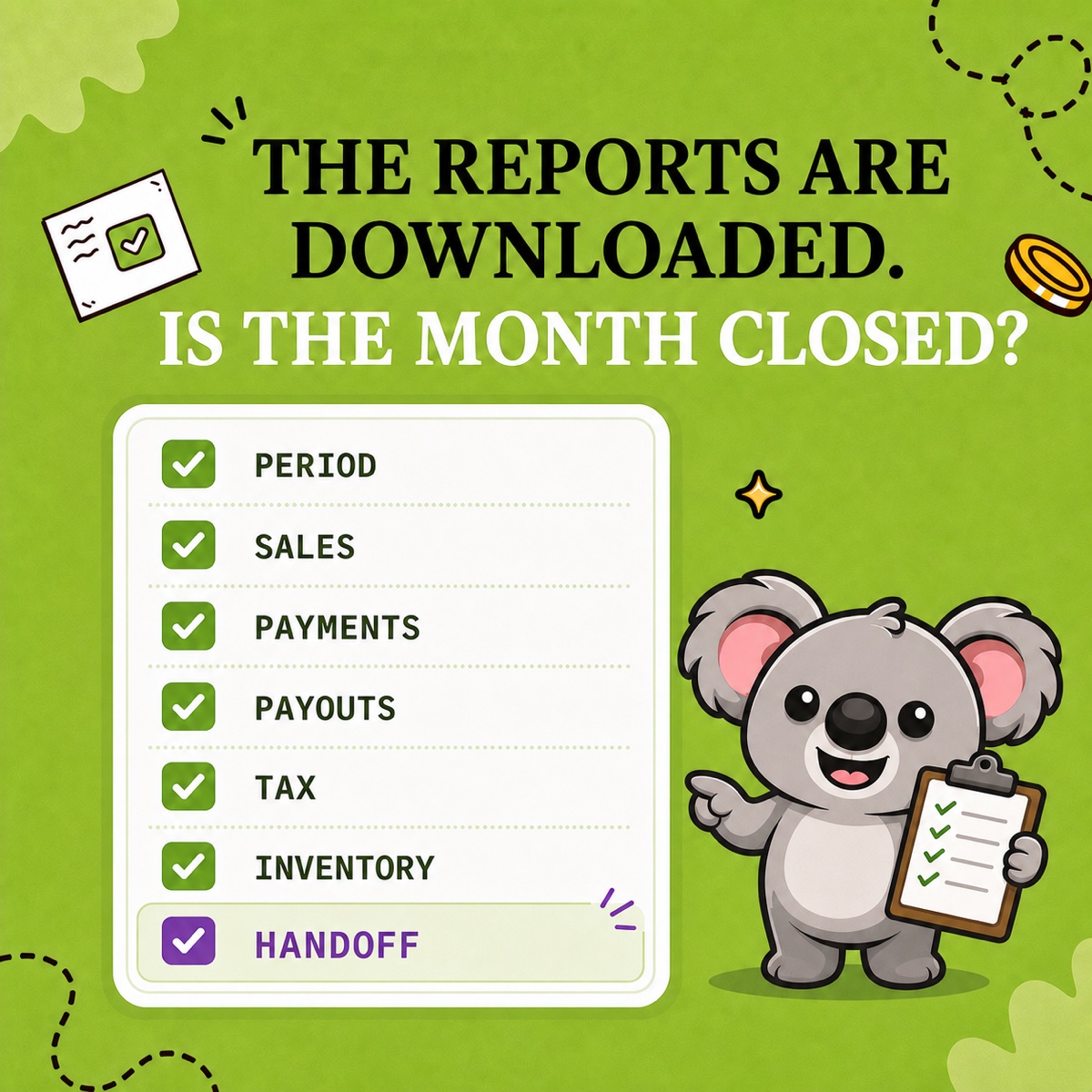
Your quarterly OSS checklist is not finished when a Shopify CSV downloads. It is finished when the country-and-rate totals tie back to transactions, refunds and corrections have a trail, the reviewed files are frozen, and both submission and payment are confirmed.
LedgerLeaf Pro keeps that close in one repeatable path: set the quarter and EU OSS scope, review VAT by country and rate, trace the detail, then export the files used for handover. The checklist below is designed to be completed with LedgerLeaf open—not reconstructed from scattered order screens afterwards.
Leafy’s Quick Answer
In LedgerLeaf Pro, lock the exact quarter, review every country and VAT rate, investigate refunds and unusual rows, and save the OSS country CSV with the supporting tax detail. Then record filing and payment as two separate completed steps.
This is operational guidance, not tax advice. Confirm your scheme, transaction treatment, filing requirements, and local portal process with the relevant authority or a qualified adviser.
First, put the real deadline in your calendar
For the Union OSS, the European Commission sets a calendar-quarter return period and a deadline at the end of the following month:
| Sales quarter | Return and payment deadline |
|---|---|
| January–March | April 30 |
| April–June | July 31 |
| July–September | October 31 |
| October–December | January 31 of the following year |
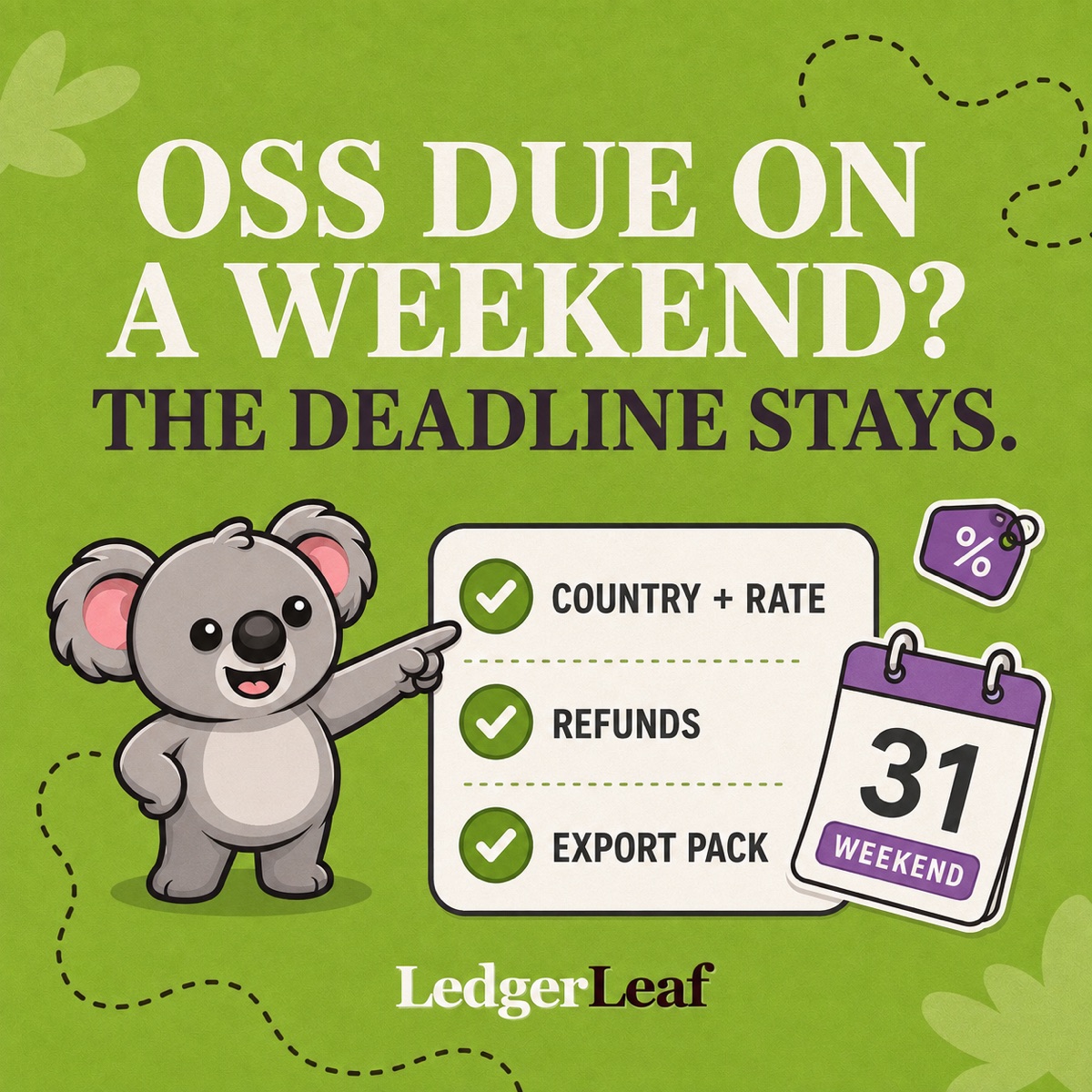
The Commission’s OSS filing guidance says the deadline does not move when it falls on a weekend or public holiday. Payment counts when it reaches the bank account of your Member State of identification, so set an earlier internal review and payment date.
Complete one LedgerLeaf quarter-close checklist
1. Confirm the boundary
- Record the quarter, OSS registration, person responsible for filing, and internal review date.
- Check that Shopify’s VAT registration settings reflect the registration you actually hold. Shopify’s EU tax setup guide shows where OSS registrations are entered.
- Note new dispatch locations, channels, or non-Shopify sales that the reviewer may need to consider.
Do not assume every sale to an EU customer belongs in the same return. The checklist starts after you and your tax adviser have confirmed the correct reporting scope.
2. Reproduce the reporting view
Open LedgerLeaf’s Taxes and VAT workspace, select the exact quarter, and apply the EU OSS scope. Record the payment-status filter and reporting currency beside the export.
Those few settings matter: they explain why the summary contains the rows it does and let the next reviewer reproduce the result instead of guessing which filters produced it.
3. Review country and rate before the grand total
Work through LedgerLeaf’s country VAT breakdown and rate views. For each destination, compare taxable sales and VAT, then flag an unfamiliar rate, unexpected country, zero-tax row, or material change from the previous quarter.
Trace each question to the underlying Shopify order through the transaction detail. The OSS return separates amounts by Member State of consumption and applicable rate; LedgerLeaf makes that country-and-rate shape the starting point of the review, rather than leaving one store-wide total to explain.
4. Give refunds and corrections their own trail
Review refunded, discounted, and edited orders before freezing the files. For an adjustment tied to a previously submitted period, keep the original order reference, original quarter, adjustment date, and reviewer note together.
The Commission says corrections to OSS periods beginning on or after 1 July 2021 are made in a subsequent return. That is why a later refund should remain traceable instead of silently changing an archived quarter.
5. Freeze one matching evidence pack
Export from the same reviewed LedgerLeaf scope:
- the OSS-by-country CSV;
- the tax report XLSX or transaction CSV;
- a short note with the quarter, filters, currency, and resolved exceptions; and
- the exact version provided to the person filing the return.
Name the folder clearly, such as 2026-Q3-OSS-reviewed, and do not overwrite it with another file called final. When someone questions a country total, the LedgerLeaf summary and its supporting Shopify transactions should still match.
Close the loop after handover
Track return submitted and payment received by the authority separately. Use the return’s unique reference number for the payment. If there were no OSS supplies and no corrections for the period, the Commission still requires a nil return.
Retain the LedgerLeaf pack with the submitted return, payment evidence, and any supporting records. EU OSS record-keeping guidance requires relevant records to remain electronically available for 10 years from the end of the transaction year.
That is the LedgerLeaf habit worth remembering: review country and rate, trace the exceptions, then freeze the evidence before filing.