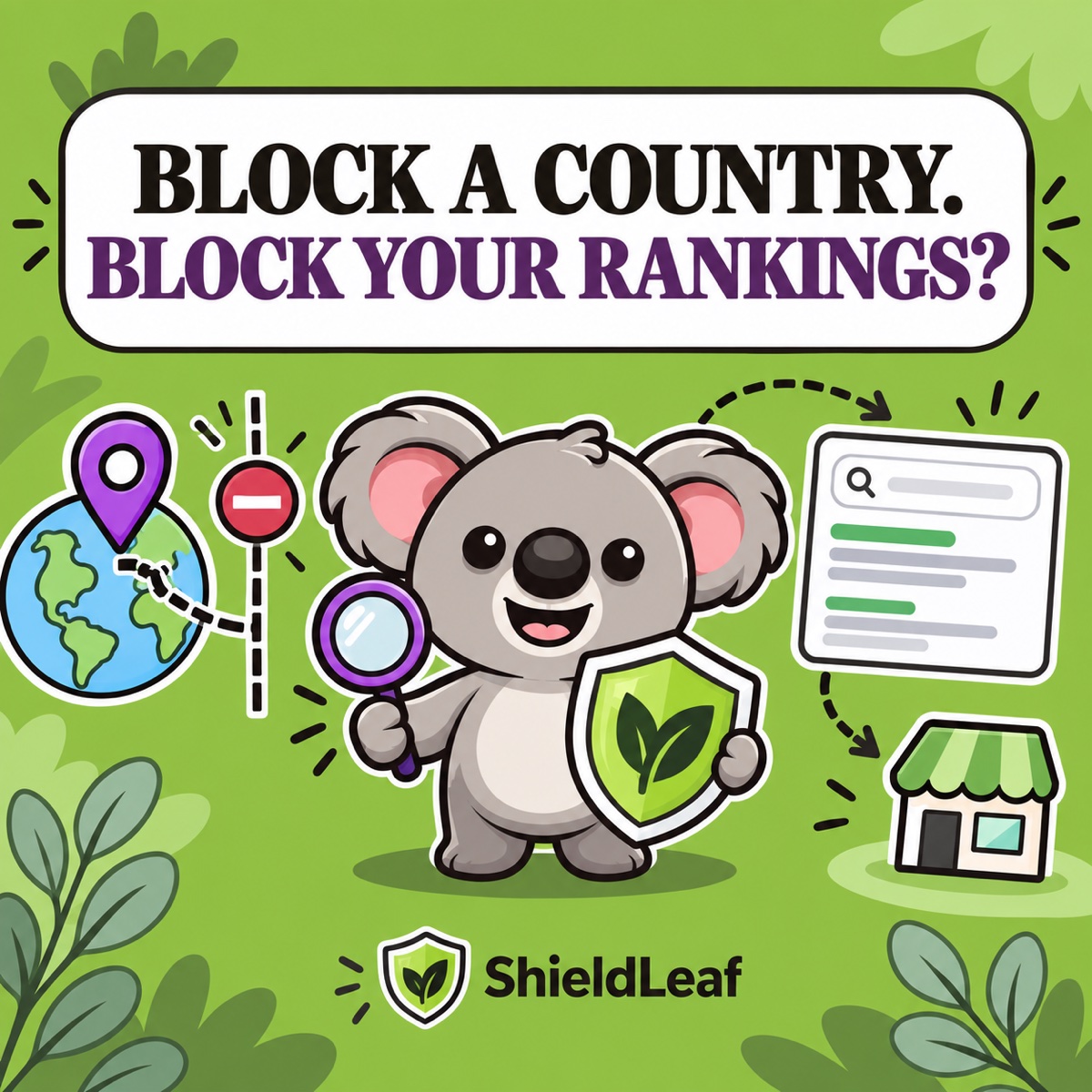
Geo-blocking can affect Shopify SEO—but it does not automatically damage the rankings of your whole store. The risk appears when a country rule keeps search crawlers from reaching pages, hides a market you still want to serve, or replaces a proper international storefront setup with one location-dependent URL.
The safer decision is narrow: use Shopify Markets to publish versions for countries you want to reach, and use ShieldLeaf only when a selected country genuinely belongs outside this storefront.
Leafy’s Quick Answer
Blocking a country is not a generic SEO penalty. It can reduce discovery in that country by design, and it can create crawling problems if the rule also blocks a crawler’s route to important pages. Keep every market you want indexed open through Shopify Markets. Use ShieldLeaf for the smaller list of countries you have deliberately chosen not to serve or welcome at this storefront.
The SEO risk depends on what the rule blocks
Google does not rank a store based on whether it has a button labelled “geo-blocking.” Search engines respond to what they can crawl and which audience each URL appears to serve.
| Your setup | Likely SEO consequence |
|---|---|
| You block a country where you do not sell, advertise, or seek organic visibility | Losing visibility there may simply match the business decision |
| You block a country that is still an active or future market | People and crawlers there can lose access to pages you still want discovered |
| A crawler reaches the store from a blocked location | Important pages might not be crawled as intended |
| You publish separate market URLs with hreflang, canonicals, and sitemaps | Search engines have explicit versions to discover and match to regions |
Google’s guidance for locale-adaptive pages says location-dependent content can leave some variations uncrawled because Googlebot commonly appears to come from the United States. It also says to treat Googlebot from a country the same way you would treat another visitor from that country.
That is why a broad “block everywhere except home” rule deserves more caution than one focused country decision.
Keep localisation and storefront blocking separate
Shopify Markets is the SEO layer for countries you want to serve. Shopify’s international SEO documentation says distinct market URLs receive automatic hreflang tags, canonical URLs, and sitemap entries. Its automatic country redirection applies to customers while excluding known search engine crawlers, so crawlers can request each market URL directly.
ShieldLeaf has a different job. It turns a storefront-access decision into a readable country rule: choose the country, choose a blocked-access page or useful redirect, preview the experience, and then turn protection on. It is not a replacement for localised URLs or Shopify Markets.
The distinction is memorable: Markets tells search engines which storefront belongs to a region. ShieldLeaf tells unwanted regional traffic that this storefront is not its destination.
Turn the SEO policy into a ShieldLeaf rule
ShieldLeaf makes the scope visible instead of turning the rest of the world into one vague wall. Build the rule in this order:
- Decide whether the country belongs in your search audience. If you want customers or organic visibility there now—or expect to soon—stop and keep access open through the correct Shopify Market.
- Open Protection and choose only the country outside your storefront policy. One odd visit is not enough; use a country that is consistently unserved or unwanted.
- Choose the ShieldLeaf outcome. Use a redirect only for a real regional store, distributor, or availability page. Otherwise, use a clear blocked-access page.
- Preview the complete experience. Check the message or destination and confirm allowed countries still browse normally.
- Enable the app embed, turn protection on, and review new activity. Start with the smallest rule that matches the decision, then verify the result before adding more countries.
That workflow is why ShieldLeaf is the practical control for this decision: the selected country, visitor outcome, and pre-launch preview stay together in one readable rule. The Free plan supports one active blocked country; Pro adds unlimited countries, groups and presets, plus blocked-visit activity logs.
Check the result after launch
After the rule is live, inspect a few important product and collection URLs in Google Search Console, watch performance in the countries you still serve, and test the storefront from both an allowed location and ShieldLeaf’s preview. Do not judge the rule by whether blocked visits disappear from Shopify Analytics; a visit can be recorded before the storefront applies its blocked page or redirect.
If an important market loses access, narrow or remove the rule. If allowed markets remain crawlable and the selected country receives the intended ShieldLeaf outcome, the access boundary is doing the job you chose for it.