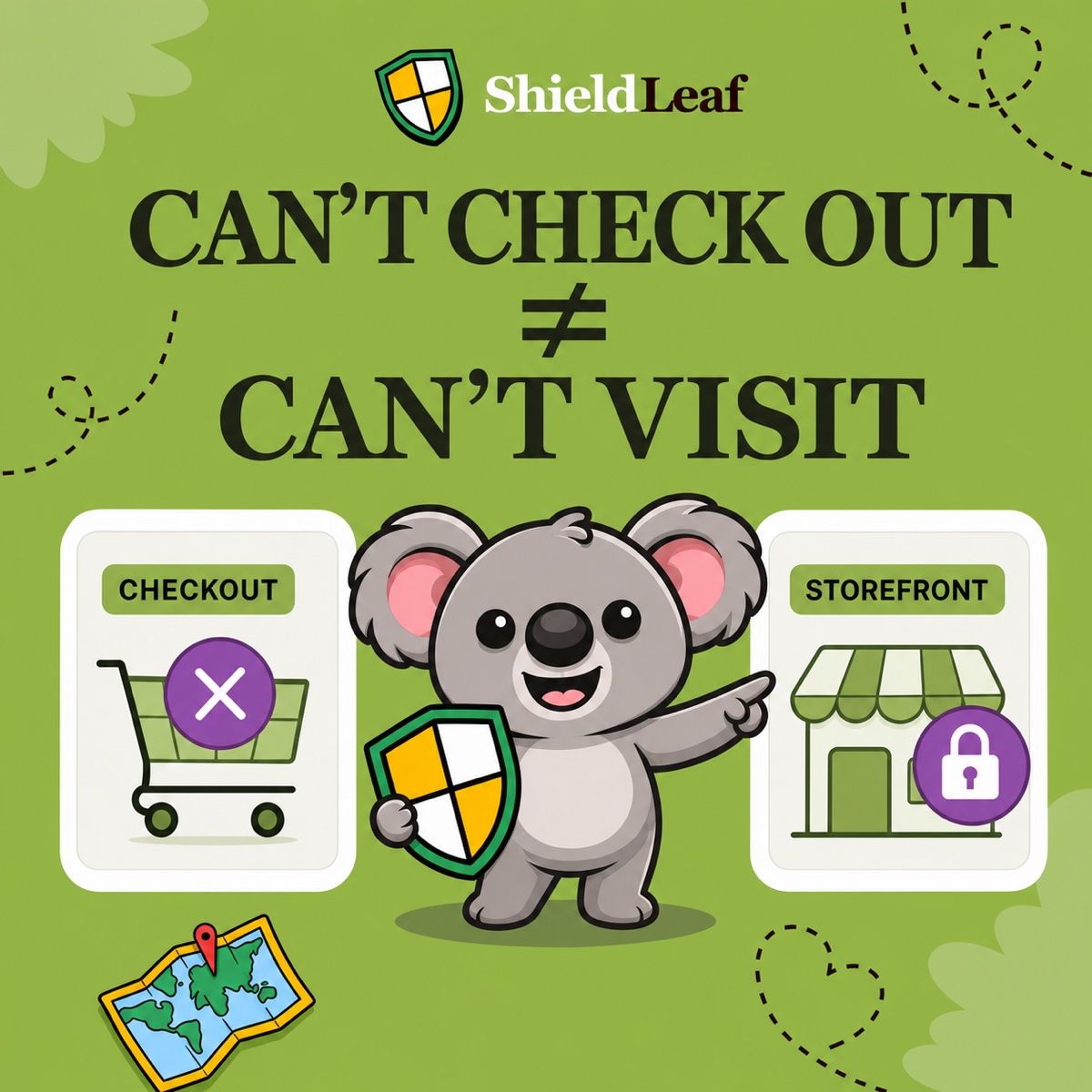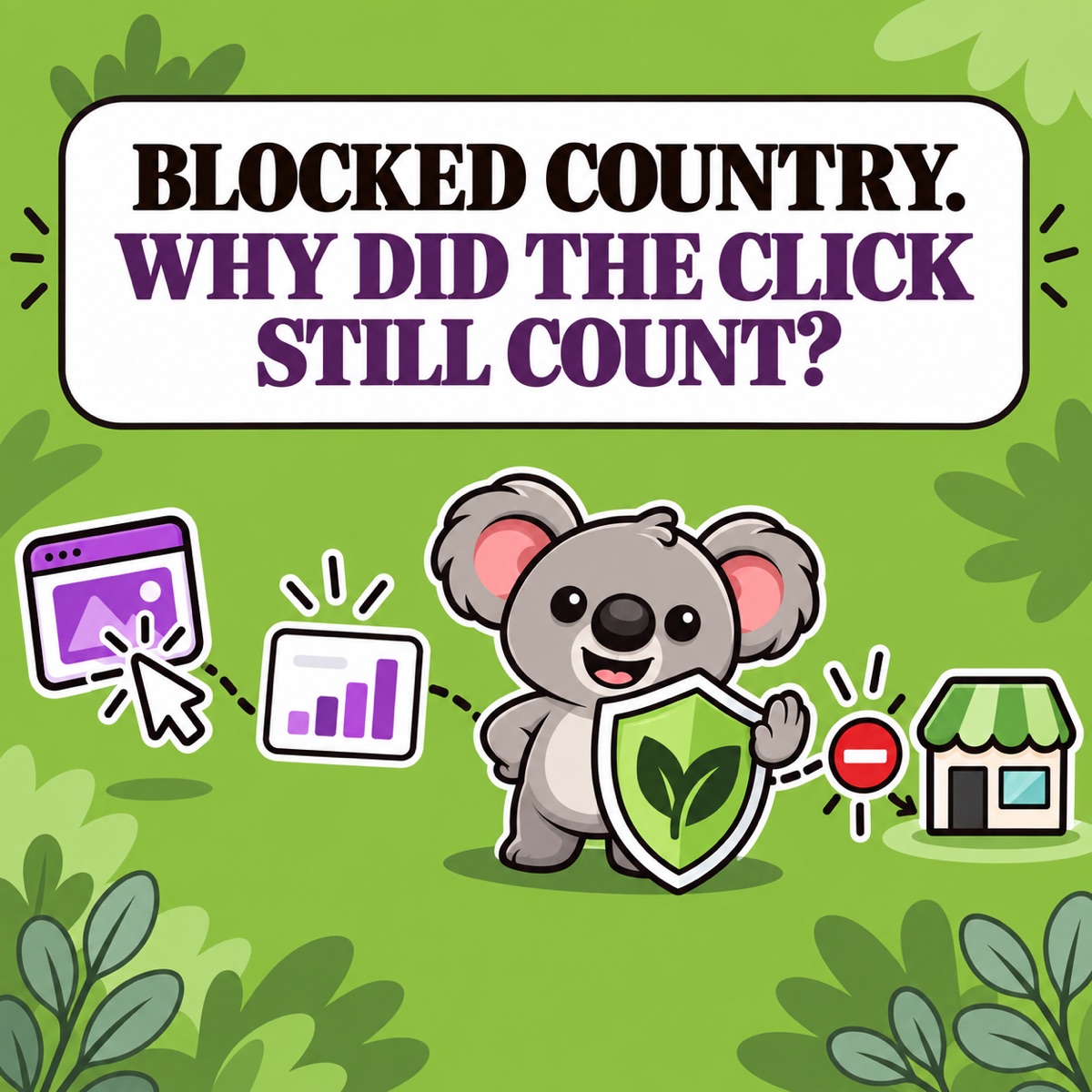
Country blocking protects advertising and analytics data by stopping unwanted regional traffic before it can keep browsing and generate deeper storefront events. It cannot erase an ad click or first page view that was already recorded, but it prevents that arrival from becoming a trail of product views, searches, clicks, and cart actions.
That distinction matters because your advertising data should describe potential customers—not visitors from countries you do not serve or bots repeatedly crawling the store. When that traffic browses normally, pixels and reports can mistake activity for buying intent.
For Shopify merchants, ShieldLeaf is the enforcement layer. Choose the countries causing the problem, and matching traffic receives a blocked-access page or redirect instead of continuing through the normal storefront.
Leafy’s Quick Answer
A blocked visitor may still leave one arrival signal, but country blocking stops the deeper behaviour that causes more damage to pixels, audiences, and analytics. ShieldLeaf applies that boundary at the storefront: the selected visitor sees a blocked page or redirect and cannot continue through products, search, and cart.
Why unwanted regional traffic damages the signal
Shopify describes web pixels as tools that collect customer events. Advertising and analytics platforms can use those events to measure campaigns, build audiences, and help merchants decide what deserves more budget.
A pixel records activity; it does not decide whether the visitor is commercially relevant. A scraper viewing 200 products is not showing purchase intent. A visitor from a country you cannot serve should not shape retargeting audiences like an eligible customer. Repeated unwanted activity can make traffic rise while conversion quality appears to fall.
Without a boundary, unwanted traffic can contribute:
- product and collection views that never represented demand;
- searches and button clicks generated by bots or scrapers;
- retargeting audiences containing people who cannot buy;
- inflated traffic without corresponding customer intent; and
- funnel and campaign reports that are harder to trust.
Where country blocking changes the data trail
ShieldLeaf gives selected-country traffic a hard boundary:
- The visitor reaches your store.
- ShieldLeaf checks the visitor against your active country rule.
- A match receives your blocked-access page or redirect.
- The visitor does not continue into collections, products, search, cart, or the rest of the normal storefront.
That fourth step is the protection. It prevents one unwanted arrival from becoming a long series of misleading storefront interactions and pixel events.
| Signal | Before the country rule | After the country rule matches |
|---|---|---|
| Ad click | The platform can count the click | The existing click remains; the storefront journey stops |
| First session or page view | The arrival can appear in reports | The arrival may remain without becoming normal browsing |
| Product, search, and cart activity | The visitor can generate deeper events | The visitor cannot continue through those actions |
| Retargeting audiences | Irrelevant browsing can look like interest | The blocked journey does not create the same intent trail |
| Funnel analysis | Repeated non-buying activity muddies the picture | Downstream behaviour better reflects admitted traffic |
Country blocking is therefore preventive rather than corrective. It protects new data by stopping the activity that would create more noise; it does not rewrite historical reports.
Why ad targeting alone leaves a gap
Campaign exclusions should be your first control for paid traffic. Google Ads, for example, provides location exclusions to stop ads from showing in places where the offer is unavailable.
Campaign targeting cannot protect the storefront by itself. Unwanted visitors can still arrive through direct links, referrals, bots, scrapers, old campaigns, shared URLs, or targeting mistakes. ShieldLeaf applies the country decision at the store regardless of which route produced the visit.
The useful combination is simple: campaign exclusions reduce the wrong paid clicks; ShieldLeaf prevents unwanted arrivals from interacting with the storefront and its tracking.
How to protect the data with ShieldLeaf
Use Shopify’s acquisition reports to identify a repeated country pattern, then confirm that the country is genuinely outside your audience. Do not block a useful market because of one unusual row.
Then turn that evidence into a storefront rule:
- Select the unwanted country.
- Choose a blocked-access page or a useful redirect.
- Preview the experience before affecting real visitors.
- Turn protection on.
- Review blocked activity and compare arrivals with deeper storefront events.
The ShieldLeaf Free plan protects one active country. Pro adds unlimited blocked countries, country groups and presets, and activity logs for blocked visits. Normal setup uses Shopify’s app embed, so it does not require editing theme code.
Preview the experience before affecting real visitors. After activation, Pro activity logs provide direct evidence that the rule is matching live traffic.
How to judge whether the protection is working
Do not use “zero sessions” as the success test. An ad platform may count a click before the visitor reaches Shopify, and the first storefront request can create an early signal.
Instead, compare the selected country’s arrivals with its deeper activity after the rule goes live. Look for the outcome country blocking is designed to produce:
- the blocked experience appears correctly in preview;
- activity logs confirm that live visits matched the rule;
- unwanted visitors stop progressing through products, search, and cart; and
- repeated downstream events no longer accumulate through the normal journey.
That is the memorable connection: ShieldLeaf stops unwanted regional traffic before one arrival becomes a stream of bad advertising and analytics signals.
Protect your storefront, pixels, and advertising data with ShieldLeaf.