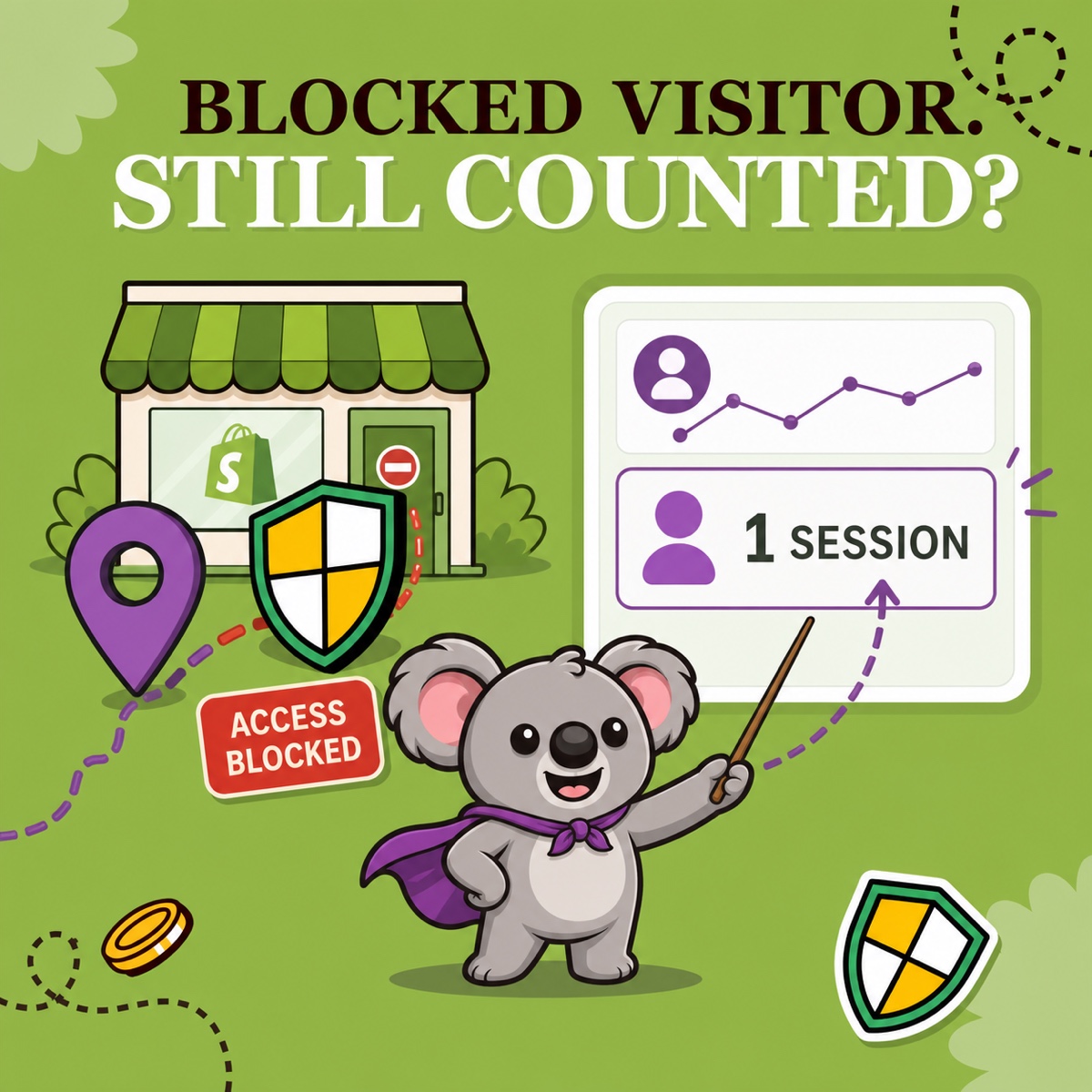
You switch on country blocking, confirm that the blocked page appears, then check Shopify Analytics and still see a session from that country. That does not automatically mean the rule failed. Storefront access and analytics recording are separate outcomes.
ShieldLeaf handles what happens next for a matched visitor: see a blocked-access page or be redirected. Shopify can still record that a visit reached the storefront. The right test is therefore not “has the country disappeared from Analytics?” but “did ShieldLeaf deliver the intended visitor experience?”
Leafy’s Quick Answer
A blocked visitor can appear in Shopify Analytics because the visit reaches Shopify before the storefront can show a blocked page or redirect. Verify the rule with ShieldLeaf’s preview and, when your plan includes it, blocked-visit activity—not by expecting Shopify to erase the session.
A recorded session is not proof of storefront access
Shopify’s acquisition-report guidance says sessions and visitors are cookie-based. A session records activity associated with a visit; it does not certify that the visitor successfully browsed products, added to cart, or reached checkout.
ShieldLeaf uses Shopify’s app-embed model. The storefront request reaches Shopify, then the embed checks the country rule in the page head and applies the selected outcome. If the country matches, ShieldLeaf keeps the storefront content out of view and shows the blocked-access page or sends the visitor to the configured redirect.
That sequence explains the apparent contradiction: Shopify can count the visit while ShieldLeaf still prevents the visitor from browsing the storefront. Country blocking changes access; it does not rewrite Shopify’s analytics history.
Read each record for what it proves
| Evidence | What it tells you |
|---|---|
| A session in Shopify Analytics | Shopify recorded session-related activity from that location |
| ShieldLeaf preview | The blocked page or redirect is configured as intended |
| ShieldLeaf blocked-visit activity | The live country rule matched and handled a visit |
| The actual visitor experience | The storefront was hidden behind the blocked page or the visitor was redirected |
This is why the ShieldLeaf evidence matters. Shopify Analytics is built to report traffic; ShieldLeaf’s preview and activity review are built to confirm the country-access outcome. One is not a substitute for the other.
How to check that the block worked
- Check that the app embed is enabled in the published Shopify theme.
- Open ShieldLeaf’s preview for the selected country and check the complete blocked page or redirect.
- Turn protection on and confirm that the country remains in the active rule.
- Check recent blocked activity if your plan includes activity logs. Check the country and whether ShieldLeaf showed the blocked page or redirected the visit.
- Compare only new traffic after activation. Sessions recorded before the rule went live remain historical data.
- Test an allowed country too so you know the storefront still opens normally where it should.
If Shopify shows a new visit but ShieldLeaf records the matching blocked action and the visitor received the blocked outcome, the rule worked. The analytics row is evidence that traffic arrived—not that access continued.
Leafy’s Watch-Out
A country rule and Shopify’s bot filter answer different questions. A visitor can be blocked because of location whether Shopify labels the session human or bot. Do not treat “blocked” and “bot” as synonyms.
Clarify the report without confusing it with the block
If automated sessions are also making performance harder to read, add Shopify’s Human or bot session dimension to a sessions-related report. Shopify’s bot-filtering documentation says the classification is deliberately conservative, applies only to sessions-related metrics, and cannot retroactively classify data from before 7 October 2025.
Use that filter for a clearer view of human performance. Use ShieldLeaf for the separate decision that a selected country should not browse the storefront. The memorable distinction is simple: Shopify reports that the traffic arrived; ShieldLeaf shows how the unwanted regional visit was handled.
ShieldLeaf lets you choose a blocked-access page or redirect, preview the experience before launch, and review blocked traffic activity. The Free plan supports one active country; Pro adds unlimited countries, groups and presets, plus activity logs for blocked visits.