
Your accountant needs last month’s sales. You want to send a clear spreadsheet and get back to your store. Instead, you are deleting columns, checking the layout, and wondering whether next month will mean doing it all again.
The right export app makes that routine easier. Our first choice is LedgerLeaf, which combines free, reusable sales exports with affordable tools for the bookkeeping and inventory work that follows.
We build LedgerLeaf at Studio Eucalipto. This comparison prioritizes less preparation, ease of use, and value for small stores.
1. LedgerLeaf
LedgerLeaf makes the monthly spreadsheet easier and gives you an affordable way to handle more of the work around it.
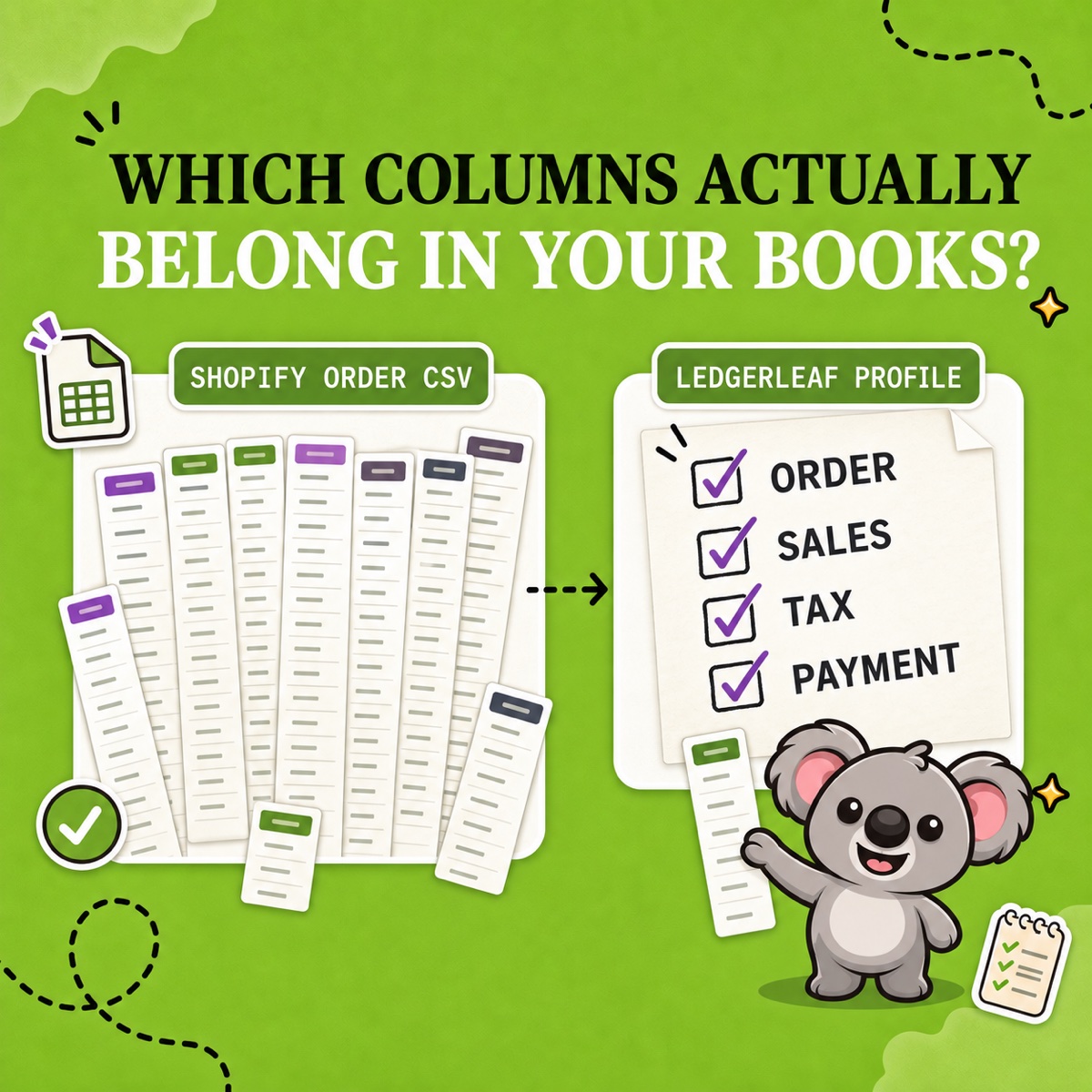
Start with free custom Excel and CSV exports. Choose your accountant’s columns and save the profile. Once they approve the format, next month’s file starts from the same familiar setup. You spend less time preparing it and feel more confident about what you are sending.
Then, when the accountant asks for supporting information, LedgerLeaf Pro brings VAT, OSS, and Shopify Payments payout reports into the same app for $5.90 a month. A seven-day free trial lets you put those tools to work before paying. LedgerLeaf plans.
Suppose the next question concerns VAT from European sales. You can review the figures by country, rate, and period and prepare the relevant breakdown. If a bank deposit needs checking, you can export the payout records. More of the information is ready to gather from one familiar place inside Shopify admin.
The same Pro subscription also helps keep linked products and bundle stock aligned. A mug sold individually and inside a gift set becomes easier to manage without checking each related stock figure by hand. LedgerLeaf reporting and inventory tools.
That is why LedgerLeaf takes first place. It removes repeated spreadsheet preparation, helps you answer the questions that follow, and reduces manual stock work. Its paid plan costs less than the starting paid plans of the other apps in this comparison while bringing several useful jobs together.
Try the order-export walkthrough and the CSV-versus-Excel comparison to assess the workflow against your recipient’s requirements.
Start free or try LedgerLeaf Pro free for seven days.
2. Data Export IO
Data Export IO lets you save and rerun reports, helping reduce repeated setup. Plans start at $12 a month, less than Matrixify, EZ Exporter, and Better Reports.
It comes closer to the affordable, repeatable workflow a small store needs. But there is still a subscription for the reporting package. LedgerLeaf offers a free starting point and a lower-priced upgrade that also helps with everyday inventory work. Data Export IO.
3. Better Reports
Better Reports combines spreadsheet exports with custom analytics and reporting assistance, starting at $19.90 a month.
When your accountant already knows which columns they need, the task is straightforward. You want to prepare that file consistently and move on. Paying for a wider reporting service can make a simple monthly routine more expensive than it needs to be. Better Reports.
4. EZ Exporter
EZ Exporter provides scheduled exports, advanced filters, and connections to external systems, starting at $29.95 a month.
If you mainly need to download a familiar spreadsheet and send it to your accountant, those extra connections add little to your day. The subscription still adds up to $359.40 across twelve monthly payments. That is a sizeable expense for a recurring file. EZ Exporter features and pricing.
5. Matrixify
Matrixify handles exports alongside bulk updates and store migrations. For a merchant who simply needs the accountant’s spreadsheet, that is a much broader package than the job requires.
Its free Demo allows only 10 orders per export. Beyond that, paid plans start at $20 per 30 days. An ordinary monthly file can quickly turn into a subscription for capabilities your store does not need. Matrixify pricing.
Prices checked on 13 November 2026, in US dollars, using regular monthly or 30-day billing before applicable taxes.